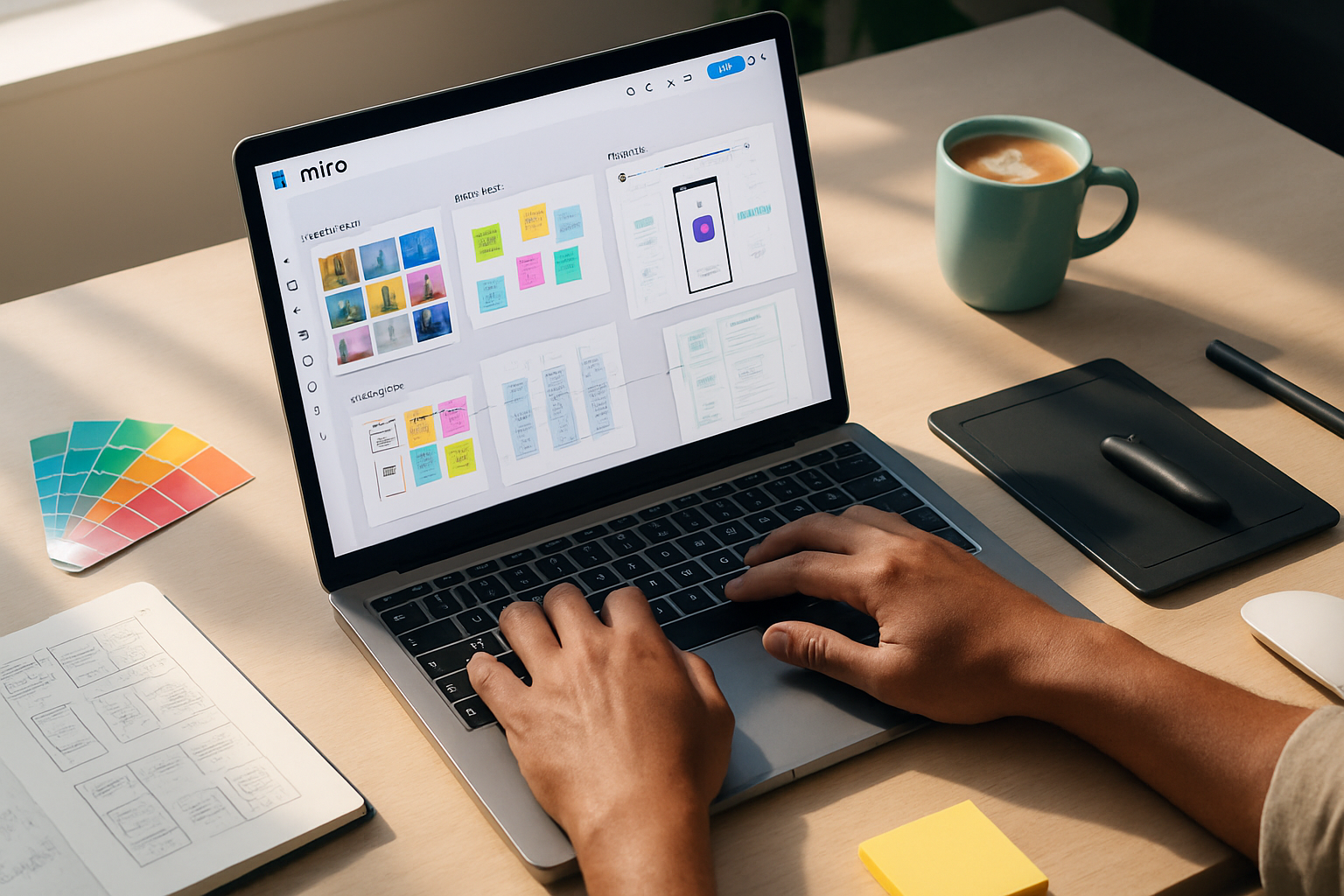
Making the Most of Miro for Non-Designers: Tips and Tricks
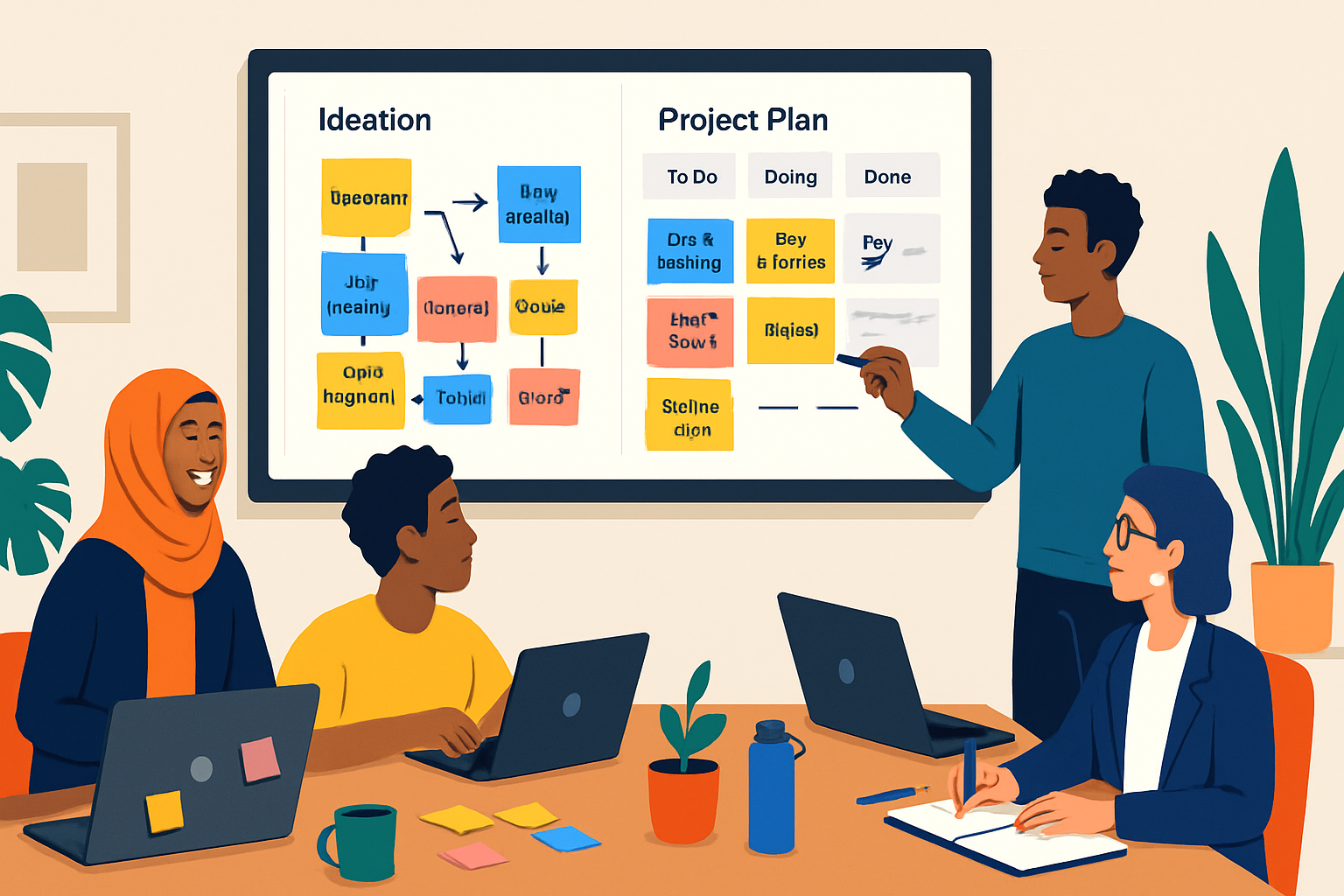
Practical, non-designers' guide to using Miro for brainstorming, running meetings, and managing projects - with workflows, templates, and actionable tips you can apply today.

Practical, non-designers' guide to using Miro for brainstorming, running meetings, and managing projects - with workflows, templates, and actionable tips you can apply today.

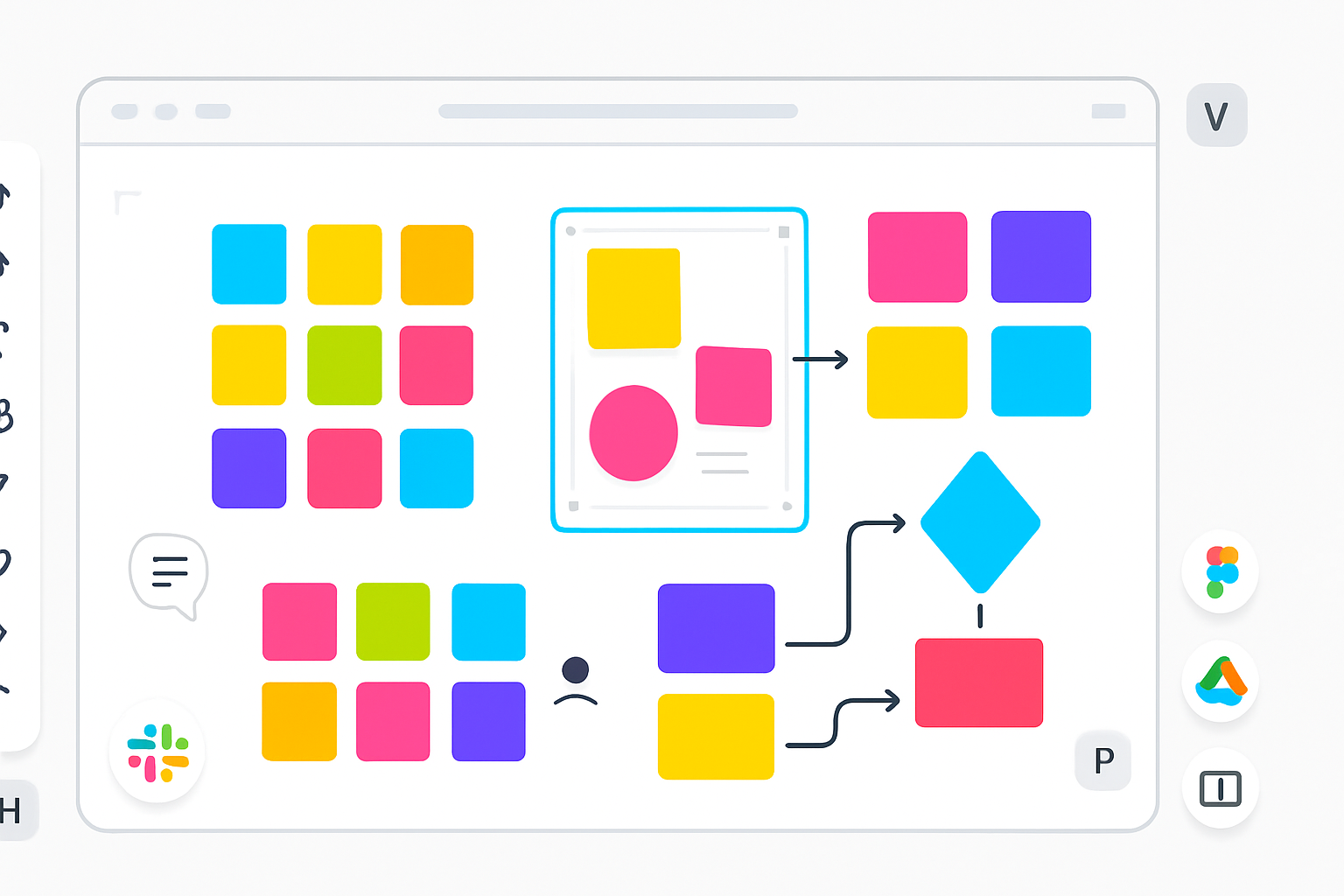
Five practical, actionable strategies that show how FigJam’s tight Figma integration, widgets, facilitation tools, and lightweight structure can accelerate creative-team collaboration compared to Miro or Lucidspark.

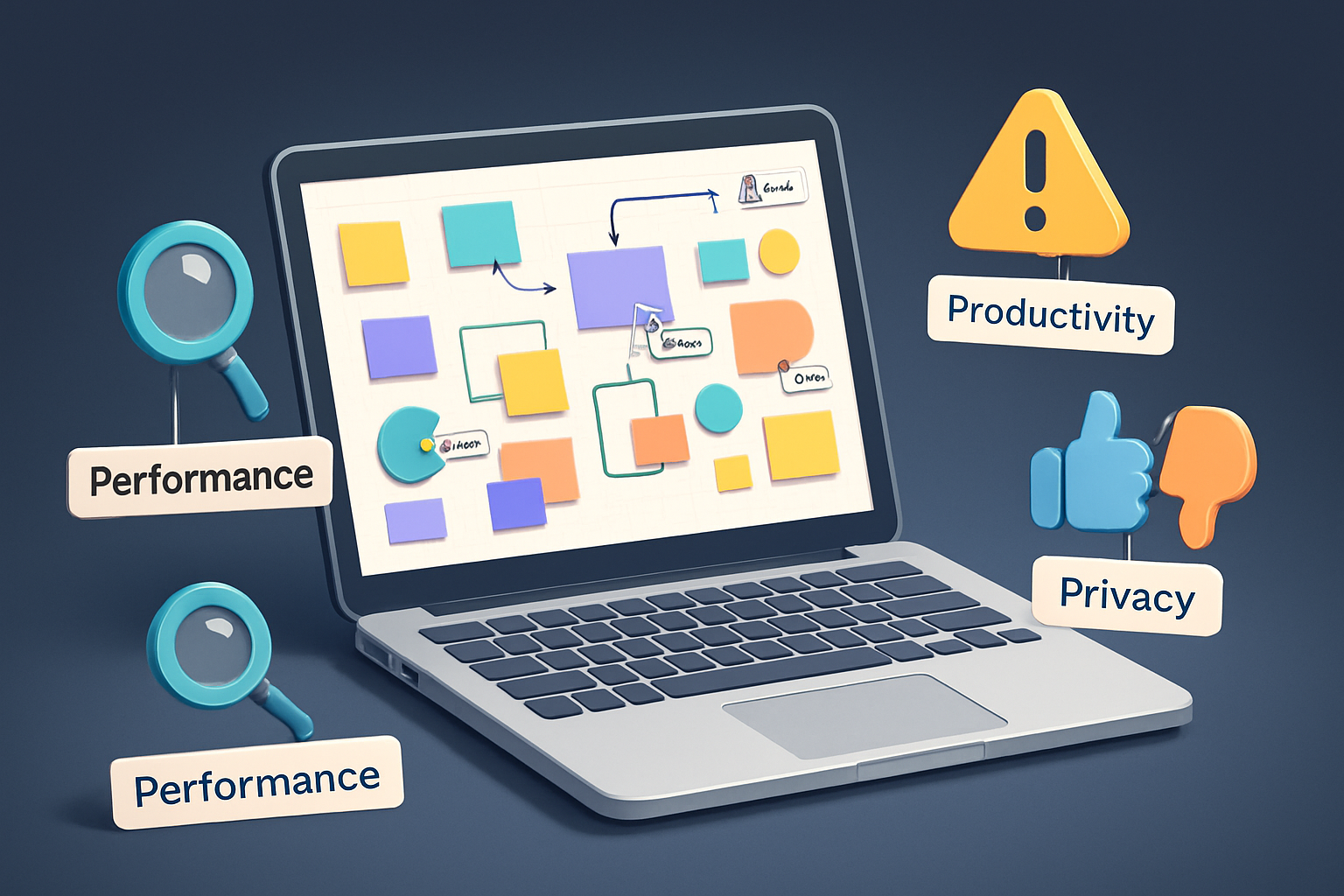
A practical guide that uncovers Miro features people love - and secretly dislike. Learn the real pros, cons, privacy and performance trade-offs, and how to decide when to use (or avoid) each feature.

Miro is powerful - but not universally fit. This article explains clear situations where Miro can hinder teams, the common frustrations people run into, practical mitigations, and better-suited alternatives for specific teams.

A practical comparison showing why Miro and similar digital whiteboards outperform physical whiteboards for modern teams - especially remote and hybrid - across accessibility, collaboration, and total cost of ownership.

Discover 10 lesser-known Miro features - hidden shortcuts, auto-layout tricks, smart integrations and more - that will speed up your workflows and make your boards feel effortless.

Discover 10 lesser-known Miro features - from bulk sticky-note creation and Smart Drawing to the Board Outline, Card View, facilitation tools and the Developer API - that will streamline workshops, speed up workflows, and level up team collaboration.
Explores how collaborative web apps transform group projects and peer-to-peer learning across K–12, higher education, and blended settings - covering pedagogy, key features, practical use cases, implementation best practices, challenges, and evaluation strategies.