· productivity · 1 min read
Controversial Miro Features: What They Don’t Want You to Know
A practical guide that uncovers Miro features people love - and secretly dislike. Learn the real pros, cons, privacy and performance trade-offs, and how to decide when to use (or avoid) each feature.

Outcome first: read this and you’ll know exactly which Miro features to embrace, which to treat with caution, and how to use them without sabotaging your meetings, security, or team flow.
This post pulls back the curtain on the Miro features people either rave about or quietly avoid. You’ll get the practical trade-offs, real-world tips, and clear decision rules so you can use Miro more intentionally - not just by habit.
Why this matters
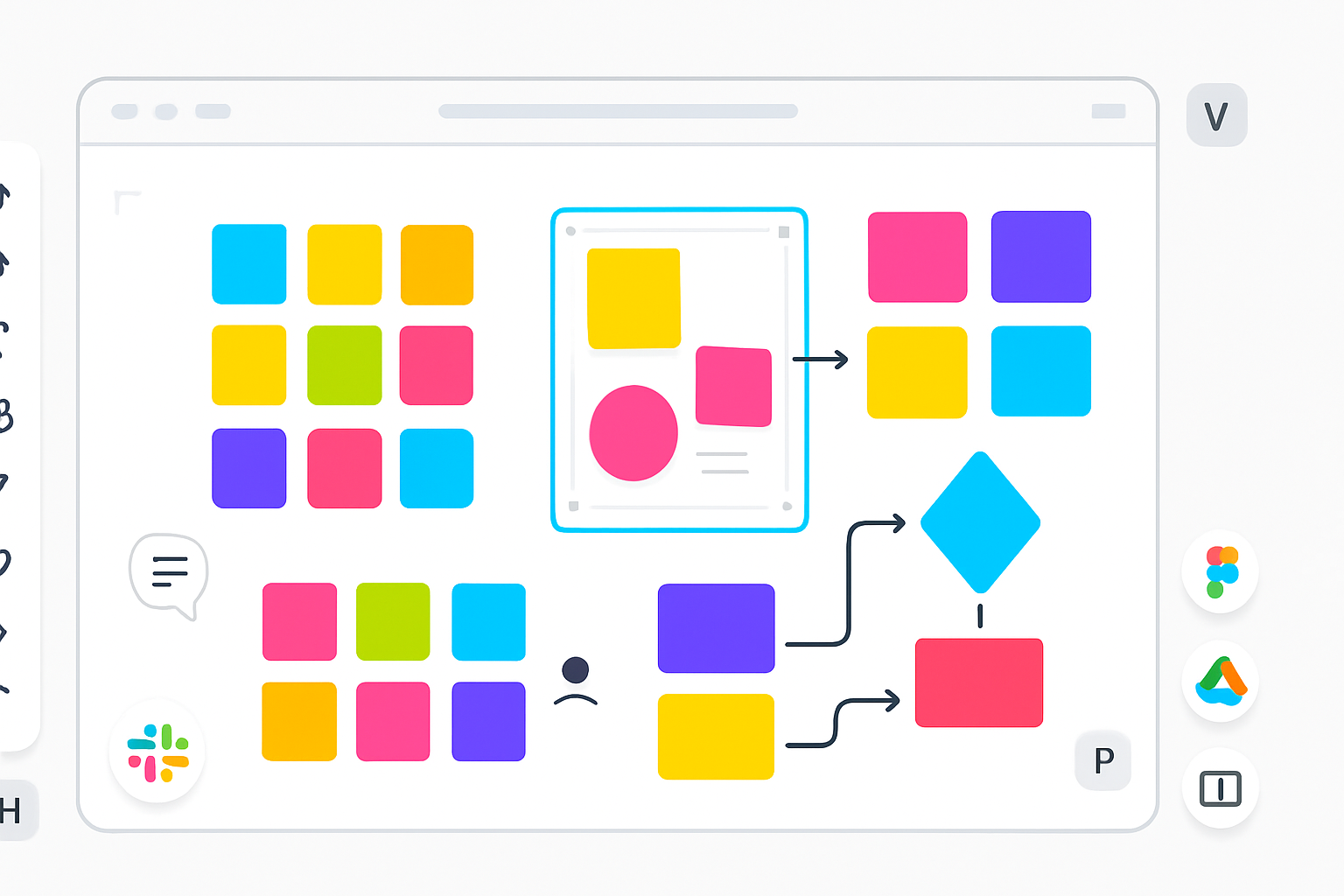
You’ve probably used Miro for a workshop, sprint, or backlog planning. It’s easy to add everything to the board - sticky notes, frames, timers, votes, icons, integrations, AI-generated content - but more is not always better. Some features accelerate creativity. Others create noise, privacy risk, or performance pain.
Read on to learn which features are controversial, why they trigger strong reactions, and exactly when to enable them - or disable them.
1) Infinite Canvas: liberating - and chaotic
Pros
- Endless space encourages freeform ideation and non-linear thinking.
- Great for cross-team roadmaps, user journeys, and complex systems diagrams.
- Easy to expand a session without running out of