· business · 7 min read
Beyond the Basics: Advanced Mailchimp Tips to Skyrocket Your Email Engagement
Advance your Mailchimp practice with lesser-known segmentation tactics, multivariate testing, goal-driven automations, and deliverability best practices that lift opens and clicks.

Why move beyond standard campaigns?
Most email programs rely on a single weekly newsletter and the occasional promo blast. That approach leaves a lot of engagement on the table. Advanced Mailchimp techniques-smart segmentation, multivariate testing, goal-based automations, and deliverability hygiene-turn routine sends into targeted, measurable revenue drivers.
Below you’ll find tactical, ready-to-apply strategies and workflows that go beyond basic settings and can materially improve open and click-through rates.
1) Rethink your audience architecture: one audience, smarter segments
Many brands create multiple Mailchimp audiences for different lists. That multiplies costs and fragments subscriber data.
Best practice:
- Maintain a single audience and use tags, groups, and segments to organize contacts.
- Use custom fields (merge tags) for important attributes (e.g., purchase frequency, onboarding date, preferred category).
Why: Segments built from a single, unified dataset allow you to combine behaviors, demographics, and purchase data for razor-sharp targeting.
Actionable example:
- Create a segment for “High-LTV but low last-30-day engagement”:
- Purchase Total (merge field) greater than $500
- Last Purchase Date is more than 30 days ago
- Email Activity is Opens less than 3 in last 90 days
Use that segment for a tailored re-engagement flow with incentive + personalized product recommendations.
Reference: Mailchimp’s audience guidance and segmentation docs: https://mailchimp.com/help/segmentation-and-tags/ and https://mailchimp.com/help/about-audience/
2) Replace blunt A/B testing with multivariate and lift testing
Many teams A/B test only subject lines. Go deeper:
- Multivariate testing - test subject lines + preheader + content block + CTA color as combined variants (Mailchimp supports A/B tests and can be used to approximate multivariate tests by testing a handful of well-designed variants).
- Holdout (control) groups and lift testing - include a holdout (e.g., 10%) that receives no marketing messages for a period to measure true incremental impact.
Practical testing plan (4-week example):
- Hypothesis - Short, benefit-driven subjects + first-name personalization increase CTOR vs baseline.
- Variants - A) Short benefit line, B) Short benefit + first name, C) Long descriptive line, D) Control (current best performer).
- Holdout - 10% of list receives no campaign during the test window.
- Success metrics - Revenue per recipient (RPR), click-to-open rate (CTOR), and incremental revenue vs holdout.
Reference: https://mailchimp.com/help/about-a-b-testing/
3) Use predicted data & behavioral scoring to prioritize sends
Mailchimp provides predictive features (e.g., predicted demographics, purchase propensity, or predicted lifetime value depending on plan). Combine these with behavioral scoring:
- Create a composite engagement score - recency (opens/clicks), frequency (sends received), monetary (purchase value), and product affinity.
- Use the score to gate campaign frequency. For example, only send promotional blasts to contacts with score >= threshold; route lower-score contacts to low-frequency nurture streams.
How to operationalize:
- Create a daily automation that updates a custom field “Engagement Score” via Zapier or your backend using email activity webhooks.
- Use that field to build audiences for high-impact sends.
Reference: https://mailchimp.com/features/predictive-demographics/
4) Build goal-based Customer Journeys with branching splits
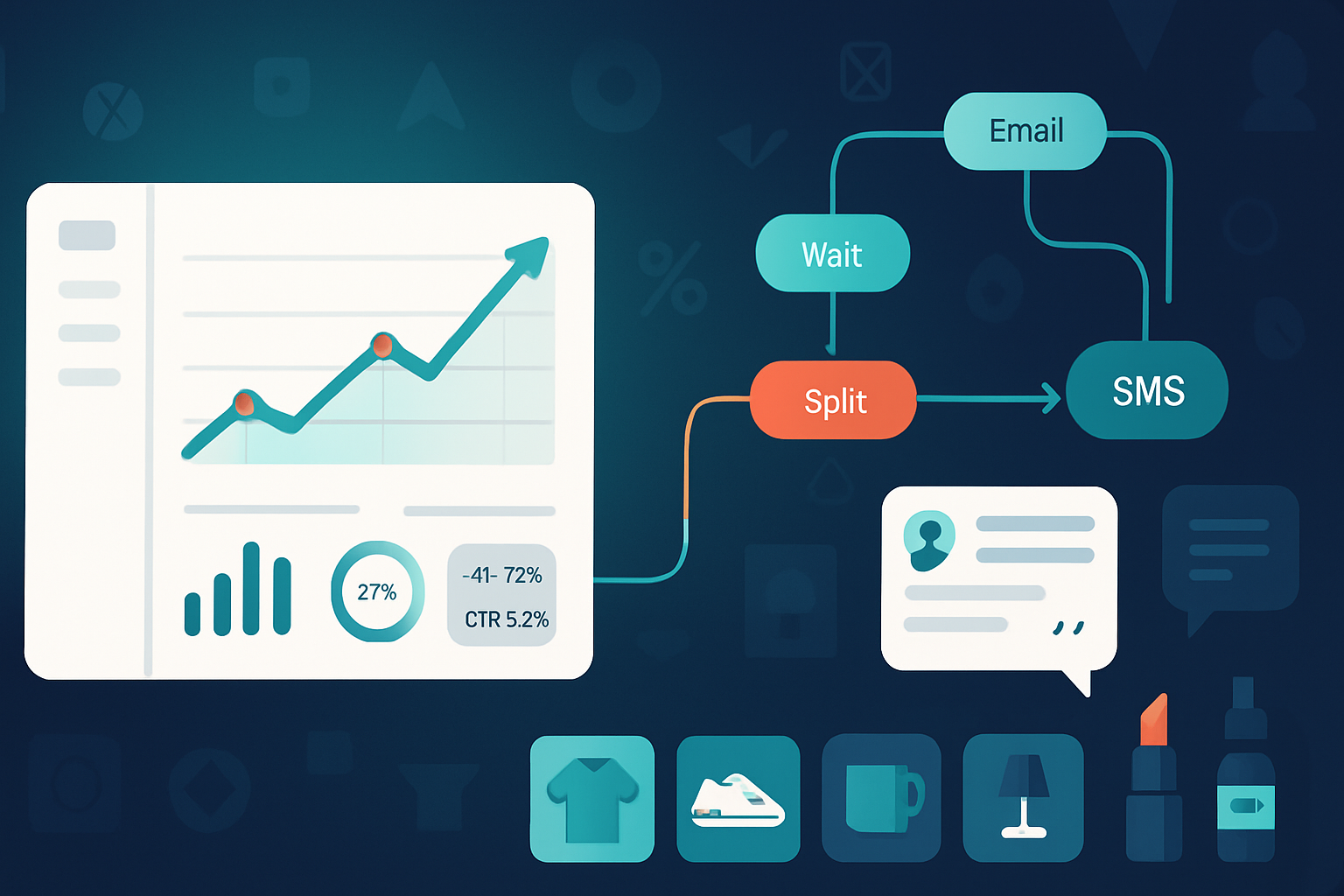
Instead of linear automations, design goal-based journeys with conditional branching and wait-splits that adapt to behavior.
Example: Post-purchase journey that increases repurchase rate
- Trigger - Purchase completed.
- Send - Thank-you email with order details (Day 0).
- Wait 5 days -> If product viewed (site event) or review left -> send cross-sell (Day 5). Else -> send education content + how-to (Day 7).
- Goal - Next purchase within 30 days. If goal achieved, enter VIP journey. If not, send special offer at Day 21.
Tips:
- Use event data (e.g., product page visits via e-commerce integration) to branch.
- Add negative paths for returns or cancellations.
Reference: https://mailchimp.com/features/customer-journeys/
5) Personalization beyond first name: conditional content & dynamic merge tags
Mailchimp supports merge tags and conditional content blocks. Use them to change offers, images, or CTAs based on subscriber attributes.
Examples:
- Show different hero images for users who bought in the last 90 days vs dormant buyers.
- Use conditional copy to change CTA - “Continue Shopping” vs “Complete Your Review”.
Snippet (pseudo-merge-tag logic):
*|IF:RECENT_PURCH|*
  Thanks for your recent purchase - enjoy 10% off related items!
*|ELSE:|
  We miss you - here’s 20% to come back.
*|END:IF|*
How to implement:
- Maintain clean merge fields and ensure values are normalized (e.g., booleans standardized as TRUE/FALSE).
- Preview for every major segment.
Reference: https://mailchimp.com/help/merge-tags/
6) Optimize frequency and send time with user-level controls
Don’t assume one cadence fits all. Let engagement determine frequency:
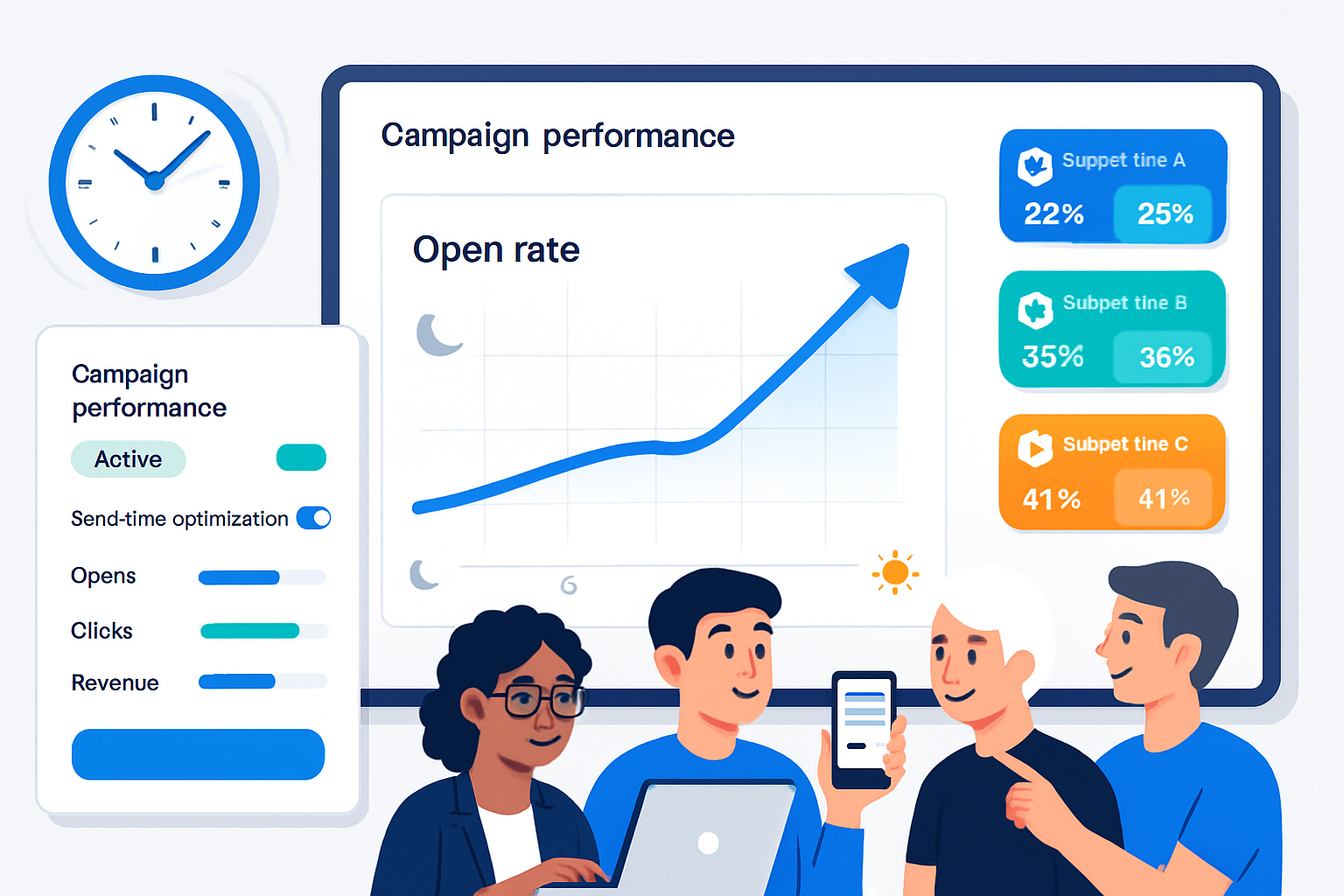
- Send-time optimization - Use Mailchimp’s send-time optimization or test recipient-level best times by tracking opens over a rolling 90-day window.
- Cadence controls - create frequency tiers (High, Medium, Low). Automatically move subscribers between tiers based on engagement.
Workflow example:
- New subscriber enters “Medium” tier. If they open/click 3 times in 30 days -> upgrade to “High” and receive more offers. If no opens in 60 days -> move to “Low” and receive re-engagement only.
7) Transactional & event-driven strategies (Mandrill/API/webhooks)
Critical messages (receipts, password resets, shipping notices) should be transactional and highly personalized.
- Use Mandrill (Mailchimp’s transactional API) or Mailchimp Transactional to send event-driven emails with real-time data.
- Use webhooks to capture opens/clicks and feed real-time behavior to your CRM/analytics for smarter, timely marketing.
Benefits: Faster triggers, better personalization, and improved deliverability for transactional sends.
Reference: https://mailchimp.com/features/transactional-email/
8) Deliverability & authentication: the unsung engagement booster
Great creative only works if mail hits the inbox.
Checklist:
- Authenticate your domain - set up SPF and DKIM (and DMARC when possible) to improve deliverability.
- Warm-up new sending domains and IPs gradually.
- Send to engaged users first; use engagement-based suppression lists for low-engagers.
- Monitor bounce rates, spam complaints, and Google Postmaster/Gmail metrics.
Advanced tip: Use a small “seed” list of major inbox providers and test deliverability changes before big sends.
9) Cleanup & re-engagement: quality beats quantity
A periodic list-cleaning and re-engagement strategy will improve deliverability and open rates.
90-day plan:
- Run engagement segment - no opens/clicks in 90 days.
- Send a 3-step re-engagement series (value-first, survey/choice, final chance) with a clear “I want out” CTA.
- Suppress unsubscribed or non-responding users for 6–12 months.
Result: Fewer emails to low-value recipients, higher open/click rates, and lower spam complaints.
10) Creative tactics that lift CTOR
- Use curiosity-driven but relevant subject lines + preheader to improve open AND align content to expectations to maintain clicks.
- Employ “progressive reveal” in emails - use a strong, scannable top that teases the CTA and supports clicks from mobile.
- Use smaller, targeted CTAs per segment (e.g., “Start Learning” for learners vs “Shop New” for shoppers).
- Replace generic buttons with dynamic CTAs referencing product names or categories.
Test: Always pair creative changes with measurable KPIs (CTOR, conversion rate, RPR).
11) Integrations & data flows: tie email to business metrics
Email is most powerful when it’s part of a 360° customer data flow.
- Integrate Mailchimp with your CRM, analytics, and e-commerce platform (Shopify, WooCommerce, Magento) to sync customer behavior.
- Use UTM tagging and channel-driven revenue reports to track email influence in analytics.
- Push email events to your BI stack to run deeper cohort analyses.
Reference: https://mailchimp.com/integrations/
12) Measurement: the metrics that matter
Beyond opens and clicks, focus on:
- Revenue per recipient (RPR) or revenue per thousand recipients (RPM)
- Incremental revenue vs holdout
- Click-to-open rate (CTOR) - a truer measure of content relevance
- Deliverability metrics - spam complaints, hard bounce rate
- Subscriber Lifetime Value (LTV) by cohort
Advanced KPI dashboard idea: show RPR by segment + cost (discounts/offers) to measure net profitability of campaigns.
Quick reference: Advanced Mailchimp playbook
- Use a single audience; manage with tags, groups, and merge fields.
- Build an engagement score and gate frequency by score.
- Run multivariate and holdout tests; track incremental lift.
- Use conditional content and dynamic merge tags for personalization.
- Create goal-based, branched customer journeys tied to on-site events.
- Route transactional sends via Mailchimp Transactional (Mandrill) and use webhooks.
- Authenticate domains and warm-up IPs; maintain list hygiene.
- Measure revenue per recipient and incremental lift vs holdout.
Final checklist before sending a major campaign
- Audience - single, deduped, and properly segmented
- Authentication - SPF/DKIM set and verified
- Creative - conditional content tested across key segments
- Testing - A/B or multivariate plan + holdout defined
- Deliverability - seed inboxes checked, complaint/bounce thresholds OK
- Tracking - UTM tags, conversions tracking, revenue tracking enabled
Advanced Mailchimp usage requires combining good data discipline, rigorous testing, and customer-focused automations. Apply the tactics above incrementally-start with one segment and one journey-and you’ll see measurable gains in opens, clicks, and revenue.
References
- Mailchimp - Segmentation and tags -
- Mailchimp - About A/B testing -
- Mailchimp - Customer Journeys -
- Mailchimp - Merge tags -
- Mailchimp - Transactional email -
- Mailchimp - Set up authentication (DKIM/SPF) -