· business · 7 min read
The Top 7 Automation Hacks in Zoho CRM That Will Save You Hours
Use advanced Zoho CRM automation techniques - workflows, Blueprints, Deluge functions, webhooks, macros, scheduled functions, assignment rules and Zia - to eliminate repetitive work and reclaim hours every week.
Introduction
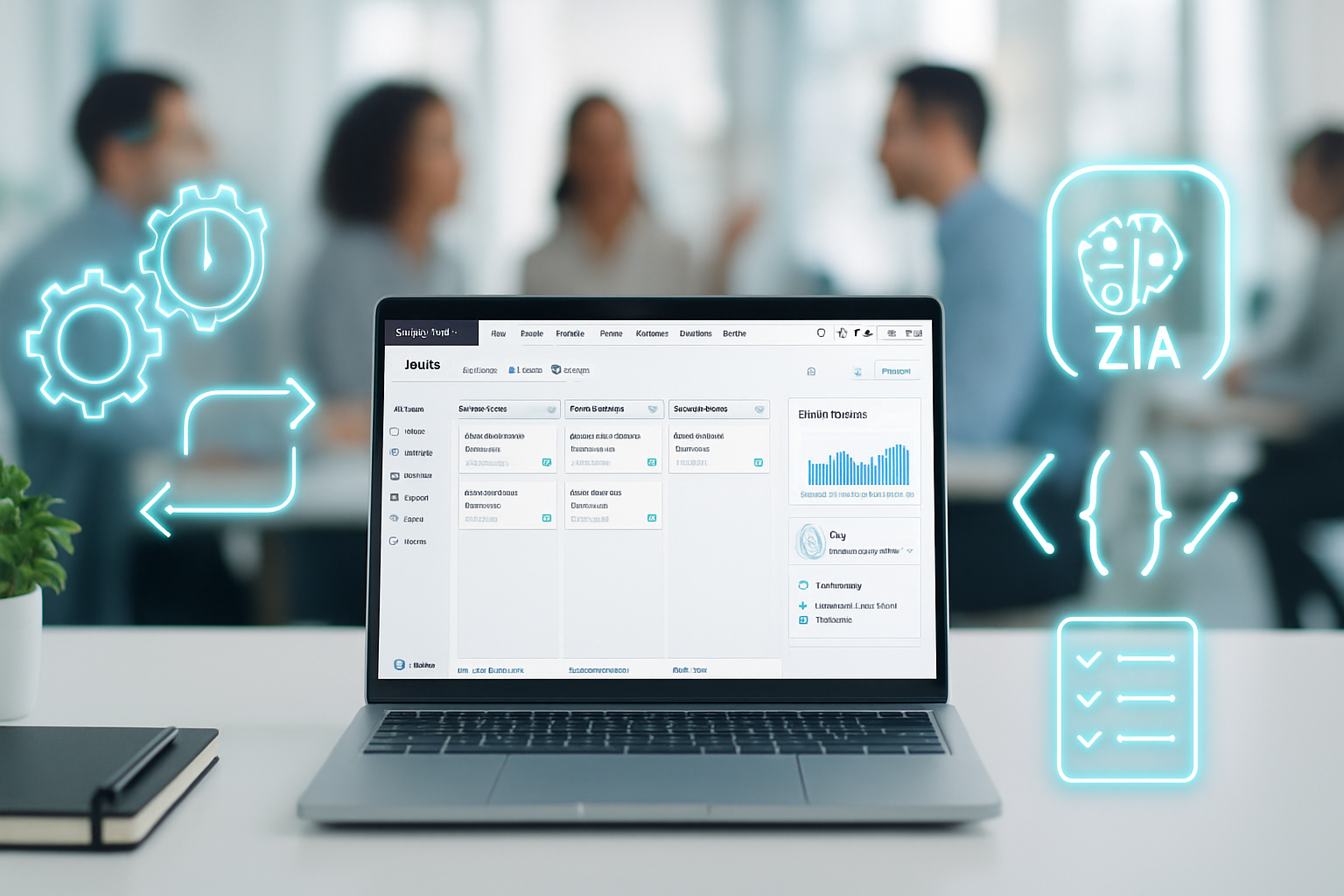
Imagine shaving hours off your week by removing repetitive CRM busywork. You can do that. This article walks you through seven advanced Zoho CRM automation hacks that dramatically reduce manual tasks, improve accuracy, and let your team focus on revenue-driving work. Read on and you’ll have actionable setups, code snippets, and best practices you can apply today.
Why automation matters - fast
Automation reduces manual entry, prevents missed follow-ups, enforces processes, and scales operations without headcount. Small rule changes can save individual reps 2–6 hours per week. For a sales team of ten, that’s tens of hours reclaimed monthly. Let’s get to the hacks.
1) Supercharge workflows with conditional actions + multi-module updates
Outcome: Trigger intelligent, context-aware actions across modules the moment a record changes.
What it does
- Uses Workflow Rules to run instantly or on schedule.
- Adds conditions to limit actions to exactly the records you want.
- Calls Custom Functions (Deluge) to update related modules, create follow-up tasks, or push calculated values.
When to use it
- Automated contract renewals and subscription reminders.
- When updating a Deal should also update related Contacts, Tasks, and a custom Audit module.
How to set it up (high level)
- Create a Workflow Rule on the primary module (e.g., Deals) and set the trigger (On Record Action or On Field Update).
- Add conditional criteria to limit scope (e.g., Stage = “Closed Won” AND Amount > 5000).
- Add immediate actions - Email, Task, or Webhook.
- For cross-module updates, add a Custom Function and use Deluge to query and update related records.
Deluge snippet example (update Contact when Deal closes):
deal = zoho.crm.getRecordById("Deals", dealId);
contactId = deal.get("Contact_Name").get("id");
infoMap = map();
infoMap.put("Last_Deal_Value", deal.get("Amount"));
updateResp = zoho.crm.updateRecord("Contacts", contactId.toLong(), infoMap);
References: Zoho Workflows and Custom Functions docs.
2) Enforce and automate process flow with Blueprint + transition actions
Outcome: Turn your sales process into a machine that enforces steps, triggers actions, and prevents skipped work.
What it does
- Forces users to complete required fields before moving a deal forward.
- Triggers automated actions (emails, tasks, webhooks, or custom functions) on stage transitions.
Why it’s powerful
Because it keeps the CRM clean and consistent, and it makes automation predictable - transitions are deterministic events you can hook actions to.
How to apply it
- Map your sales stages first. Document required fields and decision points.
- Build the Blueprint and, for each transition, add pre- and post-transition actions.
- Use a webhook or custom function in a transition to notify downstream systems or create onboarding records.
Example flow: “Contract Sent” -> “Contract Signed” transition triggers:
- Auto-generate an onboarding ticket.
- Assign account manager (via assignment rule or custom function).
- Send a welcome sequence.
References: Zoho Blueprint guide.
3) Scheduled functions & time-based workflows for follow-ups, renewals, and churn prevention
Outcome: Never miss time-dependent activities - renewals, trial follow-ups, invoice reminders - by running logic on a schedule.
What it does
- Runs Deluge functions at scheduled times or after X days from a date field.
- Executes mass checks, updates stale records, or sends reminder emails.
Use cases
- Trial-to-paid nudges at day 3, day 7, day 14.
- Subscription renewal reminders 60/30/7 days before expiry.
- Monthly aging cleanup of stale leads.
How to set up
- Create a Scheduled Function in Zoho CRM’s Developer/Automation section.
- Write Deluge to query the module for records meeting the date criteria.
- For each record, send an email template, update a field, create a task, or call an external endpoint.
Deluge example (pseudo):
criteria = "(Expiry_Date:equals:" + futureDate + ")";
records = zoho.crm.searchRecords("Deals", criteria);
for each rec in records {
    // send email or create task
}
Tip: Keep scheduled jobs efficient. Limit queries, batch updates, and handle API limits.
4) Macros + Mass Update = one-click repetition elimination
Outcome: Convert multi-step daily actions into single clicks.
What it does
- Macros bundle a sequence of actions (edit fields, send emails, create tasks) into one operation.
- Mass Update applies changes to many records at once.
Common uses
- Post-meeting follow-up - update “Last Contacted,” change lead status, and create a follow-up task.
- End-of-quarter cleanup - tag stale contacts and assign to an inside sales rep.
How to design macros
- Identify the most frequently repeated multi-step tasks.
- Capture each action as part of the macro and test on a sandbox record.
- Pair with views and filters so reps can run macros on the exact subset they need.
Pro tip: Use macros with scheduled views to trigger mass actions during low-traffic hours.
References: Zoho Macros documentation.
5) Assignment rules + Round-robin + auto-reassignment via Custom Functions
Outcome: Ensure leads land with the right rep instantly - and get reassigned if untouched.
What it does
- Uses assignment rules to route leads by territory, product interest, or score.
- Implements round-robin distribution for fair lead assignment.
- Adds auto-reassignment logic if no activity within a defined SLA.
How to implement
- Define territories and routing criteria.
- Configure Assignment Rules to auto-assign on lead creation.
- Add a Scheduled Function to reassign leads that show zero activity after X hours/days.
Reassignment Deluge pseudo:
leads = zoho.crm.searchRecords("Leads", "(Created_Time:<=:someDate) and (Last_Activity_Time:is_null)");
for each l in leads {
    newOwner = getNextRepRoundRobin();
    zoho.crm.updateRecord("Leads", l.get("id"), {"Owner":newOwner});
}
Measure SLA compliance and time-to-first-contact to prove the automation’s impact.
6) Webhooks + Zoho Flow (or custom middleware) for external automation
Outcome: Connect Zoho CRM events to external systems reliably and bidirectionally.
What it does
- Sends near-real-time payloads when a record changes.
- Allows Zapier/Zoho Flow/your middleware to create invoices, send Slack alerts, or update ERP records.
Practical examples
- When an Opportunity closes, trigger an invoice creation in QuickBooks or Xero.
- When a Support ticket is created, send a Slack message to the assigned queue.
Webhook setup basics
- Create a workflow action of type Webhook and include a JSON payload with the fields you need.
- Use Zoho Flow for low-code orchestration or build a small endpoint that authenticates requests and executes business logic.
Sample webhook payload (JSON):
{
  "deal_id": "${Deals.Id}",
  "amount": "${Deals.Amount}",
  "owner": "${Deals.Owner}",
  "close_date": "${Deals.Close_Date}"
}
Important: Secure webhooks with HMAC signatures or tokens. Retry logic is crucial - external endpoints fail sometimes.
References: Zoho Webhooks and Zoho Flow.
7) Zia and predictive automation: scoring, anomaly detection, and email sentiment
Outcome: Prioritize leads and detect problems automatically using Zoho’s AI capabilities.
What it does
- Uses past CRM data to score leads and deals.
- Flags anomalous drops in deal velocity or conversion.
- Analyzes email sentiment and surfaces unhappy customers.
How to use Zia effectively
- Train Zia by ensuring historical data is clean and representative.
- Use Zia Lead/Deal scoring to trigger workflows - e.g., if Score > 80, assign to senior rep.
- Use anomaly alerts to generate tasks for customer success to intervene early.
Example automation triggered by Zia
- Zia flags a lead as “high intent” - A workflow auto-sends a tailored email and creates a high-priority task.
Reference: Zoho Zia features and AI automation docs.
Best practices to get hours back, not headaches
- Start small and measure - pick one process and automate incrementally.
- Use sandbox or test records before rolling out to production.
- Monitor logs and set up notifications for failed custom functions or webhook errors.
- Track KPIs - time-to-first-contact, lead-to-deal conversion, time saved per rep, SLA compliance.
- Keep automation discoverable - document workflows, Blueprints, and custom functions in a shared doc.
- Plan for exceptions - automation should not block necessary human judgment.
Common pitfalls to avoid
- Over-automation - automating a broken process just scales bad habits.
- Too many chained automations that cause race conditions.
- Ignoring rate limits and API quotas - scheduled jobs must be resource-aware.
Measuring the ROI of automation
- Baseline current time spent on repetitive tasks using surveys or time-tracking for 1–2 weeks.
- After automation, measure again and calculate hours saved × hourly rate to quantify value.
- Monitor conversion and SLA improvements to demonstrate revenue impact.
Further reading and references
- Zoho CRM Workflows: https://www.zoho.com/crm/help/automation/workflow/
- Zoho CRM Blueprints: https://www.zoho.com/crm/help/process-management/blueprint/
- Zoho CRM Functions (Deluge): https://www.zoho.com/crm/help/developer/zoho-deluge/
- Zoho CRM Webhooks: https://www.zoho.com/crm/help/automation/workflow/trigger-custom-action/webhook.html
- Zoho Macros: https://www.zoho.com/crm/help/automation/macros/
- Zoho Flow: https://www.zoho.com/flow/
- Zoho Zia: https://www.zoho.com/crm/zia/
Conclusion - where to start today
Pick one high-frequency manual task your team hates. Automate it with a Workflow, add a Custom Function if you need cross-module logic, and track the time saved. Then repeat. Small automations compound. They free your team to sell, serve, and innovate - not just click checkboxes.