· creativity · 6 min read
Notion AI vs. Traditional Note-Taking: Is AI the Future or Just a Fad?
A deep, practical comparison between using Notion AI and traditional note-taking. Learn when AI accelerates your work, when handwriting wins, and how a hybrid approach can amplify creativity and retention.
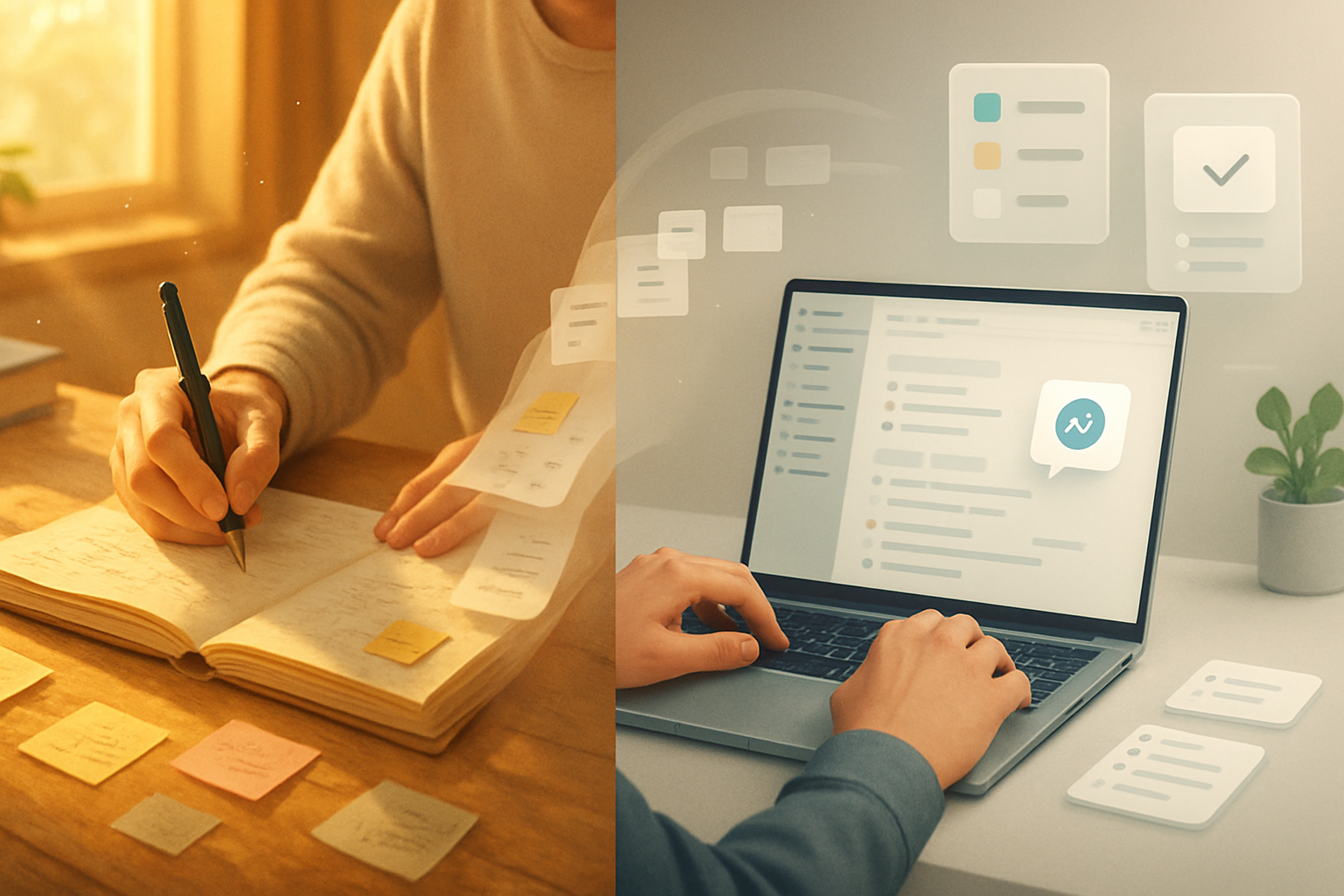
Outcome first: by the end of this article you’ll know exactly when Notion AI will save you hours, when a pen will save you understanding, and how to combine both so your notes become tools - not crutches.
Why this matters. Notes are the scaffolding of our thinking. Done well they create insight. Done poorly they become noise. AI changes the scaffolding. It can speed, structure, and suggest. But speed without judgement becomes error. Structure without reflection can flatten ideas.
Quick frame: what is Notion AI (in one paragraph)
Notion AI is an integrated assistant inside Notion that helps with summarization, rewriting, extracting action items, drafting content, and generating templates for your notes and docs. It’s a convenience and a capability: you can go from scattered meeting minutes to an organized task list in seconds. See Notion’s feature overview here.
The upside: what Notion AI gives you
- Speed and scale. Summaries, outlines, and first drafts in seconds. Great when you need to move from raw capture to usable artifacts quickly.
- Consistency. Standardized meeting notes, templates, and rewrite styles make a team’s output easier to scan and act on.
- Retrieval power. When paired with Notion’s search and database features, AI can surface insights and connect notes you didn’t realize related.
- Accessibility. Non-native speakers or people who struggle with writing can produce cleaner, clearer notes and drafts.
- Integration. Notion AI works where your knowledge already lives - in the same pages and databases you use every day.
Real example (short): I once fed 45 minutes of messy meeting notes into Notion AI and asked for a one-paragraph summary plus three action items. Two minutes later I had a shareable summary and three owners - and the meeting’s decisions were no longer lost in the chat.
The costs: what Notion AI can’t (or shouldn’t) do
- Hallucinations and inaccuracies. AI can invent facts or misattribute content. Always verify facts it produces. The larger model literature documents this limitation-models make confident but incorrect statements (see the GPT-4 technical report for discussion of limitations) here.
- Creativity compression. Over-reliance on AI templates and rephrasing can lead to homogenized thinking. If every draft goes through the same prompts, your voice flattens.
- Dependency. The faster the tool, the easier it is to outsource effort. That can weaken key cognitive skills like synthesis and critical summarization.
- Privacy and data sensitivity. Sending proprietary client details or personal health information to a cloud-based AI has legal and ethical implications. Check workspace settings and policy before pushing sensitive text to any AI service.
- Cost and lock-in. Notion AI is a paid add-on. If your workflow becomes tightly coupled to its outputs, migration away later becomes harder.
The science: handwriting, memory, and understanding
There’s solid evidence that longhand note-taking often produces deeper conceptual processing than verbatim typing. A widely cited study found students who took notes by hand showed better conceptual understanding and retention than those who typed notes verbatim Mueller & Oppenheimer, 2014. The point: the act of organizing thoughts on paper can itself be the learning.
AI doesn’t replace that mental labor. It can augment it. But if you skip the mental labor because the tool is faster, you may lose durable learning.
Practical workflows: four patterns that actually work
- Capture low-friction + let AI tidy
- Use quick typing or voice notes during meetings. After the session, run the raw notes through Notion AI to extract action items, decisions, and a concise summary. Result - speed without losing decision traceability.
- Handwrite for sense-making + AI for scale
- Start with longhand to wrestle with complex ideas. Transcribe or photograph your notes into Notion, then ask AI to convert them into structured outlines or slides. You preserve depth, gain polish.
- AI for drafts, human for craft
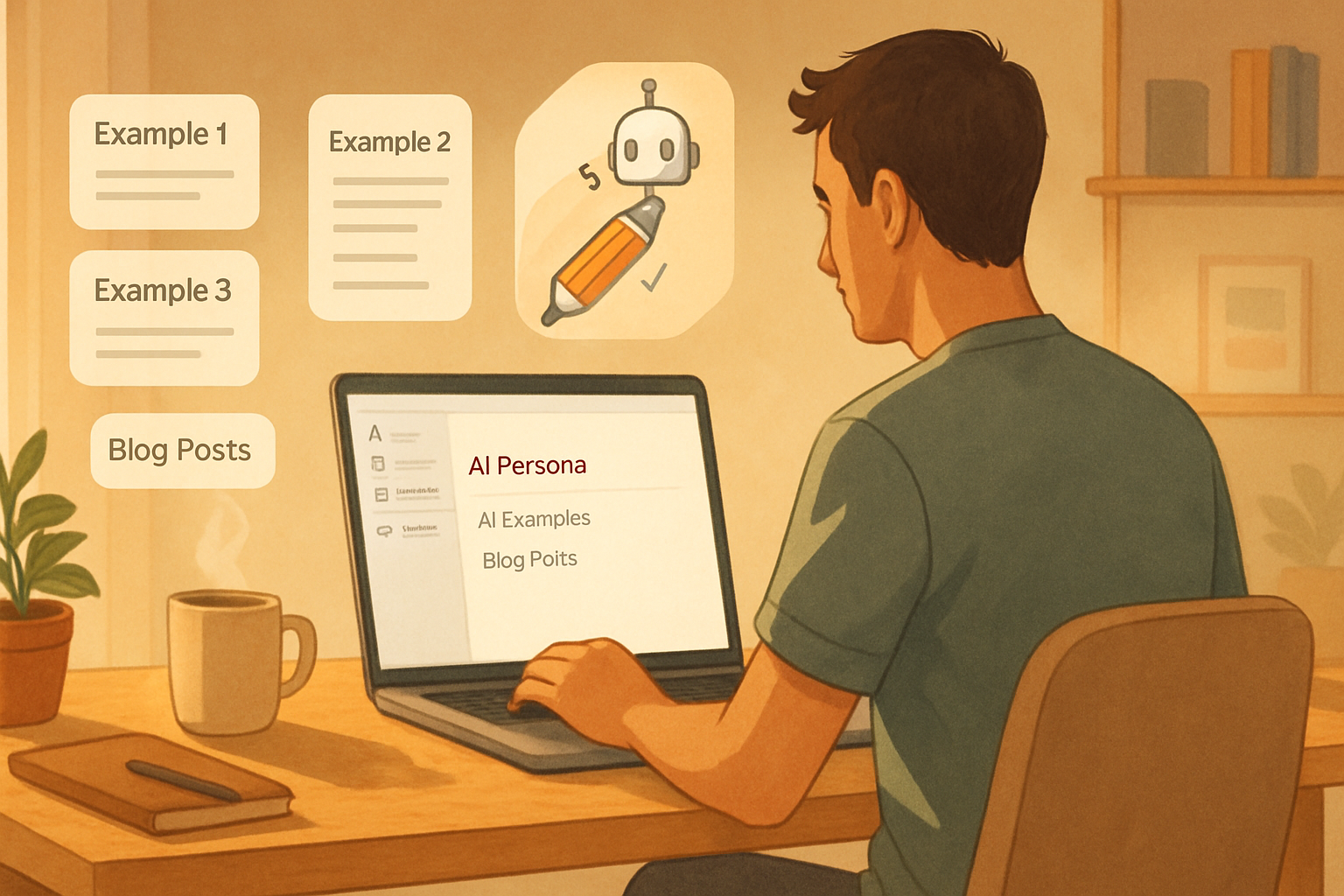
- Let Notion AI generate outlines, blog first drafts, or email templates. Then edit heavily. Use AI to overcome the blank page; use your judgment to make the text yours.
- Flashcards and spaced repetition pipeline
- Have Notion AI extract key concepts and turn them into Anki-ready flashcards or Notion database entries for spaced review. This bridges initial exposure and long-term retention.
Prompts and checklist: use Notion AI safely and effectively
- Always - add a verification prompt. Example: “Summarize and list any claims that need citations.”
- For accuracy - “Extract facts and mark any uncertain statements with ‘[verify]’.”
- For actionability - “Turn this into a 3-item action list with owners and deadlines.”
- For creative work - “Give me three stylistically different rewrites: formal, conversational, and concise.”
- Privacy checklist before sending a page to AI - no client PII, no medical or legal sensitive text, check workspace policy, and know the billing/account owner.
When to choose pen (or pencil) over AI
- Learning tough concepts. If your goal is deep understanding, handwriting or deliberate summarization beats outsourcing that cognitive effort.
- Sensitive information. When the text contains legal, medical, or confidential business details that aren’t permitted to be sent to cloud models.
- Brainstorming divergent ideas. Early-stage creative thought benefits from messy, non-linear capture that resists templating.
- Offline or low-tech contexts. No internet? No AI. Simple tools win.
Costs of over-reliance - a cautionary tale
A team I worked with began routing every meeting through AI for minutes and decisions. Efficiency rose. So did mistakes: action owners were misassigned, nuances were missed, and fewer people took notes. The short-term gains in efficiency created long-term friction because the team lost the habit of listening for tradeoffs. The fix was simple: require one human editor for every AI-produced summary and rotate the note-taking responsibility back to people.
Ethics, privacy, and the legal layer
Companies must map data flows. Who owns AI-generated content? What is stored, for how long, and who can access it? AI adds layers of contractual and compliance considerations that traditional pen-and-paper does not. For legal guidance and enterprise policy, consult your legal or compliance team.
The verdict: future or fad?
Short answer: Notion AI is not a fad. It is an accelerant. It changes the rhythm of work and the kinds of tasks you delegate. But it is not a replacement for thinking, and it is not a universal solution.
Longer answer: AI will become as normal as search, spell-check, and templates. It will get better at facts and guardrails. Yet the fundamental cognitive benefits of deliberate note-taking - the inability to outsource synthesis - remain. Use AI when you want speed, repeatability, and scale. Use handwriting or slow summarization when you want depth, memory, and original insight. And use both when you want the best of both worlds.
Final, practical rule of thumb
Treat Notion AI like a power tool - one that accelerates skilled work but cannot replace the craft. Keep the creative and critical control in human hands. That’s where the ideas live. That’s where the value is.