· creativity · 7 min read
Unlocking the Secrets of Notion AI: How to Train It for Your Unique Workflow
Step-by-step methods to shape Notion AI so it writes, edits, and organizes the way you do - tailored for freelancers and entrepreneurs who need reproducible, high-quality output.
What you’ll get - fast and practical
By the end of this article you’ll have a repeatable system to teach Notion AI your voice, your templates, and your business rules - so it produces consistently useful drafts, proposals, client notes, and action items with less editing from you. Read one short section, apply one quick change, see better outputs tomorrow.
Why “training” Notion AI matters (and what that really means)
Most people expect training to mean tweaking a model’s weights. In Notion’s case, “training” is about shaping the context and signals the AI uses: your workspace content, templates, examples, structured database fields, and the prompts you give it. Notion AI responds to what it can see and how you ask. That means you can reliably influence outputs without needing to fine-tune a model.
Why that’s powerful for freelancers and entrepreneurs:
- Consistency - turn one great output into a template for dozens of clients.
- Speed - reduce drafting time from hours to minutes.
- Quality control - enforce tone, pricing rules, or scope language automatically.
(For more about how Notion AI leverages workspace context, see Notion’s product docs: https://www.notion.so/product/ai.)
The 6-step system to train Notion AI for your workflow
Follow these steps in sequence. Each builds leverage for the next.
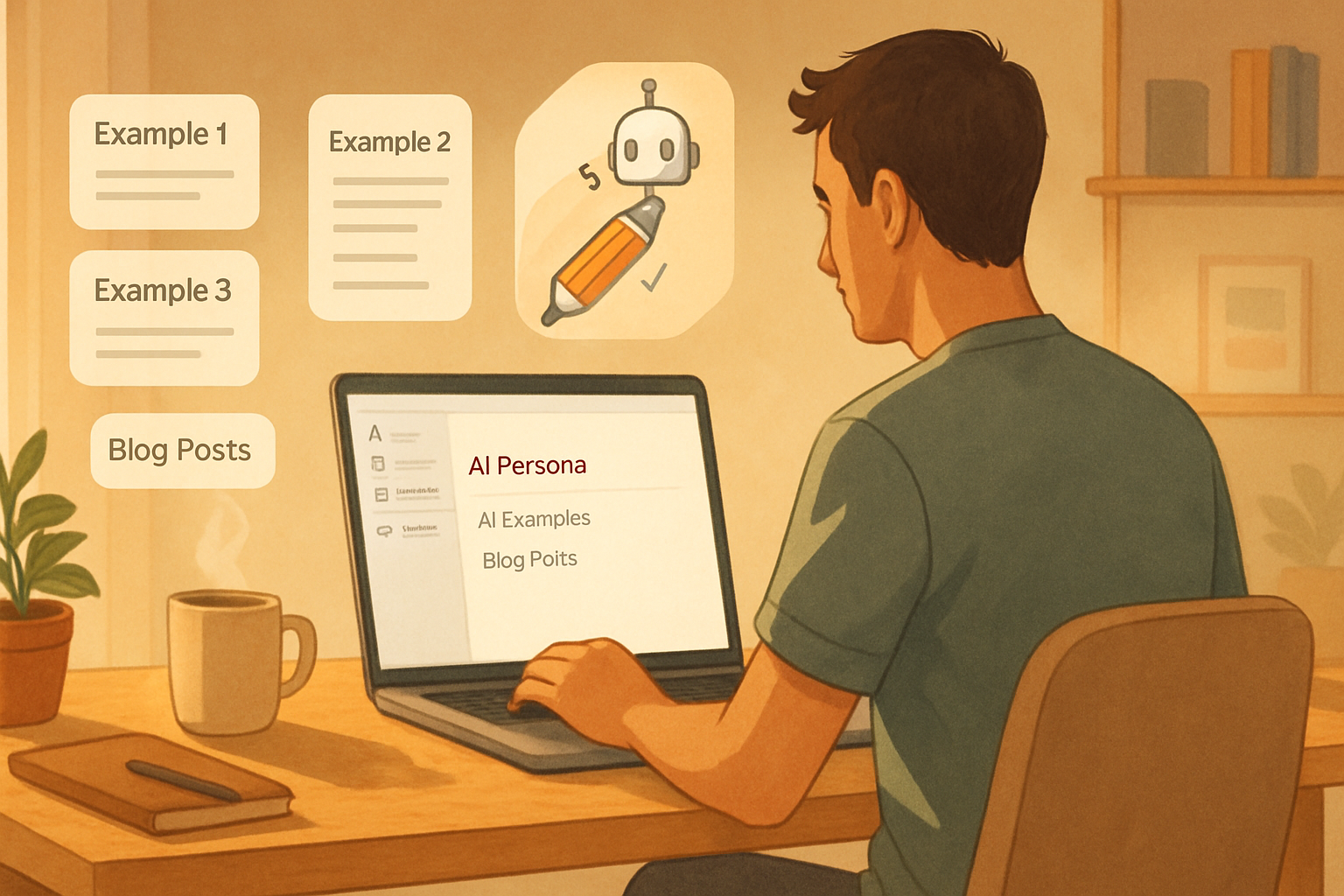
1) Create a “Notion AI Persona” page - the single source of truth
Make a page titled something like “AI: Persona & Examples.” Keep it pinned or in your sidebar. Include:
- One-paragraph brand voice statement (audience, tone, formality). Example: “For busy SaaS founders - friendly, direct, and results-first.”
- 3–5 writing examples - a short email, a client proposal intro, and a blog introduction. Mark each with a label: “Good”, “Better”, “Best”.
- Rules and taboo words - what to always include (CTA, pricing range) and what never to include (jargon, internal nicknames).
Why it works: Notion AI will pull nearby page context and examples when you ask it to draft. If your persona page is concise and explicit, it becomes a reusable style guide.
2) Build a compact style guide page
Include quick rules that the AI can apply:
- Preferred words and phrases
- Sentence length preferences (e.g., keep paragraphs under 3 sentences for email)
- Formatting rules (bullets vs. paragraphs; when to use headings)
- SEO requirements (target keywords, meta length)
Tip: Put this page in a consistent place and link to it from templates so the AI can access it.
3) Collect short, high-quality examples (few-shot library)
Create a database called “AI Examples.” Each record should have:
- Input (what you asked the AI to do)
- Output (the final edited text you accepted)
- Use case tag (email, proposal, social)
- Audience tag (prospect, investor, client)
Why: Few-shot examples are the highest-leverage training signal you can give without model fine-tuning. When the AI sees examples of how you corrected drafts, it starts to replicate that behavior.
4) Convert your templates into AI-friendly structured templates
Stop using free-form pages for repeat work. Use databases and templates with properties that act like variables. Example: a Blog Post database with properties:
- Title (text)
- Audience (select)
- Tone (select)
- Target Keywords (multi-select)
- Word Goal (number)
- Status (select)
Use a template that pre-populates a prompt area. For example, your template can include a block with this exact prompt (replace bracketed variables):
Write a [Tone] blog post for [Audience], around [Word Goal] words. Target keywords: [Target Keywords]. Use the brand voice from: /link-to/AI-Persona. Include an outline, then a 200-word intro, then 3 subhead sections.When you create a new entry, fill the properties and run the prompt. The combination of properties + persona + examples = predictably better output.
5) Master prompt recipes - short, repeatable, testable
Use structured prompts rather than freeform commands. Here are practical recipes.
- Blog Outline + Draft
Given the brand rules at: /AI-Persona and the examples at: /AI-Examples, create a 5-point outline for a [Tone] blog titled: "[Title]" for [Audience]. Then write a 150–250 word intro and one sample subheading draft.- Client Proposal Intro
Write a one-paragraph proposal intro for a [Industry] client, using friendly-authoritative tone. Mention the top 3 deliverables and a 2-sentence pricing summary. Use the persona: /AI-Persona.- Meeting Notes → Action Items
Summarize the meeting highlights, then list action items with owners and due dates inferred from context. Keep each action item to one sentence.Test each recipe on 3 different pages, rate outputs, then tweak.
6) Use iterative prompts and revision tokens
Teach the AI with revision commands. Keep a standard set of tokens like:
- “Shorten by 40%”
- “Make more persuasive”
- “Add a pricing range”
- “Translate to plain English”
Use them as buttons in a template or as a small menu of prompts. Over time you’ll notice which tokens consistently reduce edits.
Advanced: chaining, automations, and the Notion API
For entrepreneurs who need deeper automation, combine Notion with the Notion API and an external LLM platform (or automation tools like Zapier/Make). Use cases:
- Automatically generate a first-draft proposal when a lead hits “qualified” in your CRM database.
- Push meeting transcripts into Notion, auto-run the “Notes → Actions” prompt, and assign tasks.
- Sync a client-specific knowledge base so the AI always sees the latest contract and deliverables.
Notion’s developer docs are here: https://developers.notion.com/. For prompt and workflow design best practices, see general guidance from LLM docs: https://platform.openai.com/docs/guides/prompts.
Caveat: if you route private client data through third-party LLMs, confirm privacy policies and contracts.
Testing loop: measure, compare, iterate
Create a simple A/B test workflow:
- Draft A - use current prompt/template.
- Draft B - apply a changed persona sentence or a new token.
- Rate both on 3 metrics - accuracy, tone, time to finalize.
- Keep the one that reduces edits.
Record outcomes in a small results table inside Notion (Outcome, Date, What changed, Time saved).
Sample workflows - copy-and-paste ready
Below are ready-to-use prompt templates you can paste into your Notion templates.
- Email to a new client
Context: Client name: [Client]. Project: [Project]. Start date: [Start Date].
Write an introductory email that: 1) thanks them, 2) summarizes the scope in two bullets, 3) asks for any missing assets, and 4) sets expectations for next steps. Tone: friendly, professional, 3 short paragraphs.- Publish-ready social caption
Use the brand voice at: /AI-Persona. Create 3 variations of a LinkedIn post announcing: [Milestone]. Each variation should be 50–120 words. Include one direct CTA in each.- From Notes to Tasks
From this meeting notes block, extract concise action items. Each item should include: action, owner (if stated), and suggested due date (if mentioned). Format as a checklist.Collaboration, permissions, and governance
Make two rules for shared workspaces:
- Lock the Persona & Style Guide pages (edit only by owners). That prevents accidental drift.
- Maintain an “AI Examples” curator role to vet and approve new examples before they’re accepted as training signals.
This prevents inconsistent examples from teaching the AI bad habits.
Privacy and data security - what to check
If your drafts include client PII, contracts, or financials, verify the following:
- Workspace-level privacy settings and access controls.
- Whether drafts are sent to external engines (check Notion’s product docs and your plan’s terms).
- Contract clauses for handling client data when using AI tools.
When in doubt, anonymize data before feeding it to any AI service.
Quick checklist to implement in 1 hour
- Create an “AI - Persona & Examples” page (10 minutes).
- Build a one-page style guide (10 minutes).
- Make an “AI Examples” database and add three examples (15 minutes).
- Convert one frequent template (proposal or email) into a Notion template with a prompt block (15 minutes).
- Run 3 tests and save results to the results table (10 minutes).
Do this once. Then refine weekly.
Final thoughts - why small inputs compound into big wins
Teach the AI a few core rules and show it examples. Do that consistently. Small, deliberate changes to prompts, templates, and examples compound quickly. You’ll spend less time editing and more time doing paid work. The system favors repetition and clarity. Be concise in your guidance. Be ruthless about bad examples. Reward what you like.
References
- Notion AI product overview: https://www.notion.so/product/ai
- Notion developer docs (Notion API): https://developers.notion.com/
- Prompt engineering guidelines: https://platform.openai.com/docs/guides/prompts