· creativity · 6 min read
Sketching for Non-Artists: Tips to Jumpstart Your Creative Journey
Practical, low-pressure sketching techniques for entrepreneurs and freelancers. Learn easy warm-ups, shape-based strategies, quick workflows and presentation tips you can use today to communicate ideas faster and iterate with confidence.

Outcome first: by the end of a single coffee break you’ll be able to sketch clear, useful ideas-enough to test with customers, align a team, or shape a pitch. You don’t need art school. You need a few focused rules, a couple of tiny rituals, and a permission slip to be imperfect. Read on and you’ll walk away with simple exercises, ready-to-use templates and a practical workflow that fits into a busy schedule.
Why sketching matters for entrepreneurs and freelancers
Sketching is not about making pretty pictures. It’s about thinking with your hands. Quick marks reduce ambiguity. They force decisions. They uncover gaps you didn’t notice in your head. Sketches are fast prototypes: cheap, visible, and negotiable.
- Faster ideation than long text. Shorter feedback loops than coded prototypes.
- Better client communication. Visuals reduce misunderstandings and stop endless emails.
- More confident pitching. A rough sketch sells direction; a long spec lets details-and doubts-multiply.
If you want to clarify ideas, test value propositions, or iterate user flows quickly, learning a handful of sketching habits will pay for itself within a project or two.
Mindset: permission, constraints, and curiosity
Start with three rules:
- Permission to be awful. First drafts are data, not art. They tell you what needs changing.
- Choose a constraint. A single pen. A 5-minute timer. Black and white only. Constraints produce choices. Choices create direction.
- Always annotate. A few words next to a drawing turn visual thinking into shareable insight.
Say it out loud: “This is a sketch.” That label frees you to iterate fast.
Essential tools - simple and cheap
You don’t need expensive gear.
- Analog - cheap sketchbook (A5 or A4), black pen (Micron, Pilot), a soft pencil for warm-ups.
- Digital - iPad + Apple Pencil (nice but optional), Procreate or Notes app, or Figma for vector wireframes.
- Quick capture - smartphone camera + Google Photos or a scanning app to save and share sketches.
Tip: if you only use one instrument, use a plain black pen. It fixes the “erase and hide” habit and forces bold decisions.
Core techniques anyone can learn in 30 minutes
These are the building blocks. Practice them once; you’ll use them often.
1) The 30-Circles Warm-up (5 minutes)
Grid 30 circles. Make each one different: turn some into faces, icons, cups, suns. This trains shape fluency and loosens perfectionism. It’s a classic ideation starter.
2) Boxes and Ellipses (10 minutes)
Draw 20 boxes of varying sizes. Turn each box into an object: a phone screen, a table, a card. Practice quick ellipses for plates, wheels, and icons. Boxes map structure; ellipses give life.
3) Gesture Lines (3 minutes)
Set a 60-second timer. Draw 10 gesture lines-single strokes that capture motion or flow. Great for exploring user journeys or the sequence of a feature.
4) Thumbnails (10–15 minutes)
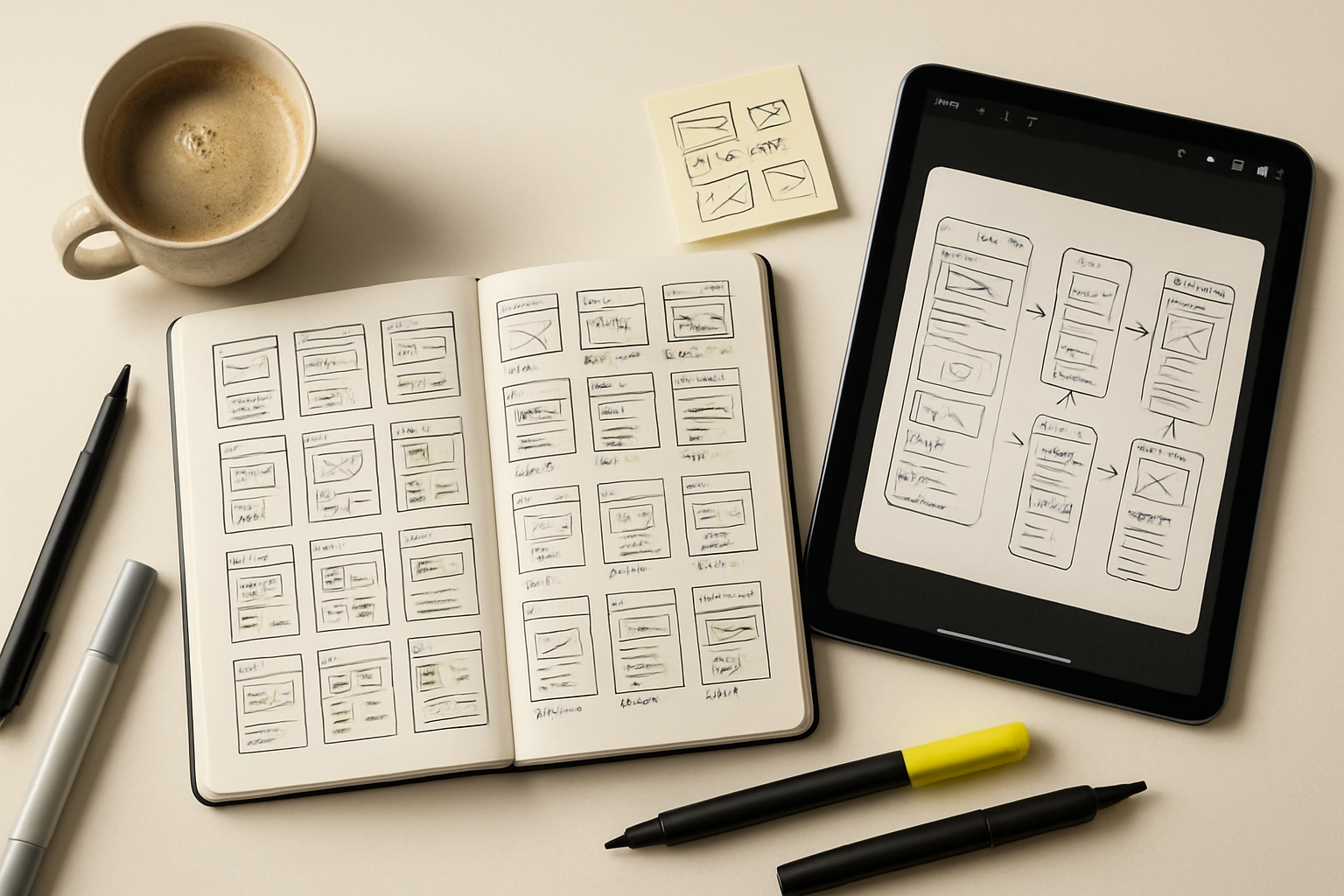
Make 12 tiny sketches (thumbnail size, about a postage-stamp each). Each thumbnail shows one idea: a landing page layout, a product dashboard, or packaging concept. Fast and fearless. Pick two to refine.
5) Three-Value Shading (optional, 5 minutes)
Use light, medium, dark to separate foreground, midground, and background. This is great for storyboards and mockups where visual hierarchy helps the viewer read the idea quickly.
Practical templates and exercises you can use today
- The 3-Options Rule - Present three variations to a client. Not one. Not ten. Three makes decisions easier.
- 10x Icons in 10 - Draw 10 small icons in 10 minutes (search, cart, chat, user). Build a shorthand visual language you can reuse.
- 5-minute Landing Page Sprint - Sketch headline, hero image, CTA, 3 benefits, and trust cues in five minutes. Focus on hierarchy.
- Storyboard 6 Frames - Draft the user flow in six squares. Start with trigger → outcome.
These templates work in meetings, during solo work sessions, or right before a call to clarify what you’ll say.
From sketch to client-ready: quick refinement workflow
- Start with thumbnails. 12 ideas in 15 minutes.
- Choose the best two. Spend 10 minutes refining each into a larger sketch with annotations.
- Digitize - photograph or scan. Crop and straighten.
- Add light polish if needed - label, color accent, or a simple mockup frame.
- Present as “concept sketches” and ask specific questions - “Which of these solves the onboarding drop-off?”
This workflow keeps iteration cheap and feedback focused.
Visual shorthand: the entrepreneur’s alphabet
You don’t need realism. Build a small set of repeatable marks:
- Rectangle = container or screen
- Circle = button or user
- Arrow = flow or interaction
- Star/Crown = primary metric or success
- Wavy line = content or storytelling
Create a one-page “legend” for your visual language and keep it in your notebook. Reuse it to speed up communication across projects.
Digital shortcuts and tools for rapid polishing
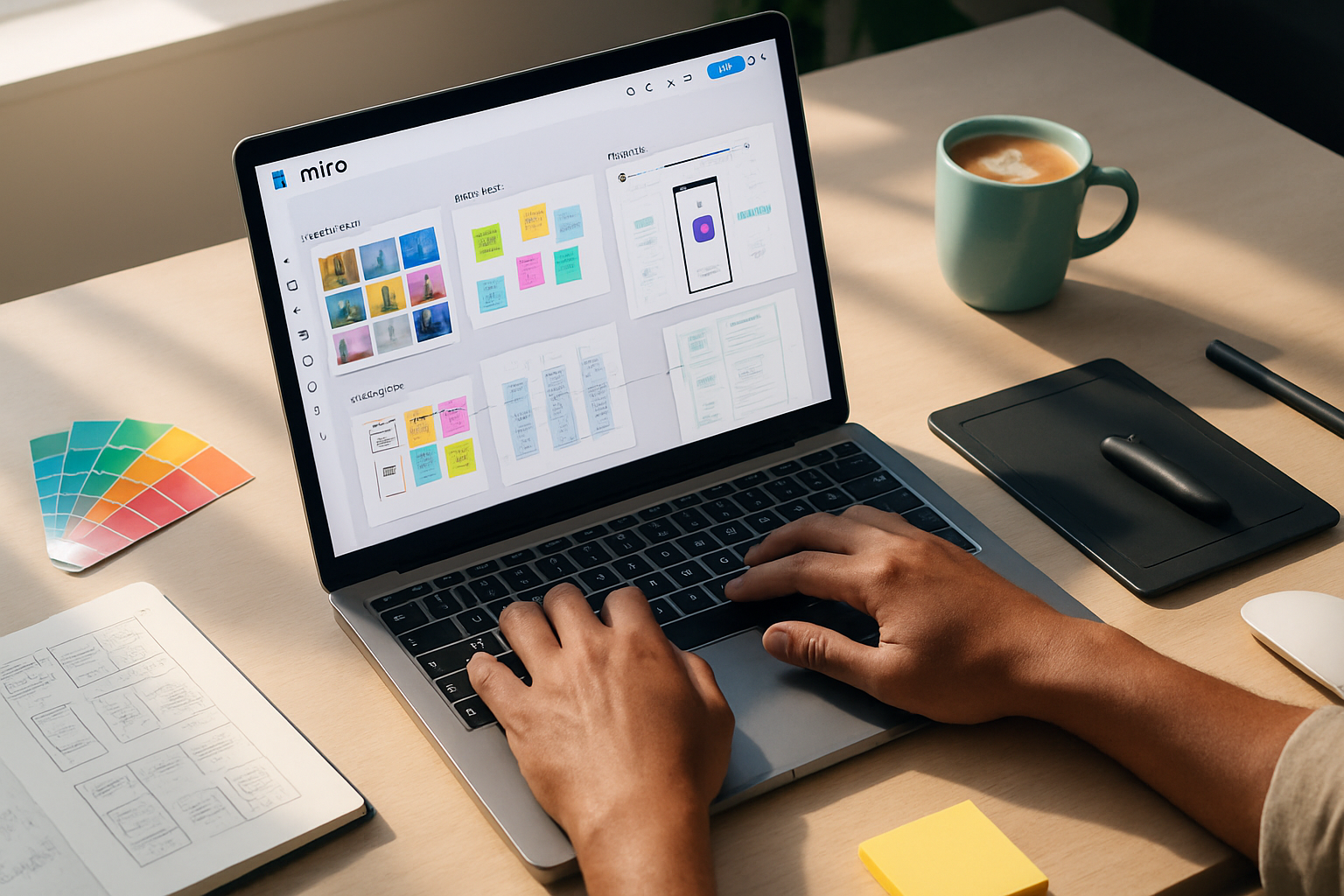
- Figma - excellent for turning sketches into clickable wireframes and sharing with teams.
- Procreate - great for freehand refinement and adding color accents quickly.
- Adobe Capture - turn a sketch into vector shapes for reuse.
If you prefer analog, Snap a photo and drop it into a Google Slide or Keynote to add labels and present. The point is clarity, not pixel perfection.
Overcoming perfectionism and comparison
Perfectionism looks like endless polishing. Comparison is its fuel.
Practical antidotes:
- Timebox. Five minutes per thumbnail. Deadlines force choices.
- Show early. Send one rough sketch before you overwork it. Feedback at 10% completion is more valuable than tweaks at 90%.
- Track progress. Keep your earliest sketches. You’ll see clear growth in weeks.
Remember: no one expects a masterpiece. They expect direction.
Using sketches to sell and negotiate value
Sketching is persuasive. Use it to:
- Explain trade-offs visually (A vs B vs C).
- Co-create with clients during calls-ask them to point and choose.
- Demonstrate roadmap steps with simple timelines and checkpoints.
When you sketch decisions instead of debating them with words, you speed alignment and reduce scope creep.
Common scenarios and ready-made prompts
- Brainstorming a homepage - “Draw 12 thumbnail hero sections showing different headline+CTA combos in 15 minutes.”
- Designing a signup flow - “Storyboard the five steps a user takes from landing to confirmation.”
- Packaging a pitch - “Sketch three cover concepts for the deck; annotate mood keywords.”
Give yourself small, clear constraints and a tight timer.
Quick checklist to get started today
- Grab any pen and a piece of paper.
- Set a 15-minute timer.
- Do the 30-circles warm-up for 5 minutes.
- Make 12 thumbnails in 10 minutes.
- Pick two and add 3–4 annotations each.
- Photograph and share one with a colleague or client asking two specific questions.
You’ll be surprised how much clarity one short session produces.
Helpful resources
- Drawabox - structured drawing lessons focused on fundamentals: https://drawabox.com
- The Back of the Napkin by Dan Roam - a practical book on visual problem solving: https://www.danroam.com/the-back-of-the-napkin/
- Bill Buxton’s work on sketching interfaces: https://buxtonbook.com
Final note: start imperfect, iterate fast
Sketching is a business tool disguised as a creative habit. It helps you test assumptions, align stakeholders, and sell ideas before you build them. Start with one five-minute exercise today. Keep it visible. Repeat. The results will compound.
Make fewer guesses. Make faster decisions. Sketch one idea now-then sketch another, and another.