· creativity · 6 min read
The Future of Video Editing: Why Veed.io is Leading the Way
Veed.io is transforming video editing with browser-based workflows, AI-driven tools, and social-first features. This article explains what sets Veed apart, how its tools accelerate production for small businesses and freelancers, and what these changes mean for the future of video editing.
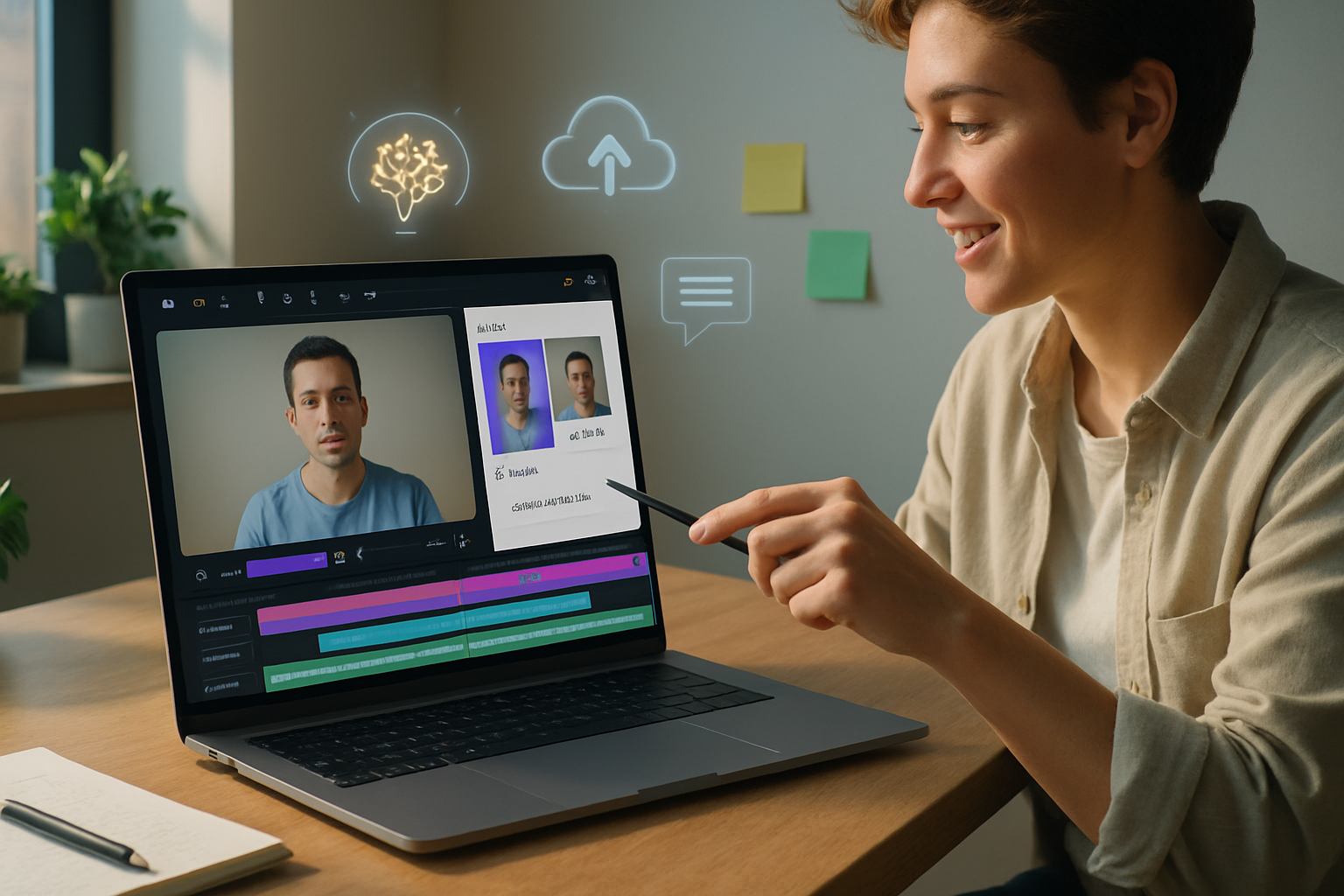
What you’ll be able to do after reading this
Make polished videos faster. Reach more platforms with less effort. Turn client requests into final deliverables the same day. That’s what Veed.io promises - and, increasingly, delivers.
This post examines why Veed.io matters for the future of video editing, walks through its standout features, and explains the practical implications for small businesses and freelancers.
Why this matters now
Video is the dominant content format online. Audiences expect captions, fast edits, and platform-optimized sizes. At the same time, budgets are tight and timelines are short. Tools that remove technical friction and automate repetitive work let creators focus on storytelling and strategy - not tedious frame-by-frame adjustments.
Veed.io positions itself at that intersection: browser-first editing, AI-powered helpers, and social-friendly outputs. Learn how those three capabilities change the equation for creators and small teams.
What sets Veed.io apart (short list)
- Browser-based editor - no installs, edits from any machine.
- AI-powered helpers - auto-subtitles, transcription, audio cleanup and more.
- Social-first features - one-click resizing, templates, and captions built for platforms.
- Collaboration and review tools - simple sharing, comments, and client feedback.
- Accessibility and speed - dramatically lower the time from raw footage to publish-ready.
For a full feature rundown see Veed’s product pages: https://www.veed.io/features and https://www.veed.io/tools.
Deep dive: the features that matter most
Below are the capabilities that have the biggest practical impact on workflows.
1) Auto-subtitles, translation, and transcription
Adding subtitles used to be tedious. Now it can be automatic, accurate, and fast. Veed’s transcription and auto-subtitles reduce an hour of manual subtitling to minutes, and built-in translation helps you repurpose a single video for multiple regions with minimal extra work. This is essential for accessibility and for capturing viewers who watch muted on social platforms.
(See Veed’s subtitle tools: https://www.veed.io/tools/auto-subtitle.)
2) AI audio cleanup and noise reduction
Poor audio kills perceived quality faster than poor video. Automated background noise removal, normalization, and silence trimming let creators publish audio that sounds professional without exporting to specialized audio software.
3) Templates, automated resizing, and social output
One edit, many formats. Veed’s templates and one-click resizing produce square, vertical, and landscape versions optimized for Instagram, TikTok, YouTube, LinkedIn and more. That saves hours of reframing and reformatting.
4) Brand kit and asset management
Teams can store logos, fonts, colors, and reusable assets so every video matches brand guidelines. This lowers client revisions and keeps small teams consistent across campaigns.
5) Browser-based convenience and cloud storage
No powerful workstation required. Work from a Chromebook, tablet, or a basic laptop. Edits are stored in the cloud, so switching machines or collaborating across locations is seamless.
6) Collaboration, review, and client feedback
Shareable links, time-stamped comments, and basic project permissions streamline review cycles. Clients can comment directly on the draft, instead of sending confusing notes over email.
7) Built-in recording and screen capture
Record webcam, screen, or both within the same environment. That’s ideal for tutorials, sales demos, and quick explainer videos.
Why these features matter for small businesses and freelancers
Veed’s feature set targets pain points that small budgets and tight schedules make critical.
- Speed - Faster turnarounds win clients. Auto tools cut manual labor, letting you deliver more projects without hiring.
- Cost-efficiency - Browser-based tools reduce hardware requirements, removing a major cost barrier to entry.
- Versatility - Templates and one-click resizing let you produce platform-optimized content without learning multiple tools.
- Professional polish - Auto-clean audio, subtitles, and brand kits lift perceived value - you can price services higher.
- Simpler client workflows - Shareable drafts and in-editor comments compress feedback loops.
Those advantages translate into a practical uplift: more jobs per month, faster delivery, fewer revisions, and higher client satisfaction.
What this means for the future of video editing
The trajectory is clear: editing will become more about creative decision-making and less about mechanical tasks.
- Democratization of production - Powerful editing capabilities will be accessible to anyone with a browser. That expands competition - but also enlarges the market for video content.
- Shift in skills - Editors will increasingly act as creative directors and strategists, using AI to handle repetitive technical work.
- Faster iteration cycles - Teams will be able to test and publish more variations, accelerating learning and optimizing performance.
- New business models - Subscription-based editing services, micro-agencies and solopreneurs will scale with lower overhead.
- Demand for platform-native content - Tools that automatically produce multiple formats and captioned versions will be the norm.
These trends aren’t hypothetical; they’re visible today in platforms that prioritize cloud, collaboration, and AI helpers. For more on why video will keep growing as a marketing channel, see recent industry roundups such as HubSpot’s video marketing statistics: https://blog.hubspot.com/marketing/video-marketing-statistics.
Practical workflows: three fast templates you can use today
Pick one and try it on your next project.
- Social promo (single-operator, 30–60 minutes)
- Record a short message or clip using Veed’s recorder.
- Auto-transcribe and generate subtitles.
- Use one-click resize to produce vertical and square cuts.
- Apply brand kit and export.
- Client explainer (freelancer, 1–3 hours)
- Upload raw screen capture.
- Trim silences and run audio cleanup.
- Add chapter markers and captions; export a long-form version and a 60-second highlight.
- Share draft link with client for time-stamped feedback.
- Repurposing webinar to social clips (small team, half-day)
- Upload webinar recording; auto-transcribe and create SRTs.
- Use search within transcript to pull notable quotes.
- Create a series of short clips from those quotes, each resized for a target platform.
- Publish and run A/B tests on thumbnails and captions.
Practical tips for adoption
- Start with templates - don’t reinvent the wheel for your first 10 videos.
- Standardize a brand kit early - saves hours later.
- Use auto-subtitles and then quickly proofread - AI handles ~90% of the work, but a human check keeps tone and names accurate.
- Keep a simple folder structure in the cloud - client → project → final.
- Track time savings - measure how long you used to spend vs. now. That data will justify switching tools.
Risks and limitations to watch
- Over-reliance on automation can erode unique creative choices. Use AI to accelerate, not replace, your voice.
- Cloud-based workflows require good internet and raise privacy considerations. For sensitive content, confirm account and sharing controls.
- Pricing tiers matter - advanced features may be gated behind higher plans. Evaluate total cost against your hourly rate and project volume.
Conclusion
Veed.io isn’t just another editor. It’s an example of how cloud-first design, AI assistants, and social-first workflows combine to make video production faster, cheaper, and more accessible. For small businesses and freelancers, that means higher output, more professional-looking content, and tighter client loops. For the industry, it points to a future where editing is less about technical labor and more about creative strategy.
If you want to produce more video with less friction, tools like Veed are already proving the path forward: faster edits, easier collaboration, and automated polish - all from your browser.