· creativity · 6 min read
How to Use Veed.io for Effective Social Media Marketing: Tips from Top Influencers
Learn practical, influencer-tested workflows and tactical tips to create scroll-stopping videos with Veed.io - from subtitles and aspect ratios to batch templates and export settings that maximize engagement across platforms.
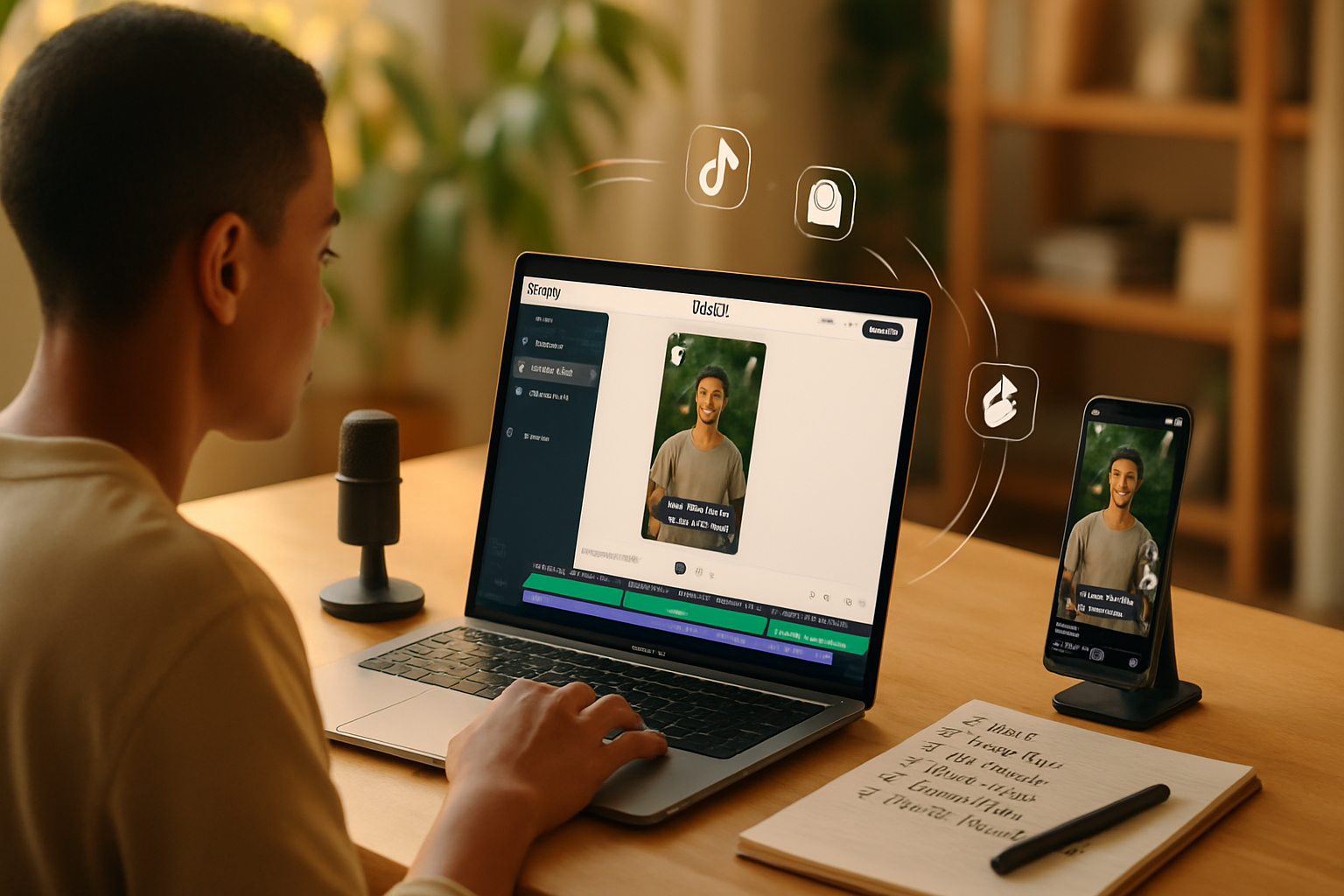
Outcome first: by the end of this article you’ll have a clear, repeatable workflow to turn any long video into platform-tailored, high-engagement clips using Veed.io - the same techniques many top influencers use to scale content, save time, and boost reach.
You will learn which Veed features matter, how to structure edits for attention, and the exact export settings and caption strategy that perform best across Reels, TikTok, Instagram, and YouTube. Read on for step-by-step workflows, swipeable templates, and influencer-tested tips.
Why influencers choose Veed.io (short answer)
They move fast. They need tools that make pro-looking videos without a steep learning curve. Veed.io offers browser-based editing, auto-subtitles, templates, and quick repurposing tools - so creators can produce consistent, branded content at scale.
The result? More content, higher production value, and fewer tech headaches. That combination is gold for creators trying to win attention on multiple platforms.
The core outcomes to aim for (what success looks like)
- Scroll-stopping first 3 seconds. Hook viewers before they scroll away.
- Clear captions/subtitles so videos are understood on mute.
- Platform-appropriate framing so creatives look native (9:16 for Reels/TikTok, 1:1 for IG feed, 16:9 for YouTube).
- Consistent brand look - colors, fonts, and quick intro/outro.
- Fast turnaround - batch-ready templates and auto tools to move from raw footage to published in minutes.
Quick overview of Veed features worth using
- Auto subtitles and translate (fast caption generation and multi-language reach).
- Auto-resize and templates (repurpose one edit across formats).
- Brand Kit (colors, logos, fonts for consistent visuals).
- Background remover and noise reduction (clean audio & visuals).
- Progress bars, waveforms, and animated text (visual hooks & retention tools).
- Collaboration and comments (team feedback inside the editor).
Learn more about Veed at their site: https://www.veed.io and help docs: https://help.veed.io/en/
Step-by-step influencer workflow (long-form -> multi-platform)
This is a practical playbook. Follow it exactly and you’ll produce polished, platform-optimized content fast.
- Capture and organize
- Record a single long-form piece (podcast, interview, livestream highlight, tutorial).
- Keep a separate folder for raw files and name clips with timestamps and topic tags.
- Upload into Veed and create a new project
- Drag-and-drop your file to a new project (browser-based; no install required).
- Create a duplicate of the project for each target format using Auto-resize.
- Identify the hooks and clip
- Scan the long recording and mark 6–12 potential short clips (10–45s each) where the emotional or informational payoff lands quickly.
- Trim to the strongest 15–30 second core of each clip - tight edits keep retention high.
- Add captions/subtitles immediately
- Use Veed’s auto-subtitle to generate captions. Correct any transcription errors.
- Style subtitles so they’re readable on mobile - bold, 18–28px font (depending on size), high-contrast background/pill for legibility.
- Position your hook visually
- For talking-heads - add a subtle zoom-in on the first 0.5–1s, or a fast cut to the speaker.
- Insert a 0.5–1s branded intro card if you need to boost recognition; keep it short to avoid dropoff.
- Add supporting visuals and graphics
- Use animated captions, progress bar, or waveform to signal momentum.
- Insert text callouts for numbers/facts. Make numbers large and colored to stand out.
- Brand it consistently
- Apply colors, logo, fonts from the Brand Kit. Keep lower-thirds consistent across clips.
- Use the same intro/outro across a campaign for recognition.
- Final polish
- Tighten cuts, tweak audio levels, add fade in/out.
- Use noise reduction for spoken audio and compress music under the voice at -12 to -18 dB.
- Export for each platform
- Auto-resize helps convert one edit into multiple aspect ratios quickly.
- Use platform-specific export settings (below).
- Publish and test
- Publish variations (different thumbnails, caption text, opening lines) and track performance.
- Keep what works, iterate on what doesn’t.
Platform-specific tips and export settings
General export recommendations
- Codec - H.264.
- Format - MP4 for most platforms.
- Frame rate - keep original (24/25/30fps). Re-encoding should match input fps when possible.
- Bitrate - 5–8 Mbps for 1080p; reduce for lower resolutions.
TikTok & Instagram Reels (9:16)
- Aspect ratio - 1080x1920.
- Length - up to 60s best, but 15–30s tends to perform best for new offers.
- Crop with safe area in mind - keep important text within the central 15–20% vertically to avoid overlays (UI) hiding it.
- Add captions and a bold visual hook in the first 1–3 seconds.
Instagram Feed (1:1 or 4:5)
- 1:1 (1080x1080) or 4:5 (1080x1350) both work; 4:5 occupies more screen real estate in feed.
- Keep copy concise and add a CTA in the first caption line.
YouTube (16:9)
- 1920x1080 at 8 Mbps+ for best quality.
- Use timestamps and a pinned comment to drive people to follow-up clips.
Stories and Shorts
- Design vertical with clear CTA. Add stickers, poll overlays, or direct “swipe up” style CTAs.
Captions & copy - what top influencers actually do
- Put the single most compelling promise or hook at the start of the caption.
- Use 1–2 strong hashtags plus 3–5 niche tags. Don’t overload.
- Add a CTA - save, share, comment (pick one action per post).
- Include keywords early for search (especially on YouTube and Instagram alt text).
Caption template example (short):
Hook line (problem or surprising stat).
What you’ll learn in 15s ➜ [key takeaway].
Save this for later. 🔖 #nichehashtag
CTA: comment "YES" if you want a full breakdown.
Repurposing playbook (work less, post more)
A single 20–60 minute session can fuel a week of content if you repurpose correctly.
- Pillar-to-pieces - Turn a 30-min video into 10–12 short clips, 3 audiograms, and 4 quote cards.
- Batch captions - Use Veed’s auto-transcribe to generate quotes, then export text for carousel images.
- Cross-language reach - Auto-translate subtitles to make clips accessible to non-English audiences.
Real influencer tactics that move numbers
- Subtitles on every clip - Many viewers watch without sound. Captions increase completion rates and shareability. See HubSpot’s notes on captions and engagement:
- First-3-second visual hook - Start with a question, bold statement, or action. Stop the scroll.
- Repurpose in series - Post a short episode-based series to build habitual viewership.
Collaboration & teams
- Use project sharing and comments inside Veed to iterate with editors or co-creators.
- Lock brand assets in the Brand Kit so contractors use correct logos and colors.
- Keep an assets folder with approved intros/outros and music beds to maintain consistency.
Quick checklist before you publish
- Hook in first 3 seconds.
- Clear readable subtitles (auto + manual check).
- Branded lower-third and consistent font/colors.
- Platform-safe crop (important text within central safe area).
- Audio levels normalized; voice dominant over music.
- Export codec H.264, correct resolution and bitrate.
Troubleshooting common problems
Problem: Subtitles are inaccurate
- Fix - Edit the auto-subtitle text in Veed, then re-run translate if needed. Always quickly proofread; auto-transcribe is fast but not perfect.
Problem: Text gets cut off on certain apps
- Fix - Use Auto-resize and preview each format. Shift captions away from top/bottom edges and keep a margin.
Problem: Your videos feel repetitive
- Fix - Vary the opening hook, change the background visual, or introduce a surprise statistic early.
Example mini-scripts (hooks + CTAs you can copy)
Short educational clip (15s):
- Hook (0–3s) - “Stop wasting time on this one editing mistake.”
- Body (3–12s) - One quick tip with example.
- CTA (12–15s) - “Save this and try it on your next post.”
Entertaining story clip (30s):
- Hook - “I nearly lost a sponsorship because of this…”
- Body - Brief anecdote with visual emotion.
- CTA - “Comment ‘story’ if you want the full breakdown.”
Use these as a template and swap the content for your niche.
Measure, iterate, and scale
- Use platform analytics to measure completion rate, watch time, and engagement.
- Run A/B tests with two different hooks to learn what performs best.
- Scale winners - once a style works, replicate it with fresh content and batch production.
Further reading and resources
- Veed.io: https://www.veed.io
- Veed Help Center: https://help.veed.io/en/
- HubSpot on captions and engagement: https://blog.hubspot.com/marketing/video-captions-engagement
- Later on Instagram Reels specs: https://later.com/blog/instagram-reels-size/
Good content is built, not born. Use Veed.io to manufacture consistency, speed, and clarity - and pair it with strong hooks, captions, and repurposing discipline to turn a single recording into a campaign.