· creativity · 5 min read
How to Create Engaging Social Media Content Using Kapwing’s Templates
A practical, step-by-step guide to using Kapwing’s templates to create eye-catching social posts - from choosing the right template to exporting, optimizing for platform, and measuring performance.
Get a result fast: make scroll-stopping content with Kapwing templates
You want content that gets likes, saves, shares and clicks. Fast. This guide shows you exactly how to use Kapwing’s templates to produce eye-catching social media posts - quickly - and optimize them so they actually drive engagement. Read on and you’ll have a repeatable workflow to turn ideas into polished posts in minutes.
Why use templates (and why Kapwing)
Templates remove friction. They give structure: layout, timing, motion and typography done for you. That means less guesswork and more time spent on creative direction and audience testing.
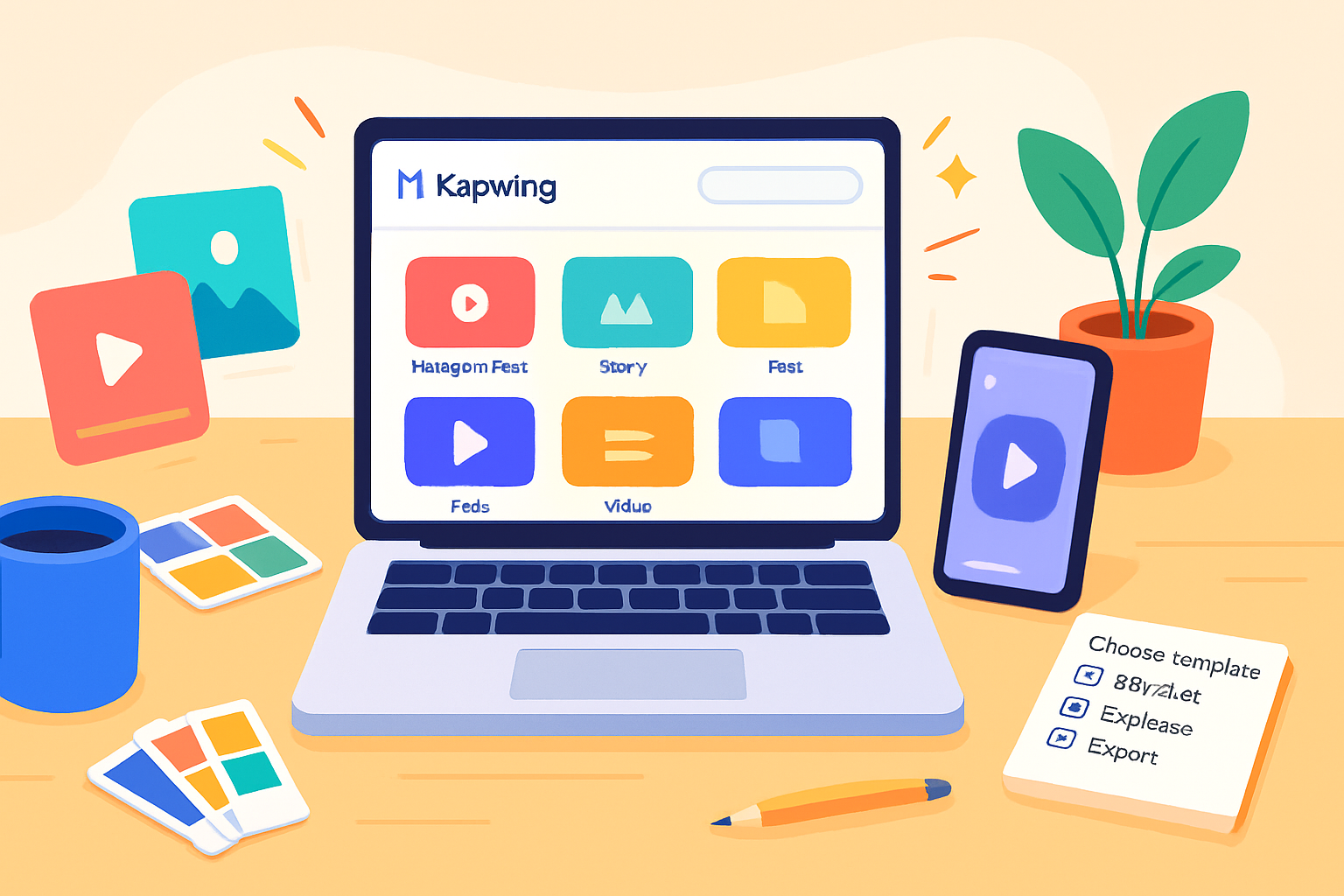
Kapwing’s template library lets you start from reels, carousels and stories to product showcases and countdowns. You can replace assets, tweak animations, apply your brand styles, and export in the right aspect ratios without re-building anything from scratch. See Kapwing’s templates here: https://www.kapwing.com/templates
If you want speed and consistent quality, templates are the fastest path from idea to published post.
Quick outcome: the 60-minute template workflow (what you’ll achieve)
In about an hour you can:
- Choose a high-converting template
- Replace images/video, update copy and branding
- Add subtitles, music, and motion for attention
- Export platform-optimized files and schedule posts
Below is a step-by-step process that scales to 10 minutes for simple posts and 60+ minutes for more refined content.
Step-by-step: from template to published post
- Pick the right template
- Match format to goal - use a product showcase for sales, a slideshow for storytelling, a countdown for urgency, and short vertical videos (Reels/TikTok) for discovery.
- Choose a template with motion and pacing you like - you can always slow or speed the timing.
- Start from the template library: https://www.kapwing.com/templates
- Replace media (images, video clips)
- Replace placeholders with your images or clips. Use high-resolution media - 1080p for feeds, 1080×1920 for stories/Reels/Shorts.
- Keep clips short and signal change every 2–4 seconds in video-first posts.
- Edit copy and hierarchy
- Lead with a clear, bold hook. Make the first 1–2 seconds count for videos.
- Use short lines and strong emphasis. Break long sentences.
- Keep text inside a safe margin so platform UI won’t cover it.
- Apply brand styles
- Use Kapwing’s Brand Kit (colors, fonts, logos) so assets stay consistent across posts.
- Keep contrast high - light text on dark background or vice versa.
- Add subtitles and captions
- Use subtitles for videos; many people watch without sound. Kapwing has an auto-subtitle tool you can edit for accuracy.
- Add motion and micro-animations
- Micro-movement (subtle scale, slide, fade) keeps eyes on the post.
- Animate CTAs (e.g., a gentle pulse on a button or arrow) to guide action.
- Add audio strategically
- Use trending sounds for Reels/TikTok when appropriate. For product and brand posts, pick a brand-appropriate track.
- Keep peaks aligned with transitions for added punch.
- Export with the right settings
- Choose the correct aspect ratio (1:1 for Instagram feed, 9:16 for Reels/Stories, 4:5 for feed vertical).
- Export resolution - 1080p (or higher for special use). Use MP4 H.264 for video.
Example export settings to paste into a scheduler or editor:
Format: MP4
Codec: H.264
Resolution: 1080 × 1920 (vertical) or 1080 × 1080 (square)
Framerate: 30 fps
Audio: AAC, 128–192 kbps- Test and iterate
- Post a version and measure impressions, saves, shares, watch time and CTR.
- A/B test one variable at a time (thumbnail, opening line, CTA) to learn what moves the needle.
Platform-specific tips
- Instagram Feed (square/4:5): Use bold visuals and a strong first image. Captions can be longer; include 1–2 CTAs and 3–5 relevant hashtags.
- Instagram Reels / TikTok / YouTube Shorts (9:16): Hook in the first 1–3 seconds. Use trending audio when it supports the message. Subtitles should be visible and large.
- Stories / Snapchat (9:16): Use quick, sequential frames. Add interactive stickers (polls, questions) to boost engagement.
- LinkedIn (landscape or square) - Use a clear value-driven headline and professional visuals. Text should explain the business benefit.
- Twitter/X (landscape or square) - Keep thumbnails compelling. Pair with a short, punchy caption and 1–2 relevant tags.
Templates that work (with use-cases)
- Slideshow template - Educational content, listicles, breakdowns.
- Countdown / Limited-time template - Promotions and launches.
- Product showcase template - Highlight features and CTA.
- Meme / quote template - Fast engagement and shareability.
- Before/after or comparison - Service results and transformations.
Advanced Kapwing features to boost engagement
- Auto-subtitle and translate - Improve accessibility and reach non-native audiences.
- Background removal - Isolate products or people and place them in clean layouts.
- Magic Resize (or create copies in different aspect ratios) - Quickly generate versions for multiple platforms.
- Brand Kit & templates saved to your workspace - Keep consistency and speed for teams.
Learn more about Kapwing’s editing features here: https://www.kapwing.com/resources
Visual & copy best practices (quick rules)
- Text size - Keep body text legible on phone screens - avoid fonts smaller than 16–18px equivalent.
- Contrast - Use high contrast between text and background so copy reads at a glance.
- White space - Let elements breathe. Crowded layouts reduce attention.
- CTA clarity - Use single, clear CTAs (“Tap to shop”, “Save this”, “Watch till the end”).
- Pacing - For video, 2–4 second beats work well; vary rhythm for emphasis.
Measuring success and iterating
Track these KPIs depending on the goal:
- Awareness - impressions, reach, view-through rate
- Engagement - likes, comments, shares, saves
- Conversion - link clicks, CTR, signups, purchases
Run experiments. Keep a simple spreadsheet that logs template type, copy variation, posting time and results. Over time you’ll develop a shortlist of high-performing templates for each use-case.
A ready-to-use checklist before publishing
- Aspect ratio set for platform
- Hook present in the first 1–3 seconds (video)
- Subtitles added and edited
- Brand colors/fonts applied
- Audio leveled and trimmed
- CTA included and visible
- File exported with correct resolution and format
- Post caption drafted with hashtags and tags
Final note - what you can expect after one week
Start by publishing 3–5 template-driven posts per week. After a week you’ll have real signals: which template formats earn saves and which captions earn clicks. Use those signals to prioritize the next week’s templates. Small, consistent improvements compound.
References
- Kapwing templates: https://www.kapwing.com/templates
- Kapwing resources: https://www.kapwing.com/resources