· business · 6 min read
Is Canva Making Designers Obsolete? The Changing Landscape of Graphic Design
A balanced, in-depth look at whether template tools like Canva are displacing professional designers - and how designers can adapt, reframe their value, and thrive in a world where anyone can make something that looks good.
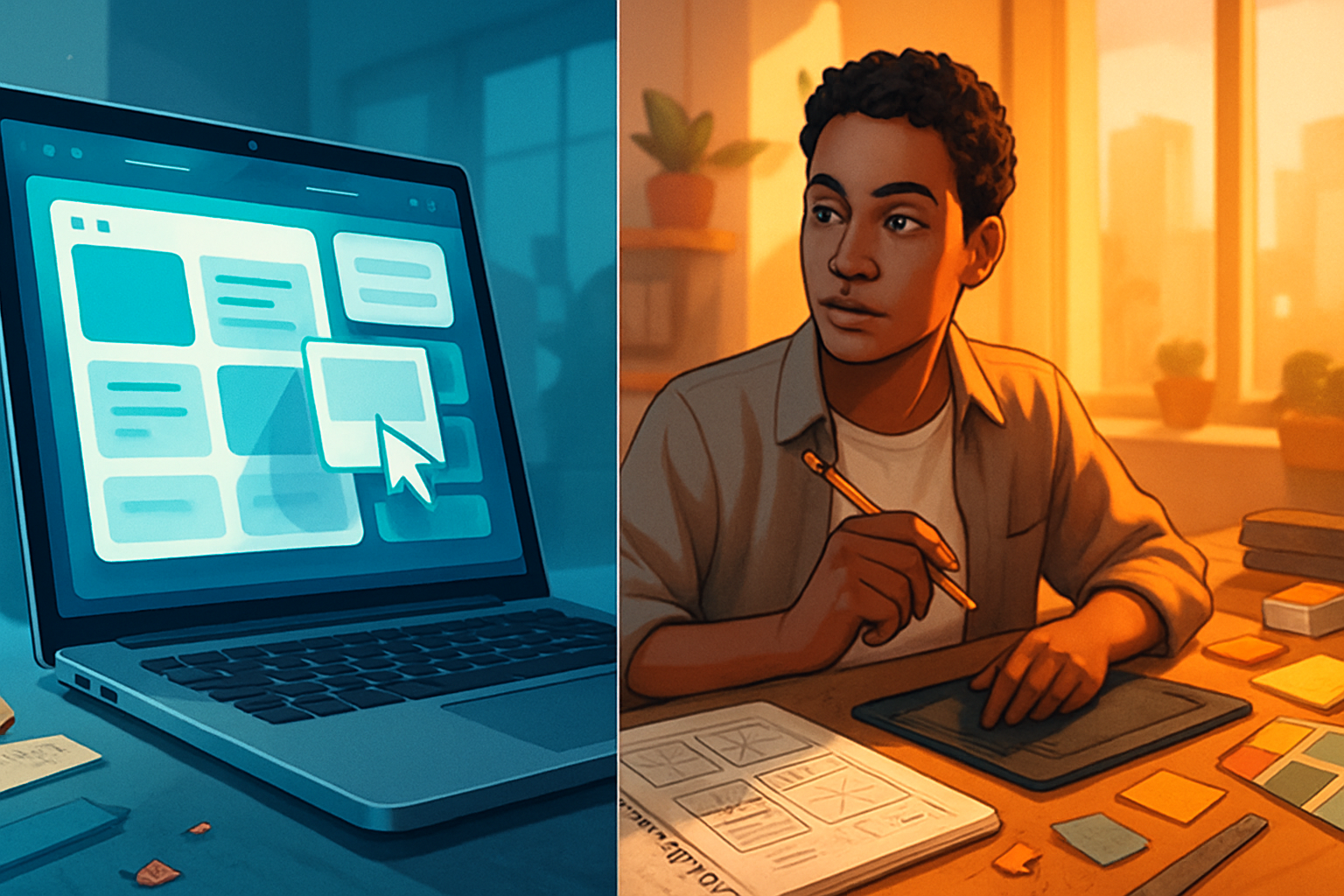
What you’ll get from this article
You’ll walk away with clarity about what Canva and similar tools actually change - and don’t change - in the design world. You’ll understand where professional designers still win, where templates are perfectly fine, and concrete ways to reframe your skills so you’re not competing with an app. Read this if you want to protect and grow your design career in the age of templates.
The opening question: is Canva making designers obsolete?
Short answer: no. But the landscape is changing fast.
Longer answer: tools like Canva have radically lowered the barrier to creating visually appealing assets. They let small business owners, marketers, teachers, and volunteers produce usable designs quickly. As a result, some of the entry-level work that used to sustain junior designers is now handled by non-designers. That’s real. But the deeper work - strategic design, systems thinking, complex visual storytelling and accessibility - has not been replaced. Not even close.
At stake is not whether people can make things that look good. It’s where design’s value sits: surface polish, or meaningful outcomes.
Why Canva succeeded (and what that success means)
- Simplicity wins. The interface abstracts away technical friction so people can focus on content.
- Templates speed decisions. They reduce creative paralysis by offering starting points.
- Scale meets need. Many organizations simply need lots of acceptable assets, fast, not bespoke masterpieces.
The result: hundreds of thousands of acceptable designs are made every day by non-designers. That changes expectations about turnaround time and budget. It also shifts the types of problems clients bring to professional studios.
What templates and no-code design tools do well
- Rapid prototyping of social posts, flyers, and simple marketing collateral.
- Consistent, brand-approximate assets for teams without brand teams.
- Enabling non-designers to iterate on visual ideas without repeated back-and-forth.
When speed, cost, and visual familiarity matter more than unique thinking, templates are often the right choice.
What templates can’t replace
- Strategic thinking - aligning design to business goals, product metrics, and user behavior.
- Complex user interfaces and interaction design that require research, testing, and iteration.
- Deepcraft - custom illustration, typography, motion, and bespoke systems that resonate and endure.
- Facilitation - design critique, stakeholder alignment, and workshops that translate fuzzy problems into clear briefs.
- Accessibility and inclusivity - designing for real human edge-cases requires training and care beyond a template’s reach.
In other words: templates can produce surface. Designers produce outcomes.
The real threat - and the real opportunity
The threat is not Canva itself. The threat is commoditization of routine visual work and client expectations that design should be cheap and instant. That compresses budgets and shortens timelines.
The opportunity is for designers to move up the value chain. There are predictable ways to do this:
- Become a strategist. Translate business goals into design requirements and measurable outcomes.
- Own the system. Build design systems, component libraries, and governance that scale across teams.
- Specialize. Master UX research, motion, data visualization, AR, illustration, or accessibility.
- Productize your skills. Create premium templates, training, or subscription services - sell to the mass market, rather than compete with it.
- Teach. Run workshops and internal training so organizations can use Canva intelligently and still need professional oversight.
This is not theory. It’s how many successful practitioners have repositioned themselves in the last decade.
New roles and skills that matter more than ever
The future-focused designer will combine creative craft with one or more of the following:
- Business fluency - speak ROI, not only pixels.
- Research and synthesis - convert messy data into design directions.
- Systems thinking - scale identity across channels.
- Motion and interactive prototyping - bring static templates to life.
- Facilitation and client management - lead workshops and get stakeholder buy-in.
- Tool fluency - know when to use Canva, Figma, After Effects, or code.
These skills turn a designer from a vendor into a partner.
Pricing and business models in a Canva world
To compete with the “cheap-and-fast” option you can’t win by matching price. Instead:
- Offer tiered services - cheap template customization up front; high-touch packages for strategic outcomes.
- Build recurring revenue - retainers for brand governance, design ops, or content systems.
- Sell templates yourself - create premium templates for niche markets, then upsell bespoke services.
Clients will often choose a two-tier approach: templates for volume, designers for mission-critical touchpoints.
Practical checklist: when to use a template vs hire a pro
Use a template when:
- You need low-cost, quick visual content for everyday communications.
- Speed matters more than perfect alignment to brand personality.
- The asset will be used briefly and between internal stakeholders.
Hire a pro when:
- The asset represents your core brand or primary user experience.
- You’re solving a business problem that requires research and iteration.
- Accessibility, legal compliance, or complex interactions are involved.
- You need a unique voice or a design system that scales.
Examples of where designers still win (and why)
- A complex web app with data-driven interactions - design requires research, templates won’t handle edge cases.
- A rebrand - a coherent strategy, naming, positioning, and original visual language is needed.
- High-stakes campaigns - brand reputation and nuanced storytelling demand bespoke craft.
In each of these, the output isn’t just pretty. It reduces risk, increases conversion, and preserves brand equity.
Ethics, originality, and creative ownership
Templates raise questions about originality and visual homogenization. When many brands use the same assets, distinctiveness erodes. Designers can reclaim this by focusing on originality in tone, narrative, and custom visual assets - areas templates rarely serve.
There are also questions about the provenance of assets in some template libraries. Designers who understand IP and ethical sourcing have a competitive advantage.
Predictions (not hype): what the next 5–10 years look like
- Hybrid workflows - teams will use templates for volume and professionals for strategy and signature work.
- Design as consultation - more projects billed on impact (metrics, conversions), not hours or deliverables.
- New specialist roles will emerge around AI-assisted creativity, data visualization, and design ops.
- Template ecosystems will mature with better accessibility controls and brand governance features.
None of this means extinction. It means evolution.
Concrete steps for designers who want to future-proof their careers
- Audit your value. List the top three business outcomes you reliably deliver.
- Double down on one specialization that templates can’t replicate (research, motion, systems, accessibility).
- Create at least one productized offering - a retainer, a workshop, or a premium template pack.
- Learn to sell outcomes, not hours. Use case studies with metrics.
- Teach others. Build credibility and create demand for the expertise only you can provide.
These steps move you from replaceable to indispensable.
Final thoughts
Canva didn’t kill design. It democratized access to good-looking assets and shifted the market. That shift hurts some and helps others. If your value is executional and tactical, you’ll feel the pressure. If your value is strategic, human-centered, and system-level, you’ll be more in demand than ever.
The future is not about fighting templates. It’s about doing precisely the things templates cannot do: solve hard problems, create distinctive experiences, and measure the impact of design on real human and business outcomes.
Designers face a choice: compete with the tool on its terms, or move to higher ground where the tool becomes an ally.
Pick the higher ground.