· business · 5 min read
Canva's Secret Ingredients: Enhance Your Designs with Premium Elements for Free
Learn legitimate, ethical ways to access Canva's premium assets at no cost - from trials and promotions to education and nonprofit programs - plus practical workflows, licensing tips, and creative alternatives.
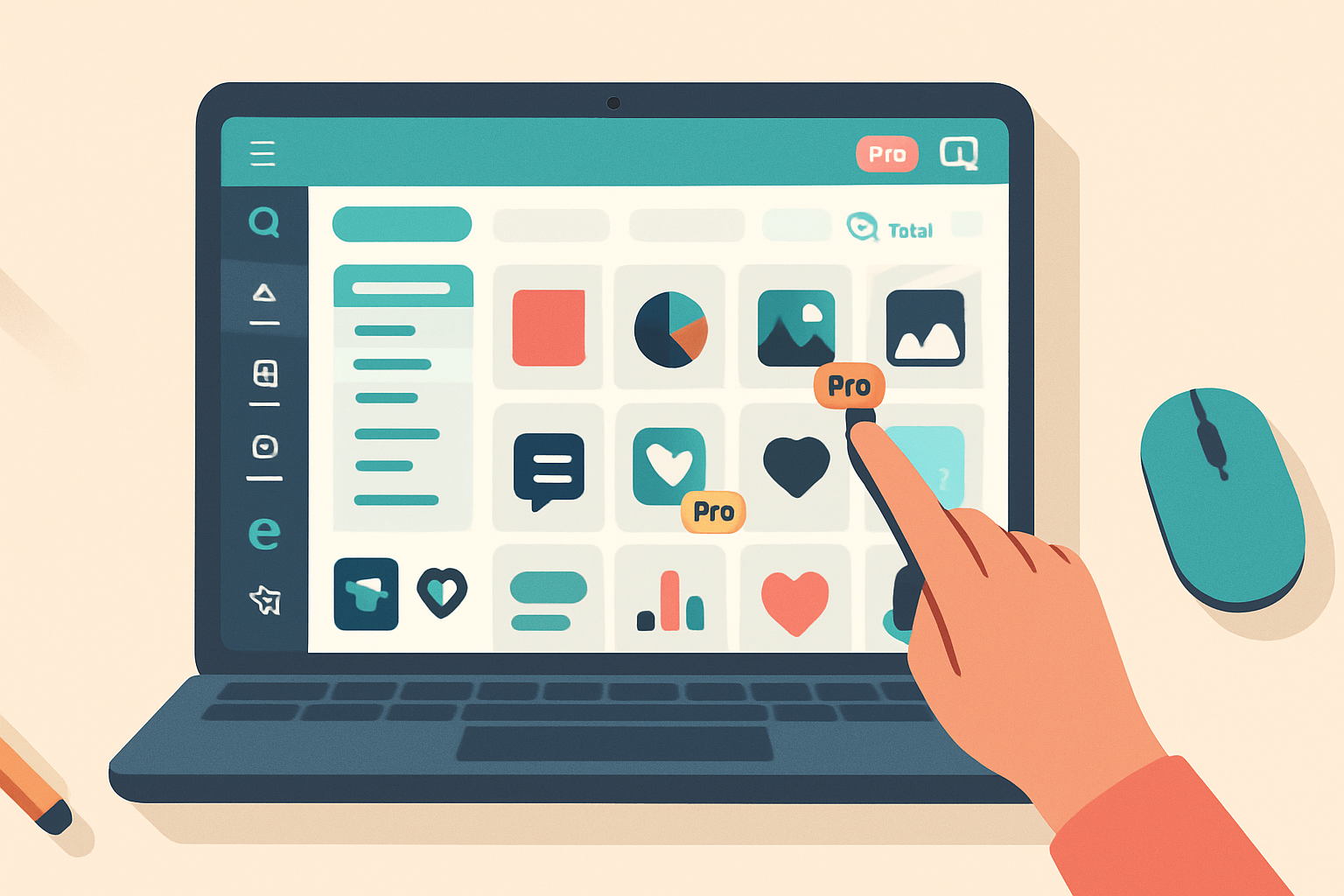
By the end of this article you’ll know exactly how to tap Canva’s premium library without paying out of pocket - ethically, safely, and in ways that scale to real projects. Read on and start unlocking high-quality photos, templates, and elements you can actually use.
Why this matters - quick outcome
A great element can lift a design from “nice” to “memorable.” Premium photos, illustrations, animations, and templates save time and make your work look polished. But buying every asset adds up fast. The smart alternative: use legitimate promotional access and program-based perks to get premium assets when you need them - then adopt sustainable habits so your work stays legal and professional.
Legitimate ways to access Canva premium elements for free
Below are ethical strategies that let you use premium content without breaking rules or burning trust.
- Use the Canva Pro free trial
- Canva routinely offers a free trial for Canva Pro. Sign up, use premium elements while the trial runs, and export the assets you need. If you decide not to keep it, cancel before the billing date.
- Start here - Canva Pro/free trial:
- Apply for Canva for Education or Canva for Nonprofits
- Teachers, students, and eligible nonprofit organizations can get Canva Pro features for free through official programs. This is ideal for classrooms, community outreach, and volunteer projects.
- Learn more - Canva for Education and Nonprofits:
- Promotional offers, events, and partnership codes
- Canva sometimes distributes promotional codes (e.g., during conferences, webinar giveaways, partner promotions). Subscribe to Canva’s newsletter and follow official Canva channels to catch these.
- Referral credits and team subscriptions
- If a collaborator or workplace already has a Pro team seat, you can be added to that account and use premium elements while part of the team. Some referral programs also give credit toward subscriptions.
- Seasonal trials and product bundles
- Occasionally Canva bundles Pro access with other services or offers limited-time trials. Watch partner bundle offerings from device retailers, education programs, and creative platforms.
- Use freely licensed third-party assets and upload them to Canva
- Canva integrates with many free photo and vector sources (e.g., Unsplash, Pexels). Use these, or download assets from trusted free libraries and upload them to your Canva project.
- Free photo resources: https://unsplash.com/ and https://www.pexels.com/
Practical workflow: get what you need (step-by-step)
- Define the deliverable and the exact assets you need (hero photo, icon set, animation). Be specific.
- Check first whether Canva’s free filters find a free equivalent - in the element library set the filter to “Free.” Save time.
- If a Pro-only element is the best fit, start a free trial (if available) and add the element to your design.
- Export your final assets in the formats you need (PNG, JPG, PDF, MP4). Save editable copies in your Canva account or download source files for backup.
- If you won’t keep Pro, cancel before the trial ends. If you plan to reuse premium assets regularly, consider subscribing or securing paid licenses for long-term use.
Ethical and legal guardrails - what you must not do
- Don’t create multiple accounts to repeatedly claim free trials. That violates terms and is unethical.
- Don’t redistribute Canva’s premium content as standalone stock (i.e., selling an exported image from Canva as a stock photo). That may breach Canva’s license terms.
- For client work - be transparent. Tell clients when the design includes trial-access assets and set expectations for ongoing licensing if they need future edits.
Read Canva’s Content License Agreement for specifics on usage rights: https://www.canva.com/policies/content-license-agreement/
Licensing quick-check before you publish (copy this checklist)
- Is the asset used as part of a larger design or as a standalone? (Standalone use generally has stricter limits.)
- Is the project for commercial use? (Different rules may apply.)
- Will the client need editable access later? (If yes, consider purchasing a license or subscribing.)
- Did I retain proof of license (screenshot of the Pro element in my account or export metadata)?
Creative, ethical alternatives when you can’t or won’t use a trial
- Combine free assets and tweak them - crop, recolor, mask, and overlay text. Originality reduces reliance on premium content.
- Create your own simple illustrations or mockups using Canva’s free shapes and text tools.
- Use free design marketplaces and attribution-free sources (Unsplash, Pexels, Pixabay) and upload them to Canva.
- Commission an inexpensive custom illustration or photo from a freelancer - often cheaper than a long-term stock subscription and fully licensed for your project.
Short examples - when to use what
- Social post for a short campaign - Free trial or promotional code for fast access; cancel after campaign completion.
- Ongoing brand assets for a company - Pay for Pro or buy standalone licenses to avoid license noise when the brand scales.
- Classroom materials - Use Canva for Education to access Pro legitimately and avoid license issues.
Risks, mitigations, and best practices
- Risk - Trial lapses and you lose access to editable files. Mitigation: export master files (PDF print or high-res PNG) and keep a Canva copy while you still have Pro.
- Risk - License confusion with clients. Mitigation: include a licensing clause in project contracts and archive proof of rights.
- Risk - Accidental redistribution of premium assets. Mitigation: never deliver premium assets as isolated stock-like files; integrate them into final designs or secure a license.
Final checklist before shipping a design
- Did I confirm the asset license and intended use? Yes / No
- Do I have export backups of Pro-only assets? Yes / No
- Are my clients informed about asset access for future edits? Yes / No
- Is this usage sustainable for future revisions? Yes / No
Wrap-up - the single idea to remember
Promotions and programs can ethically unlock premium Canva elements when you need them. Use them strategically. Be transparent with clients. And when a project becomes long-term, switch from temporary access to a proper license or subscription. That keeps your work professional, legal, and dependable - which matters more than a one-off freebie.
References
- Canva Pricing and Pro trial information: https://www.canva.com/pricing/
- Canva for Education: https://www.canva.com/edu-signup/
- Canva for Nonprofits: https://www.canva.com/canva-for-nonprofits/
- Canva Content License Agreement: https://www.canva.com/policies/content-license-agreement/
- Free photo resources - Unsplash (