· business · 7 min read
Battle of the Expense Management Apps: How Expensify Stacks Up Against Competitors
A practical, user-focused comparison of Expensify and the leading expense management tools - pros, cons, and buying guidance to help you pick the right platform for your team's size, travel profile, and accounting stack.
What you’ll get from this article
By the end of this post you’ll know which expense-management app is most likely to save your team time, headaches, and month-end reconciliation work. Read on for real-user pros and cons, feature trade-offs, and a short decision guide that helps you pick between Expensify and its main competitors.
Short version up front: Expensify is fast and user-friendly for small-to-mid teams and travel-heavy organizations. But for large enterprises with complex integrations, or finance teams who want an all-in-one corporate card + controller workflow, options like SAP Concur, Ramp, or Brex may be better fits.
Why this comparison matters
Expense management sounds simple. Snap a receipt, get reimbursed. In practice it touches policy, cards, accounting, payroll, audits, and employee happiness. Choose the wrong tool and you get manual work back, extra training, and angry finance folks. Choose the right tool and you get automation, compliance, and faster cycle times.
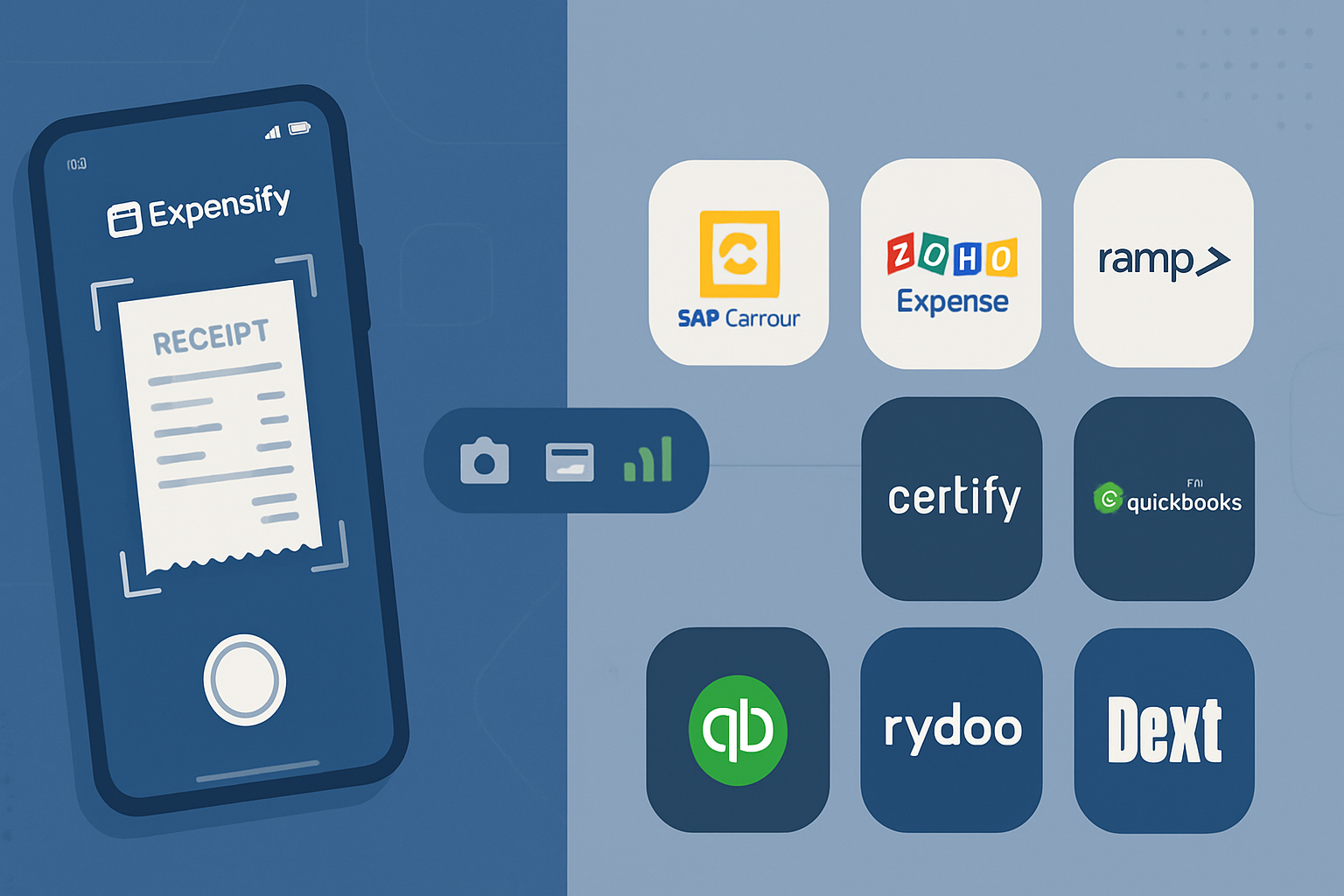
I’ll compare Expensify against the most common alternatives customers evaluate: SAP Concur, Zoho Expense, Certify (Emburse), Ramp, Brex, QuickBooks Expense, Rydoo, and Dext/Receipt Bank. For each I summarize who it’s best for, common pros and cons from real user reviews, and practical notes on integrations and scaling.
Sources and user-review snapshots used to build this guide: Expensify product page and reviews on G2 and Capterra, plus vendor pages and review summaries for competitors - see:
- Expensify: https://www.expensify.com/ and reviews at https://www.g2.com/products/expensify/reviews, https://www.capterra.com/p/116180/Expensify/
- SAP Concur: https://www.concur.com/ and reviews at https://www.g2.com/products/sap-concur/reviews
- Zoho Expense: https://www.zoho.com/expense/ and reviews at https://www.g2.com/products/zoho-expense/reviews
- Ramp: https://www.ramp.com/ and reviews at https://www.g2.com/products/ramp/reviews
- Brex: https://www.brex.com/ and reviews at https://www.g2.com/products/brex/reviews
- Certify (Emburse): https://www.emburse.com/certify/ and reviews at https://www.g2.com/products/certify-by-embrese/reviews
- QuickBooks Expenses: https://quickbooks.intuit.com/online/expenses/
- Rydoo: https://www.rydoo.com/
- Dext (Receipt Bank): https://dext.com/
Quick feature checklist - what to evaluate
- Receipt capture & OCR accuracy
- Mobile app experience
- Corporate card issuance and real-time reconciliation
- Automatic policy enforcement and approval workflows
- Integrations with your accounting/ERP stack
- Multi-currency and international support
- Reporting and spend analytics
- Pricing model and total cost of ownership
- Customer support and implementation
Keep this list handy when you read the pros and cons below. It will help map features to your priorities.
Expensify - who it’s for and why users like it
Who it’s best for: small to mid-size businesses, startups, remote teams, companies with frequent T&E, and those who want a fast, mobile-first receipt-to-reimbursement workflow.
What users praise
- SmartScan receipt capture is often called the best-in-class mobile experience - snap a photo, categories populate automatically. (Expensify product)
- Fast reimbursements and straightforward policy enforcement for travel and expense policies.
- Easy to roll out; low training burden. Many reviewers on G2/Capterra note quick adoption by non-finance teams.
- Integrates with common accounting tools (QuickBooks, Xero, NetSuite, etc.).
Common complaints from users
- OCR mistakes on messy receipts still happen; some manual corrections are required on occasion (G2 reviews).
- Larger enterprises sometimes find the approval workflows and reporting less customizable compared to platforms like SAP Concur.
- Mixed experiences with customer support response times; complex implementations may require dedicated vendor support.
Bottom line: Expensify shines when you need speed and simplicity. If you want a polished mobile app and good policy automation without the overhead of an enterprise implementation, Expensify is a natural fit.
SAP Concur - the enterprise standard
Who it’s best for: large enterprises with global T&E programs, deep ERP integrations, and complex compliance needs.
What users praise
- Extremely robust feature set for travel and expense management plus deep integrations into global ERPs.
- Mature workflow and audit capabilities geared for compliance and large-scale programs.
Common complaints from users
- Complexity and a steep learning curve; implementation and change management can be lengthy and costly (SAP Concur reviews).
- Cost is often higher; pricing is aimed at enterprise budgets.
- Some users report that the UI feels dated compared to newer, mobile-first apps.
Bottom line: Choose Concur if you are a large organization that needs enterprise-grade integrations and compliance features, and you have the implementation resources to match.
Zoho Expense - value with decent capabilities
Who it’s best for: small to mid-market companies, especially those already using Zoho’s suite.
What users praise
- Competitive pricing and a tight integration with the broader Zoho ecosystem (Zoho Expense).
- Clean interface and sufficient automation for small finance teams.
Common complaints from users
- Some advanced features and custom reports are limited compared with enterprise tools.
- Integration depth outside of Zoho apps may require custom work.
Bottom line: If you already use Zoho or are price-sensitive, Zoho Expense delivers strong value and a decent feature set for many SMBs.
Certify (Emburse) - solid mid-market choice
Who it’s best for: mid-sized companies that need reliable T&E workflows and good vendor support.
What users praise
- Stable product with mature policy controls and integration options (Certify by Emburse).
- Good customer support reputation among mid-market clients.
Common complaints from users
- Interface can feel dated; some users expect faster mobile UX compared to newer apps.
- Pricing and packaging can be opaque depending on implementation needs.
Bottom line: Certify is a dependable option for mid-market firms who prioritize vendor support and tried-and-tested workflows.
Ramp and Brex - card-first spend control
Who they’re best for: companies that want corporate cards integrated tightly with expense tracking and spend controls.
What users praise
- Real-time spend controls, automatic card reconciliation, and strong analytics. Ramp offers an aggressive pricing model that many finance teams love (Ramp).
- Brex similarly bundles corporate cards with expense workflows and startup-friendly perks (Brex).
Common complaints from users
- Limited international card availability or features for some customers (varies by provider).
- Focus is on spend control and cards; if you need deep T&E or travel integrations, additional tooling may be needed.
Bottom line: If corporate cards are central to your control needs, Ramp or Brex reduce reconciliation effort and provide tight guardrails.
QuickBooks Expense - best for small businesses and accountants
Who it’s best for: very small businesses already using QuickBooks for accounting.
What users praise
- Seamless flow into QuickBooks Online; reduces reconciliation steps for QB customers.
- Simple and affordable for very small teams.
Common complaints from users
- Limited enterprise-scale features - not ideal when you need multi-entity or complex approval workflows.
Bottom line: If QuickBooks Online is your accounting backbone, using QuickBooks’ own expense features is often the fastest path.
Rydoo - travel-focused, mobile-first
Who it’s best for: teams with frequent travel who want a mobile-first experience and a focus on T&E.
What users praise
- Fast mobile capture, itinerary integrations, and travel-focused policy automation (Rydoo).
Common complaints from users
- Pricing can be higher for smaller teams; some integrations require work.
Bottom line: Rydoo is a strong contender when travel is a dominant spend category and you want a native T&E experience.
Dext (Receipt Bank) - receipt capture and bookkeeping automation
Who it’s best for: accounting/bookkeeping teams that need reliable document capture to feed bookkeeping platforms.
What users praise
- Excellent receipt capture and document extraction optimized for bookkeeping workflows (Dext).
Common complaints from users
- Not a full expense management suite by itself; usually paired with a separate expense platform.
Bottom line: Use Dext when your goal is to streamline bookkeeping and supplier invoice capture rather than end-to-end employee expense management.
Side-by-side summary (high-level)
- Best for mobile-first simplicity - Expensify
- Best for global enterprise features - SAP Concur
- Best value in Zoho ecosystem - Zoho Expense
- Best card + controls - Ramp, Brex
- Best for accounting/bookkeeping capture - Dext
- Best simple QuickBooks integration - QuickBooks Expenses
- Best travel-centric tool - Rydoo
How to choose - practical decision guide
- Define your primary pain point. Is it messy receipts? Card reconciliation? Policy non-compliance? Integration gaps? Pick a tool that directly solves that problem.
- Match scale and budget. Free or low-cost options work for <50 users. Mid-market and enterprise buyers should plan implementation and integration budgets.
- Prioritize integrations. If you use NetSuite, SAP, Oracle, or a specific payroll tool, verify pre-built integrations.
- Test OCR and mobile capture. Run a short pilot with real receipts. Accuracy matters.
- Examine card options. If you want corporate cards to eliminate manual reimbursements, prefer Ramp, Brex, or platforms that issue cards.
- Evaluate support and implementation time. Larger tools can require months of setup. Smaller tools often flip on in days.
Migration tips if you’re switching to Expensify (or away from it)
- Do a pilot with a single department for 30–60 days.
- Export historical expense data from your current system and map fields to your new chart-of-accounts.
- Confirm tax, multi-currency, and per-diem settings before going live.
- Train managers on approval workflows and expense policy enforcement.
- Keep communication clear - what changes, why it saves time, and who to contact for help.
Final recommendation
Expensify is an excellent choice when you want speed, excellent mobile capture, and a relatively light implementation. It cuts friction for employees and reduces manual data entry for finance teams. But if you need enterprise-grade integrations, global T&E program controls, or a card-first approach with deep analytics, then SAP Concur, Ramp, or Brex may be better.
Pick the tool that eliminates the specific recurring pain your team faces. The right platform doesn’t just automate receipts - it protects your policy, accelerates approvals, and returns hours to the people doing real product and customer work.
The right choice will free your team to focus on strategy, not paperwork.