· business · 6 min read
Integrations That Supercharge Your Expensify Experience: The Best Tools for Businesses
A practical guide to the highest-impact Expensify integrations - what to connect first, why each integration matters, configuration best practices, and how to measure the ROI for your business.
Outcome first: connect the right tools to Expensify and you’ll cut expense processing time, eliminate reconciliation headaches, and get near-real-time visibility into spend - without adding headcount.
You can achieve that, starting today. This guide shows which integrations deliver the biggest wins for small teams, scaling companies, and enterprises - and how to set them up so they actually stick.
Why integrations are the multiplier for expense management
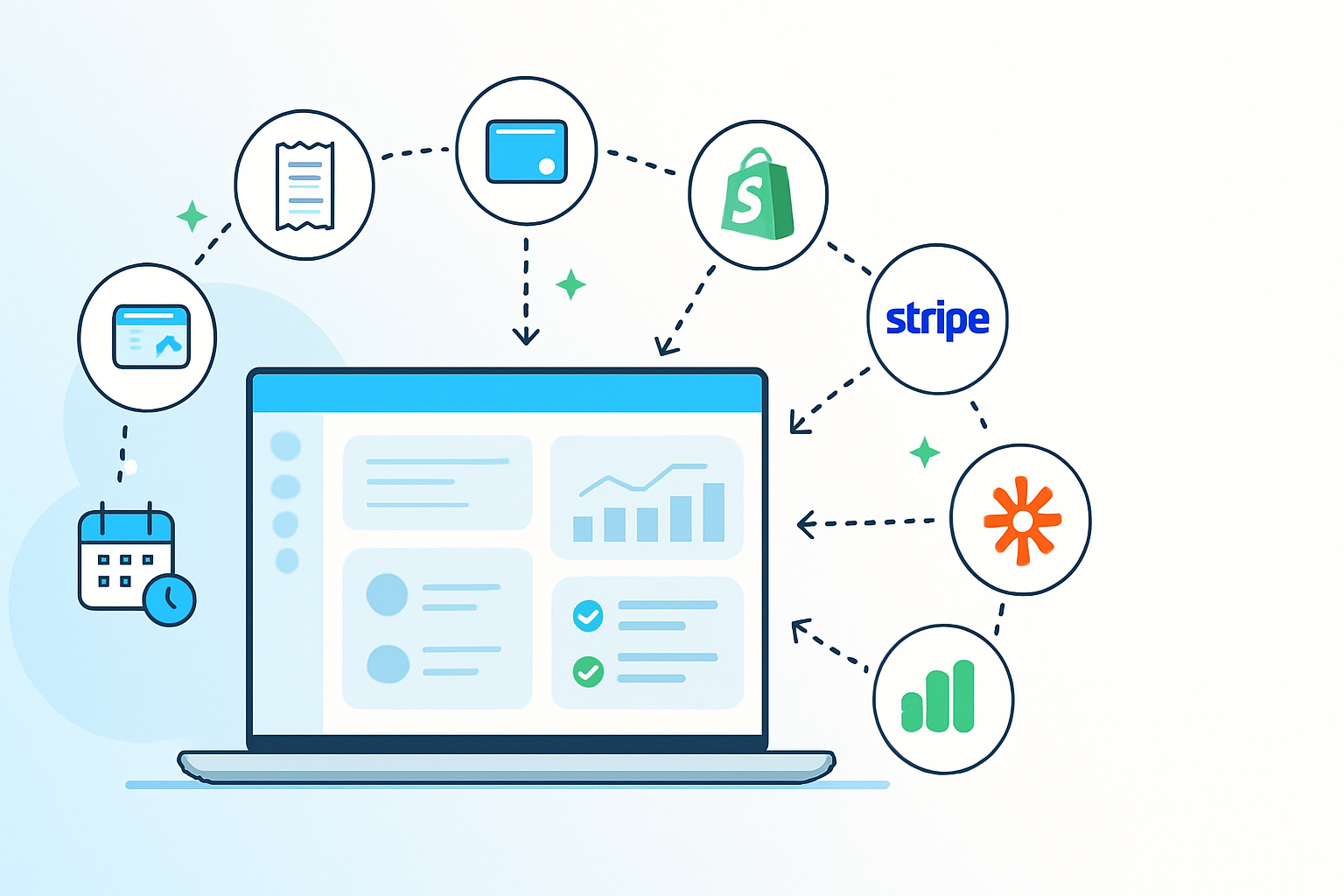
Expensify is powerful on its own. But its true value multiplies when it plugs into the systems you already use every day: accounting, payroll, corporate cards, travel, and collaboration tools.
- Stop re-keying data. One source of truth.
- Speed approvals and reimbursements. Faster employee satisfaction.
- Improve reporting and compliance. Spend categorized correctly from day one.
By the end of this article you’ll know which integrations to prioritize, how they fit together, and practical configuration steps that minimize friction.
Quick list: highest-impact Expensify integrations (by business outcome)
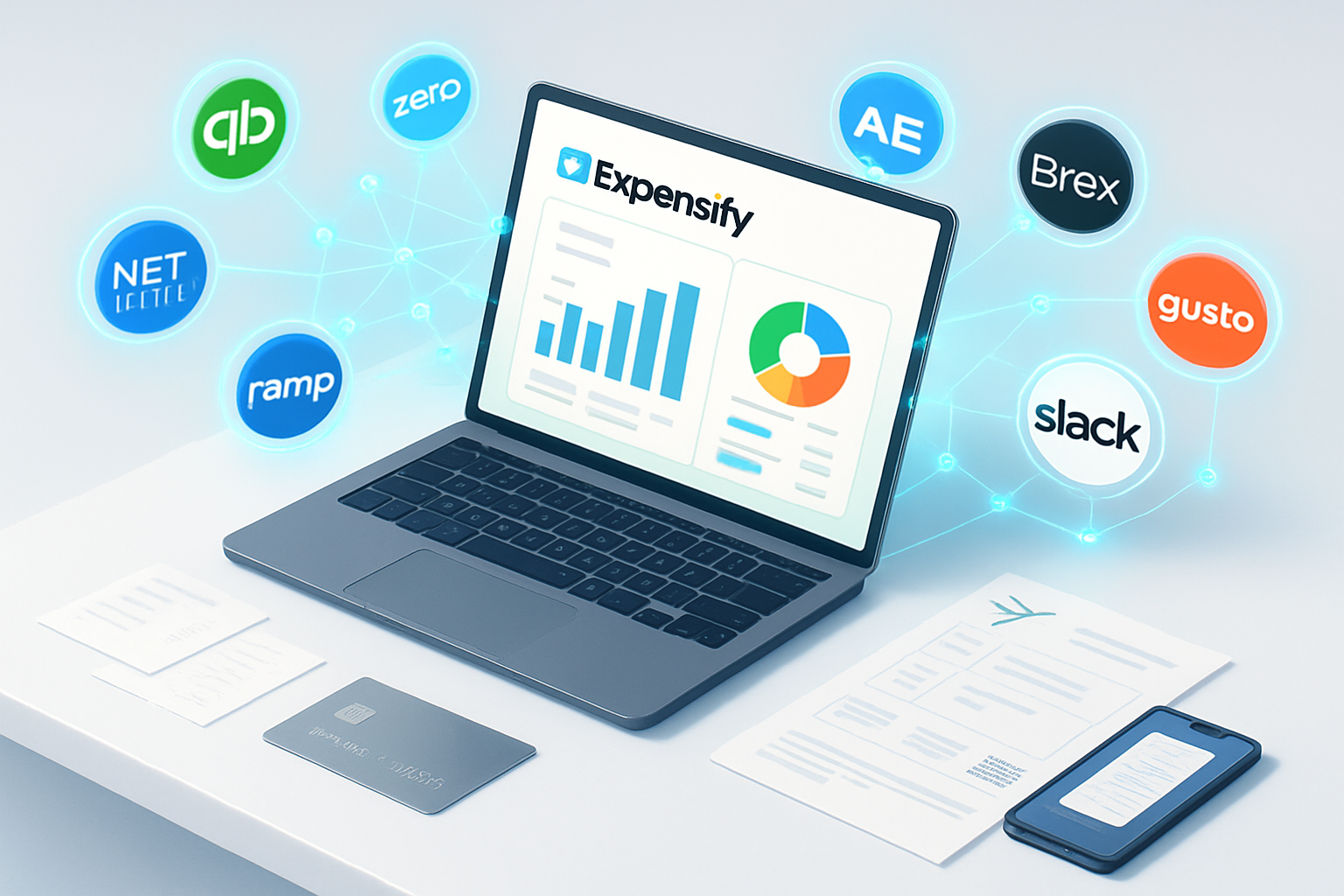
- Accounting & ERP - QuickBooks Online, Xero, NetSuite, Sage Intacct - for accurate bookkeeping and automated reconciliation.
- Corporate cards & banks - American Express, Brex, Ramp, major bank feeds - to auto-import card transactions and reconcile statements.
- Payroll & HR - Gusto, ADP, Rippling - to sync reimbursements and align expense policies with payroll workflows.
- Travel & booking TRM - travel management platforms (connectors available) - to combine bookings and expenses in one place.
- Collaboration & approvals - Slack, Microsoft Teams - for faster approvals and notifications.
- Automation & custom integrations - Zapier, Workato, and Expensify’s API - to build bespoke workflows.
For a current list of native integrations and connectors, see Expensify’s integrations hub: https://www.expensify.com/integrations/.
Deep dive: what each integration category actually delivers
1) Accounting & ERP - accuracy and monthly close speed
Why it matters: Automated export of categorized expenses into your GL removes manual journal entries and accelerates month-end close.
Top choices and why:
- QuickBooks Online - great for small-to-medium businesses that want a tight, easy two-way sync for expenses and reimbursements.
- Xero - ideal for companies that want automatic journal creation and streamlined reconciliation.
- NetSuite / Sage Intacct - for larger organizations needing advanced mapping (locations, departments, classes) and multi-entity consolidation.
Setup tip: map Expensify categories directly to your chart of accounts and test with a dedicated “sandbox” report. That prevents surprises in the general ledger.
2) Corporate cards & bank feeds - end the reconciliation nightmare
Why it matters: Card transactions flow into Expensify, pair with receipts, and push matched items to your accounting system.
What to connect: corporate card providers like American Express, Brex, Ramp, and many major banks. Expensify supports automated card reconciliation so corporate card statements reconcile against expense reports instead of manual matching.
Setup tip: enable automatic card feeds and configure auto-matching rules (e.g., merchant name and amount tolerance). Encourage employees to attach receipts to card transactions immediately.
3) Payroll & HR - faster reimbursements and policy alignment
Why it matters: Expense reimbursements can be pushed through payroll or paid directly, depending on your process. Syncing Expensify with payroll reduces duplicate entries and speeds payroll reconciliation.
Typical integrations: Gusto, ADP, and Rippling are common choices. Link reimbursements so finance and HR agree on timing and tax treatment.
Setup tip: define a single payment method for reimbursements (payroll vs direct ACH) and document the process so HR and finance own the same workflow.
4) Travel & booking platforms - one source for trip spend
Why it matters: Travel often creates fragmented data: airfare, hotels, ground transport, and on-trip expenses. A travel integration centralizes this into Expensify so travel policy, approvals, and expense capture follow the trip.
What it does: pulls itinerary-level charges, matches trip receipts to bookings, and surfaces policy exceptions before travel starts.
Setup tip: make travel bookings through supported corporate channels when possible so the integration can automatically tag and match the expenses.
5) Collaboration & approval tools - speed through approvals
Why it matters: Approvals that happen where your team already works (Slack, Teams) are faster. Expensify’s notification and approval hooks let managers approve in-place and reduce email back-and-forth.
Setup tip: configure push notifications for expenses over certain thresholds and use Slack/Teams for final approvals for mobile-first teams.
6) Automation platforms & API - tailor-made workflows
Why it matters: No ERP or tool does everything. Use Zapier, Workato, or Expensify’s API to automate bespoke flows: create Trello tasks from flagged expenses, update custom spend dashboards, or trigger vendor payments.
Setup tip: start with one automation - for example, automatically label expenses tagged as “client entertainment” and push a summary report to a shared Slack channel weekly.
How to choose which integrations to roll out first
Follow a simple prioritization framework: Impact x Effort.
- High impact, low effort - corporate card feeds, QuickBooks/Xero sync, Slack approvals.
- High impact, medium effort - payroll integrations and travel management connectors.
- High impact, high effort - ERP (NetSuite/Sage Intacct) and multi-entity mapping.
Pick the top two high-impact, low-effort items and implement them first. Quick wins build confidence and show measurable ROI quickly.
Practical implementation checklist (step-by-step)
- Audit current systems - accounting, payroll, cards, travel, and collaboration tools.
- Define desired outcome - faster reimbursements, accurate GL mapping, or policy compliance.
- Map the flow - where does the expense start, who approves it, and where should it land (GL account)?
- Configure the integration in Expensify and the target system (account mapping, card feeds, user mapping).
- Test with a pilot group - 5–10 users across roles (travelers, approvers, finance).
- Train and document - short how-to guides, 15–30 minute live demos, and an FAQ.
- Measure and iterate - track KPIs, fix exceptions, and expand rollout.
Templates and policy settings to pair with integrations
- Auto-approval thresholds - for small expenses under a set amount.
- Receipt policy rules - require receipt only for transactions above a threshold or when expense type requires it.
- Auto-categorization rules - map merchants or descriptions to categories to reduce manual edits.
Pairing tight policy settings with automated feeds reduces exceptions and keeps the GL clean.
Security, compliance, and auditability
Integrations increase surface area. Do these three things:
- Enable role-based access and two-factor authentication for Expensify and all integrated systems.
- Use audit logs - ensure admin users can see transaction histories and integration sync logs.
- Regularly review access tokens and credentials for card feeds and API connectors.
Measuring ROI: what to track
- Time to reimburse - minutes/days saved per request.
- Time to close - reduction in hours spent reconciling each month.
- Policy compliance rate - percent of expenses that follow company policy.
- Error rate in GL - decreased manual corrections and journal-entry reversals.
Track these before and after integration rollout. Even conservative estimates - 15–25% time saved on expense processing - can justify integration costs quickly.
Common pitfalls and how to avoid them
- Mapping too many fields at once - map only essential fields first (amount, vendor, category) and expand gradually.
- Skipping a pilot - always test end-to-end with real transactions.
- Neglecting training - short, role-based training prevents 80% of adoption issues.
Example rollout plans
- Small business (1–50 employees) - Connect corporate cards + QuickBooks/Xero, enable Slack approvals. Pilot for 2 weeks, then full rollout.
- Scaling company (50–500) - Add payroll integration (Gusto/ADP), set up travel connectors, and implement auto-matching rules. Pilot by department.
- Enterprise (500+) - Multi-entity ERP integration (NetSuite/Sage Intacct), centralized card management, and custom automations via API or Workato. Run a multi-wave rollout with change management.
Final checklist before you flip the switch
- Accounts and users mapped across systems
- Card feeds active and auto-matching rules configured
- GL categories mapped and tested
- Pilot completed with real transactions
- Training completed and documentation published
- KPIs baseline recorded
Resources
- Expensify integrations hub: https://www.expensify.com/integrations/
- Expensify API & developer docs: https://docs.expensify.com/
If you take away one thing: start with the integration that eliminates the most manual copying between tools. That’s usually card feeds or your accounting sync. Everything else compounds from there.