· business · 6 min read
The Ultimate Guide to Xero Integrations: Boost Your Business Efficiency
Discover the best third-party integrations for Xero - from receipts and payments to CRM, payroll, and automation - and learn how to implement them to save time, reduce errors, and scale your freelance or small-business operations.
Outcome-first intro
Get more done with less busywork. Read this guide and you’ll know exactly which Xero integrations will automate repetitive tasks, reduce errors, speed up cash flow, and free you to focus on revenue-generating work. Practical. Actionable. Tested.
Why integrations matter (fast)
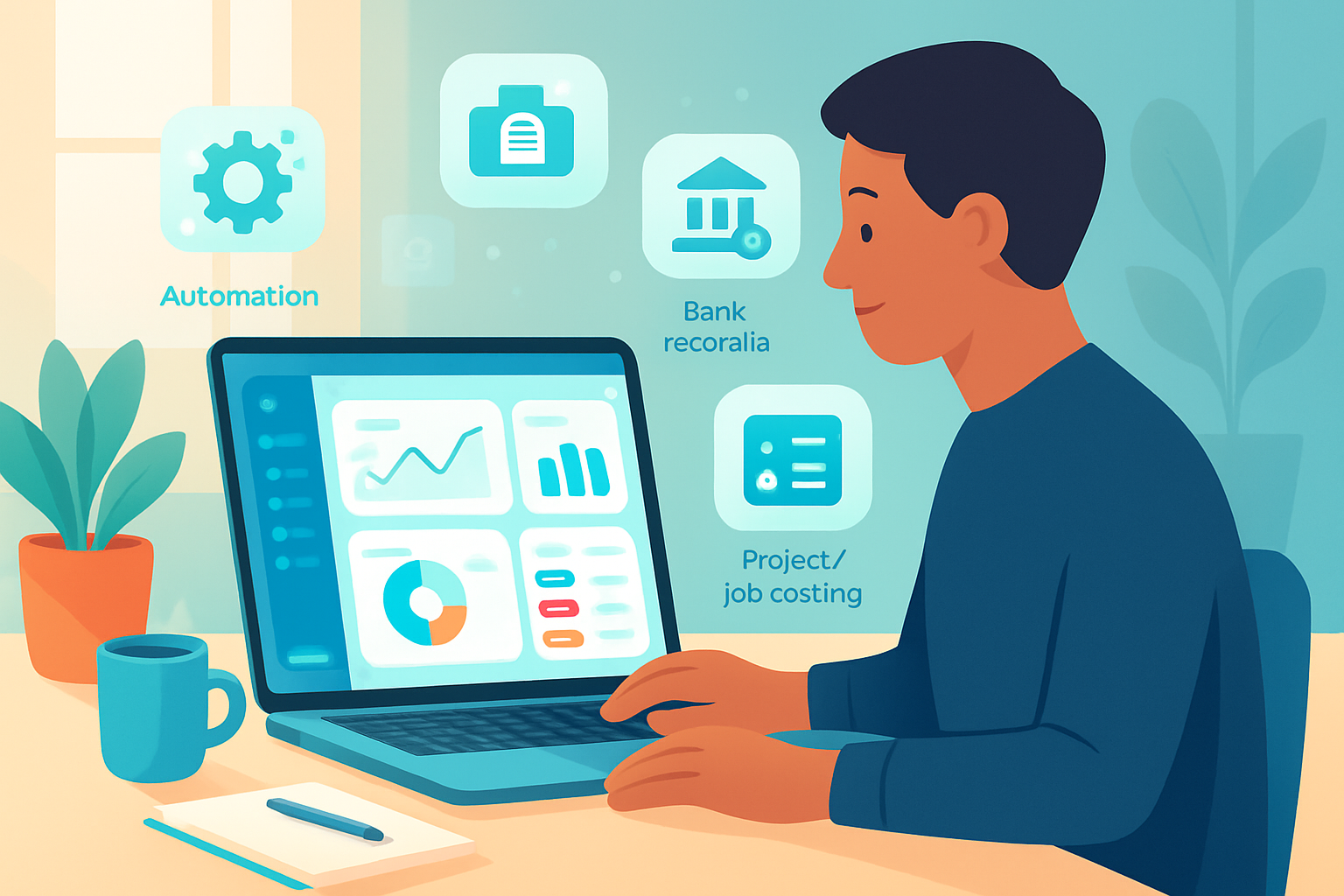
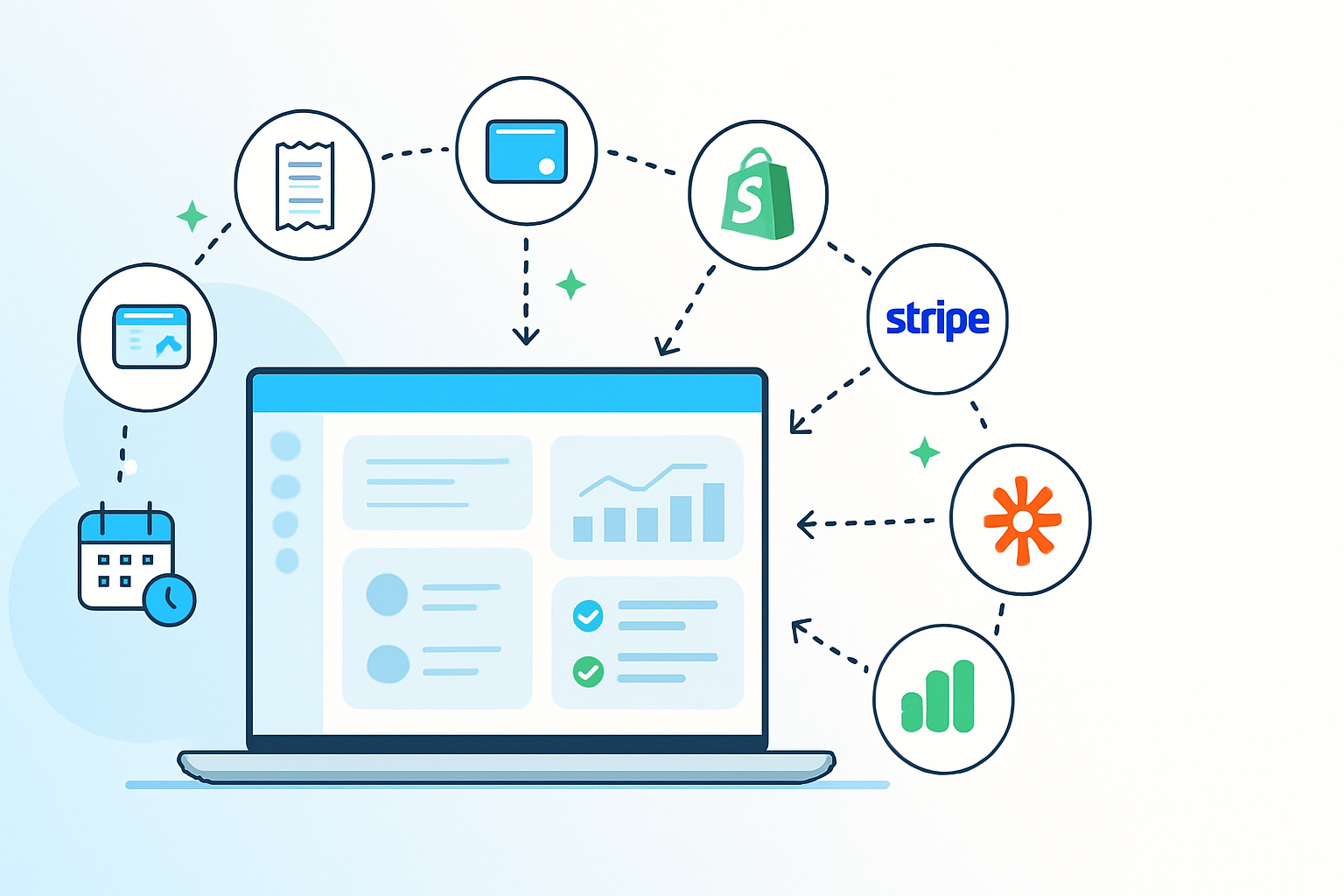
Xero is great on its own. But when you connect it to the right apps, it stops being just accounting software and becomes the operational backbone of your business. Integrations automate data entry, reconcile bank transactions, speed invoicing and receipts, simplify payroll, and turn raw numbers into decisions - automatically.
How to choose integrations (quick checklist)
- Does it reduce repetitive data entry? If yes, priority.
- Is it officially supported in the Xero App Store? (Safer and easier.)
- Does it provide clear ROI (time saved, cashflow improved)?
- Is it secure and compliant with your region’s regulations?
- How does pricing scale as you grow?
Top Xero integrations by category
- Receipts & Bills - stop manual data entry
- Hubdoc - capture receipts and bills via email or mobile; documents flow into Xero with extracted data. Hubdoc
- Dext (formerly Receipt Bank) - fast capture and extraction for high-volume receipt processing. Dext
Why use them: They reduce receipt-entry time from minutes to seconds and improve accuracy.
- Payments & Cashflow - get paid faster
- Stripe - card payments and online checkout that link to Xero invoices. Stripe
- PayPal - common for freelancers and online sellers; integrates payment records. PayPal
- GoCardless - automated bank debit (great for recurring invoices & subscriptions). GoCardless
Why use them: Reduce time to get paid, automate bank reconciliation, and cut DSO (days sales outstanding).
- E‑commerce & POS - sync sales and inventory
- Shopify - e-commerce store sales sync to Xero for accurate revenue and tax reporting. Shopify
- Square / Vend - point-of-sale systems that integrate sales and inventory with Xero.
Why use them: Avoid double entry between sales channels and accounting. Reconcile quickly and keep inventory accurate.
- Payroll & HR - simplify team admin
- Gusto - payroll, benefits, and compliance with Xero sync (popular in the U.S.). Gusto
- Deputy - rostering and timesheets that feed into payroll. Deputy
Why use them: Centralize payroll data, eliminate manual timesheet exports, and reduce payroll errors.
- CRM, Proposals & Billing - close-to-cash workflow
- HubSpot - CRM that can sync customers and invoices with Xero (via native or middleware). HubSpot
- Practice Ignition - proposals, client onboarding, and automated invoicing pushed to Xero.
Why use them: Turn won deals into invoices automatically. Improve cashflow and client onboarding speed.
- Reporting & Forecasting - turn numbers into strategy
- Fathom - performance reporting and KPI dashboards that pull data from Xero. Fathom
- Float - cashflow forecasting that uses actual Xero data for realistic scenarios. Float
Why use them: Move from historical reports to forward-looking decisions with minimal manual work.
- Automation & Workflow - connect tools without code
- Zapier - connect Xero to thousands of apps (e.g., CRM → Xero → Slack notifications). Zapier
- Make (Integromat) - advanced automation and conditional flows for complex pipelines.
Why use them: Automate multi-step processes (new client in CRM → create contact in Xero → generate welcome invoice) without developer time.
- Time Tracking & Projects - bill accurately
- Harvest / TSheets / Toggl - track billable hours and push invoices or timesheets to Xero.
Why use them: Accurate client billing and project profitability visibility.
Implementation roadmap - from idea to running
- Map your current manual steps
Write down the exact tasks you want to stop doing: receipt entry, invoice chasing, payroll exports, etc. Be specific.
- Prioritize integrations by ROI
Pick one high-impact area (e.g., receipts or payments) and automate that first. Quick wins build momentum.
- Validate compatibility
Check the Xero App Store for official integrations and read recent reviews: Xero App Store.
- Test with a sandbox or a small dataset
Most apps offer trial periods. Use a test client or a subset of transactions before switching everything over.
- Document the new workflow and train your team
Simple process docs prevent regressions and make onboarding faster.
- Monitor & iterate
Set a 30–60 day review to measure time saved and reconcile any errors.
Security, data privacy & compliance (non-negotiables)
- Choose apps with clear security statements and SOC/ISO compliance where required.
- Use role-based access and audit logs inside Xero and connected apps.
- Keep backups and export critical data regularly.
Pricing considerations
- Per-user vs per-company pricing - freelancers prefer simple monthly plans; agencies may need volume discounts.
- Look for free tiers for trials; know how costs grow as you add clients or documents.
- Calculate ROI - time saved × hourly rate should outweigh subscription costs.
Example automations (real, practical)
- New Shopify order → create Xero invoice draft → apply payment when Stripe confirms → notify sales in Slack.
- Email invoice paid notification → Zapier marks invoice as paid in Xero and creates a customer receipt PDF in Google Drive.
- Receipt photo (mobile) → Hubdoc extracts data → pushes bill into Xero as a draft with suggested coding.
Common pitfalls and how to avoid them
- Over-automating too fast - Start small and verify rules.
- Not mapping accounts consistently - Create a chart of accounts mapping before bulk imports.
- Ignoring error alerts - Set a routine to resolve automation failures daily.
Migration & cleanup tips
- Clean duplicate contacts and invoices before connecting a new app.
- Archive old chart-of-accounts entries you no longer use.
- Use Xero’s import tools for controlled bulk uploads.
Case example (freelancer): cut bookkeeping time in half
Sara is a freelance designer. She connected Stripe to Xero, Hubdoc for receipts, and Harvest for time tracking. Invoices are generated automatically from Harvest time entries, payments from Stripe reconcile in Xero, and receipts are snapped and filed via Hubdoc. Total bookkeeping time dropped from 6 hours/month to under 2. Revenue visibility improved, and Sara started offering retainer packages because she could forecast cash flow.
Next steps - an action checklist for the next 7 days
- Day 1 - Map the task you hate most (e.g., receipts).
- Day 2 - Browse Xero App Store and shortlist 2 apps.
- Day 3 - Sign up for free trials and test with sample data.
- Day 4 - Choose one app and implement for one client or project.
- Day 5–7 - Measure time saved and document the workflow.
Final thoughts
Integrations are not a luxury. They are the multiplier that turns Xero from a ledger into a growth engine. Pick one process, automate it, measure the result, and repeat. Over time, those small automations compound into major efficiency gains - fewer errors, faster payments, and more time for the work that grows your business.
With the right integrations in place, Xero stops being just accounting software - it becomes the engine that runs your business.
References
- Xero App Store: https://apps.xero.com/
- Hubdoc: https://www.hubdoc.com/
- Dext (Receipt Bank): https://dext.com/
- Zapier: https://zapier.com/
- Stripe: https://stripe.com/
- PayPal: https://www.paypal.com/
- Shopify: https://www.shopify.com/
- Gusto: https://gusto.com/
- Fathom: https://fathomhq.com/
- Float: https://float.com/
- Xero Developer: https://developer.xero.com/