· creativity · 6 min read
Grammarly for Non-Native Speakers: Tips for Mastering English Writing
Targeted, practical advice for non-native English speakers on how to use Grammarly not just to correct errors, but to learn the rules behind them and steadily improve writing skills.

Outcome-first: by the end of this article you’ll know how to use Grammarly to produce clearer, more natural English and to learn from each correction so your writing improves permanently. You’ll get a practical setup checklist, step-by-step workflows for common writing tasks, study drills that turn suggestions into learning, and guardrails to avoid over-reliance.
Why this matters. Errors cost credibility. They slow you down. They hide the ideas you want the reader to see. Grammarly can remove friction and act as a teacher - if you treat it like one. Read on to learn how.
How Grammarly helps (quick overview)
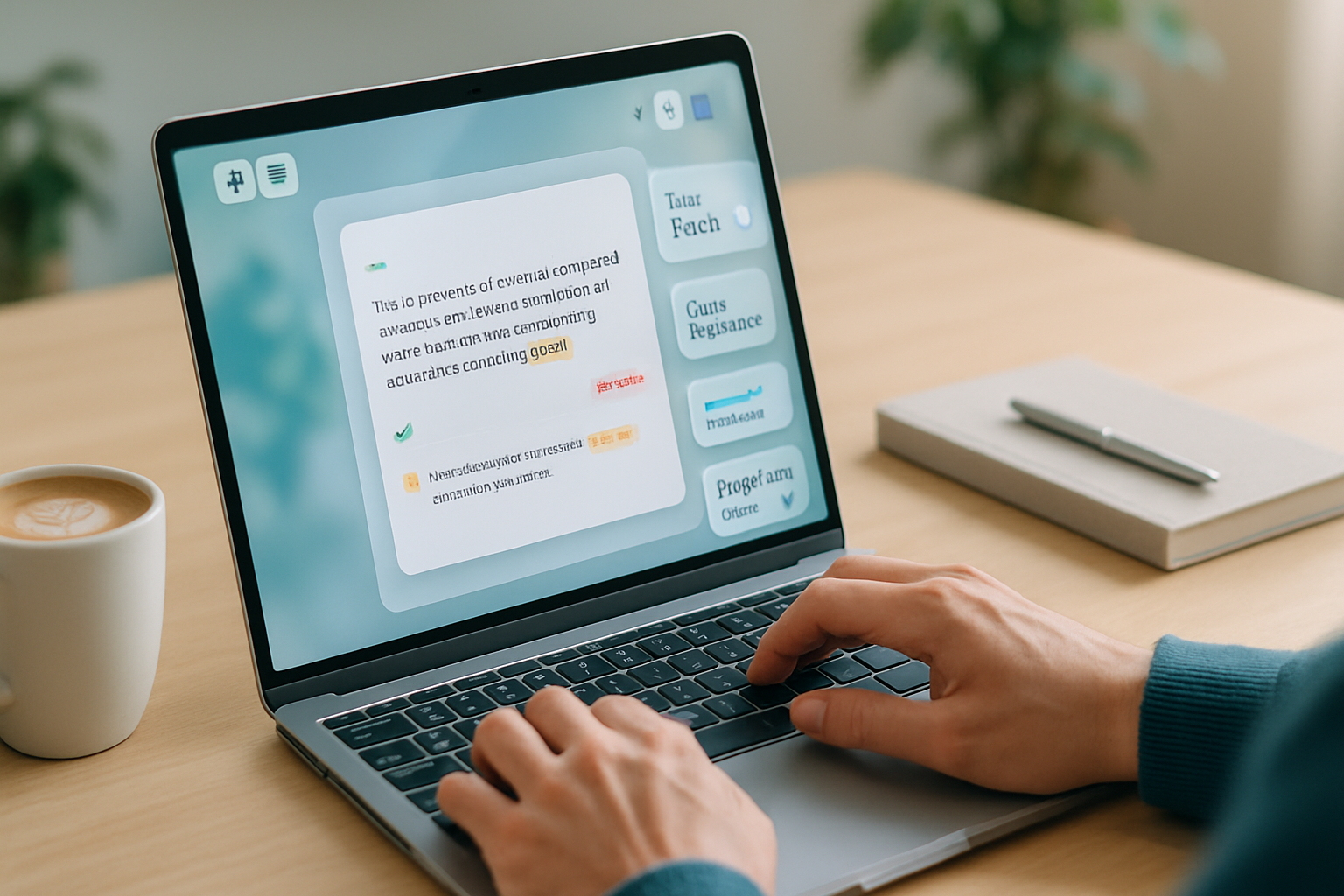
Grammarly scans text for a mix of issues: correctness (spelling, grammar, punctuation), clarity (wordiness, sentence structure), engagement (word choice, variety), and delivery (tone, formality). It shows suggestions, explanations, and alternatives - and with Premium it adds advanced rewrites and plagiarism checks.
See Grammarly’s feature overview here: https://www.grammarly.com/
Quick setup for non-native speakers (5-minute checklist)
- Choose your English variety. Pick American, British, Canadian, or Australian English in Grammarly’s settings so suggestions match the variety you need.
- Set Goals for each document. Click the Goals button and set audience, formality, tone, and domain (academic, business, casual). Goals guide the suggestions.
- Turn on the browser extension and the desktop app (or the keyboard on mobile). Use Grammarly where you write - email, Google Docs, Word, social media.
- Enable explanations. Always click “Learn” or “See explanation” on corrections to read the short rule.
- Sync your dictionary. Add names, technical terms, or preferred spellings to your personal dictionary to reduce noise.
If you’re not sure how to change settings, the Grammarly Help Center is a good resource: https://support.grammarly.com/hc/en-us
Use Grammarly as a learning tool (not just a correction engine)
The biggest wins come when you treat each suggestion as a lesson. Here’s how to do that deliberately:
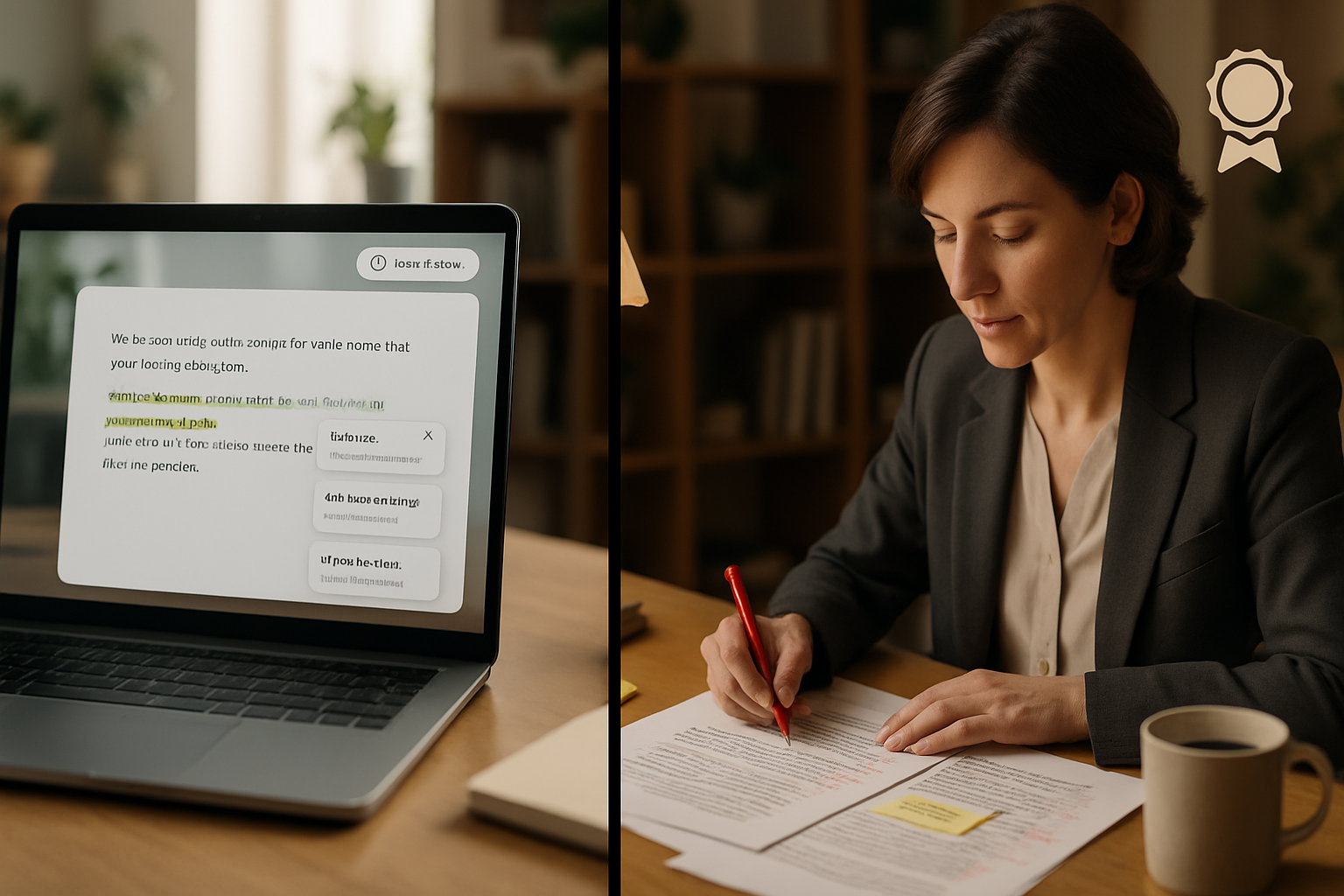
- Read the explanation. Don’t accept blindly. Explanations frequently show the rule behind the correction.
- Reverse-engineer. If Grammarly changes a sentence, compare the before and after. Ask - why is the new version clearer? What changed - word order, article use, tense?
- Keep a mistake log. Create a simple document or note where you record recurring corrections - e.g., articles (a/an/the), prepositions (in/on/for), verb forms (present perfect vs simple past). After a week, review the log and practice those patterns.
- Create mini exercises. Take five sentences Grammarly corrected and try rewriting them without suggestions. Then compare.
- Use the “synonyms” and “rewrite” options to build vocabulary. Save useful alternatives to a personal phrasebook.
Prioritize high-impact error categories for ESL writers
Focus on patterns common to non-native speakers. Prioritizing shortens the path to clearer writing.
- Articles (a, an, the). Mistakes here are frequent and noticeable. Learn the basic rules and study common exceptions.
- Prepositions. These are idiomatic; collocations matter (e.g., “interested in,” not “interested on”).
- Verb tense and aspect. Pay attention to time signals in your sentences; Grammarly will flag inconsistent tenses.
- Subject-verb agreement. Watch for complex subjects and collective nouns.
- Word order and sentence structure. Grammarly’s clarity suggestions often help make sentences more natural.
- Collocations and common phrases. Use corrections as a mini-corpus to learn natural pairings.
Good general references: Purdue OWL (writing mechanics) - https://owl.purdue.edu/ and Cambridge Dictionary (usage notes) - https://dictionary.cambridge.org/
Practical workflows - how to write with Grammarly for different tasks
Email (fast, clear):
- Set Goals - audience (colleague/customer), formality (formal/informal).
- Draft quickly. Don’t aim for perfection.
- Run Grammarly. Fix correctness issues first (spelling, punctuation).
- Accept clarity suggestions selectively - keep your voice.
- Scan tone indicators. If you’re too direct, soften with hedges (please, could you).
Academic essay (accuracy, citation):
- Write your full draft without obsessing about small errors.
- Use Grammarly to catch grammar and clarity issues, but check grammar explanations against trusted sources.
- Verify Grammarly’s suggestions about citations or specialized terminology - and run a plagiarism check if available.
Social media / short posts (engagement):
- Use Engagement suggestions to make sentences punchier.
- Prefer the single-sentence clarity fixes Grammarly suggests for short content.
- Keep your tone consistent with your audience. Watch idiomatic usage.
Using Premium features effectively (is it worth it?)
Premium adds advanced clarity rewrites, formal tone suggestions, sentence rewrites, and plagiarism detection. For many non-native speakers it’s worth the cost if:
- You frequently write academic papers, reports, or client-facing documents.
- You want tailored rewrites that teach sentence-level improvements.
- You want plagiarism checks for research or formal submissions.
Even without Premium, you can learn a lot from the free grammar and tone suggestions. Evaluate Premium based on how often you write and how important precision is for you.
Turning suggestions into long-term learning
Short daily habits produce the biggest gains. Try these routines:
- Daily 10-minute review - open your latest Grammarly document and study five explanations you didn’t understand before.
- Weekly mistake audit - update your mistake log. Practice three problem areas using example sentences from Cambridge or Purdue.
- Monthly rewriting challenge - take one of your older documents, rewrite it without Grammarly, then run Grammarly and compare improvements.
Use a real dictionary and thesaurus alongside Grammarly. For meaning and nuance, Cambridge Dictionary and Merriam-Webster are excellent: https://dictionary.cambridge.org/ and https://www.merriam-webster.com/
Common pitfalls - what Grammarly won’t fix (and how to handle it)
- Native-level naturalness and cultural nuance. Grammarly can flag unnatural phrasing, but it can’t always teach when an expression is culturally appropriate.
- Complex academic argumentation. It won’t judge the logic of your argument or the quality of your evidence.
- Highly specialized terminology. It may mark domain-specific phrasing as awkward if it doesn’t match general usage.
How to handle these limits:
- Use Grammarly for mechanical accuracy and clarity, then ask a human (teacher, peer, or editor) to check style and cultural tone.
- Combine Grammarly with targeted study - grammar books, collocation lists, and native reading.
Sample daily study plan (15 minutes)
- 5 minutes - Run Grammarly on something you wrote that day (email, note, short paragraph). Click explanations for unfamiliar corrections.
- 5 minutes - Add recurring errors to your mistake log. Write three new example sentences using the corrected form.
- 5 minutes - Read one short Grammarly suggestion or blog post about writing technique. Grammar tips and explanations improve faster when tied to real writing. Grammarly’s blog has many practical posts:
Integrations and practical tips
- Browser extension - best for email, social media, and web editors.
- Desktop app and Microsoft Word add-in - best for longer documents.
- Mobile keyboard - helps you practice correct structures when composing on your phone.
- Google Docs - Grammarly supports it via extension; check compatibility in your account settings.
Final checklist before you submit any important text
- Have you set Goals? (audience, formality)
- Did you read explanations for the most important corrections?
- Did you confirm any specialized terms or citations manually?
- Have you run a final tone check for politeness/intent?
- Did you add new recurring errors to your mistake log?
Wrap-up - the smart way to use Grammarly
Grammarly is powerful. Use it to catch mistakes, yes. But use it also as a low-friction teacher. Read explanations. Keep a mistake log. Practice corrected patterns. Combine Grammarly’s automated help with human feedback and deliberate practice, and your writing will improve steadily.
One final, essential point: the fastest route to confident English writing is not to accept every green check automatically, but to learn why each correction was made - then write the next sentence better yourself.