· business · 6 min read
Debunking the Myths: Why Using Calendly Makes You Seem Unprofessional
Using Calendly or another scheduling tool doesn't make you impersonal or unprofessional. This post debunks common myths and gives concrete, actionable ways to keep your meetings automated - and human.
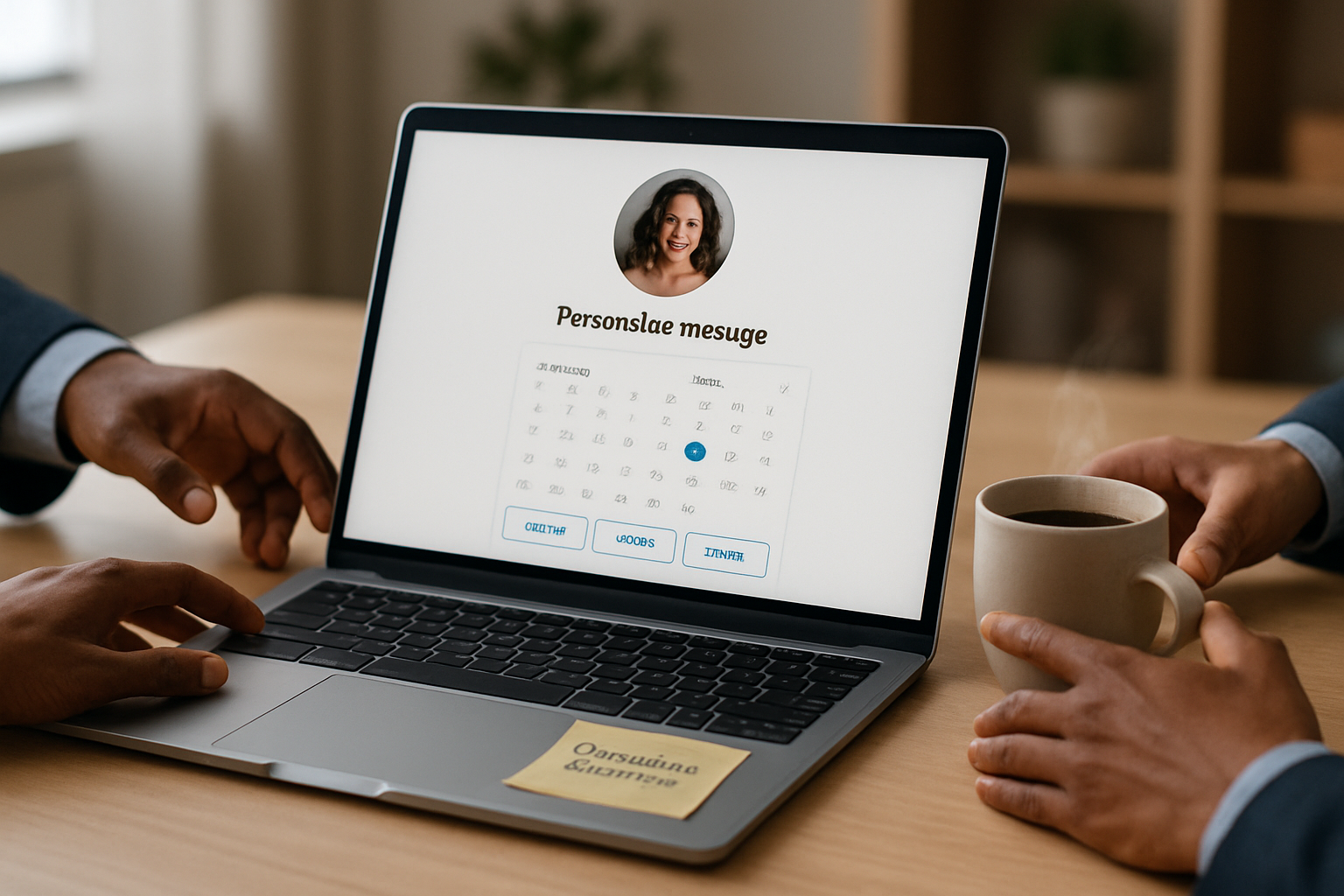
You can use automated scheduling and still come across as thoughtful, professional, and deeply personal. Read on and you’ll learn exactly how to keep the convenience of Calendly while preserving - and even improving - the human touch in your outreach.
Why this matters. When calendar links are used poorly they do feel cold. But when used well they save time, reduce friction, and let you focus on the human work that actually moves relationships forward.
The myths - and the short answers
Myth - “Sending a Calendly link makes me look lazy or presumptuous.”
- Reality - A poorly framed link can feel presumptuous. A thoughtful, contextualized link looks considerate and efficient.
Myth - “Automation removes empathy and personalization.”
- Reality - Automation removes repetitive tasks. It doesn’t have to remove personality - you control the copy, the questions, and the follow-up.
Myth - “Clients prefer a person in the loop for scheduling.”
- Reality - Many people prefer self-serve scheduling, especially for logistics. It becomes negative only when used as a blunt instrument for every interaction.
These are not abstract points. They show up in every inbox. And each one is fixable with a few practical changes.
The truth about scheduling tools
Scheduling tools exist because manual back-and-forth wastes time. When used thoughtfully they:
- Eliminate repetitive email ping-pong.
- Reduce no-shows by sending confirmations and reminders.
- Let you control availability and boundaries (no 7 p.m. calls by accident).
Calendly and similar tools are not signals of laziness. They’re signals of operational professionalism when used right. Here are the principles to follow the moment you start sharing a booking link.
How to keep it personal - 12 practical tactics
- Frame the link with context and warmth
Start with a sentence that explains why you’re sharing the link. Two short lines of context make a huge difference.
Example:
Hi Maya - great talking earlier. To make scheduling easier, here’s a link to my calendar; please pick a time that works for you. If none of these fit, reply with a few options and I’ll work around them.
[Your Calendly link]
Best, Jordan- Use branded, friendly copy on your booking page
Customize event names, descriptions, and location fields. A page titled “Quick 30-minute intro with Jordan” feels more human than “30 Minute Meeting.”
- Add a short personal video or welcome message
Pin a 30–60 second welcome video or embed a short note on your booking page. Seeing a face right before a booking increases rapport.
- Offer curated time options, not the entire calendar
Instead of exposing every open slot, create specific event types (“Morning check-in - 9:00 or 10:00”), or send a pre-filtered calendar link that shows only curated windows. It feels more bespoke.
- Use intake questions to gather context up front
Ask two to three targeted questions on the booking form (e.g., goals for the call, company size, urgency). That turns a cold schedule into a prepared, personal meeting.
- Write human confirmation and reminder emails
Default confirmations are fine. Better: rewrite them with a human voice, acknowledge why the meeting matters, and give a quick agenda. Use reminders to add useful details (parking, materials, timezone clarifications).
- Provide an easy opt-out or alternative
A simple line like “Prefer I pick a time? Reply and I’ll send 2 options” preserves choice and signals flexibility.
- Respect boundaries with availability and buffers
Block focus time, add buffer slots before/after meetings, and limit back-to-back bookings. Respect for time is a core sign of professionalism.
- Integrate with your CRM and notes system
Push intake answers and booking metadata into your CRM so the first meeting starts informed, not rote.
- Personalize follow-ups automatically
Use templated follow-ups that incorporate intake answers (e.g., “I’ll bring research about [client challenge] to our call”) so the automation reads like a tailored human reply.
- Keep your signature personal
Don’t hide behind a generic signature. Include a short line - interest, hobby, or a note relevant to the recipient - that keeps you human.
- Use alternatives for very high-touch contexts
For important prospects or first-time outreach, offer to schedule on their terms or propose two curated times you personally check and set.
Quick templates you can paste and adapt
- Cold outreach introductory template
Hi [Name],
I enjoyed your recent post on [topic]. I’d love 20 minutes to ask a few questions and share a couple of ideas that could help. If it suits you, pick a time here: [Calendly link].
If you'd rather suggest times, I'm happy to accommodate.
Thanks - [Your name]- Follow-up after a warm intro
Hi [Name],
Thanks for the intro. I’ve opened a few slots this week for a quick conversation - grab one if it works: [Calendly link].
If none of these fit, tell me two times that do and I’ll prioritize one.
Best, [Your name]
These simple texts combine efficiency with courtesy.
When NOT to send a calendar link (use a human reply instead)
- First contact with a very high-value prospect who expects white-glove treatment.
- Complex multi-stakeholder scheduling that requires negotiation.
- Situations where relationship building depends on a personal touch (e.g., delicate HR conversations, major funding asks).
If in doubt, use a human reply that offers curated times or asks for availability - it’s fast and shows care.
Examples from real use-cases
Sales rep - Uses an intake question to capture deal size and challenge; the rep reviews answers before the call and opens the conversation with details that prove they read the submission.
Consultant - Sends a branded Calendly page with a 30-second intro video and a follow-up email that includes a brief agenda and a request for two documents. The session starts focused and professional.
Recruiter - Limits booking to a few curated time blocks per week to maintain balance and projects respect for candidates’ time.
These are small operational choices with outsized effects on perception.
Tools and settings to pay attention to in Calendly (or any scheduler)
- Event name and description - Make them human and explicit.
- Confirmation and reminder text - Edit to add warmth and agenda.
- Intake form questions - Ask for facts that help you prepare.
- Buffer times and minimum scheduling notice - Prevent last-minute slots that seem thoughtless.
- Branding and logos - A subtle visual cue of professionalism.
Calendly’s own documentation and blog are useful: https://calendly.com/resources and https://help.calendly.com/.
Evidence that personalization still matters
Customers and clients expect tailored experiences; personalization drives trust and conversion. For broader context on the ROI of personalization in customer experience, see McKinsey’s summary: https://www.mckinsey.com/business-functions/marketing-and-sales/our-insights/the-value-of-getting-personalization-right. And for practical setup and best practices around scheduling tools, HubSpot offers a good guide: https://blog.hubspot.com/sales/scheduling-meeting-tool.
A short checklist before you hit “send” with a booking link
- Did I explain why I’m sharing the link? (Yes/No)
- Did I curate the options or expose my whole calendar? (Curated/All)
- Is there an intake question to help me prepare? (Yes/No)
- Does my confirmation email set an agenda and add a human line? (Yes/No)
- Have I offered an alternative for people who dislike self-serve? (Yes/No)
If any answer is No, tweak your message. It takes under two minutes and the difference in perception is large.
Final thought
Using Calendly isn’t a shortcut around professionalism - it’s a tool to amplify it when wielded deliberately. Small choices (a warm line of context, a short intake question, a curated set of times) turn a sterile link into a human experience. Use automation to remove friction; keep the humanity in the words you send and the preparation you do. That is how you stay efficient and profoundly professional at the same time.