· business · 6 min read
The Trello vs. Asana Dilemma: Why Trello Might Be the Better Choice for Small Businesses
A practical, no-nonsense comparison showing why Trello’s simplicity, speed, and low-friction collaboration often make it the smarter choice for small businesses that need to execute, not administrate.

Outcome first: choose a tool that helps your small business finish work faster with less overhead. Pick the one that reduces meetings, lowers cognitive load, and gets teams executing. Read on and you’ll know why Trello often does that better than Asana - and how to make Trello work like a small-business superpower.
Quick take
- Trello wins on simplicity, speed of onboarding, and visual clarity. Small teams can deploy it in hours, not weeks.
- Asana excels at structure, reporting, and complex workflows - great for larger teams and program-level planning.
- For many small businesses the choice isn’t features vs features. It’s friction vs momentum. Trello is built to reduce friction.
Why the question matters (and what you can expect to get from this article)
You’ll finish this article able to:
- Decide whether Trello is a better fit for your team right now.
- Configure a Trello setup for common small-business use cases (sales, content, support, hiring).
- Know the limits where Asana might be a healthier long-term choice.
Read on for unconventional angles - cost-per-decision, cognitive overhead, client-facing simplicity - not just feature lists.
The conventional comparison (short)
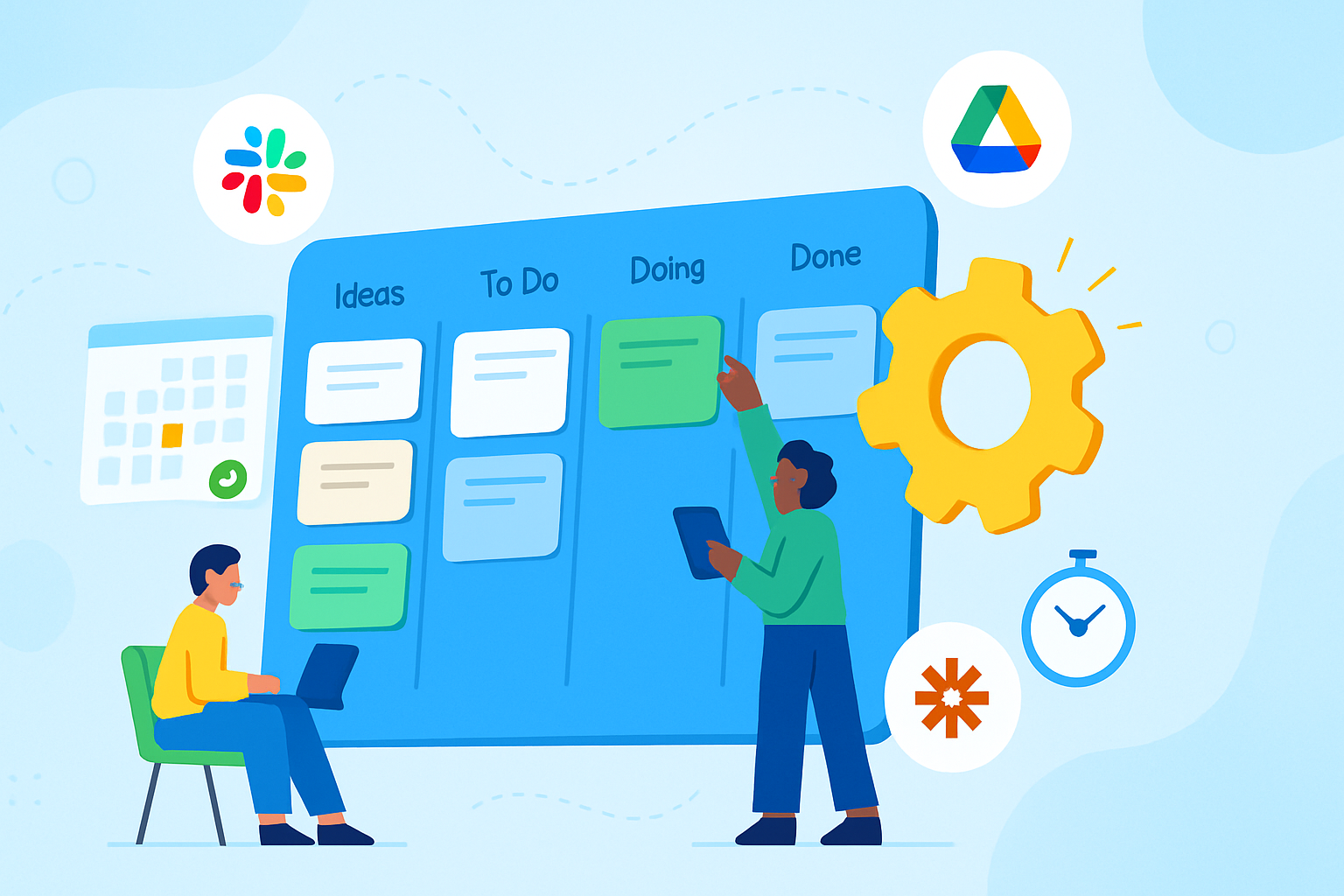
Trello is a Kanban-first visual tool built around boards, lists, and cards. It’s optimized for lightweight workflows and visual clarity. See Trello’s features at the official site: https://trello.com/en-US/features.
Asana is a feature-rich work management platform with lists, timelines, and portfolios; it’s optimized for structured project planning and cross-team reporting: https://asana.com/features.
Those descriptions are true. But they don’t answer the small-business question: which one reduces friction so you actually ship?
Unconventional reasons Trello often beats Asana for small businesses
1) Lower cognitive overhead - fewer decisions, more doing
Trello gives you three simple primitives: boards, lists, cards. That’s it. Fewer primitives mean fewer choices. Less choice means less stalling. Small teams with limited process bandwidth benefit from that mental simplicity. Psychological research and UX principles (simplicity reduces dropout) support this approach - less interface = more throughput.
2) Speed of onboarding - get people doing in hours, not weeks
You can create a board, add a few cards, and assign work in under an hour. Trello’s minimal mental model maps directly to real-world behavior: move a card when something changes. Asana’s power comes with a learning curve: rules, dependencies, timelines. For a two- to ten-person team, the speed advantage is meaningful.
3) Visual clarity for client-facing and cross-role collaboration
Clients, contractors, and part-time staff find Trello less intimidating. A public (or shared) board is an inherently communicative artifact: clients see progress as cards move from column to column. That reduces status emails and ad-hoc calls.
4) Flexibility without bureaucracy - boards become lightweight systems
Trello boards can be configured as a CRM, editorial calendar, product backlog, or hiring pipeline without imposing a rigid structure. You can iterate the board structure in minutes. That flexibility makes Trello ideal during early-stage experimentation when processes must evolve fast.
5) Automation that doesn’t require admins (Butler)
Trello’s built-in Butler automation allows non-technical users to create rules, buttons, and scheduled commands without scripting. That means you can automate repetitive actions - archiving stale cards, moving completed items, sending Slack pings - without hiring a product admin or building custom scripts. Read about Butler here: https://help.trello.com/article/1188-getting-started-with-butler.
6) Power-ups model = add what you need, keep the rest simple
Trello’s Power-Ups let teams add features (Calendar, Custom Fields, Google Drive, Slack integrations, etc.) on a per-board basis. You don’t have to carry the weight of enterprise features unless you want them. Compare pricing and power-ups: https://trello.com/pricing.
7) Cost predictability for tiny teams
Small businesses often watch every dollar. Trello’s free tier is highly usable and paid tiers scale in a straightforward way. Asana also has tiered pricing (https://asana.com/pricing), but Trello’s free-to-paid value ratio is attractive for teams that need core collaboration without advanced portfolio or reporting needs.
8) Enables a ‘single canvas’ approach to small-team work
In Trello, a single board can often represent an entire project lifecycle. That single-canvas mentality helps small teams maintain shared context. Asana tends to encourage dividing work across projects/tasks/subtasks - a useful structure for complex orgs, but sometimes a fragmentation risk for small teams.
When Trello is not the right choice
Trello isn’t a silver bullet. Choose Asana (or another structured tool) if you need:
- Heavy dependency tracking and Gantt-style planning across many teams.
- Advanced reporting, portfolios, and cross-project resource management.
- Strong governance, approvals, and detailed access controls at scale.
If your roadmap has many interdependent projects and you need to produce executive reports, Asana’s structure will help.
Practical Trello configurations for small-business use cases
Below are compact templates you can apply in minutes.
Sales / Pipeline board
- Lists - Lead > Contacted > Demo > Proposal > Won/Lost
- Card fields - company, value, close date, owner
- Power-Ups - Custom Fields, Calendar, Google Drive
Content calendar
- Lists - Ideas > To Draft > Editing > Scheduled > Published
- Use labels for channel (blog, email, social) and checklists for publishing steps
- Automation - move card to Published when last checklist item is checked
Support / Tickets
- Lists - New > Triage > In Progress > Waiting on Customer > Done
- Use Card Aging power-up or custom field for SLAs
Hiring pipeline
- Lists - Applicants > Phone Screen > Interview > Offer > Hired/Rejected
- Use attachments for resumes and checklist templates for interview questions
Example quick board setup (copy-paste into your team’s onboarding doc):
1. Create board "Team Pipeline"
2. Add lists: Backlog, Ready, In Progress, Review, Done
3. Add 10 starter cards from your current tasks
4. Enable Custom Fields & Calendar power-ups
5. Create 3 Butler rules: move-to-Ready when "Start Date" arrives, archive Done weekly, notify Slack on high-priority label
Automation and integrations to punch above your weight
- Use Butler for routine actions (auto-assign, auto-move, scheduled cleanups).
- Connect Trello to Slack for instant updates.
- Use Google Drive/Dropbox for file storage and link it to cards.
- Zapier integrates Trello with CRMs, payment tools, and calendars when you need cross-app automation (see a practical comparison at Zapier: https://zapier.com/blog/trello-vs-asana/).
Migration and scale: when to start thinking about a move
Small businesses often start in Trello and scale into Asana or Jira later. Signs it’s time to consider migration:
- Your team needs cross-project resource allocation and load-balancing dashboards.
- You need advanced reporting or executive-level portfolio views.
- Task dependencies and complex timelines regularly cause missed deadlines.
If you do migrate, export CSVs from Trello and use import tools or scripts. Planning the taxonomy in the new tool first will save headaches.
Decision checklist: choose Trello if…
- You’re a small team (1–25 people) that values speed and clarity.
- You want something your clients and contractors can use with minimal explanation.
- You need to experiment with processes rapidly and change board structure often.
- You prefer visual, board-based workflows and want lightweight automation without coding.
Choose Asana if you need strict structure, advanced reporting, or enterprise governance.
Final practical tips to get the most from Trello
- Start with a single board and evolve it.
- Use labels, but don’t over-label - three to five maximum.
- Automate the tedious bits with Butler as early as week one.
- Use templates for repeatable workflows (interviews, launches, sprints).
- Keep a README card on every board that explains status conventions and who owns what.
Conclusion - the last word
Features are nice. Features are seductive. But small businesses live and die by execution speed and low friction. Trello’s clarity, immediate usability, and inexpensive automation let small teams spend less time managing the tool and more time moving cards across the board. In short: when your biggest constraint is time and focus, Trello isn’t just simpler - it’s a force multiplier for execution.