· marketing · 7 min read
Data-Driven Decisions: Using Klaviyo’s Analytics to Craft Killer Campaigns
Learn how to use Klaviyo’s analytics to plan, test, and optimize email and SMS campaigns that drive revenue and retention - with practical steps, segment examples, A/B test templates, and real-world case-style wins.
Outcome-first introduction
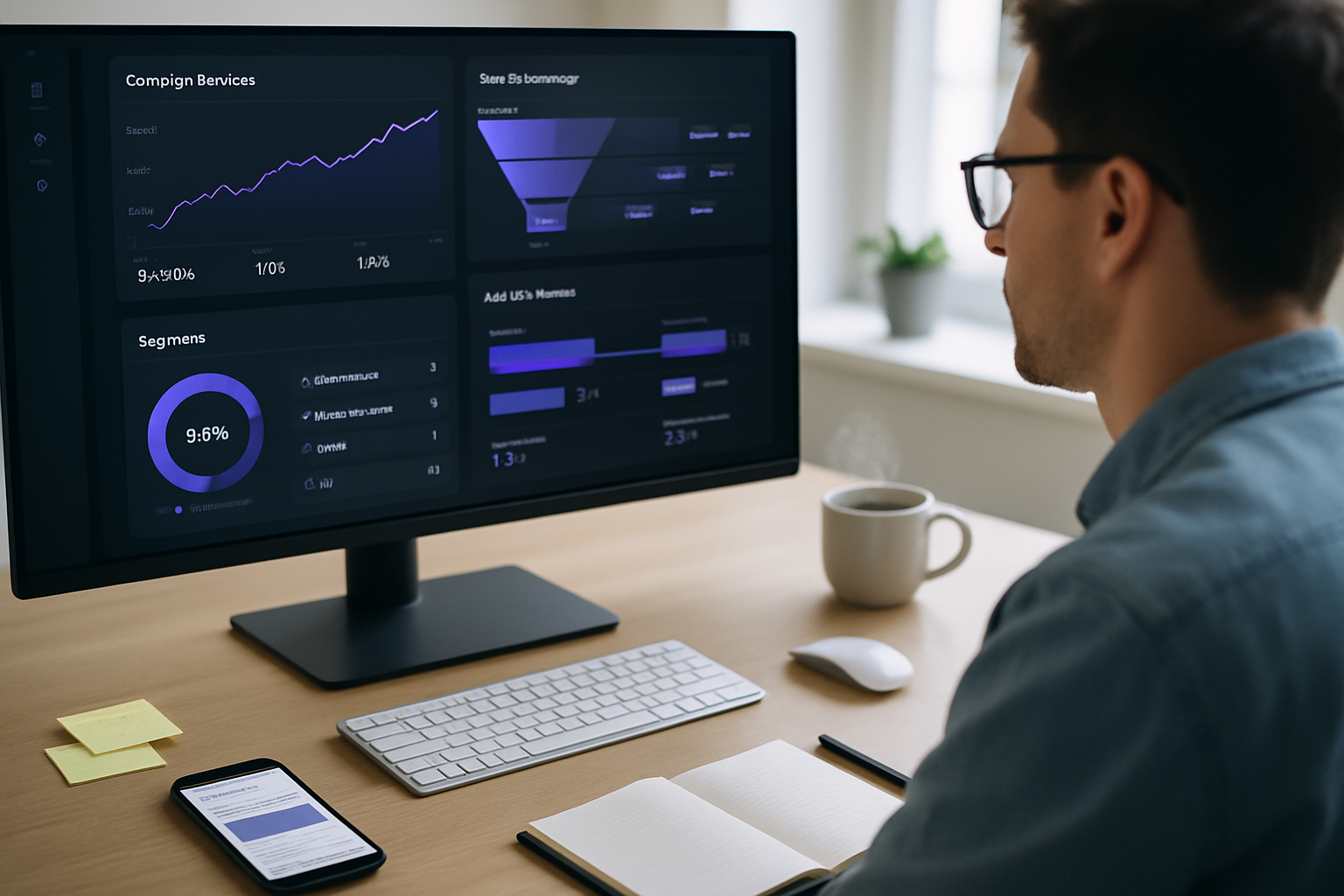
You can build campaigns that actually move revenue and retention metrics. Start measuring the right things, use Klaviyo’s analytics to inform every decision, and you’ll stop guessing. This article shows exactly how to do that: which metrics to track, what reports to build, sample segments and flows, A/B test templates, and examples of how successful companies turn Klaviyo data into growth.
Why a data-first approach wins (fast)
Good creative gets attention. Great creative converts. But predictable growth comes from a culture of measurement. Data tells you what is happening and why - not just whether an email got opens.
- You reduce risk. Test before you roll out. Small, measurable experiments protect revenue.
- You scale personalization. Segments that actually behave differently should be messaged differently.
- You prioritize work. Let revenue-per-send and conversion lift decide what you build next.
Klaviyo is built for this workflow: tracking, segmentation, testing, and clear revenue attribution.
What Klaviyo gives you (analytics overview)
Klaviyo provides several analytics layers you should use in concert:
- Account-level dashboards (Deliverability, Campaign Performance, Revenue by Flow)
- Flow analytics (time-to-conversion, conversion rate, revenue per recipient)
- Segmentation analytics (cohort and lifecycle analysis)
- Predictive analytics (Predicted CLV, churn/engagement scores)
- Benchmarks and cohort comparisons (compare periods or segments)
Use the dashboards for monitoring, flows for automation optimization, and segments for targeted campaigns.
Helpful resources: Klaviyo’s documentation and benchmarks are a good starting place: https://help.klaviyo.com/ and https://www.klaviyo.com/benchmarks.
Step 1 - Instrumentation: track the right events
If your analytics are noisy, your decisions will be too. Make sure you capture:
- Email/SMS deliverability events (delivered, bounced)
- Engagement events (open, click)
- On-site commerce events (Viewed Product, Added to Cart, Placed Order) - via Klaviyo’s Shopify/Shopify Plus or other integrations
- Custom events that matter to your business (e.g., Subscription Upgraded, Product Demo Requested)
Tip: Use Klaviyo’s integration guides to ensure events map to standard Klaviyo metrics. This lets Klaviyo attribute revenue to campaigns and flows automatically.
Step 2 - Define clear KPIs (and a measurement plan)
Pick a small set of KPIs and stick to them for each experiment or campaign type.
Examples:
- Campaigns - revenue per recipient (RPR), click-to-order rate, attributable revenue
- Welcome flows - conversion rate to first purchase, time-to-first-order
- Abandonment flows - recovered revenue, clicks-to-recovery
- Retention/Winback - repeat purchase rate, LTV uplift
Write a one-line measurement plan before every experiment: “We’ll test subject line A vs B on 20% of list; primary KPI = revenue per recipient in 7 days; guardrail = unsubscribe rate.”
Step 3 - Build segments that matter (with examples)
Segments should reflect behavior and value. Here are high-impact segments to create in Klaviyo and why they matter.
VIPs (high LTV)
- Definition - Customers with lifetime value > X AND purchased in last 180 days
- Use - Exclusive offers, early access, loyalty programs
At-risk customers (churn-risk)
- Definition - Customers who purchased at least twice historically but haven’t purchased in last 120 days
- Use - Re-engagement flows with tailored incentives
Browse abandoners (product interest)
- Definition - Viewed Product event for product A but not purchased in 7 days
- Use - Personalized reminders, social proof, UGC in email
Cart abandoners (high intent)
- Definition - Added to Cart but no purchase in 24 hours
- Use - Timed abandonment flow - immediate reminder, follow-up with testimonial, then discount if needed
New subscribers (no purchases)
- Definition - Added to list in last 30 days, zero orders
- Use - Welcome series focused on first purchase conversion
Code-style pseudo-definition (how you’d think about it):
Segment: VIPs
IF (Placed Order at least once with $total > 200) AND (Placed Order after -180 days)
These segments let you tailor message and cadence instead of blasting the same thing to everyone.
Step 4 - Analyze flows and campaigns for impact
Klaviyo shows revenue per flow and per message. Use that.
Review the following for every flow/message:
- Conversion rate (click -> purchase)
- Revenue per recipient and revenue per click
- Time-to-purchase distribution (how quickly are people converting after the message?)
- Unsubscribe and spam complaint rates (guardrails)
Example diagnostic: If a welcome email has high open rate but low conversion, the problem is likely creative or CTA clarity - not list quality.
Use cohort comparisons to see whether the flow’s performance improves or decays over time. If a flow’s conversion rate is slipping, consider refreshing copy, creative, or incentives.
Step 5 - A/B tests that actually teach you something
Good tests are simple, measurable, and run long enough to reach statistical confidence. Use Klaviyo’s A/B test features to test:
- Subject lines (open lift)
- Send time (timing lift)
- Creative and CTAs (conversion lift)
- Discount vs no-discount (price sensitivity)
Test template (example):
- Hypothesis - Short subject lines with emojis increase open rate but do not reduce click-to-order rate.
- Population - Random 20% of eligible list split 50/50; winners rolled to remaining 80%.
- Primary KPI - 7-day revenue per recipient.
- Guardrail - Unsubscribe rate must remain <= baseline + 0.2%.
Interpretation rules:
- Wait until statistical significance or minimum sample size (Klaviyo will show significance). Don’t stop early on a fluke.
- If opens improve but RPR doesn’t, optimize preheader and CTAs - open is a step, not an outcome.
Real-world examples (what success looks like)
Example A - A DTC apparel brand
- Challenge - Low repeat rate after the first purchase.
- Approach - Created a post-purchase flow that tracked first-order purchasers and, after 14 days, served a personalized product recommendation based on viewed products. They used Klaviyo to measure repeat-purchase lift by cohort.
- Result - Measurable repeat rate lift within 60 days and a predictable uplift to LTV for the cohort.
Example B - A cosmetics brand
- Challenge - High cart abandonment.
- Approach - Implemented a multi-step cart abandonment flow: immediate 1-hour reminder, 24-hour social-proof email, and 72-hour targeted discount only if intent remained. Each step had its own revenue and conversion analytics in Klaviyo.
- Result - A single flow accounted for a meaningful portion of monthly attributable revenue and improved recovered revenue without increasing unsubscribe rates.
These are archetypes of the way successful companies use Klaviyo’s analytics: measure each step, optimize the poorest-performers, and scale the winners.
For more company stories and case studies, browse Klaviyo’s customer stories: https://www.klaviyo.com/customers
Advanced tactics: predictive metrics and layering data
Klaviyo provides predictive metrics like predicted CLV and predicted gender. Use them, but validate.
- Predicted CLV - Use this to prioritize acquisition and retention spend. Create targeted LTV lookalike audiences for paid channels.
- Engagement scoring - Combine open/click recency with purchase recency to make smarter resend or pause decisions.
- Combine with external analytics (GA4, BI) - Export Klaviyo-attributed revenue into your data warehouse for multi-channel LTV modeling.
If you have a data team, push Klaviyo event exports into your warehouse to join with site and ad platforms for unified measurement.
Common traps and how to avoid them
- Trap - Chasing opens. Opens are noisy and influenced by image proxies and privacy features. Measure clicks and revenue.
- Trap - Too many micro-segments. If two segments behave the same, consolidate. Maintain a taxonomy of segments and revisit quarterly.
- Trap - Stopping tests early. False positives waste budget. Let tests run to significance.
- Trap - Over-personalizing on flimsy signals. Use a combination of signals (viewed product + cart + time decay) to infer intent.
A practical 30-day action plan
Week 1 - Audit & instrumentation
- Confirm commerce events are flowing. Verify revenue attribution to campaigns and flows.
- Build a health dashboard - deliverability, list growth, RPR, flow revenue.
Week 2 - Segmentation & flows
- Create VIP, at-risk, cart-abandon, and welcome segments.
- Audit existing flows; add measurable KPIs to each.
Week 3 - Testing & creative
- Run one A/B test on a high-traffic campaign (subject line or CTA).
- Build a hypothesis log and capture learnings.
Week 4 - Measure & iterate
- Analyze cohort performance (30- and 60-day cohorts).
- Scale what worked. Pause or rework what didn’t.
Example dashboard metrics to track weekly
- Deliverability - % delivered, bounce rate
- Engagement - open rate, click rate, click-to-order rate
- Revenue - revenue per recipient (campaigns + flows), attributable revenue by flow
- Retention - repeat purchase rate, cohort LTV (30/60/90 days)
- List health - opt-out rate, complaint rate
Final checklist before you send
- Is the segment clean and aligned with the message?
- Are events and revenue attribution working for the cohort?
- Is the A/B test plan defined with KPIs and guardrails?
- Have you reviewed deliverability and suppression lists?
- Do you have a follow-up measurement window (7/30/60 days)?
Closing: make data your creative partner
Analytics are not an audit after the fact. They should be the steering wheel. Use Klaviyo to answer the three questions that matter for every campaign: Who should I message? What should I say? Did it move the business? When you can answer those consistently, your campaigns stop being guesswork and start being predictable growth.
Further reading and resources
- Klaviyo help center and analytics docs: https://help.klaviyo.com/
- Klaviyo benchmarks and insights: https://www.klaviyo.com/benchmarks
- Klaviyo customer stories and case studies: https://www.klaviyo.com/customers