· productivity · 6 min read
The Dark Side of Productivity Tracking: How RescueTime Can Stress You Out
Tracking your time can boost focus - but it can also create anxiety, perfectionism, and a constant sense of surveillance. Learn why RescueTime can stress you out and practical ways to use it without letting data run your life.

What you’ll get from this article
You can use RescueTime to get clarity on where your hours go - without turning every minute into a performance review. Read on and you will: understand why time-tracking often increases anxiety, recognize the warning signs, and get practical, psychologically smart settings and habits to use RescueTime without being overwhelmed.
Short version: the tool can help. But the way you interact with the tool matters more than the feature set.
Why RescueTime is so seductive (and useful)
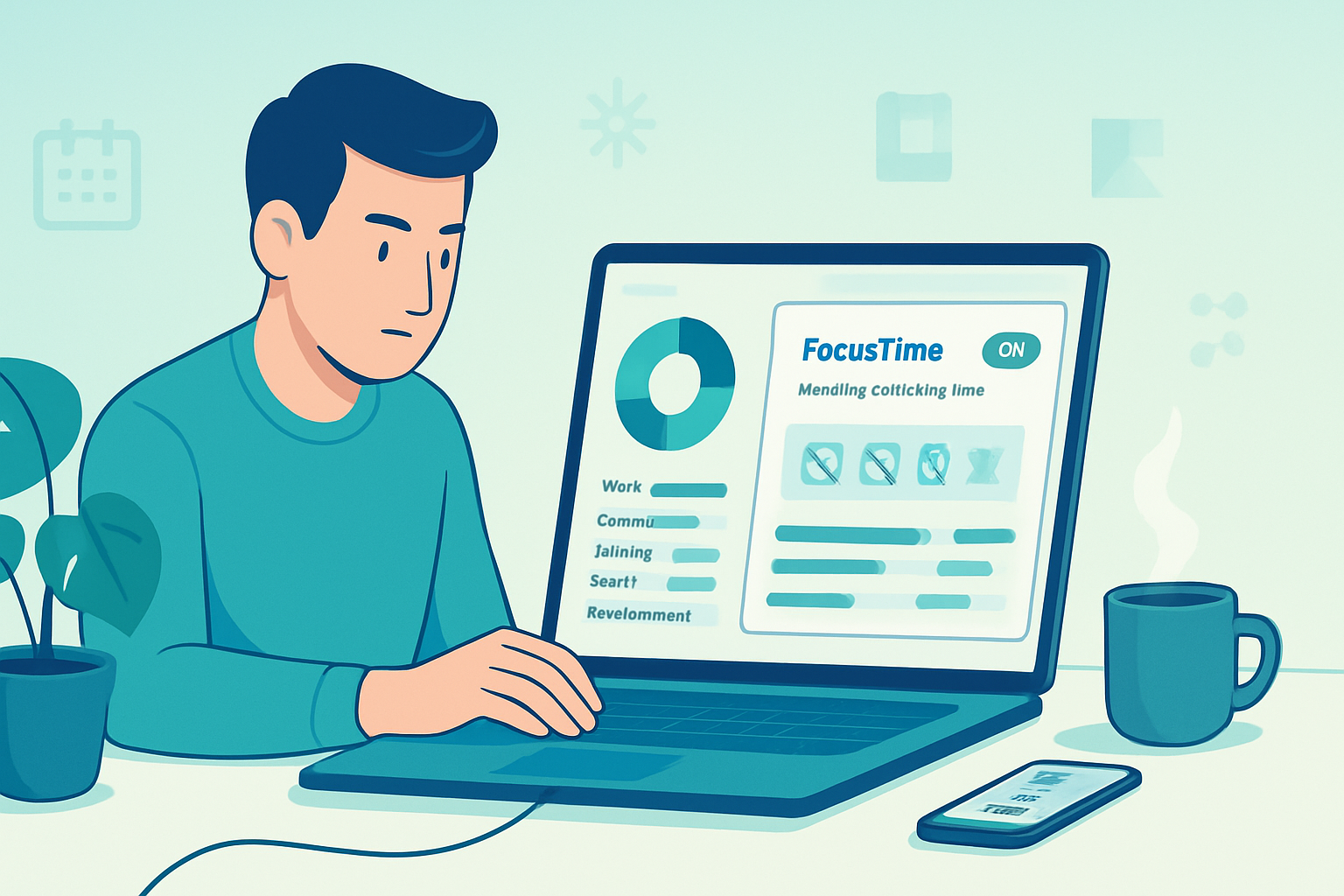
RescueTime quietly watches what you do on your devices, classifies activities (email, social, coding, meetings), and turns that raw behavior into charts, goals, and alerts. That visibility is powerful. It removes guesswork about where your time goes, helps you defend deep work blocks, and highlights distracting patterns. RescueTime’s features - automatic categorization, goal-setting, FocusTime, and detailed reports - are exactly what people ask for when they want to be more productive (RescueTime homepage).
But visibility is a two-edged sword. What gives you insight can also give you a new source of stress.
The dark side: how tracking can increase anxiety
Tracking productivity isn’t neutral. It changes how you experience work. Here are the main psychological mechanisms that turn helpful metrics into a source of dread.
Performance pressure and self-surveillance
- When your productivity is measured, you start to feel observed - even by your future self. That creates pressure to constantly ‘perform’ instead of simply doing meaningful work.
Gamification and perverse incentives
- Daily goals and streaks are motivating - until they aren’t. They can encourage short-term metric-chasing (closing tabs, silencing notifications for the number) at the expense of long-term outcomes.
Negative feedback loops and self-blame
- Dashboards often highlight deficits (time lost, distractions). Repeatedly seeing that you ‘failed’ today can erode confidence and increase anxiety.
Metric myopia and lost context
- Numbers flatten nuance. An afternoon researching for a future project might look like “low productivity” even though it’s high-value work.
Decision fatigue and constant optimization
- Tracking invites optimization. But optimizing everything is exhausting. You end up managing the metric rather than the work.
Privacy and surveillance fears
- Even when data is private, the feeling of being monitored (or the possibility your data could be shared) causes discomfort for many people.
These mechanisms are not hypothetical. Writers and researchers in the broader self-tracking movement have long warned that the act of quantifying the self can produce anxiety, change behavior in undesirable ways, and externalize value into numbers (The Quantified Self - Wired).
Signs RescueTime is stressing you out
Look for these behavioral and emotional signals. If several of them feel familiar, your tracking habit is doing harm.
- You check reports compulsively multiple times a day.
- You chase higher metrics but feel less accomplished.
- You feel guilty for activities RescueTime labels as “distracting.”
- You micromanage your time in tiny increments instead of doing deep work.
- You stop doing work that looks unproductive but is strategically important.
- You experience increased irritability, sleep trouble, or worry tied to your tracked numbers.
If you see these signs, it’s time to change how you use the tool - not necessarily to abandon it.
Practical ways to use RescueTime without letting it overwhelm you
Below are evidence-informed and experience-tested tactics to keep RescueTime useful and humane.
1) Limit frequency of exposure: switch to weekly, not hourly
Turn off live alerts and stop refreshing dashboards. Set RescueTime to send a concise weekly summary instead of tempting you with hourly updates. Weekly reflection gives you perspective. Hourly numbers give you panic.
How: disable push notifications and email digests except for the weekly report.
2) Make goals coarser and outcomes-focused
Replace minute-by-minute targets with meaningful, outcome-driven goals. Instead of “4 hours of deep focus per day,” try “Complete two Pomodoro cycles for Project X each week.”
Why: coarser goals reduce the pressure to optimize trivial details and anchor metrics to real work.
3) Use categories that reflect your values
Customize categories so RescueTime measures what matters. Label an hour spent reading a long report as “Strategic Research” rather than “Low Productivity.”
Why: better labels preserve context and protect valuable off-screen work from being misinterpreted.
4) Turn off streaks or gamified nudges when they stress you
If streaks, badges, or daily completion bars increase anxiety, disable them. Gamification is not one-size-fits-all.
How: check account settings for goal reminders and streak features.
5) Create no-tracking windows for restorative work
Schedule blocks where RescueTime either doesn’t record activity or you temporarily pause tracking. Use these for creativity, rest, or personal time.
Why: privacy and downtime are psychological safety valves.
6) Reframe the data as information, not judgment
When you look at a report, ask: “What story does this tell? What experiment might I run?” Avoid defaulting to, “I failed today.” Curiosity beats shame.
A simple mental script: observe → hypothesize → test. Not observe → condemn.
7) Limit what you track and for how long
Track a narrow set of behaviors for a defined interval (e.g., two weeks) to answer a specific question: “Do I spend more than 20% of mornings on email?” After you have the answer, reduce or stop tracking.
Why: short, targeted tracking reduces chronic stress from perpetual monitoring.
8) Use RescueTime as a diagnostic, not a daily scoreboard
Think of RescueTime like a health check: use it to diagnose patterns and make adjustments, not to grade every day.
Practical step: create an action item after each weekly report - one experiment to try next week - and measure only that.
9) Share data intentionally and only if it helps
If you’re using RescueTime data with a manager or team, set boundaries. Only share data that’s relevant to team goals, not private browsing or personal activities.
Why: reducing surveillance reduces stress and builds trust.
10) Have an exit plan: how to pause or reset
If RescueTime starts making you miserable, pause tracking for a week, archive your data, or uninstall. You can always return with clearer guardrails.
Practical note: most tools let you export data before deleting - keep the export if you want to revisit trends later without live tracking.
Sample RescueTime settings checklist
- Turn off real-time notifications - ON → OFF
- Daily goals - remove or convert to weekly goals
- Email digests - set to weekly summary only
- FocusTime/Do Not Disturb - use intentionally, not as a guilt metric
- Category labels - revise to reflect strategic value
- Data sharing - set to private by default
(These are conceptual; adjust in the app to match your preferences.)
When to stop tracking altogether
Some people never recover their mental bandwidth while monitored. Stop tracking if:
- Your sleep or relationships are affected.
- Your work quality drops because you’re optimizing numbers.
- Tracking amplifies existing anxiety disorders.
If you stop, replace metrics with low-friction, human-centered practices: weekly reflections in a notebook, short status calls, or a single end-of-week time log done manually.
Final thoughts: make the tool serve you - don’t serve the tool
RescueTime is a powerful mirror. But a mirror reflects; it doesn’t define your worth. When the data starts to make you smaller - more anxious, less creative, more rigid - you’ve lost the point.
Use RescueTime to reveal patterns, run short experiments, and protect deep work. Use it to free attention, not to micromanage it. If the app ever makes you feel watched, ashamed, or reduced to a number, silence it. Then step back, breathe, and remember: not every minute must be optimized. Your work and your life are bigger than a dashboard.