· productivity · 7 min read
RescueTime vs. Your Brain: Understanding Your Time Management Patterns
Use RescueTime data to find your natural productivity peaks, reveal distraction patterns, and build a routine that respects how your brain actually works. This article shows how to read the data, run quick experiments, and design a practical plan to align work with your biological rhythms.

What you’ll get from this article
You will learn how to read RescueTime’s signals, translate them into actionable habits, and redesign your day to match your brain’s true peaks and valleys. Short term: clearer focus and fewer wasted hours. Long term: consistent progress on the work that matters.
Read on. You’ll discover a simple, repeatable method to turn passive tracking into sustained performance.
Why RescueTime isn’t just another time tracker
RescueTime runs quietly in the background and maps your digital life: apps used, websites visited, and time spent in categories. That sounds mundane. But patterns emerge. Peaks show when your attention is naturally strong. Valleys show when you’re vulnerable to distraction. The software gives you objective, timestamped evidence of habits your memory misreports.
Use RescueTime and you get three gifts:
- A heatmap of when you actually do focused work.
- Objective measures of distraction and task-switching.
- The ability to test interventions and measure whether they worked.
If you want to manage time better, start with data. RescueTime is a practical microscope for your day.
(Official features and product details: https://www.rescuetime.com/features)
Key RescueTime metrics that reveal how your brain works
These are the fields I check first. Each one maps to a cognitive reality.
- Productive Hours / Productive Time - How many hours you spend on activities RescueTime labels as “productive.” Good for high-level comparison.
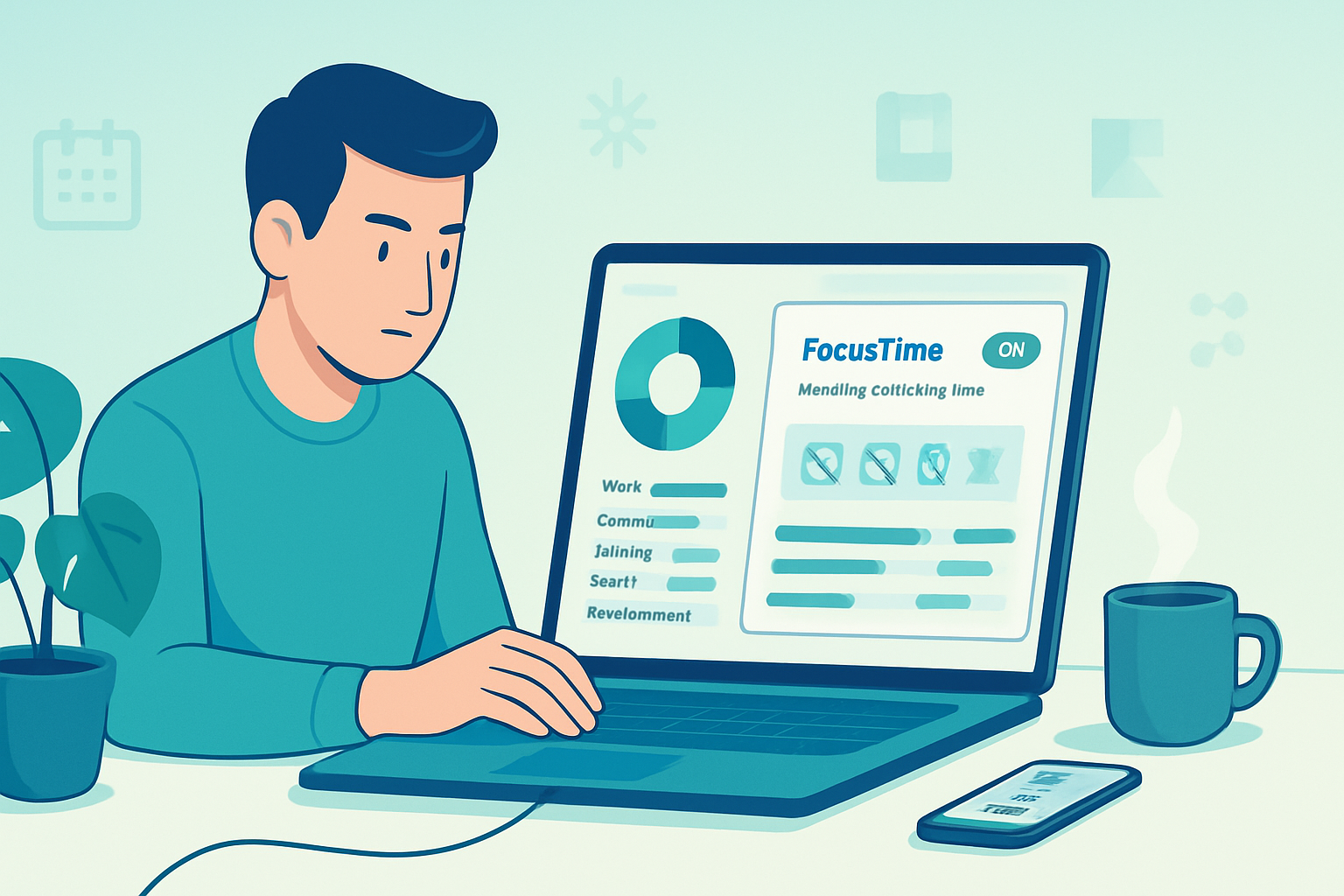
- FocusTime - Time spent in distraction-free sessions (can be protected with FocusTime blocks). This is your sustained attention budget.
- Distracting Time - Sites/apps that repeatedly pull you out of flow.
- Most Used Apps / Websites - Reveals the where of your distraction and where your effort is concentrated.
- Daily Heatmap / Hourly Trends - Shows consistent peaks (e.g., 9–11am) and recurring lulls (e.g., post-lunch slump).
- Longest Focus Session - How long you can stay deeply engaged in one go.
- Time Spent in Categories - Creative work vs. communications vs. admin.
- Alerts & Goals - Frequency of missed goals or triggered alerts highlights recurring problems.
Track these over a 2–4 week window to avoid one-off events driving false conclusions.
What the patterns usually mean (and how your brain explains them)
Data is only useful when interpreted through what we know about attention and energy.
Consistent morning peaks - you may be more aligned with your circadian alertness. Protect mornings for cognitively demanding tasks. See background on circadian rhythms:
Short, reliable bursts of focus - you might be an ultradian pattern thinker. Work in 60–90 minute blocks and schedule restorative breaks afterward.
Frequent short task switches and lots of brief app opens - this is attention residue in action - your brain never fully settles onto a single task. Read the original research on attention residue:
Late-night productive spikes - you may be an evening chronotype. Don’t force early-bird schedules if your prime time is after dinner - instead, shift deep work later.
High social/communication time during your natural peaks - meetings and email steal your best hours. That is fixable.
A 6-step workflow to turn RescueTime data into a better schedule
- Collect 2–4 weeks of passive data. Let RescueTime run without trying to ‘improve’ your behavior first - you need baseline truth.
- Identify your 2–3 highest-productivity windows on the heatmap. Note their times and duration.
- Map task types to cognitive load - deep creative work, shallow admin, reactive communications. Use RescueTime’s category data to see where each type currently sits.
- Protect peak windows. Move meetings and email to low-energy times. Use FocusTime to block distracting sites in those windows.
- Run micro-experiments for 1–2 weeks (see examples below). Measure changes in FocusTime, Longest Focus Session, and Productive Hours.
- Iterate. Keep the experiments short, keep one variable per experiment, and use the next week’s data to decide.
This process converts passive measurement into iterative improvement.
Practical micro-experiments (doable in one week each)
Hypothesis - Blocking social media during my morning peak will increase my average FocusTime by 30 minutes.
- Experiment - Use FocusTime to block social sites from start of peak + 90 minutes.
- Metric - Compare average Longest Focus Session and Productive Time to the previous week.
Hypothesis - Scheduling 90-minute deep work in my natural afternoon lull (after coffee + walk) will increase creative output.
- Experiment - Do one 90-minute creative block starting at the identified lull after a short physical break.
- Metric - Count completed deep tasks and measure FocusTime.
Hypothesis - Reducing context switches increases my total productive hours.
- Experiment - Bundle emails into two 30-minute blocks per day; set alerts for urgent items only.
- Metric - Monitor session frequency and total Productive Time.
Small, measurable changes win. One variable at a time.
How to map tasks to brain states (energy-first planning)
Your brain has different capacities during the day. Match task difficulty to energy level.
- Peak energy - strategy, writing, code, complex design.
- Mid energy - planning, editing, problem solving with a partner.
- Low energy - admin, email triage, routine meetings.
Use RescueTime to see when you naturally enter each state and then move high-cognitive-load tasks into those windows.
Tip: treat calendar blocks like fragile time. If a meeting pulls you from your peak, try swapping times or asking for a shorter meeting.
Tools and RescueTime features to use deliberately
- FocusTime - create distraction-free sessions for protected work.
- Website/Application blocking (during FocusTime) - remove friction to deep work.
- Goals & Alerts - set realistic daily goals (e.g., 3 hours deep work) and alerts to nudge behavior.
- Weekly Reports & Dashboard - review trends and threat areas.
- Tags / Manual Time - label offline or mixed tasks so your data reflects reality.
- Integrations (Calendar, Slack) - use them to automate context mapping and prevent meetings from overrunning your peaks.
More on RescueTime features: https://www.rescuetime.com/features
Interpreting noisy or imperfect data
RescueTime is strong for digital activity. It undercounts true offline work (thinking on paper, meetings with no laptop). Don’t throw the data away; supplement it.
- Add manual tags for offline tasks so weekly totals match reality.
- Use qualitative notes - after a deep session, jot what you accomplished. Numbers + notes = reliable insight.
- Watch out for outliers (travel days, all-hands meetings) and exclude them when identifying regular patterns.
Remember: the goal is not perfect measurement, but useful feedback.
Common pitfalls and how to avoid them
- Mistaking busyness for productivity. RescueTime can show you time spent, but not always impact. Pair time data with output measures.
- Over-optimizing - don’t turn every hour into a metric. The human brain needs unstructured time.
- Fighting your chronotype - shifting everything to fit a mythical 9–5 will fail if your biology disagrees.
Balance structure with flexibility.
Sample 4-week plan to align your days with your brain
Week 1: Baseline collection. No behavior change.
Week 2: Identify peaks and schedule one protected deep block daily in that window. Use FocusTime.
Week 3: Run two micro-experiments (blocking distracting sites; batching email) and measure.
Week 4: Iterate - keep what works, drop what doesn’t. Start a habit loop to anchor the best change.
Each week, compare RescueTime weekly reports, look at FocusTime and Longest Focus Session, and make one tweak.
Privacy and ethics - a short note
RescueTime collects detailed activity data. Keep these practices in mind:
- Use local control over what is tracked; tag sensitive activities as private.
- If you use RescueTime on work devices, clarify policies with your employer.
- Aggregate trends matter more than single-app voyeurism; focus on improving your habits, not policing people.
Wrap-up - the one strategic shift that matters
RescueTime gives you truth about how you spend attention. Your brain gives you truth about when you’re most able to do deep work. Combine the two and you stop organizing your day around convenience and start organizing it around capability.
Start with data. Protect your peaks. Measure the effects. Repeat.
Do that, and your calendar will stop fighting your brain. It will start serving it.
Further reading and resources
- RescueTime features and guides: https://www.rescuetime.com/features
- Sleep Foundation - circadian rhythm explainer: https://www.sleepfoundation.org/circadian-rhythm
- Sophie Leroy on attention residue: https://hbr.org/2009/01/why-is-it-so-hard-to-get-things-done
- Pomodoro Technique: https://francescocirillo.com/pages/pomodoro-technique
- Deep Work (Cal Newport): https://calnewport.com/books/deep-work/