· productivity · 6 min read
The Controversial Truth About Asana's Overhyped Features
A candid, experience-driven look at which Asana features actually move the needle-and which ones tend to add noise. Practical guidance for teams that want power without the bloat.
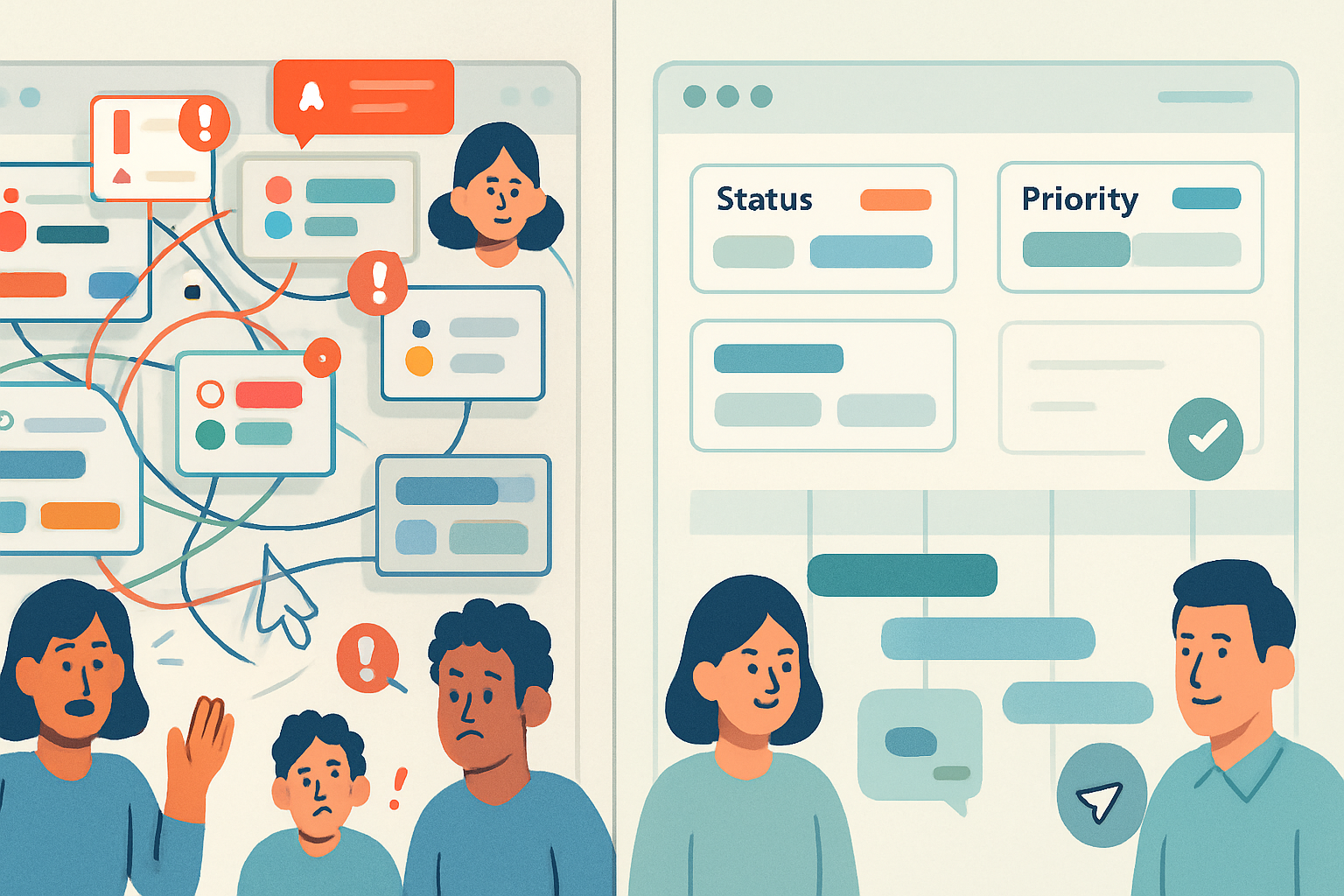
Outcome first: by the end of this article you’ll be able to cut the Asana features that slow your team down, keep the ones that scale work predictably, and implement a small governance checklist to keep your workspace lean and adoptable.
Why read this? Because Asana can be a productivity engine or a bureaucratic labyrinth. Which side you get depends less on the tool and more on the features you enable and how you use them.
Quick summary (the thesis)
- Some Asana features are true multipliers-Timeline, Advanced Search, and Rules (when scoped) are worth the effort.
- Other features are frequently overhyped and often cause more overhead than value-complex Portfolios, bloated Custom Fields, and uncontrolled Dependencies top that list.
- The problem is not the feature itself. It’s adoption friction, poor governance, and feature proliferation.
Read on for the evidence, clear examples, and a practical checklist to decide what your team should enable or kill.
Truly beneficial features (use these deliberately)
These features reliably return value across teams when used with simple rules and clear ownership.
1) Advanced Search & Saved Reports
Why it’s good: it turns Asana’s data into actionable information. Use it for status reports, overdue tasks, and workload snapshots.
How to use it well:
- Train a small set of power users to build queries.
- Save and standardize a handful of searches (e.g., “Blocked tasks by team”, “This week’s milestones”).
- Schedule exports or link saved searches to recurring status updates.
Why teams miss out: nobody owns the search library, so everyone rebuilds and duplicates queries.
2) Rules (Automations) - but with guardrails
Why it’s good: automations reduce manual work for repetitive updates (status changes, assignee notifications, moving tasks between sections).
How to use it well:
- Start with a tiny rules set - 3–5 automations for repetitive human error points.
- Log rules in a shared doc with owner and purpose.
- Prefer rules that change metadata or move tasks rather than send voluminous notifications.
Why teams break it: enabling dozens of rules creates cascading updates and opaque behavior. Suddenly a task moves or changes and no one knows why.
3) Timeline for planning
Why it’s good: Timeline makes sequencing and visual conflicts obvious. For teams juggling cross-functional deliverables, this saves weeks of coordination.
How to use it well:
- Use Timeline for planning, not day-to-day task management.
- Pair it with a firm policy on dependencies (see below) and a short review meeting to resolve date conflicts.
Why teams overuse it: using Timeline as the single source for everyday task updates leads to constant micro-adjustments and version drift.
4) Milestones & Goals (strategic alignment)
Why it’s good: they connect day-to-day tasks to outcomes. Milestones mark key checkpoints. Goals show why the work matters.
How to use it well:
- Keep goals measured and timebound.
- Link milestones to projects. Don’t multiply goals for every minor effort.
Why teams underuse them: lack of discipline in keeping Goals updated or too many goals dilute focus.
Probably overhyped (and why they often hurt)
These features sound powerful in demos. In practice they often create overhead, confusion, or both.
1) Portfolios for granular operational tracking
The pitch: a single-pane executive view of many projects. The reality: Portfolios are great for high-level oversight, not for micromanaging every task across 50 projects.
Common problems:
- Portfolios with dozens of projects become unwieldy.
- Teams expect Portfolio to replace project-level status processes but it doesn’t capture the nuances of work in progress.
When to use: executive-level oversight of 5–15 related projects with clear owners.
When to avoid: day-to-day operational tracking across dozens of unrelated projects.
2) Overloaded Custom Fields
Custom fields let you add metadata. That’s useful. But teams treat them like a kitchen-sink registry.
Symptoms of overload:
- 20+ custom fields per project.
- Different teams use the same field name but with different meanings.
- Search and filtering become slow and inconsistent.
Recommendation: allow a maximum of 5–7 required project-level fields. Standardize names and options in a central template.
3) Dependencies as a default
Dependencies can be lifesavers for sequence-sensitive work. They are also a common source of blockers that cascade silently.
Why they backfire:
- People set dependencies without clear dates, leaving tasks permanently blocked.
- Tasks pile up in “Blocked” views; no one has the mandate to unblock.
Use when: true sequential work exists and ownership for unblock actions is defined.
Avoid when: tasks are independent or when your team prefers asynchronous, parallel work.
4) Board + List + Timeline for every project
Asana lets you view projects multiple ways. That’s flexibility. It can also be choice paralysis.
Problems:
- Different stakeholders prefer different views and update only their favored view, causing mismatch.
Fix: pick ONE canonical view per project type (e.g., Product roadmaps → Timeline; Support queues → Board).
Use with caution (powerful but needs governance)
These features are valuable but require standards, training, and monitoring.
Forms
Great for inbound intake. Terrible when intake has no triage process.
Best practice: pair forms with a triage owner and rules to tag and route incoming requests.
Workload (resource management)
Powerful visual. Misused as the only staffing planning tool.
Best practice: treat Workload as an approximate capacity guide and integrate it with your staffing/cost model outside Asana.
Integrations (Slack, GitHub, calendar)
Integrations reduce context switching. Too many integrations double your notifications.
Best practice: centralize notification policy. Only integrate where there’s a clear one-way flow or a succinct summary.
Hidden gems most teams miss
- Templates - reduce repeated setup time. Create and maintain a small library.
- Advanced Search + CSV export - simple but powerful reporting that bypasses fancy dashboards.
- Project brief / Description - add a one-paragraph intent so every project has a north star.
Practical governance-keep Asana useful, not noisy
When features proliferate, the workspace becomes unmanageable. Implement three simple rules.
- Feature onboarding checklist
- Any new feature must have a documented reason, owner, and sunset review date (90 days).
- Naming and field standards
- One source of truth for custom field names and options. Enforce via templates.
- Quarterly feature review
- A short audit - which rules, custom fields, templates, and Portfolios are actively used? Remove the bottom 25%.
Example governance doc snippet:
Feature: Rules - Auto-assign on form submission
Owner: Product Ops (name)
Purpose: Route new intake to product triage
Review date: 2026-05-01
Metrics: % of form submissions routed correctly; time to first triage
Signals a feature is harming you
- Frequent “Why did this move?” or “Who changed the date?” complaints.
- Multiple overlapping automations or triggers.
- Custom fields with empty or inconsistent usage.
- Portfolios with nobody checking them but many expecting updates.
If you see these, stop enabling new features. Audit and simplify.
A short decision checklist (yes/no)
- Is the feature solving a repeated, measurable pain? (Yes → consider enabling.)
- Can we assign an owner to maintain it? (No owner → don’t enable.)
- Could the same result be achieved with discipline (naming, templates) instead of a feature? (If yes → prefer discipline first.)
- Will the feature increase cognitive load for >25% of users? (If yes → very cautious.)
If you answer “no” to any of the first two, avoid enabling.
Quick wins you can implement in one week
- Audit - export a list of custom fields and delete unused ones.
- Rules - disable automations that send notifications and replace with summary reports.
- Templates - create/standardize 3 templates for your most common project types.
- Canonical views - decide one default view for each project type and communicate it.
Final takeaways
Asana’s power is real. But so is its ability to become a bureaucracy machine.
The right approach is surgical: enable fewer things, enforce standards, and assign ownership. Let features amplify well-defined processes, not replace them. Keep a small set of high-value automations, a handful of standard fields, and a transparent governance loop. Do that, and Asana stops being overhyped and becomes a tool that scales your team’s output instead of your meeting count.
References
- Asana Guide and product docs: https://asana.com/guide
- Asana Premium/Business feature overview: https://asana.com/guide/help/premium