· productivity · 8 min read
The Ultimate ClickUp vs. Competitors Showdown: Which Tool Works Best for Your Workflow?
A practical, scenario-driven comparison of ClickUp, Asana, Trello, and Monday.com - how they differ on features, pricing, customization, automation, and which one to choose for your team's needs.
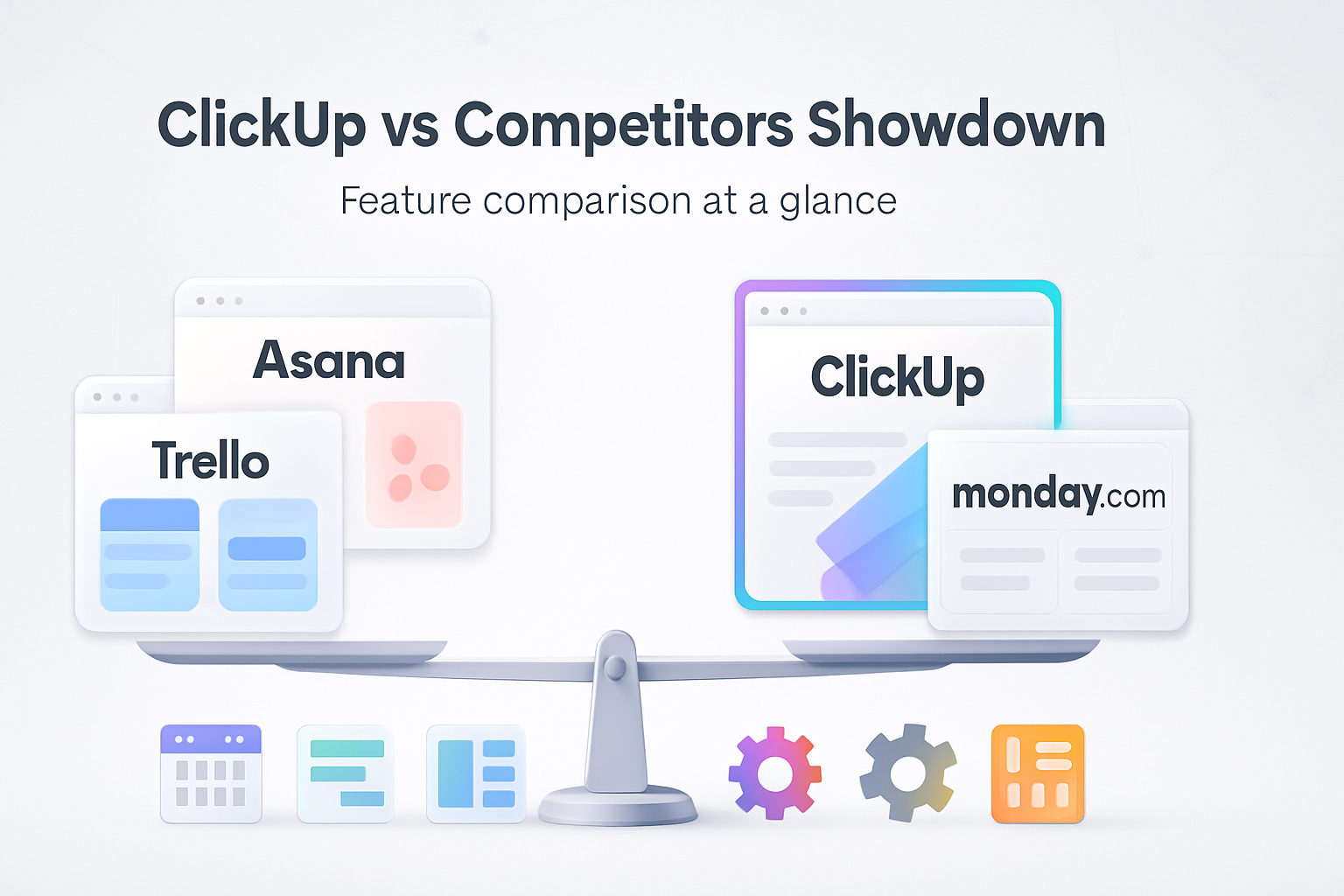
Outcome first: by the end of this article you’ll know which tool is most likely to fit your workflow and why - and you’ll get a practical checklist and migration tips to make the switch painless.
Why this matters right now
Choosing the wrong project tool wastes time, kills momentum, and undermines your processes. Pick the right one and your team moves faster, communicates less about status, and delivers more. Let’s cut through marketing and feature lists and look at real-world fit.
Quick verdict (one-line picks)
- Small teams & simple boards - Trello. Light, visual, fast.
- Marketing / cross-functional teams - Asana. Structured, great for campaigns.
- Highly customizable all-in-one - ClickUp. Feature-rich and adaptable.
- Enterprise / visual workflows + dashboards - Monday.com. Polished, scalable, and executive-friendly.
How I compared them (so you can trust the outcome)
I evaluated ClickUp, Asana, Trello, and Monday.com across the following dimensions:
- Core task management and views (list, board, calendar, timeline)
- Customization of fields, statuses, and workflows
- Collaboration features (comments, mentions, docs)
- Automation and integrations
- Reporting and dashboards
- Usability and learning curve
- Pricing and scalability
- Suitability by business scenario
I also drew on current vendor documentation and third-party reviews for feature specifics and market context: ClickUp, Asana, Trello, and Monday.com product pages and expert reviews (see links in relevant sections) ClickUp, Asana, Trello, Monday.com, plus comparative analyses from G2 and PCMag.
Feature-by-feature breakdown
- Views, task model, and flexibility
ClickUp - Offers virtually every view - List, Board, Calendar, Gantt (Timeline), Table, Box, Docs, and a customizable Home. Tasks are highly nested (Spaces > Folders > Lists > Tasks > Subtasks) and you can add custom fields and multiple assignees. Exceptionally flexible.
Asana - Strong list and timeline (Gantt-like) views, Boards for agile teams, and Goals/Portfolios for higher-level tracking. Task model is simpler than ClickUp’s but intentionally so.
Trello - Built on the Kanban board. Intuitive and visual but less native structure for complex hierarchies. Power-ups add views and features.
Monday.com - Visual, table-first approach with views like Timeline, Kanban, Calendar and advanced dashboards. Highly configurable boards and columns.
Winner for flexibility: ClickUp (if you want to model complex processes). Winner for quick visual work: Trello.
- Customization and structure
ClickUp - Deep customization - statuses, workflows, custom fields, automations, templates, and permissions. This enables complex processes but requires governance to avoid sprawl.
Asana - Good custom fields and rules, but with simpler structures to keep teams from over-configuring. Great balance for many teams.
Trello - Lightweight customization via Power-Ups and Butler automations. Best for teams that don’t need heavy structure.
Monday.com - Extremely configurable columns and automations; built for teams wanting to design their board as a system.
Winner for admin control: Monday.com (enterprise polish) and ClickUp (depth).
- Collaboration & documentation
ClickUp - Built-in Docs that link to tasks, real-time editing, comments, mentions, and proofing features. Docs can become knowledge bases.
Asana - Strong comment threads, task-based conversations, and a native project brief (Docs) feature for collaborative specs.
Trello - Comments and attachments on cards; Power-Ups add richer docs and editing.
Monday.com - Comments, updates on items, and a docs feature that’s growing; excellent dashboards for stakeholder updates.
Winner for docs + tasks: ClickUp (Docs integrated tightly with tasks).
- Automation & integrations
ClickUp - Native automations are extensive; also connects to Zapier, Make, and has an API. You can automate recurring tasks, status changes, and notifications.
Asana - Native rules for automations and broad integration ecosystem (Slack, Teams, Google Workspace, Jira). Good for cross-team workflows.
Trello - Butler automation is powerful for boards; integrations via Power-Ups and Zapier.
Monday.com - Strong automations, native integration recipes, and enterprise-grade connectors (BI tools, ERPs).
Winner for no-code automations: Close race between ClickUp and Monday.com; Trello is great for board-level automation; Asana is reliable for cross-app workflows.
- Reporting, dashboards & analytics
ClickUp - Dashboards, custom widgets, time tracking, and advanced reporting with ClickUp Goals and Portfolios.
Asana - Portfolios, Goals, and reporting for teams; good executive views.
Trello - Less native reporting; Power-Ups and third-party tools fill the gap.
Monday.com - Very strong dashboards and reporting capabilities; built for visibility at scale.
Winner for reporting at scale: Monday.com and ClickUp.
- Usability & learning curve
ClickUp - Powerful but has the steepest learning curve. Requires setup discipline and admin ownership.
Asana - Balances power and simplicity. Teams often adopt it quickly.
Trello - Easiest to start with. Low friction and fast wins.
Monday.com - Intuitive UI but many features - initial setup benefits from templates and onboarding.
Winner for ease of adoption: Trello, then Asana.
- Pricing & value
Pricing structures change often; check vendor sites for current plans. As of recent public tiers:
- ClickUp - Generous free tier; paid plans add advanced features and unlimited storage on higher tiers. Good price-to-feature ratio.
- Asana - Free tier for small teams; premium/enterprise tiers add timelines, rules, portfolios.
- Trello - Free tier is very functional; paid tiers unlock Power-Ups and larger automation quotas.
- Monday.com - Often perceived as pricier at scale but offers enterprise features and strong dashboards.
Value winner: ClickUp often wins on feature-per-dollar for small-to-medium teams; Monday.com can be more expensive but justifies cost for enterprise reporting and governance.
Scenario-driven recommendations (practical guidance)
- Small startup (3–15 people) that needs light process and speed
Choose: Trello or Asana.
Why: Low friction and quick onboarding. Trello if you want a visual kanban-first approach; Asana if you want a bit more structure and timeline views without heavy admin.
- Marketing agency managing campaigns, deliverables, and assets
Choose: Asana or ClickUp.
Why: Asana’s campaign templates, timeline, and proofs work well. ClickUp is excellent if you want consolidated docs, recurring tasks, and fine-grained custom fields.
- Software development / Agile teams
Choose: ClickUp or Asana.
Why: ClickUp supports multiple views, backlog management, sprints, and custom workflows. Asana integrates well with dev tools and has a clean backlog-to-release flow.
- Enterprise that needs governance, dashboards, and BI connectors
Choose: Monday.com or ClickUp (enterprise tier).
Why: Monday.com’s polished dashboards, governance, and integrations for large-scale visibility are compelling. ClickUp’s enterprise features are strong too, especially for teams wanting a single platform for docs, tasks, and goals.
- Freelancer / solo founder
Choose: Trello or ClickUp.
Why: Trello for absolute simplicity; ClickUp for a free tier that scales into powerful task tracking and docs when you grow.
Migration & implementation: make it painless
Checklist before you switch
- Audit current workflows. Map the minimum viable fields, statuses, and views you need.
- Identify mandatory integrations (email, calendar, dev tools, CRM).
- Clean up existing tasks and remove duplicates.
- Decide on owner(s) for setup and governance.
Migration tips
- Use CSV exports/imports for tasks (all four platforms support CSV to varying degrees).
- For richer migrations (comments, attachments, histories), use migration tools or third-party services (e.g., Zapier, Make, dedicated migration vendors).
- Migrate in waves - pilot with one team, iterate, then roll out enterprise-wide.
- Document the new conventions (naming, statuses, custom fields) in a short playbook.
Quick migration recipe (simple)
- Export tasks from current tool in CSV.
- Clean and map fields in a spreadsheet.
- Import into the new tool using native CSV import.
- Reconnect integrations and test automation in a sandbox project.
- Run a 2-week pilot and collect feedback.
Decision matrix (simple scoring you can copy)
Weight features by importance (example):
- Ease of use - 20%
- Customization - 20%
- Automation - 15%
- Reporting - 15%
- Price/value - 15%
- Integrations - 15%
Score each tool 1–5 and multiply by weight. Pick the highest total. This removes emotion and forces clarity.
Common objections and reality checks
- “ClickUp is too complex.” - True if you enable every feature. Start small, use templates, and expand features as processes mature.
- “Trello is too basic for us.” - True for complex product teams. But Trello’s simplicity is its power for many marketing and ops teams.
- “Asana lacks customization.” - It prioritizes clarity over endless customization. That’s a feature, not a bug, for teams that need discipline.
- “Monday.com costs too much.” - It can, at scale. But for organizations that need executive-grade dashboards and governance, the ROI often justifies the price.
Short checklist for your decision call (10 minutes)
- Do we need highly customizable workflows? If yes - ClickUp or Monday.com.
- Do we prioritize speed of adoption and low training? If yes - Trello or Asana.
- Do we need enterprise dashboards and BI connectors? If yes - Monday.com.
- Is price-per-feature a key constraint? If yes - evaluate ClickUp closely.
Final recommendations (one-sentence picks)
- If you want the most powerful, all-in-one work OS and don’t mind investing in setup and governance - choose ClickUp.
- If you want structure and polished team workflows with straightforward onboarding - choose Asana.
- If you want the simplest, fastest board-based tool - choose Trello.
- If you need enterprise dashboards, robust governance, and executive reporting - choose Monday.com.
Parting thought
Tools don’t fix broken processes. They amplify them. Choose the tool that best maps to how your team already works - not the one with the flashiest feature set - and assign a small group to own setup and governance. Make the change deliberate, measured, and reversible. That’s how you get real productivity gains - and keep them.
References and further reading
- ClickUp official site: https://clickup.com
- Asana official site: https://asana.com
- Trello official site: https://trello.com
- Monday.com official site: https://monday.com
- G2 comparisons and user reviews: https://www.g2.com/compare/clickup-vs-asana
- PCMag reviews - ClickUp, Asana, Trello, Monday.com
FAQ (short)
Q: Can I use two tools simultaneously?
A: Yes. Many teams run a lightweight board (Trello) for marketing and a product tracker (ClickUp/Asana) for dev - but double entry is the risk. Use integrations or single-source rules.
Q: Which tool has the best free tier?
A: Trello and ClickUp have generous free tiers; Asana and Monday have functional free tiers but some advanced features require paid plans.
Q: Will switching tools cause loss of history?
A: Basic fields transfer via CSV, but comment histories and attachments may need dedicated migration tools. Plan accordingly.
If you want, I can create a tailored decision matrix for your exact team size, processes, and tool requirements - or a migration checklist customized to your current toolset.