· creativity · 7 min read
Runway Gen-2 vs. Traditional Editing Software: Is It Worth the Switch?
A practical, side-by-side comparison for small businesses pondering whether Runway Gen-2 - the new AI-driven video tool - can replace legacy NLEs like Premiere, Final Cut, or DaVinci Resolve. Learn use-cases, costs, limits, and a decision checklist to pick the right approach.
What you’ll get from this article
You’ll leave with a clear answer: when you should switch to Runway Gen-2, when you should stick with a traditional NLE (non-linear editor), and how to combine both for better results. Expect practical pros/cons, real small-business use cases, a migration checklist, and a quick ROI thought experiment.
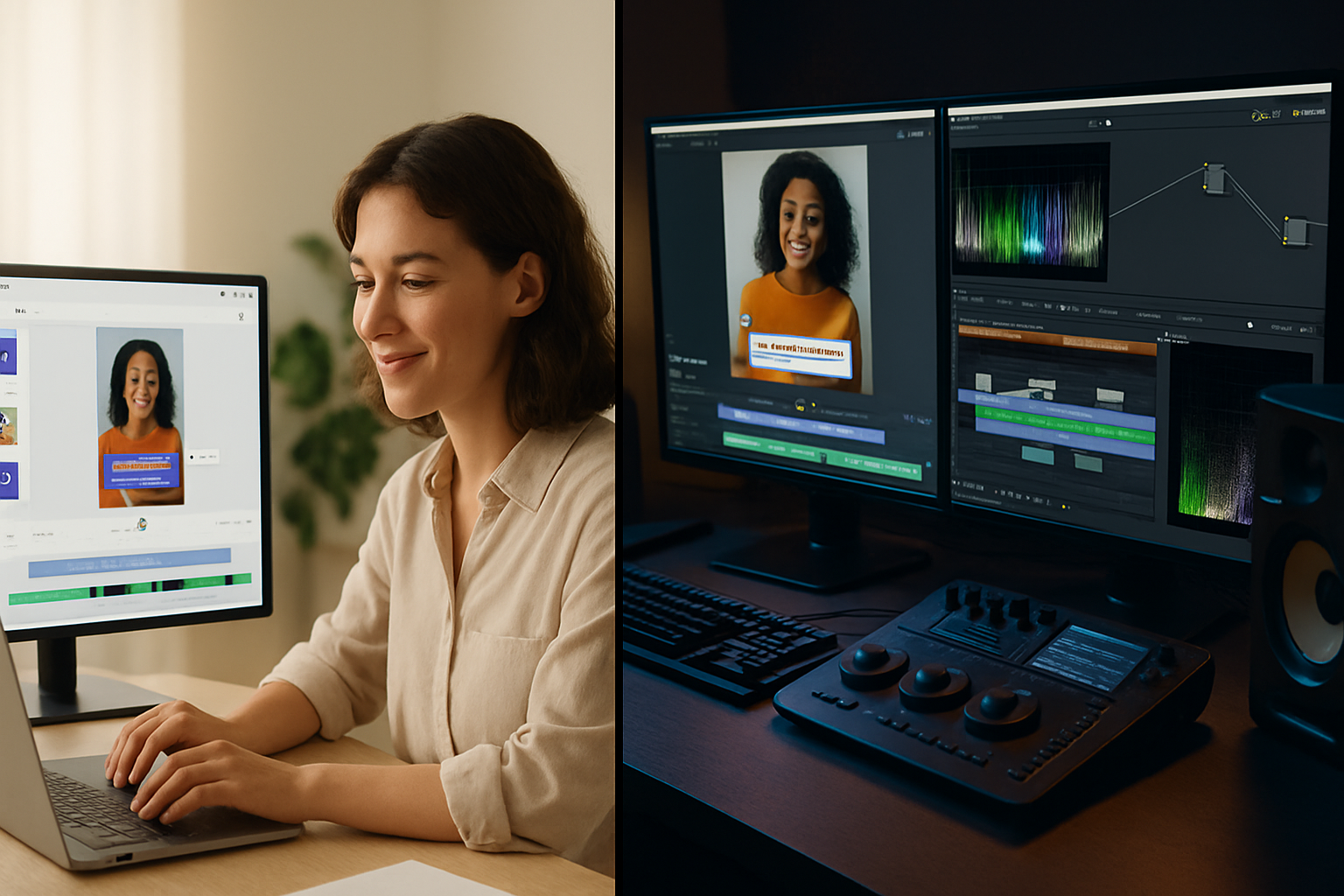
Short version up front: Runway Gen-2 can dramatically speed up certain tasks - ideation, rapid social clips, background replacement, and generating b-roll - but it does not fully replace a professional NLE when you need fine-grained control, color grading, precise audio mixing, or guaranteed frame-accurate edits. Use it as a force multiplier, not a full replacement, unless your needs are strictly lightweight and fast.
What is Runway Gen-2 (quick primer)
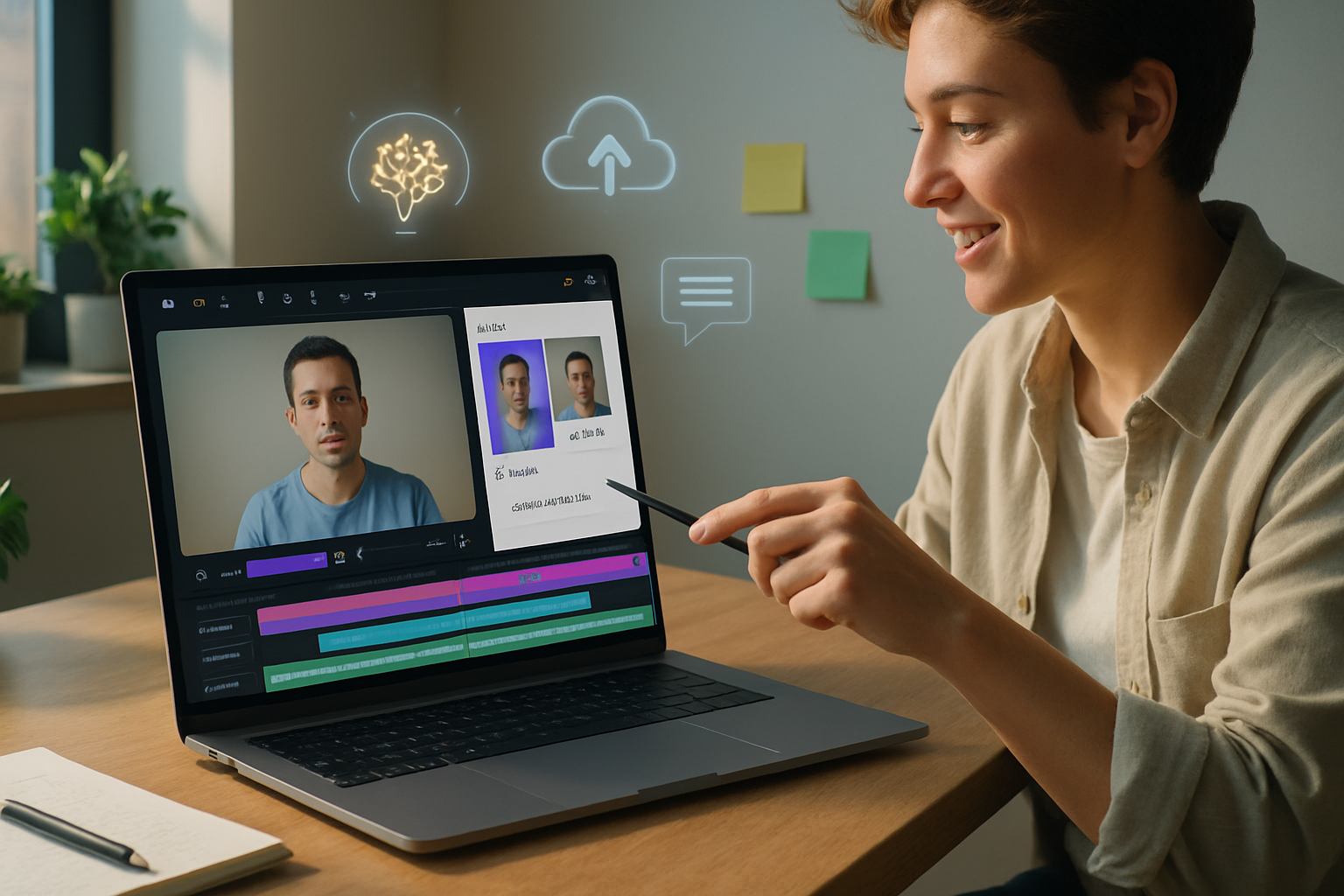
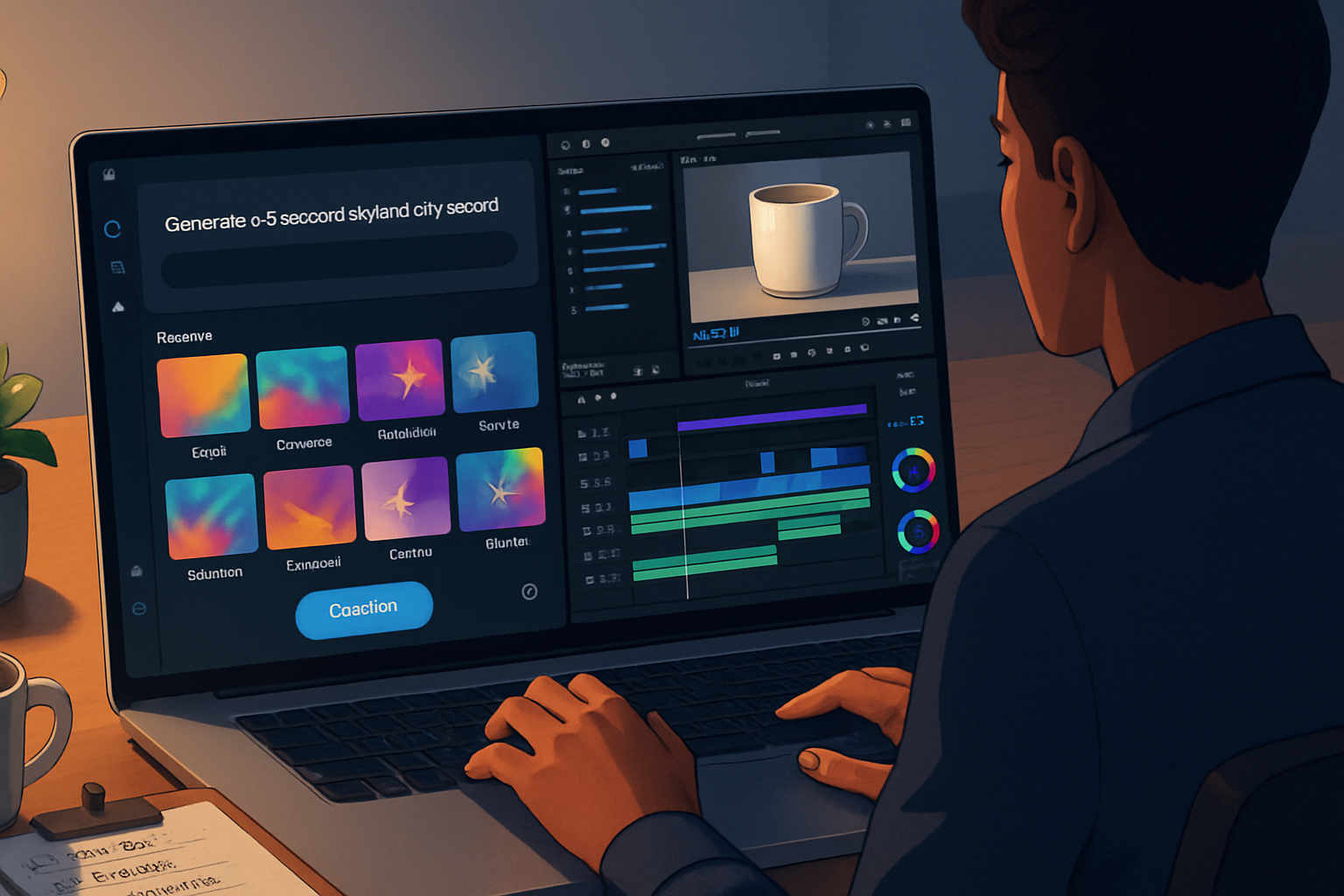
Runway Gen-2 is an AI-driven video generation and editing tool that uses generative models to synthesize, transform, and edit video content from text prompts, reference videos, or images. It focuses on rapid content creation: generating scenes, changing backgrounds, doing semantic edits, and producing creative b-roll with minimal manual keyframing. See Runway for features and pricing: https://runwayml.com/.
Gen-2’s strength is automation and creativity. It can create assets that would otherwise take hours to shoot or composite. But automation brings trade-offs: less deterministic output, some artifacts, and limited fine-control compared with established NLEs.
What I mean by “traditional editing software”
Examples: Adobe Premiere Pro, Apple Final Cut Pro, and Blackmagic DaVinci Resolve. These are full-featured NLEs. They provide frame-accurate trimming, multi-cam editing, advanced color grading, professional audio tools, and robust export presets for broadcast and streaming. Links:
- Adobe Premiere Pro: https://www.adobe.com/products/premiere.html
- Final Cut Pro: https://www.apple.com/final-cut-pro/
- DaVinci Resolve: https://www.blackmagicdesign.com/products/davinciresolve/
Traditional NLEs are mature. They are predictable. They’re the backbone of professional post-production.
Direct comparison: strengths and weaknesses
Below are the comparison dimensions that matter most for small businesses.
1) Speed & iteration
- Runway Gen-2 - Extremely fast for ideation and producing social clips or background-replaced shots. You can go from a concept to a shareable clip in minutes. Iterations are cheap: change the prompt or style and regenerate.
- Traditional NLEs - Slower for concept-to-clip when assets don’t already exist. But once you have footage, changes are predictable and incremental.
Winner (for speed): Runway Gen-2 - for rapid ideation and short-form content.
2) Precision & control
- Runway Gen-2 - Limited frame-level precision. Useful for stylistic, creative edits and automated transformations, but you’ll struggle with pixel-perfect masking, complex motion tracking corrections, and exact timing.
- Traditional NLEs - Excellent frame accuracy, advanced masking, manual keyframing, and fine control over audio and timing.
Winner (for precision): Traditional NLEs.
3) Output quality & consistency
- Runway Gen-2 - Output quality is impressive for many applications (social, ads, concept reels). But artifacts, temporal inconsistencies, and generative “hallucinations” can appear - particularly in complex scenes or long-duration footage.
- Traditional NLEs - Output is as good as your source footage and your skill in color grading and mastering. Predictable and suitable for professional delivery.
Winner (for consistent professional quality): Traditional NLEs.
4) Cost structure
- Runway Gen-2 - Often subscription- or usage-based. It can be cost-effective for low-to-moderate volumes, because you pay for generation not hardware. See pricing:
- Traditional NLEs - Typically subscription (Adobe) or one-time purchase (Final Cut), plus hardware costs (powerful GPU/CPU for exports), and plugins/licenses. For teams producing long-form content, the per-project marginal cost is lower.
Winner: Depends on your volume. Runway is cheaper for quick, frequent short-form content; NLEs may be more cost-effective at scale.
5) Learning curve & staffing
- Runway Gen-2 - Low barrier to entry. Non-editors can produce compelling assets. Prompts are a new skill but generally accessible.
- Traditional NLEs - Steeper learning curve. Skilled editors are required for demanding projects.
Winner (for non-experts): Runway Gen-2.
6) Collaboration & asset management
- Runway Gen-2 - Cloud-centric collaboration and easy sharing. But asset versioning and integration with established post pipelines can be limited.
- Traditional NLEs - Strong integration with studio pipelines (shared drives, version control, enterprise collaboration tools), especially in bigger shops.
Winner: Traditional NLEs for complex, multi-person workflows; Runway for quick cloud-first collaboration.
7) Legal, IP & ethical considerations
- Runway Gen-2 - Generative models raise copyright questions (training data provenance, likeness and deepfake concerns). Check usage terms and ensure you don’t infringe third-party rights. For ads or customer-facing content, review legal risk.
- Traditional NLEs - Clearer chain-of-custody: you work from your own footage and licensed assets.
Winner: Traditional NLEs for lower legal risk.
8) Privacy & data safety
- Runway Gen-2 - Cloud processing may upload your footage to third-party servers. Validate data handling, retention, and compliance for sensitive content.
- Traditional NLEs - Local editing keeps data under your control.
Winner: Traditional NLEs for sensitive material.
Practical use-cases for small businesses
Runway Gen-2 excels at:
- Rapid social media content (15–60s ads and reels).
- Generating b-roll or stylized backgrounds when shooting is costly.
- Quick concept videos to test messaging and A/B variants.
- Small teams without a dedicated editor.
Traditional NLEs remain best for:
- Long-form explainer videos, training, or product demos requiring precise timing and captions.
- High-production marketing materials (commercials, product launch videos).
- Any project requiring advanced audio mixing, pro color grading, or broadcast specs.
Real-world example: A small e-commerce brand can use Gen-2 to generate multiple product lifestyle clips for Instagram, test ad performance, then route the best-performing concept to a professional editor for polish and multi-platform masters.
Hybrid workflow: The best of both worlds
A hybrid approach often gives the best ROI. Suggested pipeline:
- Concept & rapid prototyping in Runway Gen-2 - make several versions of a creative concept, test headlines, visuals, formats.
- Pick winners - choose top-performing clips or concepts.
- Assemble & finish in an NLE - import Runway assets into Premiere/Resolve for final edit, color, audio, and export presets.
Why this works: You get fast iteration and creative exploration, plus the precision and reliability of a professional finish.
Migration cost and ROI: a quick thought experiment
Scenario: A small business produces 40 short social videos/month. Current workflow: shoots + NLE editing by a part-time freelancer at $40/video in labor = $1,600/mo + hardware amortization.
Option A - pure NLE: Keep workflow. Cost roughly $1,600 + incidental hardware costs.
Option B - Runway-first + NLE finish: Use Runway to generate 30 of 40 videos ($X per generation - check Runway pricing), keep 10 for full edits. Editing labor drops to $20/video for finishing (since heavy lifting done). Net effect: labor drops to $800 + Runway usage. If Runway usage < $800/mo, you save money and increase output.
Takeaway: If Runway lowers freelance hours materially, it can pay for itself quickly. Always run a short pilot to measure real numbers.
Limitations and red flags to watch
- Temporal coherence - Generative clips may jitter across frames.
- Long durations - Gen-2 is not optimized for multi-minute, continuous documentary-style footage.
- Brand consistency - AI style drift can cause inconsistent brand visuals unless you carefully control prompts and post-process.
- Regulatory or client restrictions - Some industries prohibit AI-generated likenesses or automated edits for compliance reasons.
Decision checklist for small businesses
Ask these questions. If you answer “yes” to most, Runway should be part of your stack.
- Do you primarily publish short-form social content (under 60s)?
- Do you need fast iteration and frequent A/B testing of visuals?
- Are budget and speed more important than absolute pixel-perfect control?
- Do you lack a skilled editor or want to reduce editor hours?
If you answered “no” to many of these, keep relying on your NLE.
Final recommendations
- Pilot first. Run a 30–60 day experiment - produce a set number of assets in Runway and measure time saved, quality, and engagement.
- Use a hybrid workflow. Let Gen-2 accelerate ideation and asset creation. Finish in an NLE for brand-critical outputs.
- Train staff on prompt engineering and asset review. Fast generation is useful only if you can evaluate and iterate quickly.
- Watch legal and privacy constraints. If your footage is sensitive, prefer local editing or clear contractual guarantees.
Strong closing point: Runway Gen-2 is not a magic switch that renders NLEs obsolete. It is a transformative tool that changes where time and money are spent in the video pipeline. For most small businesses the smartest move is to adopt Gen-2 for ideation and short-form generation while keeping a traditional NLE for finishing and high-stakes projects.
Useful links and further reading
- Runway: https://runwayml.com/
- Runway pricing: https://runwayml.com/pricing/
- Adobe Premiere Pro: https://www.adobe.com/products/premiere.html
- Final Cut Pro: https://www.apple.com/final-cut-pro/
- DaVinci Resolve: https://www.blackmagicdesign.com/products/davinciresolve/