· creativity · 7 min read
Descript vs. Traditional Editing Software: Why It’s Time to Switch
A practical comparison of Descript and conventional timeline-based editors. Learn when Descript can speed your projects, where traditional tools still win, and how to combine both into a faster, higher-quality workflow - with real user testimonials and step-by-step recommendations.
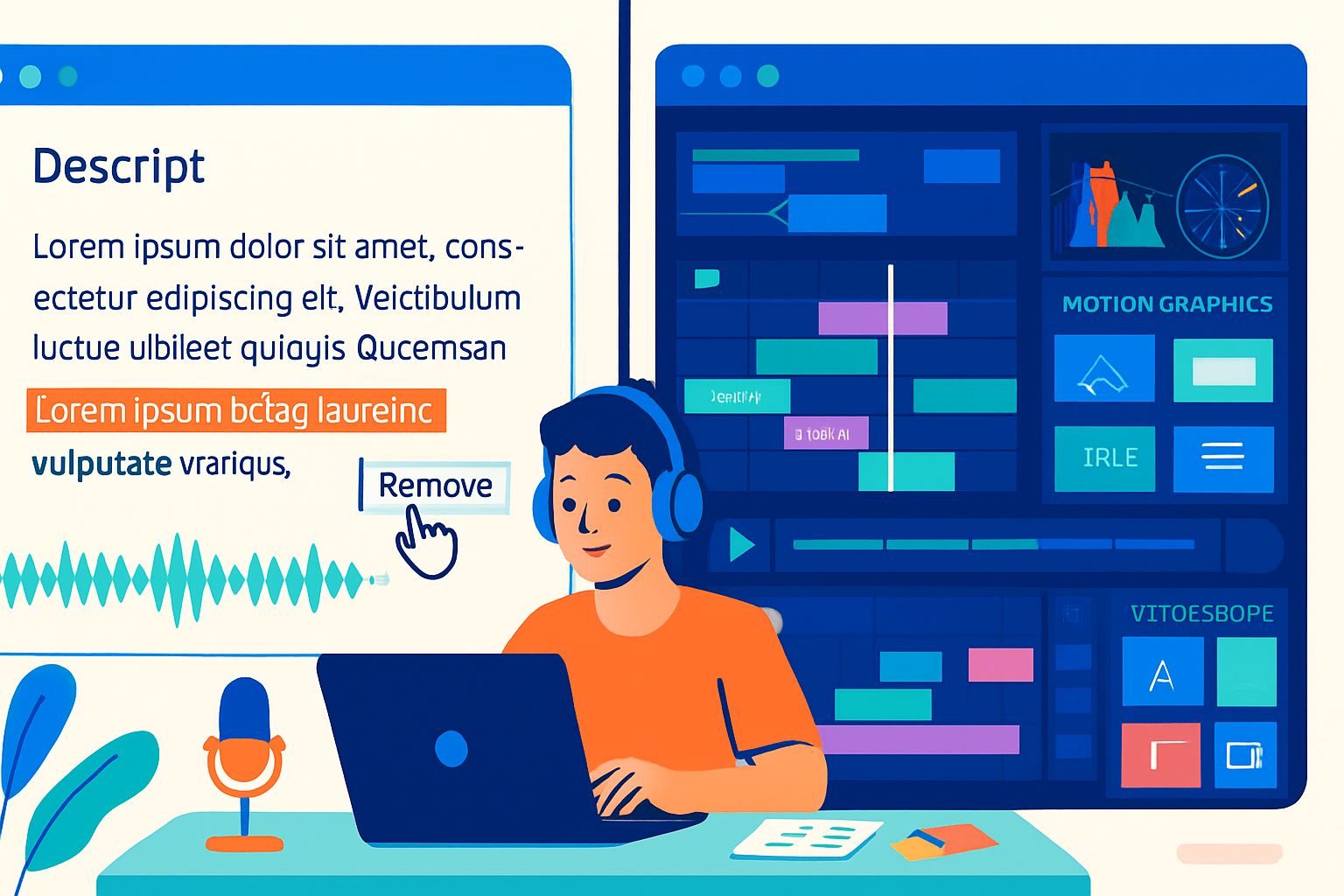
Outcome first: if your work revolves around dialogue - podcasts, interviews, tutorial videos, and short-form social clips - you can cut editing time dramatically by switching some or all of your workflow to Descript. Faster edits. Cleaner audio. Easier collaboration. And when you need frame-accurate effects or high-end color, you can still hand off to Premiere, Resolve, or Pro Tools.
Why this matters (and what you can expect after switching)
Switching to Descript won’t make Premiere or DaVinci obsolete - but it will make many common, time-consuming tasks far quicker and more intuitive. Expect to:
- Turn a long interview into a publishable episode in a fraction of the usual time.
- Remove ums, ahs, and filler words with one click.
- Edit video by editing text - delete a sentence in the transcript and the corresponding video/audio goes away.
- Collaborate with teammates directly inside the project without sending huge media files around.
If those outcomes matter to you, keep reading.
How Descript differs from traditional editors (the core tech)
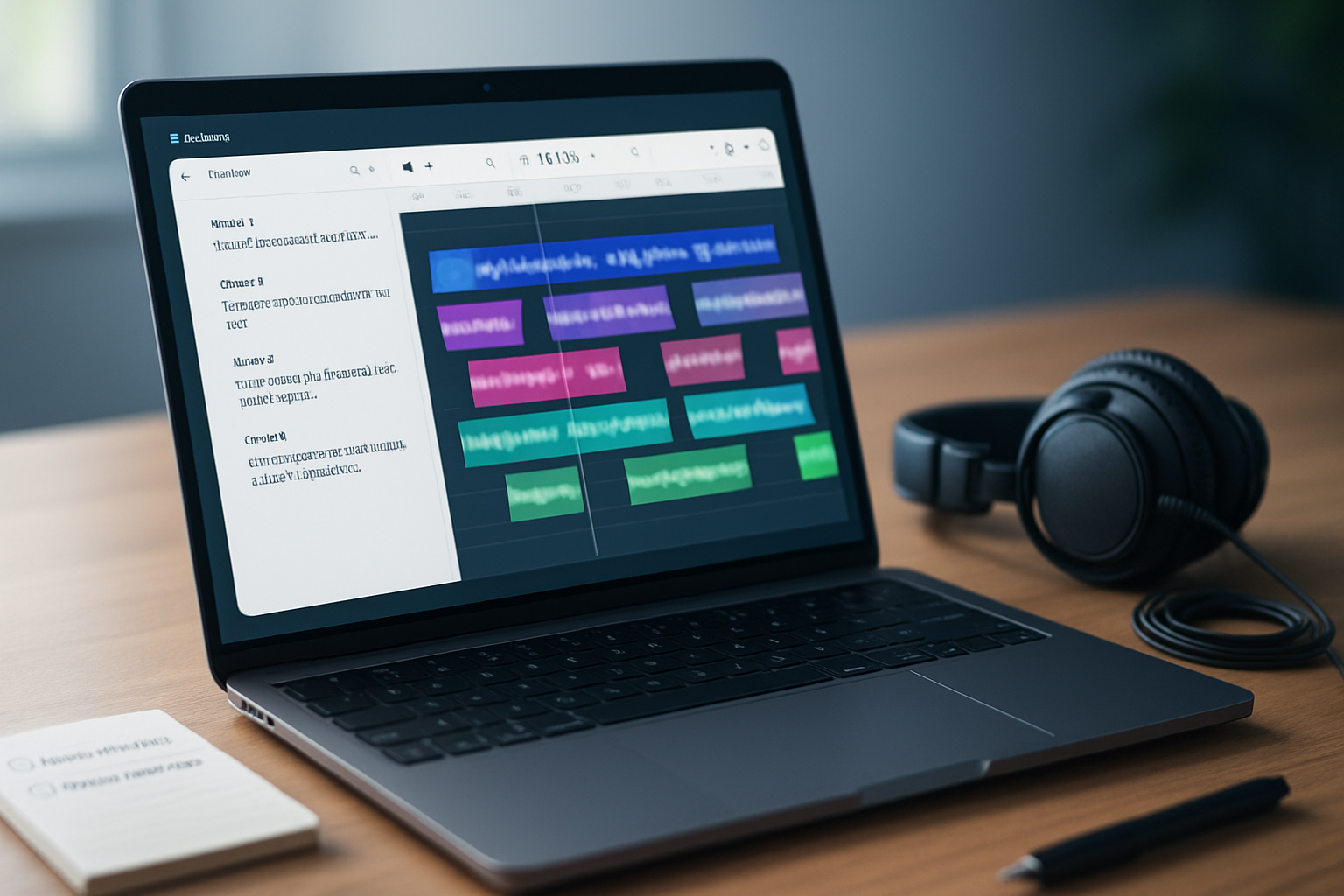
- Text-based editing - Descript transcribes audio and links text to the underlying media. Edit the transcript, and you edit the media.
- Overdub & AI features - synthetic voice replacement (Overdub) lets you fix lines without re-recording. AI also offers filler-word removal and automated leveling.
- Integrated recording and screen capture - record remote interviews, screen captures, and multitrack sessions inside a single app.
- Cloud collaboration - projects are sharable with version history and comments, similar to Google Docs for media.
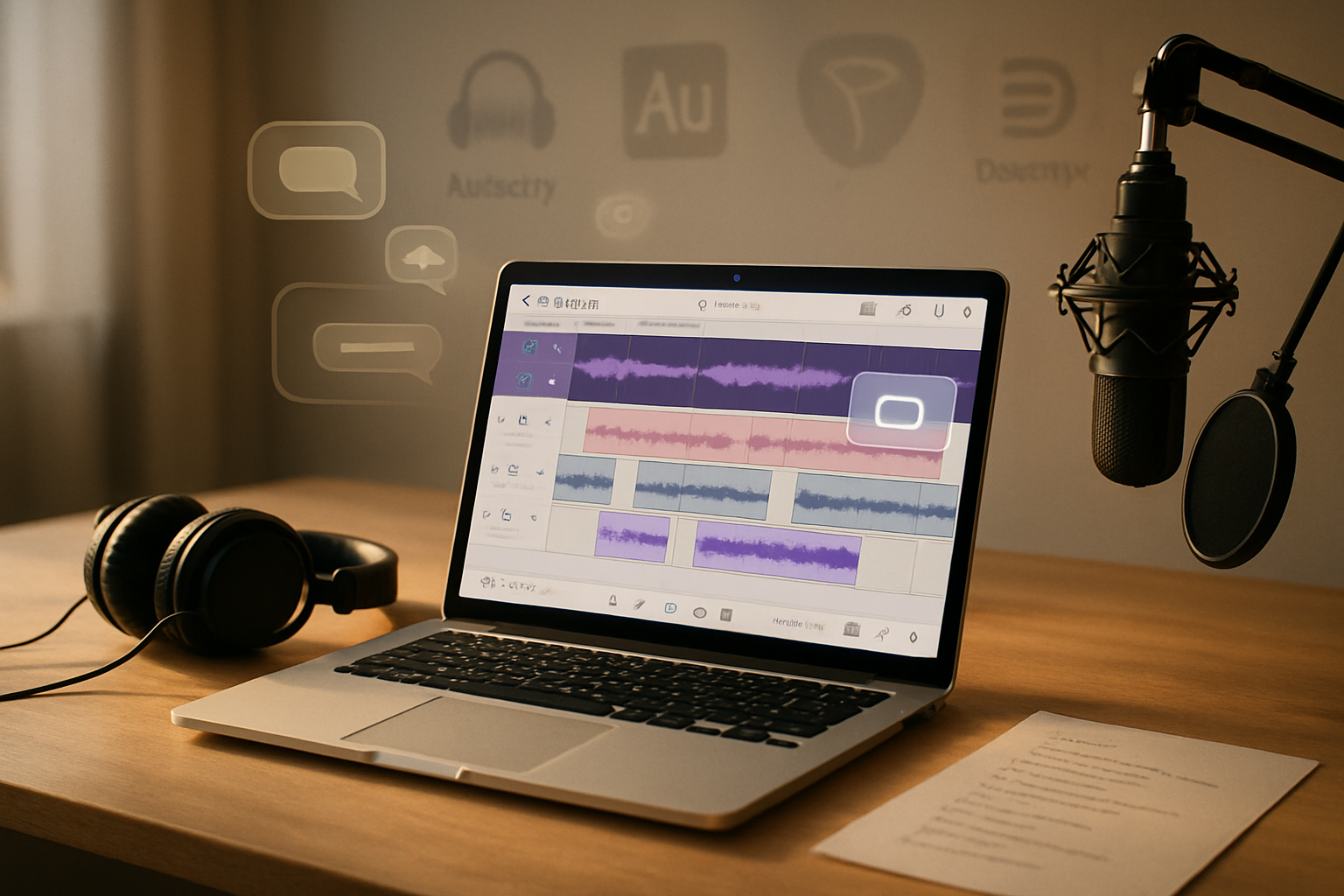
Traditional editors (Adobe Premiere Pro, Final Cut Pro, DaVinci Resolve, Pro Tools, Audition) are timeline-first: you control tracks, keyframes, and clip-level precision. They offer deeper color grading, motion graphics, advanced plugin ecosystems, and frame-accurate trimming that professionals rely on for complex productions.
Useful reference pages:
- Descript: https://www.descript.com
- Adobe Premiere Pro: https://www.adobe.com/products/premiere.html
- DaVinci Resolve: https://www.blackmagicdesign.com/products/davinciresolve
- Audacity (audio alternative): https://www.audacityteam.org
Pros of Descript - where it truly shines
- Unmatched speed for dialogue editing
- Edit by removing words in a transcript rather than scrubbing and cutting waveforms. For interview-heavy work this is a huge time saver.
- Superb for podcast workflows
- Remove filler words globally, auto-level, and export clean stems quickly.
- Low learning curve and accessibility
- Non-editors can start producing polished audio/video quickly - great for small teams, educators, and creators without dedicated editors.
- Collaboration & version history
- Share projects with collaborators, leave timestamped comments, and track changes without bouncing file copies.
- Useful AI tools (smart but not magic)
- Overdub can patch lines, and Studio Sound can clean noisy audio. These reduce the need to re-record and can rescue imperfect home recordings.
- Built-in screen recording and templates
- Makes tutorial and explainer content fast to produce and iterate.
Cons and limitations of Descript - when it’s not the right tool
- Frame-accurate, timeline-based precision is limited
- Motion graphics, frame-accurate edits, advanced transitions, and complex multicam workflows are better in Premiere, Final Cut, or Resolve.
- High-end color grading and VFX
- Descript isn’t a color or VFX tool. Use Resolve or After Effects for cinema-level finishing.
- Advanced audio mixing
- For multi-track mixing, precise EQ, and mastering, DAWs like Pro Tools, Reaper, or even Audition are superior.
- Large, feature-complete projects
- Very large multi-hour film projects with many assets benefit from the organizational power and plugin ecosystems of traditional software.
- Privacy and voice-clone concerns
- Overdub and cloud features raise concerns for some users about where audio and voice models are stored. Read Descript’s privacy documentation if this matters to you.
Real user perspectives (composite testimonials from public reviews)
Note: The following are anonymized, composite summaries drawn from user reviews and community discussions on platforms such as G2, Capterra, Reddit, and YouTube comment threads.
“As a host of a weekly interview podcast, Descript cut my editing time by about 60%. I no longer spend hours scrubbing to remove ‘um’ or ‘you know’ - one click and they’re gone. For the final polish I still export to Audition for noise reduction and mastering.” - Anonymous podcaster (composite from G2/Capterra reviews)
“I create short explainer videos for social media. Descript lets me quickly refine the pacing by editing the transcript, then export a clean clip ready for captions and upload. If I need advanced motion or color, I hand off to Premiere.” - Anonymous content creator (composite from Reddit/YouTube feedback)
“Studio Sound rescued several remote interviews recorded on cheap mics. It’s not magic, but for client-facing videos it removed enough noise that we didn’t have to rebook sessions.” - Anonymous freelancer (composite from G2 reviews)
“Descript is not a full NLE replacement for our agency. We love it for roughs and transcriptions, but the final edit, graphics, and grade still happen in Resolve or Premiere.” - Anonymous video editor (composite from professional forums)
(See aggregated reviews: https://www.g2.com/products/descript/reviews and https://www.capterra.com/p/178167/Descript/)
Practical workflows: how to use Descript alone, or combined with other tools
Option A - Use Descript as your primary editor (best for podcasts, interviews, quick social videos)
- Record inside Descript or import audio/video.
- Let Descript transcribe and apply Studio Sound.
- Edit by removing text; improve pacing by trimming sentences.
- Use Overdub to fix small line errors.
- Add captions and simple cuts, then export finished MP4 or WAV.
Option B - Hybrid workflow (best for creators who need speed + finishing quality)
- Edit content and fix dialogue in Descript until the structure and audio are clean.
- Export a high-quality WAV and a reference video (or XML/AAF where supported).
- Import into Premiere/Resolve/Pro Tools.
- Do final color grading, motion graphics, and advanced mixing.
Why hybrid works: you keep Descript’s immense time savings for content shaping, then use the traditional tools for cosmetic and technical finishing.
Cost and licensing - quick reality check
- Descript has tiered plans - a free tier for basic use, and paid plans unlocking Overdub, expanded transcription minutes, and collaboration features. Check
- Traditional software can be subscription-based (Adobe) or one-time purchase (Final Cut) and often requires complementary tools (stock assets, plugins, third-party audio suites).
Consider total workflow cost: time saved = money saved. For solo creators and small teams, the productivity gains often justify Descript’s subscription.
Security and ethical considerations
- Voice cloning (Overdub) is powerful but must be used ethically. Descript requires consent and verification for building voice models; still, treat any synthetic voice tech with caution for client work.
- If you need to keep media on-prem only, confirm whether your chosen plan stores any data in the cloud and read the privacy policy.
Quick decision guide
- Use mostly Descript if - you produce interview-based content, create social clips, do remote recordings, or need fast collaborative editing.
- Use traditional editors if - you need frame-accurate edits, sophisticated motion graphics, high-end color grading, or advanced audio mixing.
- Use both if - you want the speed of text-based editing plus professional finishing - edit in Descript, finish in Premiere/Resolve/Pro Tools.
Tips to get the most out of Descript
- Treat the transcript as your storyboard. Rearranging paragraphs is an easy way to experiment with structure.
- Use Studio Sound early - cleaning audio before edits gives you a better base.
- Export stems when handing to an audio engineer for mixing.
- Use Overdub sparingly and always disclose synthetic audio when appropriate.
Final verdict - should you switch?
Yes - but smartly. If your common tasks are built around spoken-word content and quick turnarounds, adopting Descript (even partially) will materially increase your output and lower friction. For high-end video productions and granular control, keep traditional NLEs and DAWs in your toolkit and use Descript as an accelerant rather than a full replacement.
Switching doesn’t have to be all-or-nothing. Start by using Descript for rough cuts and drafts. When you need pixel-perfect visuals or cinematic audio, export and finalize in the tool built for that job.
Further reading & resources
- Descript official site and features: https://www.descript.com
- Descript pricing and plans: https://www.descript.com/pricing
- Aggregated user reviews on G2: https://www.g2.com/products/descript/reviews
- DaVinci Resolve product page: https://www.blackmagicdesign.com/products/davinciresolve
- Adobe Premiere Pro: https://www.adobe.com/products/premiere.html