· productivity · 6 min read
Notability vs. The World: How This App Stacks Up Against Its Rivals
A practical, side-by-side comparison of Notability, GoodNotes, and Evernote that explains what each app does best, where each struggles, and which one you should choose based on real workflows: studying, research, meetings, and creative work.
What you’ll know and what you’ll be able to do after reading
Quick outcome: read this and you’ll be able to pick the note app that saves you time, keeps your ideas organized, and fits your device ecosystem. You’ll learn what Notability does better than GoodNotes and Evernote - and where it loses ground. You’ll also get clear, use-case driven recommendations so you can stop dithering and start taking better notes today.
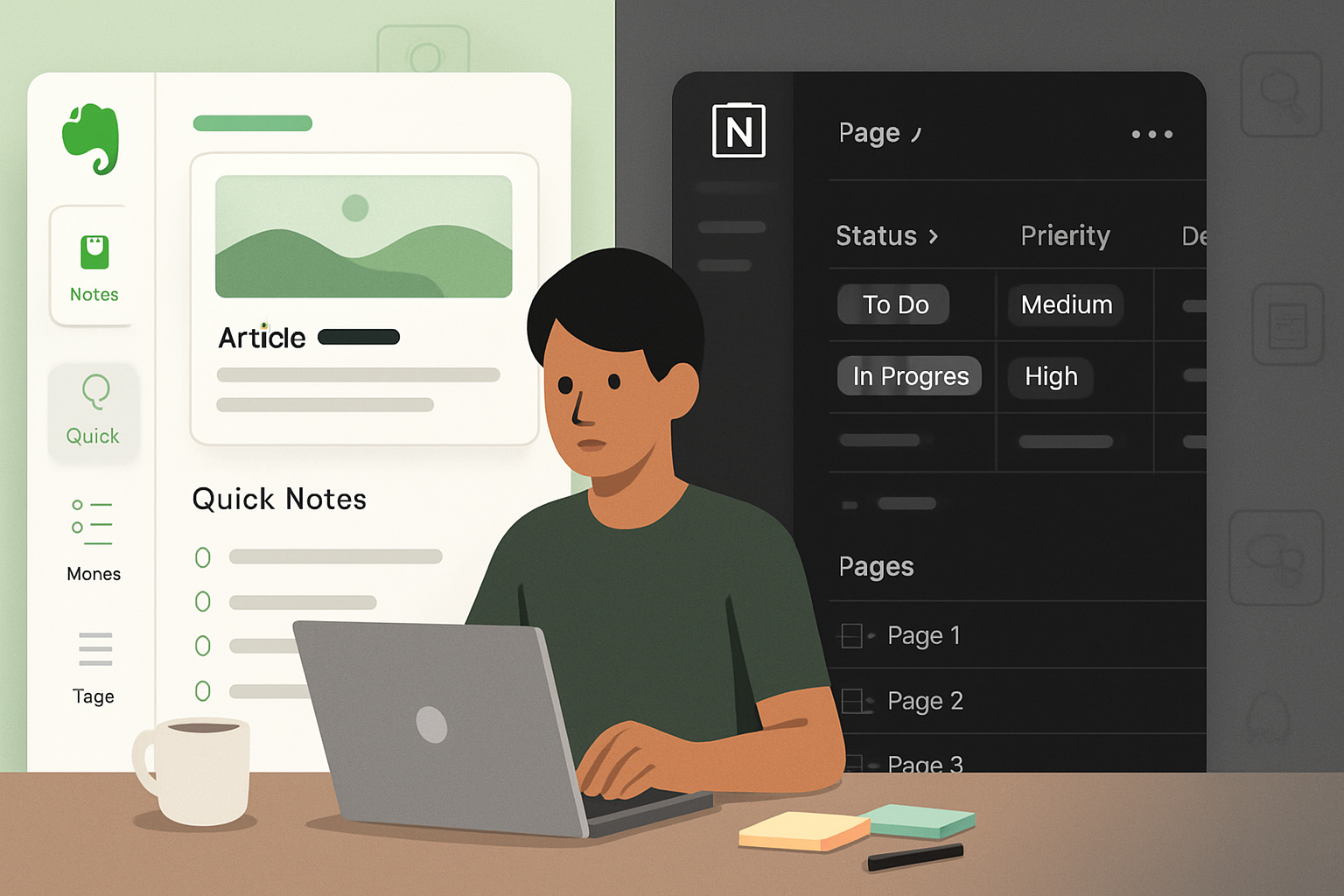
Short version up front. Notability excels at fast, linear note-taking and audio‑linked study. GoodNotes wins if handwriting fidelity and paper-like layout matter most. Evernote dominates research, clipping, and knowledge management across many platforms. Choose the winner based on what you actually do with notes. Not a feature list. A workflow match.
Quick comparative snapshot
- Notability - Best for audio-synced lectures, quick multi-media notes, and a simple, focused UI.
- GoodNotes - Best for handwriting feel, visual organization, and notebook layouts.
- Evernote - Best for cross-platform knowledge capture, web clipping, and long-term search & organization.
Now let’s unpack each app and compare features that actually matter.
Notability: strengths and limitations
Outcome-first: if you want to capture what was said and what you wrote - together - Notability is purpose-built for that.
What it does best
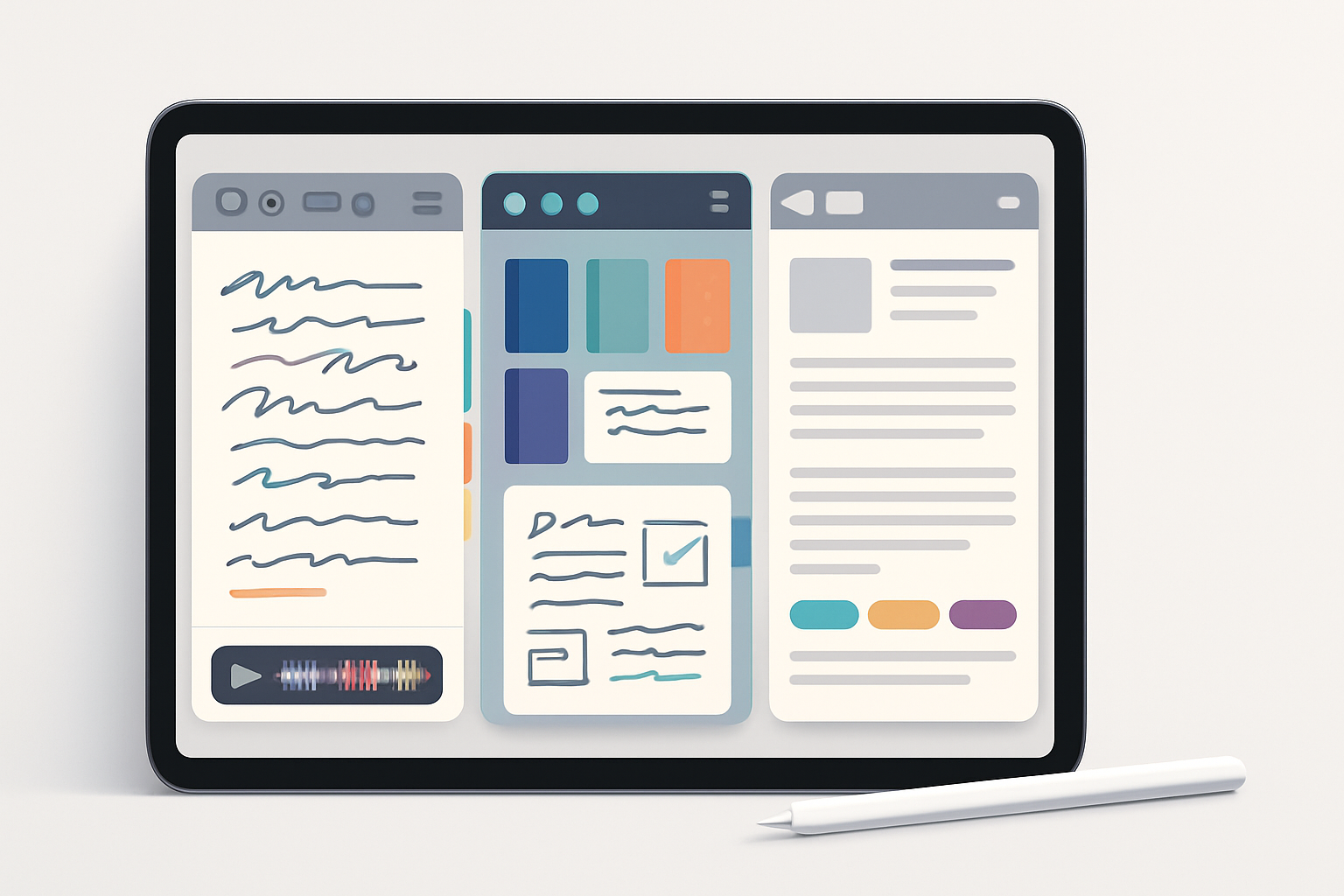
- Audio recording + playback synced to notes. Play back a lecture or meeting and watch your notes highlight as the audio plays - a huge advantage for students and interviewers. See the feature overview here: Notability features.
- Fast, minimal UI. Open, create, write. No friction. For linear note-taking this is a huge productivity win.
- Good PDF annotation tools - highlight, stamp, and fill forms easily.
- Media embedding - images, web clips, and typed text integrate smoothly into handwritten notes.
- Strong Apple Pencil support - low latency and good palm rejection on iPad.
Where it’s weaker
- Organization depth is shallower than GoodNotes’ notebook stacks and Evernote’s notebook/tag hierarchy.
- Historically Apple-centric. Cross-platform web access exists, but the richest experience is on iPad + Mac. Check availability here: Notability platform info.
- Long-term knowledge management features (web clipping, multi-device text search across many formats) are not Evernote-level robust.
- Collaboration features exist but aren’t as advanced as some alternatives.
Who should pick Notability
- Students who want audio-synced lecture review.
- Journalists and researchers doing interviews.
- Anyone who values speed and a straightforward, distraction-free note flow.
GoodNotes: why many prefer it for handwriting
Short outcome: if handwriting fidelity, layout, and visual organization matter - GoodNotes is often the favorite.
What it does best
- Natural handwriting engine and polished pen tools. Many users prefer the “feel” of GoodNotes for long-form handwritten notes.
- Notebook metaphor with covers, tabs, and folders that feels like organizing physical paper.
- Superior template and paper choices (grid, music, Cornell, planners).
- Excellent handwriting recognition and search across documents. Feature overview: GoodNotes features.
Where it’s weaker
- No native audio-sync like Notability; you can record separately but it won’t be linked to strokes.
- Historically Apple-first (though GoodNotes has been expanding cross-platform access); check current platform options on their site.
- Slightly steeper learning curve if you lean into its advanced layout capabilities.
Who should pick GoodNotes
- Artists, design-minded students, and anyone who wants notebook-like organization.
- Users who keep many visually distinct notebooks and rely on handwriting recognition to search later.
Evernote: the knowledge manager
Short outcome: if your day involves clipping web pages, saving receipts, organizing research, and searching decades of notes - Evernote is built for that.
What it does best
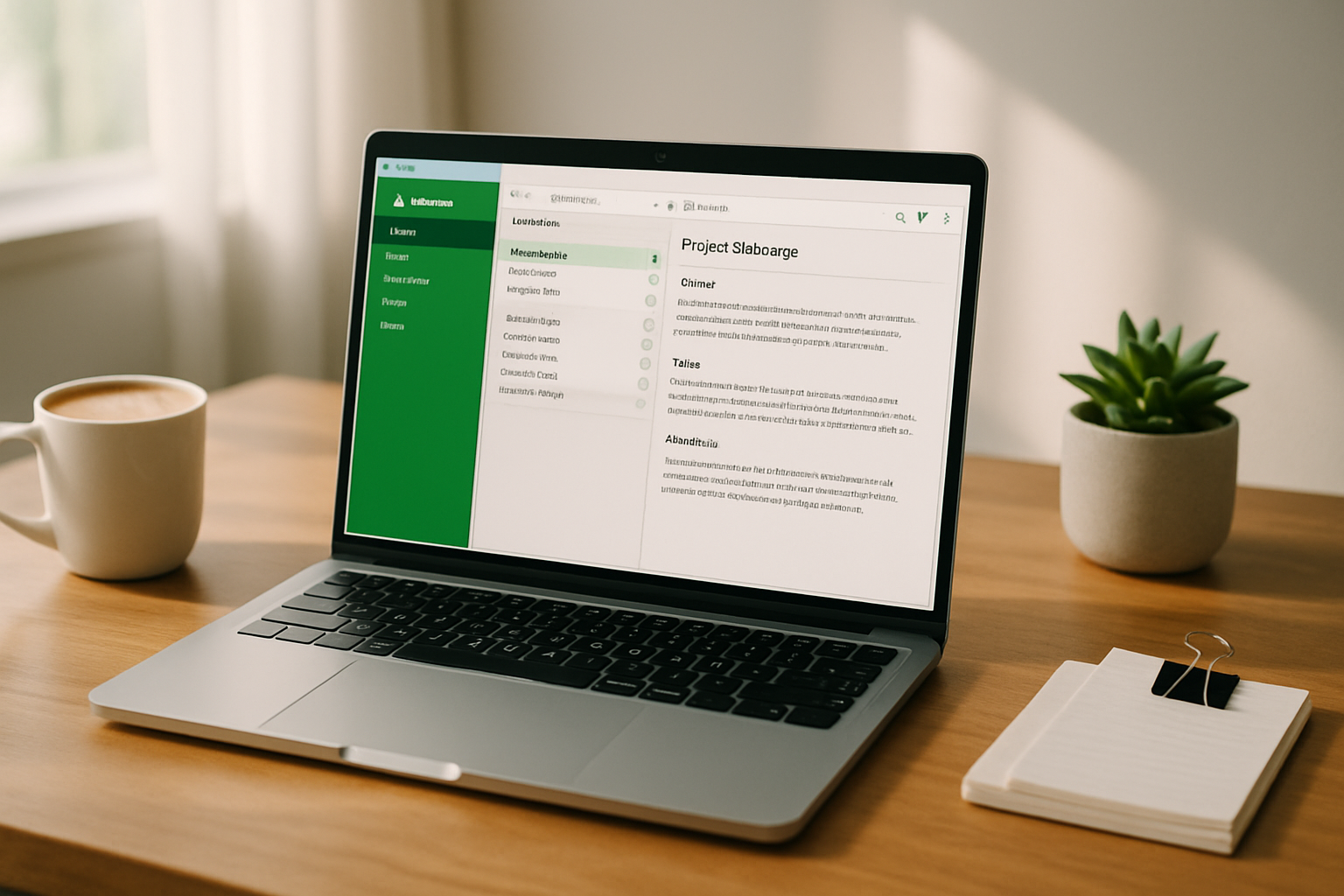
- Cross-platform coverage (Windows, macOS, web, iOS, Android) and consistent syncing.
- Web clipping, email-to-note, PDF/document search, and integrations with other productivity tools. See features and pricing: Evernote features and pricing.
- Strong search and tagging model for long-term knowledge management.
Where it’s weaker
- Not built for natural handwriting and inking workflows; pen support exists but not at the level of Notability or GoodNotes.
- The UI can feel heavy for quick note-taking or in-class handwriting.
- Audio recording is possible but not integrated with handwriting the way Notability does it.
Who should pick Evernote
- Professionals managing research, web clippings, meeting notes, and TO‑DO systems across platforms.
- Teams who rely on shared notebooks, templates, and integrations.
Head-to-head: feature checklist (practical lens)
- Handwriting quality - GoodNotes > Notability > Evernote
- Audio-synced notes - Notability (clear winner) > GoodNotes/Evernote (none or limited)
- PDF annotation - Notability ≈ GoodNotes > Evernote (for quick markup)
- Organization (visual folders/notebooks) - GoodNotes > Notability > Evernote (but Evernote has tag systems that beat the rest for search)
- Cross-platform sync - Evernote > GoodNotes/Notability (depends on each vendor’s web/Windows offerings)
- Web clipping & integrations - Evernote > Notability/GoodNotes
- Collaboration & sharing - Evernote > Notability ≈ GoodNotes (feature parity shifting over time)
Note: raw ranking depends on recent app updates and platform rollouts. Check each vendor for the latest platform support:
- Notability: https://notability.com/
- GoodNotes: https://www.goodnotes.com/
- Evernote: https://evernote.com/
Pricing and value - how to think about cost
Outcome-first: price matters less than whether you use the app every day. A subscription is only worth it if it saves you hours or keeps critical data organized.
- Notability and GoodNotes historically offered one-time purchases and have both experimented with subscriptions or optional premium tiers. Check current plans before buying.
- Evernote uses a subscription model with tiered limits on devices, storage, and search features - built for power users and teams.
If you’re a student on a budget, try the free/basic tiers first. Then pick the paid plan that matches your device ecosystem and sync needs. Always back up critical notes via export (PDF/Markdown) - vendors change pricing and features.
Privacy and data ownership
Short and important: exportability matters. If you want full control, make sure the app supports easy export to PDF/Markdown/OPML and local backups.
- Notability and GoodNotes let you export notebooks and PDFs locally. Notability exports
- Evernote stores notes in the cloud with strong search features; you can export notebooks, but full portability varies by plan.
If privacy or long-term archival is critical, test the export workflow before committing.
Real-world recommendations (decision guide)
Students who attend lectures and want to replay them while reviewing notes - choose Notability. The audio sync changes the study game.
Students or professionals who care about handwritten aesthetics, notebooks that look like real paper, and detailed layout control - choose GoodNotes.
Researchers, knowledge workers, and teams who clip the web, aggregate documents, and search across years of notes - choose Evernote.
If you can’t decide - use two. For example, take fast in-class notes (Notability), export key PDFs or selected notes to GoodNotes for structured notebooks, and send finalized notes and clips to Evernote for long-term storage and retrieval.
Final verdict - which is truly best?
There is no single champion for every user. The “best” app is the one that fits your workflow and device habits. That said, a decisive point: if your workflow revolves around handwriting plus the ability to capture and replay speech, Notability remains uniquely powerful and time-saving for learning and interviews. It’s not a one-size-fits-all winner. But for audio‑linked, fast, day‑to‑day handwriting work, it earns the crown.
Quick checklist to choose right now
- Do you need audio-synced lecture or interview playback? - Pick Notability.
- Is handwriting feel and notebook organization paramount? - Pick GoodNotes.
- Do you clip, research, and need heavy cross-platform search and storage? - Pick Evernote.
Make the match to your real work. Then stick with it for a month and export/import what matters. Consistent use beats perfect features.
References
- Notability features and product pages: https://notability.com/
- GoodNotes features: https://www.goodnotes.com/features
- Evernote features & pricing: https://evernote.com/