· productivity · 6 min read
Evernote vs. Notion: Which Tool Will Truly Maximize Your Productivity?
A thorough comparison of Evernote and Notion - their strengths, weaknesses, best use cases, pricing, and practical tips to pick the right tool for your workflow and get the most out of it.
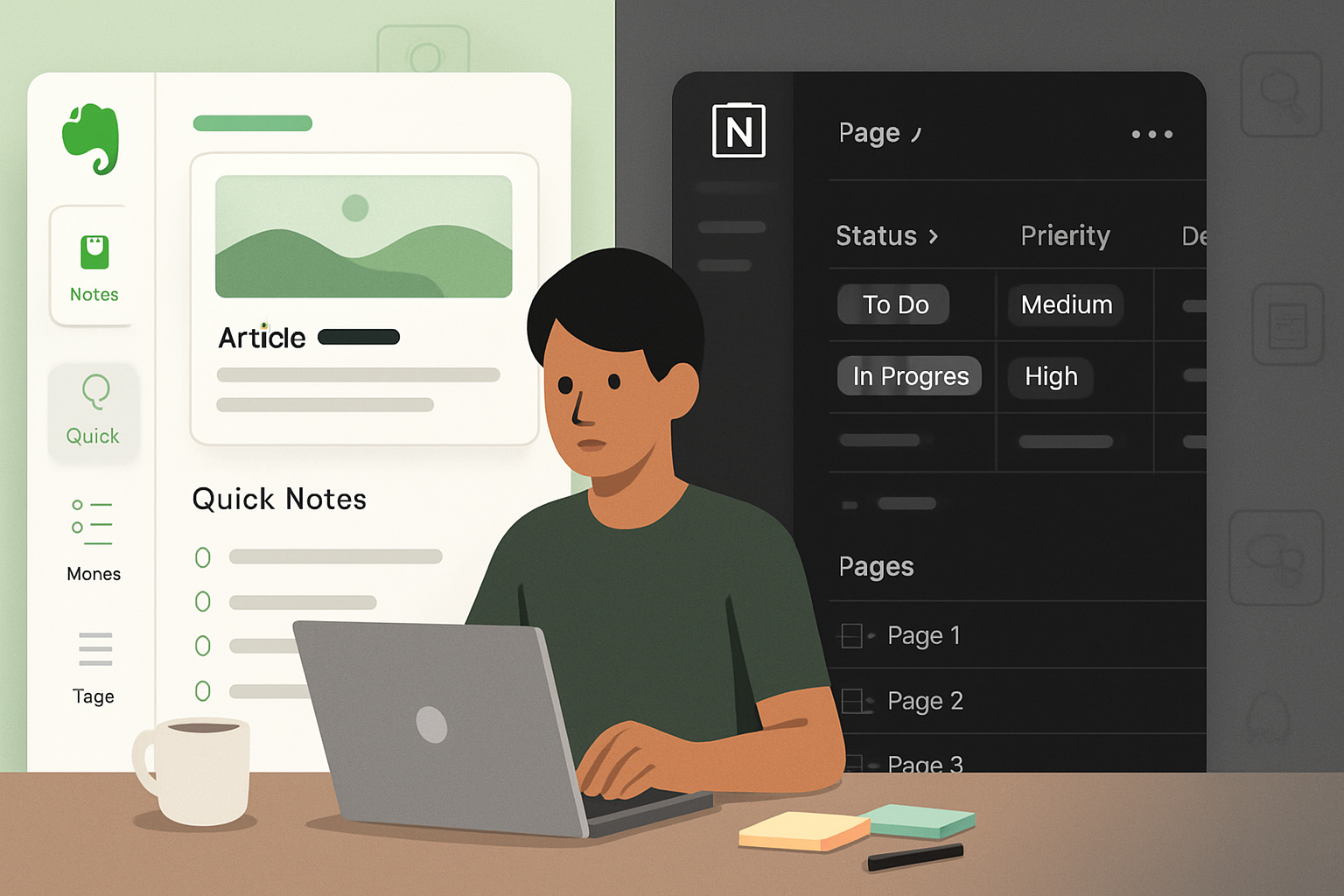
Outcome first: after reading this you’ll have a clear answer about which app will most effectively increase your productivity and why - plus practical next steps for adopting it.
Quick snapshot: Which wins for what
- Use Evernote if you want a fast, reliable way to capture notes, clipped web content, and search across everything with minimal setup.
- Use Notion if you want one extensible workspace that combines notes, databases, task management, and shared documentation - and you don’t mind investing time to design it.
Short. Useful. Now let’s unpack the why.
The fundamental difference (so you can stop comparing features and start matching needs)
Evernote is primarily a note-capture and retrieval engine. It optimizes for quick capture, powerful search (including handwriting and attachments), and dependable syncing across devices.
Notion is a modular workspace. It treats every page as a block-based canvas you can turn into notes, task trackers, wikis, or lightweight databases. It’s flexible. Very flexible.
One is optimized for rapid capture and search. The other is optimized for structure and composition. Choose based on what you want to optimize: speed-of-capture vs. structured knowledge work.
Feature breakdown
Capture and quick notes
- Evernote - Best-in-class web clipper, quick note creation, templates for recurring notes, and offline support on most plans. It’s designed to make capture frictionless.
- Notion - Web clipper exists but is less mature; quick capture is possible but often requires opening a workspace and placing the note in a page or inbox. Recent improvements have narrowed the gap but Evernote still feels faster for ad-hoc capture.
Organization model
- Evernote - Notebooks + tags + stacks. Familiar and predictable. Great when you like folder metaphors.
- Notion - Pages, nested pages, and relational databases. Highly flexible but requires design: you build the system you’ll use.
Search and retrieval
- Evernote - Very strong. Robust full-text search, OCR for PDFs and images, and fast results even with large archives.
- Notion - Search is improving, but historically less powerful than Evernote’s OCR and indexing. Notion performs best when you structure data with databases and properties.
Rich content and formatting
- Evernote - Good for formatted notes, images, attachments, and handwriting. Less about layout flexibility.
- Notion - Superior for building rich, layout-driven pages. Use toggles, columns, embeds, code blocks, and relational databases to create complex documents.
Databases and productivity workflows
- Evernote - Limited database features - primarily lists and templates. Notion’s relational databases, views (table, board, calendar, gallery), and formulas are far more powerful for workflows.
- Notion - Winner here. You can build project trackers, CRM-lite systems, content calendars, and link related records. It’s almost a low-code workspace builder.
Collaboration and sharing
- Evernote - Shared notebooks and notes. Good for individual and small-team collaboration, but not built for extensive documentation systems.
- Notion - Built for teams. Pages can be organized into a shared workspace with permissions, comments, and an internal wiki structure.
Integrations and automation
- Evernote - Integrates with many apps, and can be linked via Zapier and other automation tools. Strength lies in clipping and personal capture.
- Notion - Integrations have expanded (Slack, Google Drive, Figma, automation via Zapier/Make/API). Notion’s API unlocks custom automations and syncs.
Offline use & performance
- Evernote - Strong offline support across apps. Generally fast even with large archives.
- Notion - Offline access exists but historically has been less robust; performance can lag with very large workspaces or heavy page nesting.
Privacy & data portability
- Both provide export options. Evernote allows export to ENEX; Notion lets you export pages and databases as HTML/Markdown/CSV. Consider the ecosystem lock-in cost of customized Notion databases.
- Check current privacy policies on Evernote’s site and Notion’s site.
Pricing snapshot (high level)
- Evernote - Free tier exists with basic features; Premium and Teams plans add syncing, larger uploads, and advanced search. See
- Notion - Free for individuals with limits; Personal Pro and Team plans unlock collaborators, version history, and advanced permissions. See
Pricing changes; check the official pages for the latest tiers and limits.
Real-world use cases - who wins in common scenarios
Solo knowledge worker (research, notes, clipped articles)
Evernote wins if you want to stash dozens of web clippings and find them instantly. Notion wins if you want to synthesize those clippings into structured notes and build a long-term knowledge base.
Project management & team wiki
Notion wins. The database views, page linking, and team features make it a superior collaborative workspace.
Fast personal capture (shopping lists, receipts, quick ideas)
Evernote wins for speed, OCR on receipts, and simple access on mobile.
Designer / creator building docs and portfolios
Notion wins for layout control, embedding, and shared public pages.
Power user who needs automation and custom fields
Notion’s databases and API offer more power for building custom workflows. Evernote can be automated but will likely feel constrained.
Usability & learning curve
Evernote: Low barrier. Open the app, capture, and rely on search. Minimal setup needed.
Notion: Higher barrier. The first week you’ll invest time designing pages and databases. Long term payoff is high - but only if you commit to the initial setup.
This is the core trade-off: time-to-productivity now (Evernote) vs. time-to-productivity after setup (Notion).
Migration and coexistence
If you’re switching:
- From Evernote to Notion - You can export notes from Evernote (ENEX) and import into Notion. Expect some formatting and structure cleanup. See Notion’s import docs.
- From Notion to Evernote - Export pages as Markdown/HTML/CSV and re-import into Evernote manually. Expect work - Notion’s relational databases don’t map neatly.
Many people keep both: Evernote as an inbox/clipper and Notion as the structured workspace. This hybrid approach works but adds friction and duplicate effort.
Practical workflows (copy-paste starters)
- Lightweight personal capture (Evernote-centric)
- Inbox note in Evernote -> Tag with project -> Process weekly -> Move final artifacts to Notion for long-term docs.
- Single workspace knowledge base (Notion-centric)
- Quick idea captured in Notion’s Mobile Quick Capture -> Link to Project database -> Create task + assign due date -> Use Calendar view to plan.
- Team handbook (Notion)
- Create a ‘Handbook’ top-level page -> Use templates for team pages -> Use permissions to control edits -> Link project pages to handbook.
Decision checklist - pick one in under 60 seconds
- Need fast capture and best-in-class search? -> Evernote
- Building structured docs, wikis, or project systems? -> Notion
- Want minimal setup and offline reliability? -> Evernote
- Want a flexible single-source-of-truth for a team? -> Notion
Pros & cons - one quick glance
Evernote pros: Fast capture, excellent search/OCR, mature offline, lightweight learning curve. Evernote cons: Less flexible for structured workflows and team docs.
Notion pros: Extremely flexible, powerful databases, great team features, beautiful docs. Notion cons: Requires setup, can get slow with huge workspaces, search and offline have improved but still lag behind Evernote’s capture/search strengths.
Final recommendation - use this rule
If your priority is capturing and finding information quickly with minimal setup, choose Evernote. If your priority is building a structured, shareable workspace where notes become living systems and your team collaborates on content and processes, choose Notion.
Make a practical commitment: start with one for 30 days and test the core workflows you rely on. Don’t chase every feature; measure how much time you save or lose after implementing a single real workflow.
Further reading and resources
- Evernote features and pricing: evernote.com / evernote.com/pricing
- Notion product and pricing: notion.so / notion.so/pricing
- Practical comparison and migration tips: Zapier – Notion vs Evernote
- Reviews and deeper dives: PCMag – Evernote review and PCMag – Notion review
Choose the tool that matches the work you actually do, not the one with the flashiest demo. The right choice will reduce friction. It will let your attention stay where it belongs - on the work, not the app.