· productivity · 6 min read
Notion vs. Traditional Note-Taking: Why Switching Could Elevate Your Efficiency
A practical comparison showing how Notion's dynamic, database-driven approach beats traditional note-taking for project work, searchability, collaboration, and long-term knowledge building - plus a step-by-step migration plan and workflow recipes.

Outcome-first: switch to a system that treats notes like living building blocks, not static paper. Do that and you’ll spend less time digging and more time doing. You’ll find answers faster, keep context intact across projects, and finally stop re-creating work.
Why this matters - the promised outcome
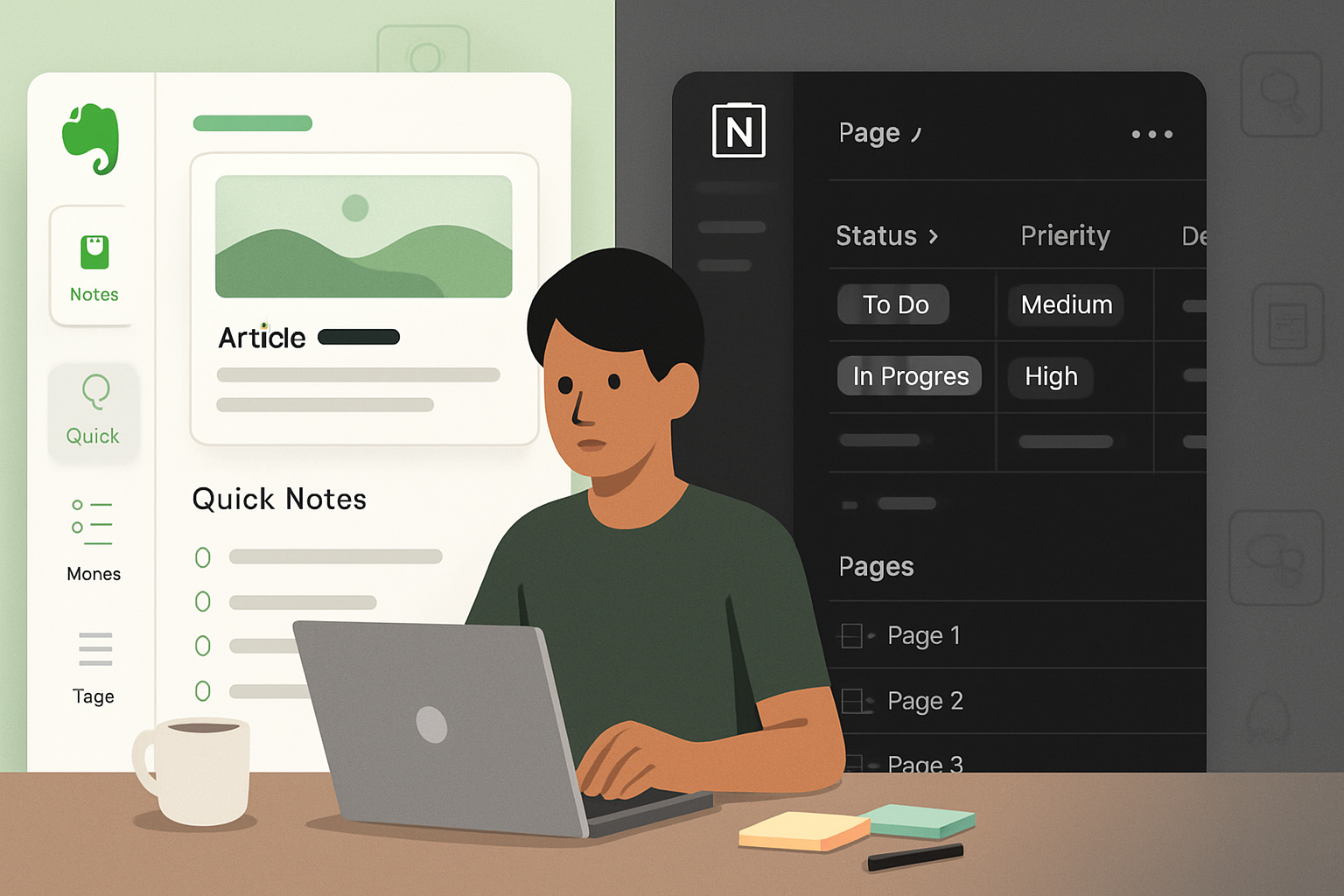
If you currently juggle scattered Evernote notebooks, a folder of Word docs, and a tangle of sticky notes, switching to Notion can do three practical things for you:
- Reduce time spent searching for information.
- Keep project context tied to the right notes, tasks, and files.
- Make collaboration frictionless and traceable.
By the end of this article you’ll know how Notion differs from traditional note tools, the concrete benefits you’ll get, common trade-offs, and a clear migration plan with example workflows you can apply today.
Traditional note-taking - what’s good and what limits you
Traditional note-taking (paper notebooks, text files, legacy apps like Evernote) has strengths: simplicity, low cognitive overhead, and tactile speed. It’s great for quick capture.
But it bumps into limitations fast:
- Notes are often siloed by project or medium (notebooks, folders), so linking ideas across contexts is manual.
- Metadata and structure are limited - tags and folder hierarchies only go so far.
- Reuse is awkward - to apply a template or view the same content multiple ways, you copy notes.
- Collaboration is often clumsy - file versions, attachments, and comments live outside the note itself.
If your work is ad-hoc capture, traditional tools can be fine. If you need scale, context, and reuse - that’s where modern PKM systems shine.
What Notion brings to the table (short answer)
Notion is not just another note app. It’s a modular workspace built from blocks and relational databases. That difference unlocks capabilities that conventional note-taking tools can’t match easily:
- Bi-directional context via page links and mentions.
- Databases that behave like pages - add properties, filters, views, and relations.
- Multiple views (table, list, board, calendar, gallery) of the same data.
- Templates, automation hooks, and an API for integrations.
- Team collaboration with comments, sharing controls, and permission levels.
Official docs: Notion and Notion API.
Concrete ways Notion outperforms traditional note-taking
Search + structure - Notion’s search is fast and combined with properties you gain predictable retrieval. A well-structured database is easier to filter than a folder full of untagged notes.
Cross-context linking - Link a meeting note to a project page and to the client record - then open any of those pages and jump to the others. Context preserved.
Multiple representations - The same dataset can be a Kanban board for work in progress, a calendar for deadlines, and a table for detailed metadata - without copying.
Templates & repeatability - Standardize meeting notes, SOPs, onboard checklists, and reuse them with one click.
Relational data and rollups - Relate tasks to projects and roll up budget or status fields automatically. This is a major leap beyond flat notes.
Collaboration & history - Native comments, mentions, and page history reduce version chaos.
Embeds and media - PDFs, Figma files, Google Docs, code snippets - everything can live inside a Notion page and remain searchable.
Extensibility - Using the Notion API and integrations you can automate repetitive flows and sync with your calendar, Slack, or data pipelines.
Trade-offs and realities to consider
Notion is powerful, but not a magic bullet.
- Learning curve - The flexibility means there’s a setup cost. Expect a week or two to get comfortable and longer to refine your workspace.
- Offline access - Historically Notion has had weaker offline capabilities than local-first tools like
- Vendor lock-in - Notion stores content in its format; export options exist but moving complex relational setups out is non-trivial.
- Performance - Very large databases or heavily nested pages can be slower than simple local files.
Weigh these against the benefits. For collaborative teams and knowledge-heavy work, the trade-offs usually favor Notion.
Migration plan - practical step-by-step
Follow a staged migration. Don’t try to move everything at once.
Audit (1–2 hours)
- List your current note sources (Evernote, Google Drive, paper, email).
- Identify high-value content - SOPs, active projects, recurring meeting notes.
Design minimal structure (2–4 hours)
- Create a few top-level pages - Inbox, Projects, Knowledge Base, Meetings, Reading List.
- Decide on a Projects database with properties - Status, Owner, Due Date, Client, Tags.
Import and consolidate (ongoing)
- Bulk-import Evernote exports or drag-and-drop files into Notion pages.
- Move only high-value notes first.
Template and standardize (1–2 days)
- Make templates for meeting notes, project pages, and SOPs so every new entry is consistent.
Add relations and rollups (as needed)
- Link meeting notes to project records; roll up action items to the project.
Iterate weekly for 4–6 weeks
- Refine views, filters and templates.
- Remove redundant content.
Establish habits
- Capture to the Inbox page.
- Use the project template when starting new work.
- Weekly review to triage Inbox into Projects, Archive, or Reference.
Example workflows (ready to copy)
Daily work hub
- Dashboard page with Today view - filtered Tasks (from Tasks DB, due today), Meetings (today), Focus project.
- Quick-add template that creates a task linked to the active project.
Meeting notes system
- Meeting Notes DB with properties - Date, Attendees, Project (relation), Actions (rollup).
- Template - Quick agenda header, Decisions, Action items (checkboxes with owner property), Links.
Reading & highlights
- Reading List DB with properties - Source, Type (book/article), Status, Tags, Notes.
- Link quote highlights back to a Topic page to build a growing knowledge article.
Project dashboard
- Projects DB with a kanban for Status, a calendar for deadlines, and a gallery for project briefs.
- Rollup to display number of open actions.
Best practices to get the most out of Notion
- Start small. Ship the simplest version of a Projects DB and one template.
- Make a capture habit. Use Inbox as the singular entry point.
- Use relations thoughtfully. Too many relations create complexity; use them when they add retrieval value.
- Prefer views over copies. Show the same data in different ways instead of copying content.
- Version key policies. Keep major SOPs as living pages and use a last-updated property to track changes.
- Tag for discovery. Tags + properties = predictable filtering.
When to keep traditional notes (and when not to)
Keep using simple tools if you:
- Need rapid, offline-first capture without structure.
- Want a low-friction brain dump without the overhead of templates.
Switch to Notion if you:
- Collaborate with others regularly.
- Need to connect knowledge across projects.
- Want to automate reporting and rollups.
- Aim to scale your system into an organizational knowledge base.
Privacy, export, and vendor lock-in
Notion offers export options (Markdown, HTML). For critical data, regularly export backups and keep an offline archive of SOPs or legal docs. If exportability and local control are top priorities, consider a hybrid: Notion for collaborative, living documents and a local-first tool (like Obsidian) for your personal vault.
Final verdict - is the switch worth it?
If your work goes beyond one-off notes - if you manage projects, collaborate, or need to synthesize and reuse knowledge - moving to Notion will likely increase your efficiency. It turns notes from static memory into interconnected, actionable assets.
Move deliberately. Start with a small, high-impact workflow (meeting notes or projects). Build templates. Iterate. Within a few weeks you’ll notice fewer lost details, faster onboarding for collaborators, and cleaner handoffs.
References
- Notion: https://www.notion.so/
- Notion API: https://developers.notion.com/
- Obsidian: https://obsidian.md/
- Roam Research: https://roamresearch.com/