· productivity · 5 min read
The Controversial Debate: Is Obsidian Worth the Hype?
A balanced, in-depth look at Obsidian: what it promises, why users rave or grumble, how experts view it, and how it stacks up against Notion, Roam, and Evernote. Decide whether Obsidian fits your workflow.

What you’ll know after reading
In under ten minutes you’ll be able to decide whether Obsidian is the right tool for your note-taking and personal knowledge management (PKM). You’ll see what makes Obsidian powerful, where it frustrates people, what experts think, and how it compares to Notion, Roam, and Evernote. Read on-and leave with a clear next step.
Quick verdict (spoiler)
Obsidian is worth the hype if you want a fast, local-first, markdown-based PKM tool with limitless customization and excellent linking (backlinks/graph) features. It’s less worth it if you prefer polished, opinionated workflows, bingeable templates, or a fully-managed cloud experience out of the box.
What is Obsidian? The elevator pitch
Obsidian is a local-first knowledge base that stores notes as plain Markdown files on your device and supplements them with powerful inter-note linking, a visual graph, and a plugin ecosystem that extends functionality dramatically. It emphasizes control, privacy, and extensibility over one-size-fits-all simplicity. (See Obsidian’s site for the official overview: https://obsidian.md)
Why the hype? Three core strengths
- Local-first, plaintext permanence. Your notes are files you own. No vendor lock-in. No hidden export format.
- Linking and graph visualization. Creating bidirectional links and seeing connections visually changes how many people think about knowledge. The graph is addictive.
- Plugins and themes. A thriving community builds plugins for everything - daily notes, spaced repetition, Kanban boards, slides, publish tools, and more.
Those three together create a platform rather than a product. Platform-scale potential creates hype. It also creates complexity.
Real user voices (common themes from community threads)
Below are lightly paraphrased takes drawn from Obsidian community forums and Reddit (https://forum.obsidian.md, https://www.reddit.com/r/ObsidianMD):
- “I migrated from Evernote and finally feel like I own my notes. The graph hooked me within a week.” - power user
- “The learning curve was steep. I spent a month customizing before it felt productive.” - new user
- “Plugins turned it into everything - a study tool with spaced repetition, a writing app, and my second brain.” - student/researcher
- “Sync used to be rough, but it’s improved. Still, I’d prefer a simpler cloud option.” - cross-device user
Common complaint themes: initial setup time, plugin compatibility/maintenance, and not enough hand-holding for beginners.
Expert summaries and perspectives
- Practitioners of the Zettelkasten method praise Obsidian because it aligns with plain-text Atomic Notes and links; see the Zettelkasten overview for method context (https://zettelkasten.de/posts/overview/).
- Reviews from productivity-focused outlets highlight Obsidian’s speed and control, while noting that it asks the user to assemble their workflow rather than providing one pre-built (see community reviews at https://thesweetsetup.com and broader commentary on PKM tools).
- Analysts who compare PKM tools stress that Obsidian’s value depends more on your process than on the tool itself; tools are enablers, not magic solutions.
(For Obsidian’s docs and plugin directory, consult https://help.obsidian.md and https://obsidian.md/plugins.)
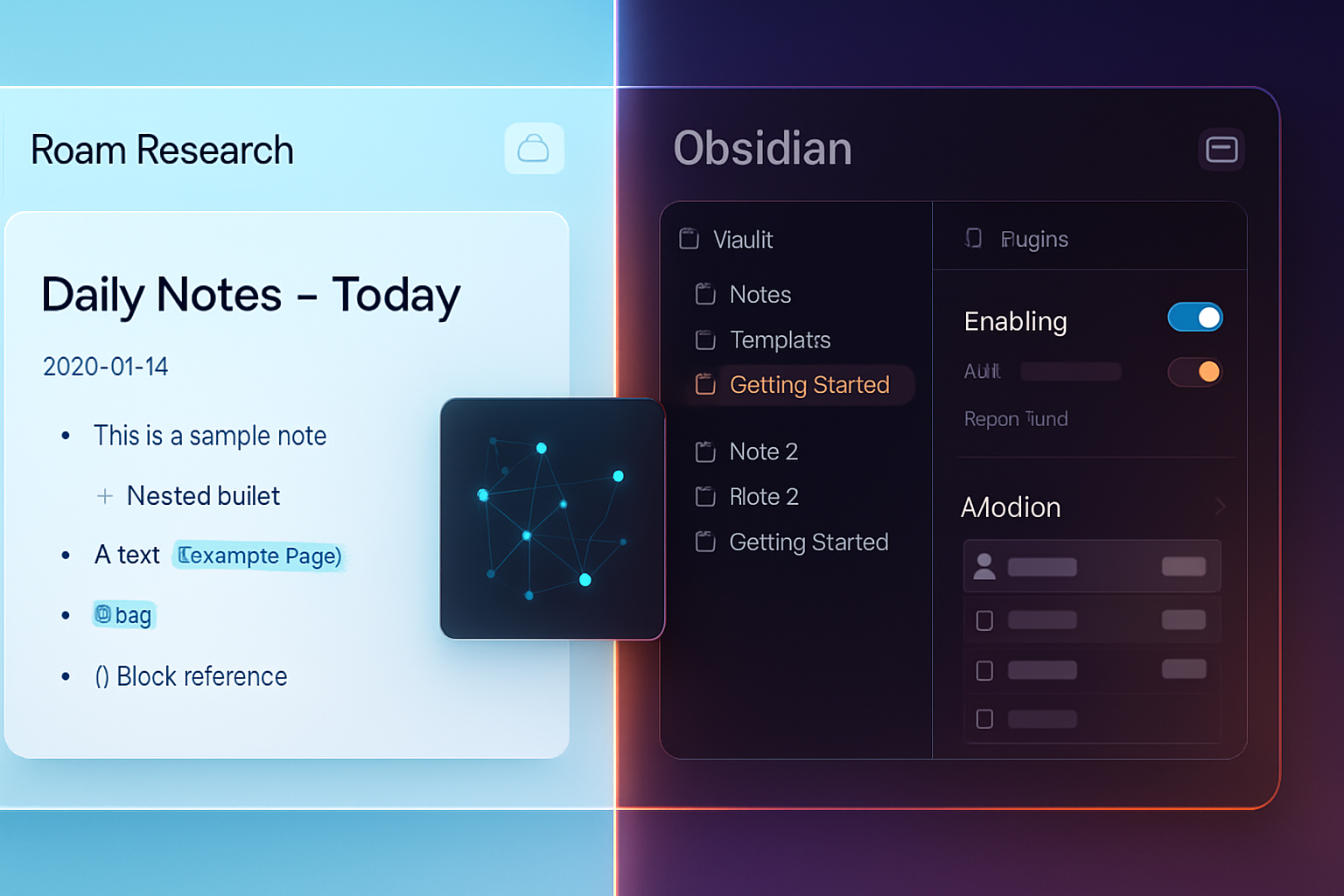
Head-to-head: Obsidian vs Notion vs Roam vs Evernote
Each tool embodies a different philosophy. Choose the one that matches yours.
Obsidian
- Strengths - Local Markdown files; lightning-fast; deep linking and graph; massive plugin community; offline-first; exportable notes.
- Weaknesses - Requires setup; cloud sync is a paid option; UI and collaboration are not opinionated.
Notion (https://www.notion.so)
- Strengths - All-in-one workspace; polished blocks UI; great for team collaboration, templates, databases.
- Weaknesses - Database-and-block model is proprietary; offline experience historically weaker; export is messier.
Roam Research (https://roamresearch.com)
- Strengths - Built around daily notes and networked thought; superb for linking-first workflows and daily writing.
- Weaknesses - Proprietary storage model; cost; steeper docs model which some find less intuitive than markdown files.
Evernote (https://evernote.com)
- Strengths - Tried-and-true note capture; strong search; web clipping; good for archival and quick capture.
- Weaknesses - Less suited to linked PKM; heavier proprietary format historically; user base shifted after product changes.
Short comparison takeaway: Notion is for teams and databases, Roam is for linking-first thought in the cloud, Evernote is for capture and archive, and Obsidian is for private, local, extensible knowledge management built on Markdown.
Cost and syncing: the practical bits
- Obsidian core app - free for personal use on desktop. Mobile apps and sync/publish features are paid tiers.
- Sync - Obsidian Sync is paid, but you can use third-party cloud services (Dropbox, iCloud, Git) or self-hosted solutions to sync the folder.
If you want a free local-first tool with eventual manual sync, Obsidian gives you that. If you want a frictionless, managed cloud and team features, Notion or Evernote might be easier.
The plugin economy: blessing and danger
Obsidian’s plugin ecosystem is its superpower and a maintenance responsibility. Popular plugins add:
- Spaced repetition (flashcards)
- Task management and Kanban boards
- Advanced backlinks and search tools
- Publishing and slide exports
But plugins are community-built. Compatibility can break after app updates, and relying on many plugins can mean ongoing maintenance. If you enjoy tinkering, that’s part of the appeal. If you want stability with minimal upkeep, that’s a downside.
(Explore community plugins: https://obsidian.md/plugins)
Who benefits most from Obsidian?
- Researchers, writers, or knowledge workers who need interlinked notes and long-term ownership of data.
- People who prefer plaintext and want exportability and longevity.
- Tinkerers who enjoy tailoring workflows with plugins and custom CSS.
Who might not benefit:
- Teams that need real-time collaborative editing and polished templates out of the box.
- Casual note-takers who want a frictionless capture app with minimal setup.
Migration considerations
Moving notes to Obsidian is generally straightforward because it uses Markdown. But watch out for:
- Proprietary formats (Evernote, Notion exports may require cleaning).
- Images and attachments - keep them in a consistent folder structure inside your vault.
- Links - converting internal links from other apps may need batch processing.
There are community guides and tools to help with migrations on the Obsidian forum (https://forum.obsidian.md).
Final verdict - A balanced answer
Obsidian lives up to its reputation for users who value control, privacy, and flexible linking. It rewards investment and tinkering with high returns: a personal knowledge base that’s fast, future-proof, and deeply adaptable. It’s not the right tool if you prioritize turnkey collaboration, uniform templates, or zero-setup simplicity.
If you want permanence and power and are willing to invest some setup time, Obsidian is absolutely worth the hype. If you want a managed, collaborative, ready-made workspace, the hype doesn’t land as cleanly - try Notion or Evernote instead.
The strongest point: hype without a fit is noise. Obsidian’s hype is earned - but only when its strengths match what you actually need.
Further reading and resources
- Obsidian official: https://obsidian.md
- Obsidian Help (documentation): https://help.obsidian.md
- Obsidian forum (community discussions): https://forum.obsidian.md
- Reddit community: https://www.reddit.com/r/ObsidianMD
- Zettelkasten method overview: https://zettelkasten.de/posts/overview/
- Notion: https://www.notion.so
- Roam Research: https://roamresearch.com
- Evernote: https://evernote.com