· marketing · 8 min read
Mailchimp Alternatives: When to Consider Switching and Why
Thinking about leaving Mailchimp? This guide helps you decide when to switch, compares leading alternatives by use case, features, pricing and UX, and gives a practical migration checklist so you can move with confidence.
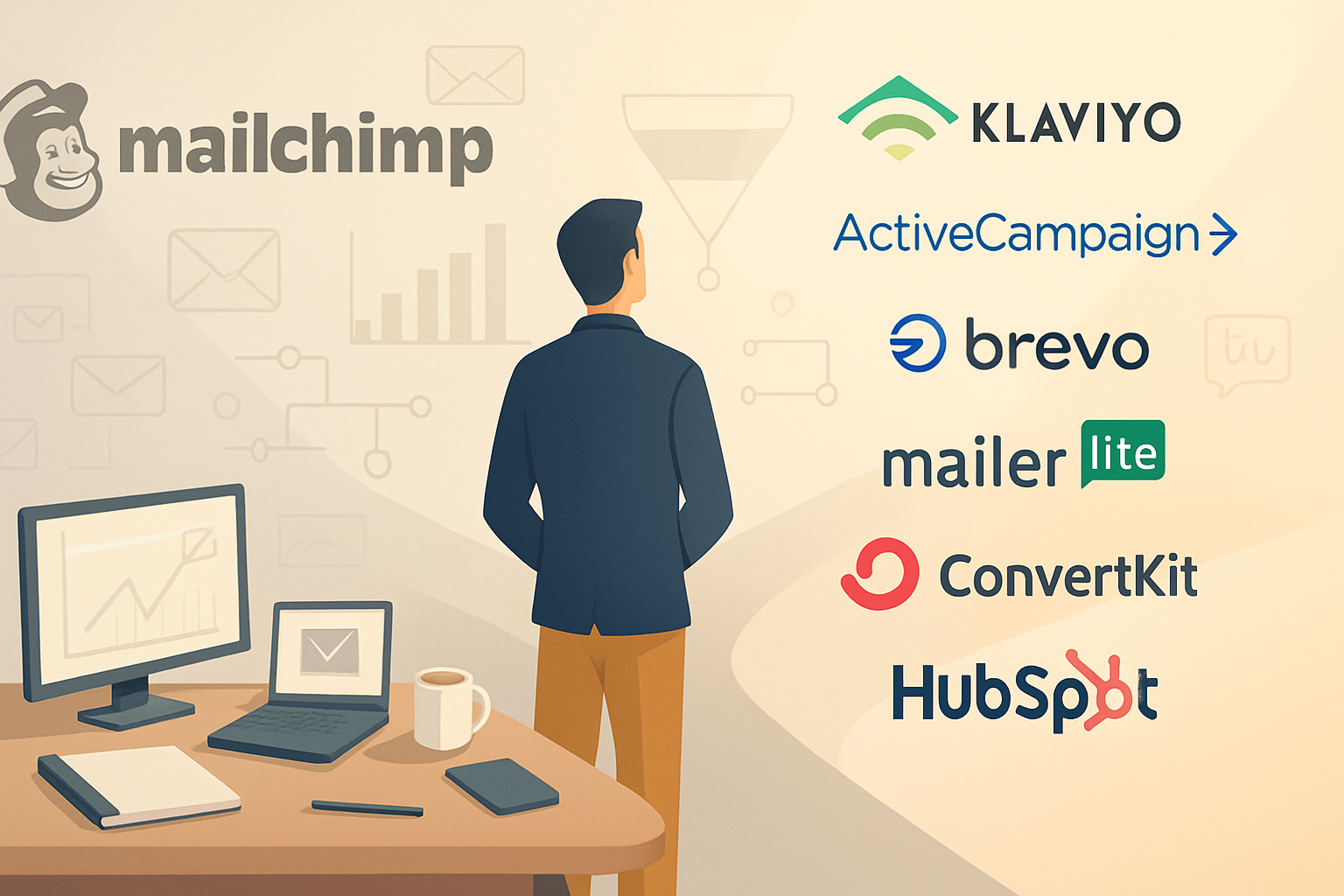
Outcome first: by the end of this post you’ll be able to answer three clear questions - should we leave Mailchimp today, which platform fits our needs best, and how to migrate without losing deliverability or subscriber trust.
Why this matters: email is still the highest-ROI channel for most businesses. One poor vendor decision can cost you revenue, time, and customer goodwill. So switching is important - when it’s justified - and costly when done for the wrong reasons.
When to seriously consider switching from Mailchimp
Look for patterns, not single incidents. One slow campaign or a UI quirk isn’t enough. Consider leaving when multiple of these apply:
- Pricing surprises or cost per contact becomes unsustainable as you scale. Mailchimp’s pricing tiers and contact-count model can jump quickly for growing lists.
- Deliverability that falls below industry norms despite best practices. If open rates and inbox placement degrade, that’s a red flag.
- Weak automation or audience segmentation for your needs. If you need advanced behavior-based flows and Mailchimp limits you, consider alternatives.
- Poor integrations with your stack (e.g., your e-commerce platform, CRM, or analytics tools).
- Vendor lock-in, limited data export, or difficulty moving automations/templates.
- Lack of transactional email or a separate, robust API offering (if you need both marketing and transactional from the same vendor).
- Problems with compliance support (GDPR, CASL) or data residency requirements.
- Support, onboarding, or multi-brand management is inadequate for your team or agency.
If two or more issues above match your reality, it’s time to evaluate alternatives.
Key criteria to use when evaluating alternatives
Prioritize the features that actually move metrics for your business.
- Deliverability and reputation controls - SPF/DKIM setup, dedicated IPs, deliverability teams, and reporting.
- Automation & segmentation - Does the platform handle complex, multi-step, behavior-based journeys? Can it use custom events and predictive fields?
- Data model & integrations - Native integrations, robust API, webhooks, and first-class e-commerce connectors.
- Pricing model - Per-subscriber vs. per-mail vs. revenue-based. Look for predictable cost as you scale.
- Template & design UX - Drag-and-drop editors, saved blocks, dynamic content, and email testing tools.
- Transactional emails & deliverability for those messages - Are transactional and marketing emails managed equally well?
- Reporting & analytics - Revenue attribution, cohort analysis, A/B/n testing, and data export for BI.
- Support & onboarding - SLA, migration support, deliverability consulting.
- Compliance & security - Data residency, SOC/ISO certifications, and compliance features.
- Ease of migration - Exportability of lists, tags, automations, and templates.
Score each vendor against these and weight the criteria by your priorities.
Strong Mailchimp alternatives - who to consider and why
Below are leading alternatives grouped by the use case they best serve. Each entry includes strengths and a short note on pricing or where to check current details.
Klaviyo - Best for e-commerce and revenue-focused marketing.
- Strengths - Deep e-commerce integrations (Shopify, BigCommerce), strong revenue attribution, advanced segmentation and predictive analytics (CLTV, churn predictions).
- Consider if - you need granular behavior-based flows and want revenue tracking tied to campaigns.
- Pricing note - Free tier for small lists; pricing scales by contact count and can be premium for very large lists. See Klaviyo pricing:
ActiveCampaign - Best for marketing automation + CRM.
- Strengths - Powerful automation builder, built-in CRM and lead scoring, good for B2B as well as SMBs.
- Consider if - you need combined marketing automation and CRM without stitching multiple tools.
- Pricing note - Tiered by features and contacts.
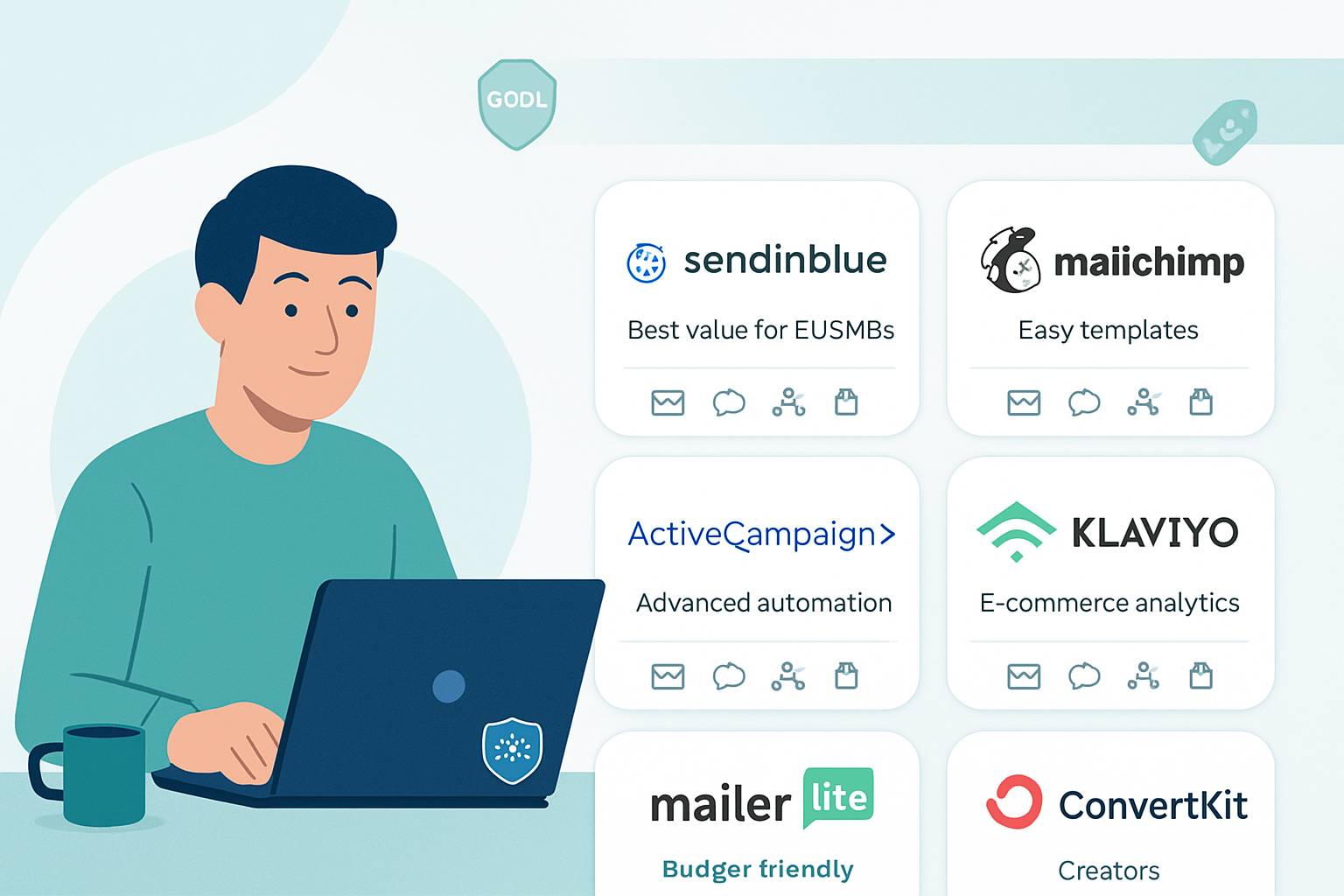
Brevo (formerly Sendinblue) - Best for affordable transactional + marketing mix and per-email pricing.
- Strengths - Per-email pricing option (useful if you have many contacts but low send frequency), solid transactional email, SMS support, and multilingual support.
- Consider if - you want predictable low-cost sends, or need an affordable multi-channel platform.
- Pricing note - Offers pay-as-you-go and subscription plans.
MailerLite - Best for simple newsletters and small businesses.
- Strengths - Clean UI, good template editor, simple automation, typically more affordable for small lists.
- Consider if - you run straightforward newsletters and need a cost-effective, easy-to-use tool.
- Pricing note - Generous free tier and straightforward paid tiers.
ConvertKit - Best for creators and simple automation for creators & course sellers.
- Strengths - Tag-based audience, simple but effective automation visual builder, forms and landing pages integrated.
- Consider if - you’re a creator (blogs, courses, newsletters) prioritizing simplicity and creator-focused features.
- Pricing note - Free tier available with paid tiers for automation features.
HubSpot (Marketing Hub) - Best for enterprise/B2B and integrated CRM + marketing stack.
- Strengths - Full CRM, marketing automation, sales integration, reporting, and enterprise features.
- Consider if - you need deep CRM integration and a single vendor for marketing, sales, and service.
- Pricing note - Can be expensive; tiered pricing with feature gates.
GetResponse - All-in-one marketing platform with webinar support.
- Strengths - Email, automation, landing pages, webinars, and sales funnels in one product.
- Consider if - you want integrated webinar and funnel tools together with email.
- Pricing note - Tiered by features and contacts.
Campaign Monitor - Best for designers and agencies.
- Strengths - Designer-friendly templates, a clear UI for building campaigns, agency features.
- Consider if - design quality and email aesthetics are a top priority.
- Pricing note - Per-subscriber pricing; check current plans.
Postmark / Amazon SES / SendGrid (transactional-focused) - Best if you need stellar transactional deliverability.
- Strengths - High deliverability for transactional emails, strong APIs, webhooks.
- Consider if - you send critical transactional email (receipts, password resets) and need separate infrastructure.
- Pricing note - Typically per-thousand-message pricing:
Notes on pricing: vendor pricing changes frequently; always check the vendor’s official pricing page. The examples above point to the official pricing pages for up-to-date details.
Comparative trade-offs (quick summary)
- If you want revenue-focused segmentation and e-commerce depth - Klaviyo.
- If you need CRM + automation - ActiveCampaign or HubSpot.
- If budget and transactional emails matter - Brevo (Sendinblue) or Amazon SES + a marketing UI.
- If you want simplicity and low cost for newsletters - MailerLite or ConvertKit.
- If design and agency support are priorities - Campaign Monitor.
- If you need enterprise features and an integrated stack - HubSpot.
Migration: a practical checklist and step-by-step plan
Switching vendors is a project, not a button. Use this checklist to keep risk low and continuity high.
Pre-migration
- Inventory what you use today - lists, segments, tags, custom fields, automations, templates, signup forms, landing pages, integrations, webhooks, and transactional flows.
- Export everything - subscriber lists with custom fields, tags, suppression/unsubscribe lists, and hard bounces. Don’t lose unsubscribes or complaints - that harms compliance and deliverability.
- Audit your automations - map triggers, timings, conditional splits, and goals. Decide which journeys to port and which to retire.
- Record deliverability settings - current SPF, DKIM, any dedicated IPs, sending domains, and existing bounce handling rules.
Migration steps
- Choose a pilot segment - small, active subscriber segment or internal test list.
- Set up your new account and authenticate domains - SPF/DKIM (and DMARC if possible). This is critical for deliverability.
- Import subscribers and suppression lists. Validate import formats and field mapping.
- Rebuild top-priority automations and templates in the new platform. Test thoroughly with the pilot segment.
- Run A/B tests (content and deliverability) comparing Mailchimp vs. the new provider for several campaigns.
- Monitor deliverability and engagement metrics closely for 2–4 weeks - bounces, complaints, spam-folder placement, open/click trends, and unsubscribes.
- Switch production sends when performance is equal or better and your team is comfortable.
- Keep the old account accessible (read-only) for historical reporting for at least 30–90 days.
Migration pitfalls to avoid
- Losing suppression lists or unsubscribed contacts during import.
- Not setting up DKIM/SPF before sending - causes deliverability hits.
- Migrating complex automations without mapping them first; you may create logic gaps.
- Ignoring transactional email flows - password resets and receipts must be addressed.
Implementation tips to reduce risk and improve outcomes
- Warm your sending domain and IP (if you’re getting a dedicated IP) - start with low-volume sends and ramp.
- Keep subscribers informed if the change affects the look/feel of emails or subscription management.
- Preserve the unsubscribe experience and honor user preferences immediately.
- Use the new provider’s deliverability or onboarding team if available - they can accelerate reputation building.
- Parallel send approach - for a short time, send marketing emails from the new provider while monitoring Mailchimp metrics in parallel.
Real-world decision scenarios
- Small newsletter (few thousand, low send frequency) - probably stick with Mailchimp or move to MailerLite/ConvertKit for simplicity and lower cost.
- Growing e-commerce brand with revenue tracking needs - Klaviyo will likely outperform Mailchimp on revenue attribution and behavior-driven flows.
- SaaS/B2B company needing lead scoring and CRM integration - ActiveCampaign or HubSpot will provide deeper automation and sales alignment.
- Enterprise with strict data residency/compliance rules - look for vendors with the necessary certifications and regional hosting.
Final framework: should you switch? (Quick decision flow)
- Are you paying significantly more than competitors for the same features? If yes, evaluate cheaper providers.
- Are core metrics (deliverability, revenue, conversions) declining and unexplained by list health? If yes, investigate and test a new provider.
- Do you need features Mailchimp lacks (e.g., advanced e-comm flows, integrated CRM, specific compliance controls)? If yes, shortlist providers that excel in that domain.
- Is your team spending excessive time building workarounds or maintaining integrations? If yes, migrate to a platform that reduces operational overhead.
If you answered “yes” to any two of the above, prepare a migration plan.
Switching providers is never trivial. But when pricing, deliverability, automation capability, or integrations are actively sabotaging outcomes, it becomes a necessary strategic move. Evaluate based on the criteria that drive revenue and customer experience, pilot thoroughly, and migrate carefully so you keep inboxes warm and conversions intact.