· business · 7 min read
How to Use FreshBooks for Tax Preparation: A Complete Checklist for Entrepreneurs
A practical, step-by-step checklist that shows entrepreneurs how to use FreshBooks to organize finances, capture deductions, run the right reports, and hand off clean records to their accountant before tax season.
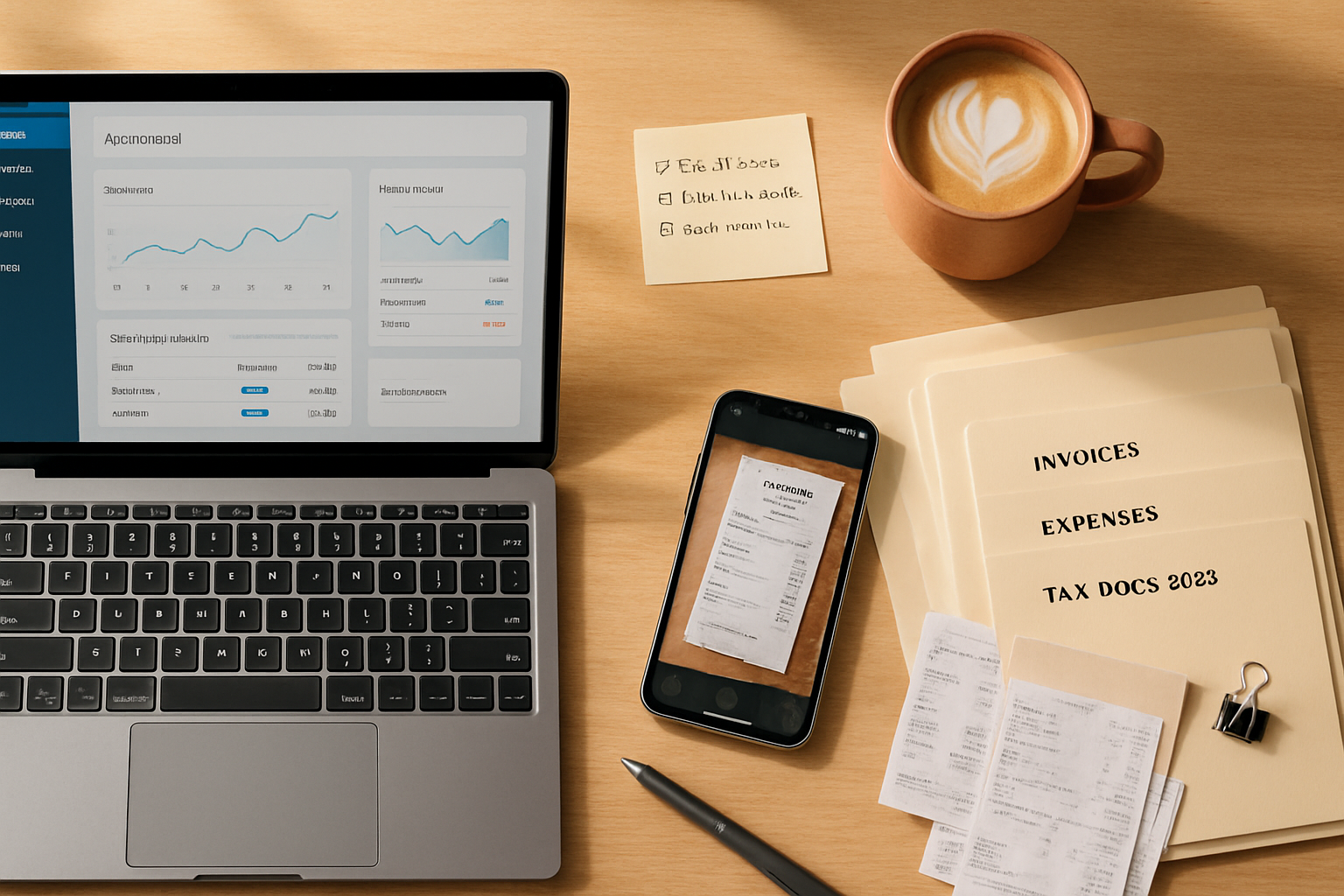
Outcome first: follow this guide and you’ll end tax season with clean books, documented deductions, and a folder your accountant actually wants - not a shoebox of receipts.
Why this matters (and what you’ll achieve)
Tax season doesn’t have to be chaos. With FreshBooks used correctly you can:
- Capture every business income and deductible expense.
- Create audit-ready records with receipts attached.
- Generate the exact Profit & Loss and tax reports your accountant needs.
- Reduce time and stress when filing quarterly and annual taxes.
Read on for a practical, hands-on checklist you can start using today.
Before you start: what to gather
Have these at hand before making changes in FreshBooks:
- Employer Identification Number (EIN) or SSN for sole proprietors.
- Bank and credit card account logins for bank feeds.
- Digital copies of receipts (photos/PDFs). FreshBooks accepts attachments.
- A list of recurring income sources and recurring expenses.
- Your preferred accountant’s email (to invite them into FreshBooks or export files).
Setup: configure FreshBooks for tax-ready bookkeeping
- Fill in company and tax profile
- Go to Settings > Company Details and confirm legal business name, EIN/SSN, and business address.
- Set your fiscal year-end (important for reports).
- Confirm your Chart of Accounts and categories
- Map or create account categories that align with common tax categories - Advertising, Contract Labor, Office Supplies, Meals & Entertainment, Rent, Utilities, Insurance, Depreciation (if needed), Cost of Goods Sold (COGS), etc.
- Keep categories consistent. One-time re-categorization now saves hours later.
- Set up sales tax
- Configure Sales Tax settings for the states where you collect tax. Enable automatic tax calculations if available.
- Connect bank and credit card accounts
- Link all business accounts to import transactions automatically. FreshBooks’ bank feed reduces manual entry and missed expenses.
- Integrate payroll and receipts tools
- Connect payroll (like Gusto) if you run payroll - payroll data is crucial for W-2s and payroll tax filings.
- Use FreshBooks’ receipt capture or integrations (e.g., Hubdoc) to centralize digital receipts.
Daily and weekly habits (small, high-impact actions)
- Record income as invoices are issued and mark them paid when funds clear.
- Snap photos of receipts and attach them to expense entries immediately.
- Categorize each expense at the time of entry - don’t let them pile up uncategorized.
- Track mileage with FreshBooks’ mileage feature (or a dedicated app) and attach trip purpose.
- Log time to projects so you can allocate labor costs to COGS or client billings.
Do these consistently and tax season becomes a simple reporting exercise.
Monthly close checklist (do this every month)
- Reconcile bank and credit card accounts.
- Review uncategorized or new payee transactions and categorize them correctly.
- Review Accounts Receivable - send reminders for overdue invoices.
- Run a Profit & Loss and Balance Sheet and scan for odd entries.
- Confirm sales tax collected and set aside amounts for upcoming returns.
Monthly closes drastically reduce year-end surprises.
End-of-year / pre-tax-season checklist (what to do 4–6 weeks before filing)
- Clean and finalize categories
- Re-run the Profit & Loss and check each major expense category.
- Move personal expenses out of business accounts if they were incorrectly logged.
- Reconcile and confirm balances
- Reconcile every bank and credit card account through year-end.
- Confirm any outstanding loans, lines of credit, or owner draws are categorized correctly.
- Run and export essential reports
Run the following reports in FreshBooks and export them as PDF and CSV:
- Profit & Loss (by month and by year-to-date)
- Balance Sheet (as of fiscal year-end)
- Expense Detail (filter by category and date range)
- Sales Tax Report
- Accounts Receivable Aging
- Time Tracking Report (if you bill hours or allocate labor)
- COGS and Inventory reports (if applicable)
- Attach supporting documents
- Ensure each expense has a receipt attached where required. Attach invoices to income entries.
- For large or unusual expenses, add notes describing the business purpose.
- Prepare payroll summaries
- Export payroll reports and year-to-date wage information if payroll ran outside FreshBooks integrations.
- Check depreciation and fixed assets
- If you track assets, prepare depreciation schedules or provide asset lists to your accountant.
- Share with your accountant
- Invite your accountant as a collaborator in FreshBooks (or export a tidy folder of reports and receipts). FreshBooks allows you to invite team members or external accountants via email, giving them secure access to the records they need.
Note: Your accountant may prefer specific formats or additional reconciliations. Confirm their preferences early.
Reports you should know (and why they matter)
- Profit & Loss - The primary report for taxable income - feeds Schedule C for sole proprietors.
- Balance Sheet - Shows your assets, liabilities and equity; important for business tax returns.
- Expense Detail - Shows deductions with dates, vendors and amounts - indispensable for audits.
- Sales Tax Report - Tells you what to remit to state tax authorities and when.
- Accounts Receivable Aging - Helps forecast taxable income and identify bad debt.
Run these with the fiscal year date range and export both PDF (for human review) and CSV (for accountants who import data).
Common deductible categories to track in FreshBooks
(Always confirm with a tax pro whether a specific expense is deductible for your situation.)
- Advertising and marketing
- Contract labor and freelance expenses
- Office supplies and software subscriptions
- Business meals (note the percent deductible rules)
- Travel and lodging (business portion only)
- Vehicle expenses (mileage or actual expenses - track consistently)
- Rent and utilities for business locations
- Home office expenses (if you qualify; keep a square-footage calculation)
- Insurance, professional fees, licenses
- Depreciation for equipment and capital assets
Keeping these categories clean and well-documented increases the chance you’ll capture every valid deduction.
Handling tricky items
- Personal vs Business - If you accidentally record a personal expense, reclassify it as “Owner’s Drawing” or personal - never claim it as a business deduction.
- Mixed-purpose expenses - Split the transaction into business and personal portions, with notes explaining the split.
- Large one-time purchases - Add those to a Fixed Asset schedule if they meet capitalization thresholds.
Audit readiness and Red Flags
Be audit-ready by doing three things: document, document, document.
- Keep receipts attached to each expense where possible.
- Add short notes describing business purpose for unusual or large transactions.
- Avoid inconsistent categorization and last-minute mass edits.
Red flags that invite scrutiny include excessive personal expenses categorized as business, large charitable contributions without documentation, and inconsistent bookkeeping practices.
Quarterly estimated taxes and cashflow planning
- If you’re self-employed, plan for quarterly estimated tax payments (typically due each April, June, September and January) so you don’t get hit with penalties.
- Use FreshBooks’ Profit & Loss month-by-month to estimate your taxable income for the quarter and set aside a percentage for taxes.
Confirm due dates and calculations with the IRS or your tax advisor: https://www.irs.gov/businesses/small-businesses-self-employed
Exports and handing off to an accountant
Options to provide tidy files to your tax preparer:
- Invite them to FreshBooks as an accountant user so they can view reports and attached receipts directly.
- Export P&L, Balance Sheet, Expense Detail, and Sales Tax Reports as PDFs and CSVs and share via secure file transfer.
- Export transaction-level CSVs if your accountant prefers to import data into their tax software.
Common file naming convention (sample):
2025_FY_ProfitLoss_ClientName.pdf
2025_FY_Expenses_ClientName.csv
2025_BankRecon_ClientName.pdf
Consistent naming reduces back-and-forth.
Sample timeline (6–8 weeks before filing)
- Week 1–2 - Reconcile accounts, finalize categorization, attach missing receipts.
- Week 3 - Export reports and run payroll summaries. Prepare asset/depreciation lists.
- Week 4 - Invite accountant or send exported files. Answer any follow-up questions.
- Week 5–6 - Review draft return with accountant and gather any remaining doc requests.
Start earlier if you have more complex finances.
Quick printable checklist
- Company details and tax ID entered in FreshBooks
- Bank and credit card accounts connected and reconciling monthly
- Expense categories aligned with tax deduction categories
- Receipts attached to expenses
- Mileage and time tracked (if applicable)
- Sales tax configured and tracked
- Payroll reports consolidated (if applicable)
- Profit & Loss, Balance Sheet, Expense Detail exported
- Accountant invited or exports securely shared
Final notes and best practices
- Consistency beats perfection. Regularly capture and categorize transactions; it reduces errors and stress.
- Keep business and personal finances separate - that single rule prevents most tax headaches.
- Use FreshBooks’ collaboration features to keep your accountant in the loop; they’ll be able to file faster and more accurately.
For official IRS guidance on small business recordkeeping and deductions see the IRS Self-Employed Tax Center: https://www.irs.gov/businesses/small-businesses-self-employed
Get your books in order now. The payoff is simple: fewer surprises, more deductions captured, and a calm, organized tax filing. Your future self will thank you.