· marketing · 7 min read
Harnessing the Power of Feedback: How to Turn Hotjar Surveys into Actionable Insights
Practical strategies to design Hotjar surveys that gather meaningful feedback, connect answers to behavior, prioritize opportunities, and convert responses into measurable product and UX improvements.
Outcome-first intro
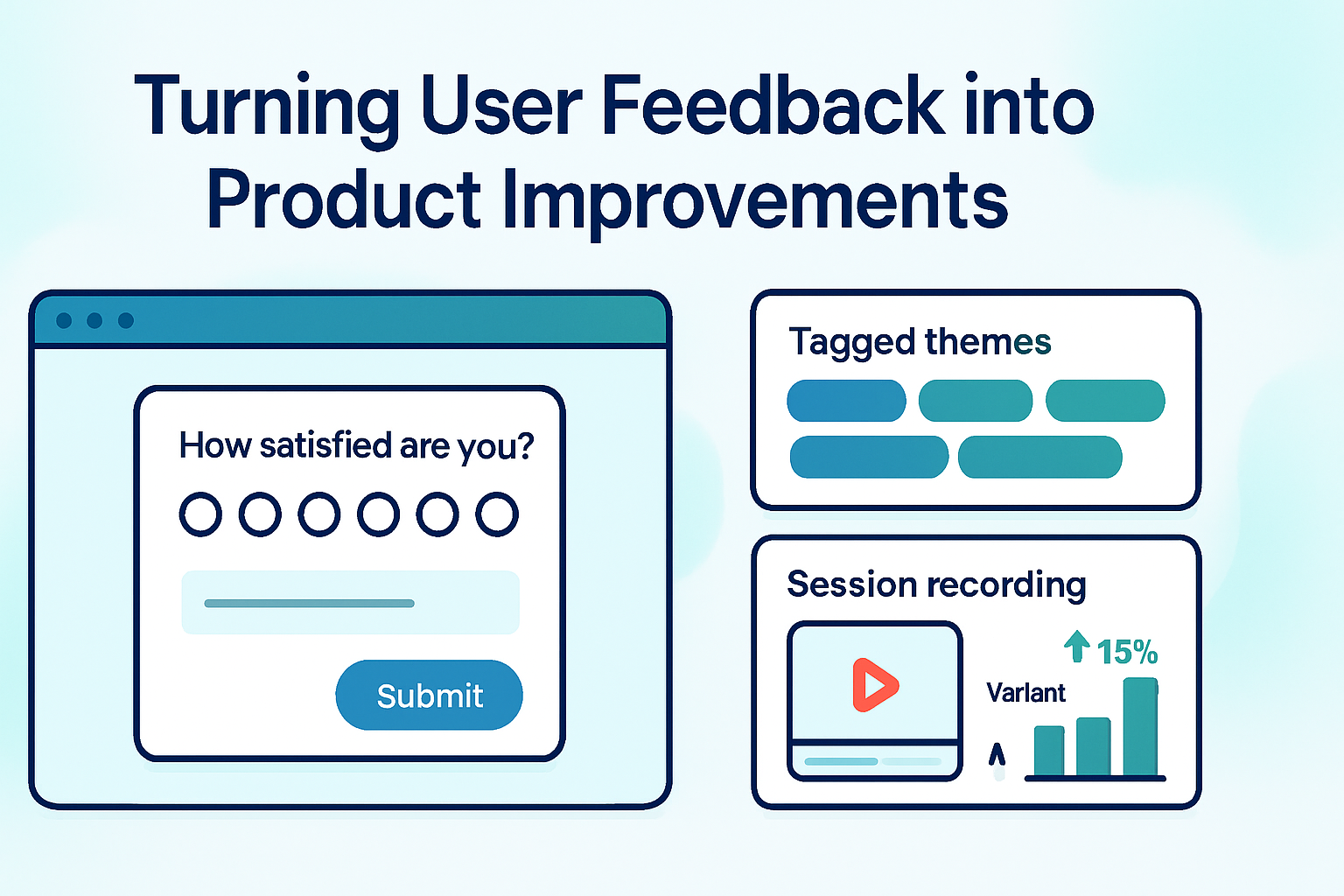
Start here and imagine this: within a week you can collect focused user feedback, link the words to real session behavior, and ship one small experiment that measurably improves conversion or satisfaction. Short surveys are the trigger. The process is the engine. The payoff is better product decisions built on both voice and action.
Why Hotjar surveys matter now
Hotjar makes it easy to ask users questions while they’re in the flow. But asking questions isn’t the hard part-turning answers into prioritized, testable changes is. This post walks you through designing surveys that reduce noise and surface usable, testable insights, and it shows you how to move from raw responses to product decisions and measurable impact.
Quick roadmap (what you’ll get)
- Practical rules for designing survey questions that generate usable answers
- Targeting and timing strategies in Hotjar to reach the right users
- Ways to link responses to behavior (recordings, filters, segments)
- A reproducible analysis + prioritization workflow (themes → hypotheses → experiments)
- Real survey templates and implementation examples
Principles to follow before you build anything
- Be purposeful - Every survey must answer one question. Don’t ask for everything.
- Bias is expensive - Wording shapes answers. Neutral prompts get truer signals.
- Short beats clever - Fewer questions = higher completion and cleaner analysis.
- Mix closed + open - Numbers give direction. Words give reason.
Designing surveys that produce action
- Start with a decision question
Define the decision you want to make before you write any question. Examples:
- Why are people abandoning this signup flow? (optimize funnel)
- What stopped users from upgrading today? (reduce churn)
- Which feature do users value most? (product prioritization)
When you know the decision, you can design the exact survey to inform that decision.
- Use a lean question set
- One primary question that maps to your decision. Use closed-ended options first to categorize responses quickly. Example - “What most prevented you from completing signup today?” with 4–6 options + “Other (please say why)“.
- One short follow-up open-ended question for context. Example - “Can you say more about that?”
- Optional - 1 micro-metric (NPS or CSAT) if you want a trendable number.
- Question types that work (and when to use them)
- Multiple choice (single) - Quick categorization for root-cause analysis.
- Multiple choice (multi) - When multiple items may apply (allow a cap to avoid noise).
- Likert / Satisfaction scale - Track trends, segment by score.
- NPS - Monitor advocacy over time; follow up with an open text for reasons.
- Open text - Use sparingly - great for discovering unknowns.
- Wording and bias rules
- Avoid leading language - Don’t hint at the “right” answer.
- Keep it short - Less cognitive load improves completion.
- Ask specific, behavior-oriented questions - “What stopped you?” beats “Why didn’t you like it?”
- Don’t double-barrel - Split multi-topic questions into separate items.
Targeting and timing in Hotjar (how to get responses from the right people)
Hotjar lets you control who sees a survey and when. Use that power to sample the right moment.
Common targeting strategies
- Page-specific triggers - Show a survey only on the pricing page, onboarding step, or checkout.
- URL/path patterns - Target only URLs with /signup or /checkout.
- Behavior triggers - Show after X seconds on page, after interacting with a modal, or on exit intent.
- Device targeting - Mobile vs. desktop behaviors differ-segment accordingly.
- User properties - If you pass user attributes (plan, logged-in state), use them to target specific cohorts.
Sampling & frequency
- Keep sampling conservative for high-traffic pages (e.g., 1–5%). That reduces interference with UX and prevents survey fatigue.
- Limit frequency per user. Don’t bug the same user repeatedly.
Example Hotjar settings
- Trigger - On exit intent on the checkout page
- Delay - 5 seconds to avoid accidental clicks
- Sampling - 3% of sessions
- Frequency - Once per user per 30 days
Linking feedback to behavior (the high-leverage move)
Words without behavior are opinions. The magic is when you can connect what users say to what they did.
- Use session recordings and heatmaps
- After collecting survey responses, filter session recordings by respondent ID or survey metadata (Hotjar adds attributes to link responses). Replay sessions from respondents who answered a particular way.
- Look for behavioral patterns that match the rationale in text replies - rage clicks, long pauses, back-and-forth navigation.
- Segment by score and response types
- Compare those who answered “Pricing is too high” to those who didn’t - do they drop off earlier? Are they comparing competitors?
- For NPS, filter recordings by promoters vs. detractors to find feature differences.
- Combine with analytics data
- Join survey responses to product analytics (event counts, funnel position) to quantify impact. For example, respondents who said “I couldn’t find the coupon field” might have a lower conversion rate.
Analyzing open-text answers: practical approaches
- First pass - Read all answers quickly and tag them with 5–8 thematic tags (use a spreadsheet or a simple tagging tool).
- Affinity mapping - Group tags into clusters and name each cluster with a problem statement.
- Quantify - Count frequency of themes. Which reasons account for 50–80% of responses?
- Use simple NLP tools (word frequency, sentiment) if volume is large. Export CSV from Hotjar for analysis.
From themes to hypotheses
Template: “Because [problem], users [behavior], so we will [change] to achieve [metric improvement].”
Example:
- Because the coupon field is hidden, users never applied discounts and abandoned the cart. We will surface the coupon field earlier and measure a 5% lift in purchase conversion.
Prioritization frameworks (which hypotheses to test first)
- ICE or RICE scoring helps prioritize - Impact, Confidence, Effort (and Reach for RICE). See RICE details here:
- Prioritize tests that are high-impact and low-effort with reasonable confidence.
Designing experiments from survey findings
- Always define a clear success metric (e.g., conversion rate, completion time, CSAT).
- Keep tests small and focused - change one thing at a time where possible.
- Use quantitative tracking plus qualitative follow-up - run the experiment and append a short follow-up micro-survey to the affected users to validate perceived impact.
Examples and templates you can copy
- Exit-intent micro-survey for a sign-up page
- Trigger - Exit intent on /signup
- Sampling - 5% sessions
Questions:
- Multiple choice (single) - “What stopped you from signing up today?”
- Too expensive
- Needed more features
- Confusing form
- Just browsing
- Other (please say why)
- Open text - “If you picked ‘Other’ or can share more, what would help you sign up today?”
Follow-up workflow: Filter recordings where users selected “Confusing form,” run an experiment to simplify the form, and measure completion rate.
- Post-purchase delight & churn prevention
- Trigger - 24 hours after purchase (target by user attribute)
- Sampling - 100% of new buyers for the first week (to gather baseline)
Questions:
- CSAT (1–5) - “How satisfied are you with your purchase?”
- Open text - “What could we do to make your experience even better?”
Use answers to populate onboarding improvements and prioritize high-frequency requests.
- NPS with immediate follow-up
- Ask NPS in-app for logged-in users.
- If NPS ≤ 6 (detractors), show a required quick text field - “Can you tell us why you gave that score?” and trigger a support outreach workflow.
Operationalizing survey insights in your team
- Create a feedback-to-action cadence
- Weekly - Pull recent survey responses; tag and cluster them.
- Bi-weekly - Turn top clusters into prioritized hypotheses using RICE/ICE.
- Sprint planning - Commit to 1–2 experiments derived from feedback.
- Make insights visible
- Dashboards - Track response rate, completion rate, top themes, and metric baselines.
- Share short summaries in product/marketing standups with clear next steps.
- Close the loop with respondents
- Where possible, send a short thank-you and (later) a note when a change ships. Closing the loop increases future response rates and trust.
Measuring impact: numbers you should track
- Response rate and completion rate (survey health)
- Theme frequency (% of total responses)
- Conversion/funnel metrics before and after experiments
- NPS/CSAT trendlines
- Behavioral measures (time-on-task, error rates, task completion)
Common pitfalls and how to avoid them
- Asking everything and learning nothing - Keep surveys focused.
- Over-sampling power users - Randomize and stratify sampling.
- Ignoring low-frequency but high-impact feedback - Use tagging to spot critical but rare issues (e.g., security concerns).
- Letting anecdotes drive big product bets - Always pair qualitative feedback with behavioral or quantitative signals when possible.
A short checklist before you press Publish
- Is there one clear decision the survey will inform? Yes/No
- Are questions neutral and short? Yes/No
- Is targeting precise and sampling sane? Yes/No
- Do you have a plan to analyze and act on responses? Yes/No
- Will you link responses to behavior (recordings, analytics)? Yes/No
Further reading and resources
- Hotjar Surveys overview: https://www.hotjar.com/product/surveys/
- Quick guide to analysis & prioritization (RICE): https://www.productplan.com/glossary/rice-scoring-model/
Closing thought
Surveys are not a hobby. They are a tool for decision-making. Design them to answer a decision, link them to behavior, prioritize ruthlessly, and close the loop with experiments and with users. Do that, and Hotjar becomes more than feedback collection-it becomes a system for continuous product improvement.