· creativity · 6 min read
From Hobbyist to Pro: How to Level Up Your Soundtrap Skills in 30 Days
A practical 30-day challenge with daily tasks, weekly checkpoints, and resources to transform you from a Soundtrap hobbyist into a confident audio creator - one finished track by Day 30.
Outcome-first introduction
You will finish Day 30 with a complete, polished track (or podcast episode) you can show, share, and iterate on. In one month you’ll move from poking around Soundtrap to using it like a creator who knows workflow, arrangement, mixing, and delivery. This guide gives you a clear daily plan, practical tips, resource links, and evaluation checkpoints so every session is focused and productive.
Why this works
- Short, daily goals beat long vague intentions.
- Repetition builds intuition; tasks are incremental and cumulative.
- You learn by shipping a project - feedback and iteration accelerate skill growth.
Quick orientation
- Time commitment - 20–60 minutes a day. Aim for at least five days/week.
- Output goal - one finished track or podcast episode by Day 30 (stems, mix, basic master, artwork, and a release plan).
- Tools - Soundtrap (web or app). Helpful extras: decent headphones or studio monitors, an inexpensive USB microphone (for vocals/podcasts), and MIDI keyboard if you have one.
- References - Soundtrap Help Center (
How to use this plan
- Follow daily tasks in order. They build on each other.
- Work on one project from Day 1 (a loop, sketch, or short podcast idea). That becomes your final deliverable.
- Keep a short log - what you tried, what worked, what you’ll try next.
The 30-day challenge (daily tasks)
Week 1 - Foundation: interface, routing, and quick wins
Day 1 - Tour & set up
- Create a new project. Explore tracks, loops, Mixer, and browser. Set project tempo and key.
- Save a template named “30-Day Project”.
Day 2 - Record a dry take
- Record a short vocal or instrument take (30–60s). Focus on confidence, not perfection.
- Practice comping - do three takes and choose best parts.
Day 3 - Loop-based sketch
- Build a 1–2 minute arrangement using loops. Learn drag-and-drop, quantize, and snap.
Day 4 - Basic MIDI & virtual instruments
- Add a MIDI instrument (piano, synth, bass). Record a simple chord progression.
Day 5 - Editing essentials
- Trim, fade, split, and move clips. Use crossfades to avoid pops.
Day 6 - Basic effects & processing
- Apply EQ and compression to one track. Familiarize with presets.
Day 7 - Weekly checkpoint
- Export a rough mix. Listen critically. Write 3 improvements for next week.
Week 2 - Arrangement, groove, and sound design
Day 8 - Arrangement fundamentals
- Create intro, verse, chorus, and bridge sections. Use markers to label.
Day 9 - Drum programming
- Build a drum loop and tweak velocity for groove.
Day 10 - Bass & pocket
- Create a bassline that locks with drums. Focus on space and rhythm.
Day 11 - Harmonies & counter-melodies
- Add backing vocals or complementary synth lines.
Day 12 - Sound design basics
- Tweak a synth preset - filter, LFO, envelopes. Make it yours.
Day 13 - Automation & movement
- Automate volume, pan, or filter cutoff to create dynamic interest.
Day 14 - Weekly checkpoint
- Compile a near-structure version. Compare to a reference track. Note differences in arrangement and energy.
Week 3 - Mixing essentials and clarity
Day 15 - Gain staging & balance
- Set static levels so all tracks are audible. Aim for headroom (-8 to -6 dBFS peak).
Day 16 - EQ for separation
- Use subtractive EQ - carve mud (100–300Hz) and reduce harshness (2–5kHz).
Day 17 - Compression basics
- Use the compressor to control dynamics on vocals or drums. Try gentle ratios (2:1–4:1).
Day 18 - Reverb & delay for space
- Create depth - short reverb for drums, longer delay for vocal tails.
Day 19 - Bussing & group processing
- Create drum and vocal buses. Apply group EQ/comp for cohesion.
Day 20 - Stereo image & automation revisited
- Widen pads or doubles. Avoid phase issues. Automate interest across the song.
Day 21 - Weekly checkpoint (mix rough)
- Bounce a mix. Compare on headphones and speakers. Get at least one outside listener feedback.
Week 4 - Mastering, finishing, and release
Day 22 - Mastering basics
- Apply a limiter and gentle EQ on the master. Target loudness conservatively (e.g., -14 LUFS for streaming-friendly, or -9 to -8 LUFS for louder styles).
Day 23 - Fixes and final comping
- Revisit problematic takes. Replace or comp as needed.
Day 24 - Vocal tuning & timing (if needed)
- Use subtle pitch correction or timing edits. Keep it natural unless stylistic effects are desired.
Day 25 - Final mix pass
- Make final level, EQ, and effect tweaks. Render a near-final mix.
Day 26 - Create stems & alternate mixes
- Export stems (drums, bass, vocals, instruments). Save an instrumental and acapella.
Day 27 - Artwork and metadata
- Create cover art (simple square image), write credits and descriptions. Decide on track/podcast title.
Day 28 - Release plan & licensing
- Choose release platforms. Learn Creative Commons vs. standard copyright if reusing samples. If collaborating, finalize splits and credits.
Day 29 - Mock release & promotion
- Draft social captions, short video ideas, and hashtags. Prepare a 15–30s teaser clip.
Day 30 - Final export & reflection
- Export final master and stems. Publish or schedule release. Reflect on progress and plan next steps.
Practical tips and habits that speed growth
- Session length - shorter, focused sessions (30–60 minutes) beat marathon unfocused ones.
- Use templates - save channel strips, bussing, and plugin chains you like.
- Reference tracks - pick 2–3 tracks in your style and A/B often.
- Keep a small set of go-to presets for EQ/compression/delay.
- Save incremental versions - Project_v1, Project_v2… so you can revert.
- Color-code tracks and name them clearly.
Collaboration and community
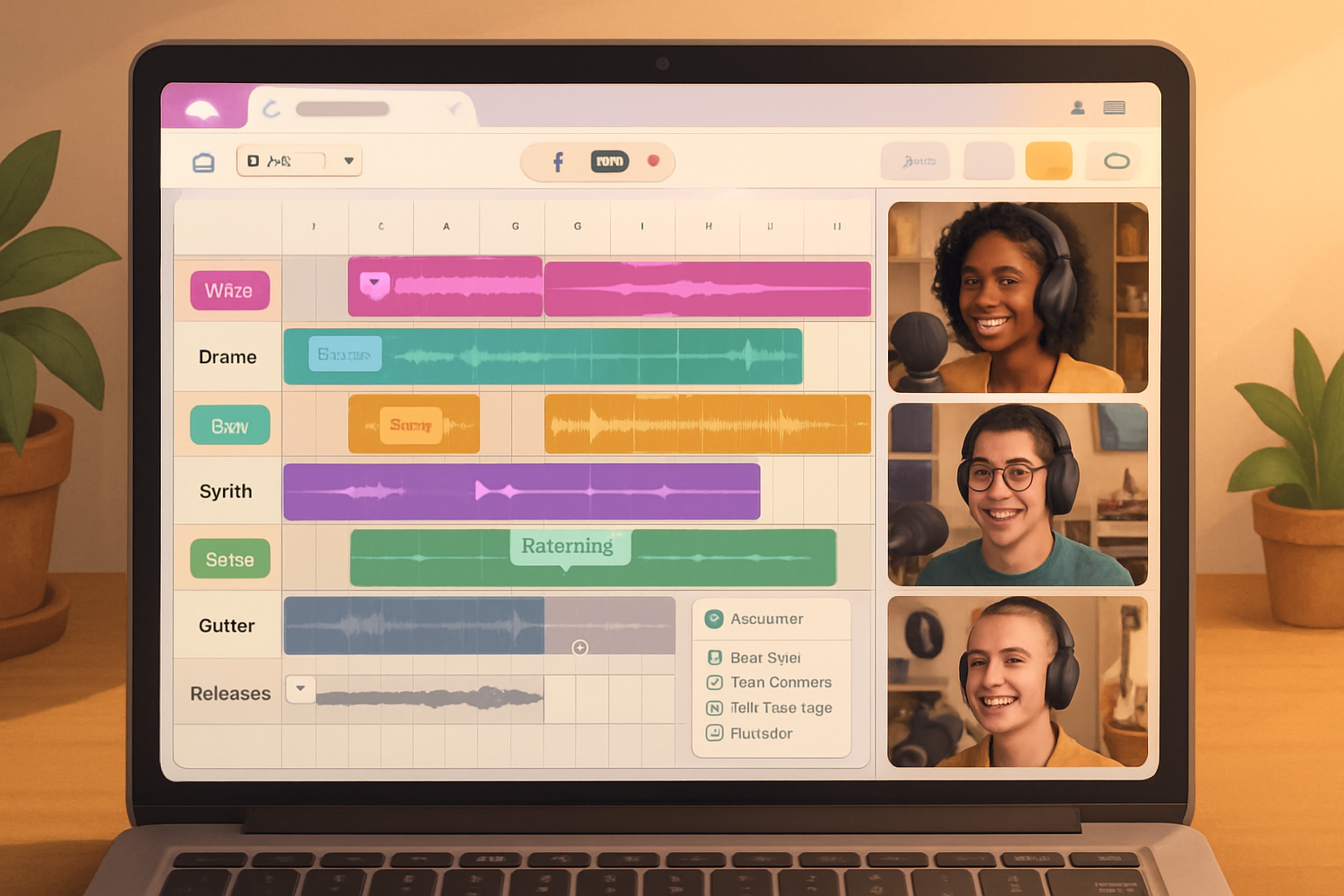
- Invite collaborators in Soundtrap to co-edit in real time.
- Share your Day 7 and Day 21 rough mixes to communities (Reddit r/WeAreTheMusicMakers, Soundtrap forums, or music Discords) and ask for one specific piece of feedback.
- Exchange stems for remixes to learn alternate mixing approaches.
Common problems and quick fixes
- Thin mixes - add low-mid body with a subtle synth or double.
- Muddy low end - high-pass non-bass tracks at ~80–120Hz.
- Harsh vocals - cut 2–5kHz with narrow Q; add presence around 6–10kHz.
- Flat arrangement - create contrast by muting elements in verses and bringing them back in choruses.
Evaluation rubric - are you “pro” yet?
- Technical - Clean edit and no clicks/pops. Controlled dynamics. Clear low end.
- Artistic - Arrangement has clear sections and momentum. Hook exists and repeats.
- Delivery - Exports/stems present and labeled. Artwork and metadata completed. A release plan in place.
If you meet these consistently, you’ve moved into confident creator territory.
Beyond Day 30 - growth roadmap
- Month 2 - Do three short projects in two weeks each, focusing on one weakness per project (mixing, arrangement, sound design).
- Month 3 - Collaborate on a release with another producer or vocalist.
- Ongoing - Build a small catalog, learn mastering in depth, and explore live performance or sync licensing.
Final note - why this matters
This isn’t a shortcut to instant genius. It’s a structured practice program that replaces guesswork with intentional repetition, feedback, and delivery. Do the work. Ship the project. Repeat.
By Day 30 you won’t just know Soundtrap better. You’ll have a repeatable process and a finished track you can iterate on, market, and be proud of.