· marketing · 6 min read
The Dos and Don’ts of Scheduling Posts with Hootsuite
A practical, action-oriented guide to scheduling posts with Hootsuite - what to do, what to avoid, and step-by-step tips to boost reach and engagement without damaging your brand.
What you’ll be able to do after reading this
Schedule with confidence. Increase reach. Reduce mistakes that cost engagement. This guide gives you concrete Hootsuite-centered tactics you can apply today - plus the common traps to avoid so automation helps, not hurts, your social media performance.
Why scheduling matters - and why it can backfire
Scheduling saves time and creates consistency. It frees you to focus on strategy instead of the clock. But poorly scheduled posts feel robotic, miss time-sensitive moments, and can even harm your brand when mistakes are amplified automatically.
Do it right and scheduling becomes a growth tool. Do it wrong and you lose reach, credibility, and the chance to engage in real-time when it matters.
Quick primer: Relevant Hootsuite features to know
- Composer - Create and preview posts for multiple networks.
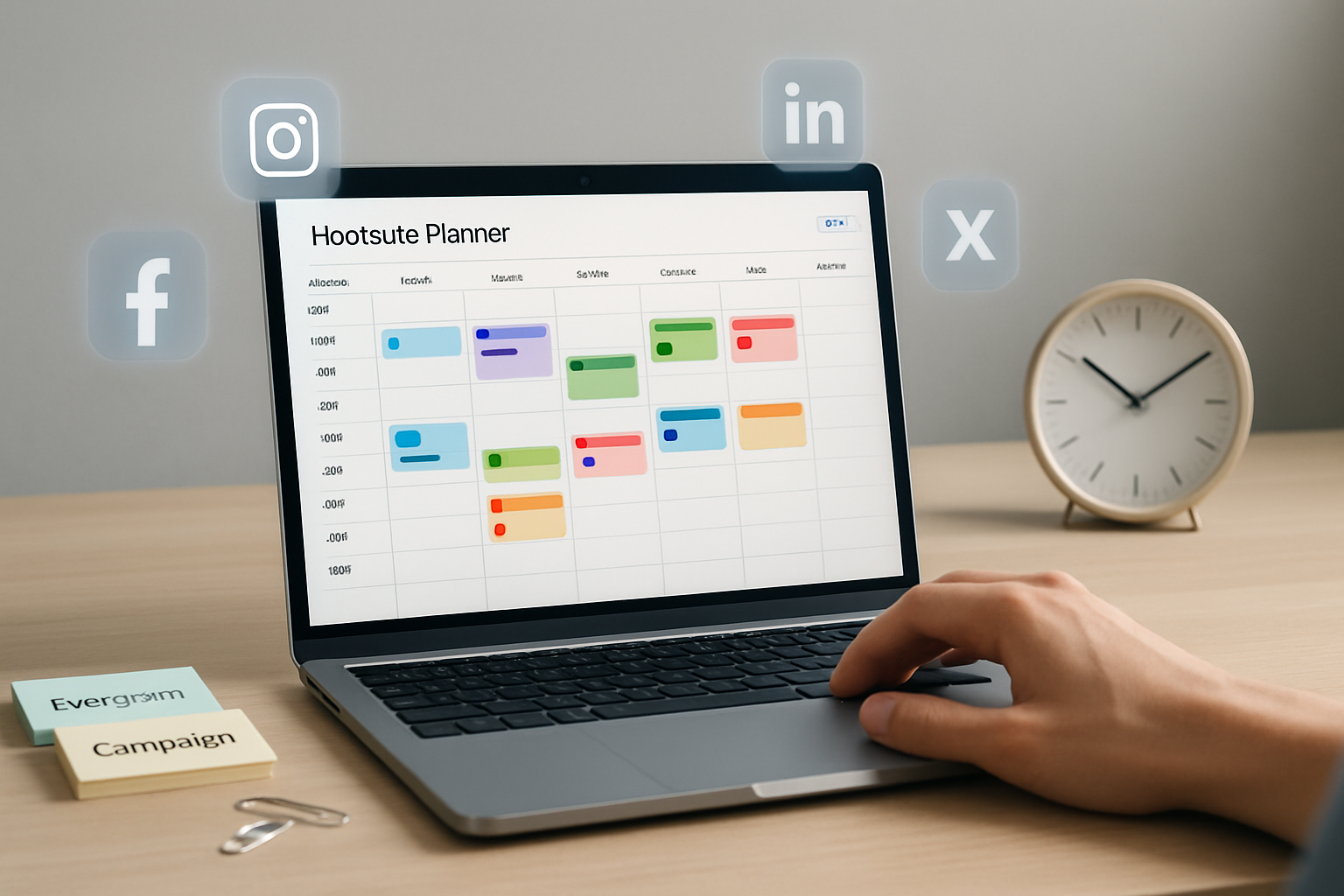
- Planner (or Publisher calendar) - Visual schedule to drag/drop and edit posts.
- AutoSchedule - Hootsuite’s suggestion engine for “best” publish times.
- Bulk Scheduler - Upload CSV to queue many posts at once.
- Content Library - Store approved assets and captions for reuse.
- Analytics & Reports - Measure performance and refine schedules.
- Streams / Inbox - Monitor and respond to incoming engagement.
(If you want official docs, Hootsuite’s Help Center and blog are a good place to begin: https://help.hootsuite.com and https://blog.hootsuite.com/best-time-to-post-on-social-media/)
The DOs - practical best practices you can adopt today
Follow these steps in order and you’ll get the most value from scheduling.
1) Start with audience-driven timing
Test and learn. Use Hootsuite Analytics to identify when your followers are online and engaged, then schedule around those windows. Default “best time” tools are helpful - but your audience is unique.
Actionable: Pull a 4-week report on engagement per hour/day. Test two candidate time windows for a month and compare engagement.
2) Mix AutoSchedule with manual slots
AutoSchedule is a time-saver for even spacing and filling gaps. Use it for evergreen posts. Reserve manual scheduling for time-sensitive or high-priority content when precise timing is essential.
Why: AutoSchedule optimizes frequency; manual timing captures real-world events and prime engagement moments.
3) Customize copy and format per network
A single idea is fine across channels. Identical copy is not.
- Short, punchy text for Twitter/X and LinkedIn headlines.
- Use native image dimensions and tailor the image crop per platform using the Composer preview.
Actionable: Create a network-specific variation before scheduling. Use Hootsuite’s post preview to confirm how the post will appear.
4) Use UTM parameters and link shorteners consistently
Add UTM tags to measure campaign impact in Google Analytics. Hootsuite’s ow.ly or your preferred shortener keeps links tidy and trackable.
Example UTM: ?utm_source=hootsuite&utm_medium=social&utm_campaign=summer_launch
Reference: Google’s guide on UTM parameters is helpful: https://support.google.com/analytics/answer/1033867
5) Adopt a clean content calendar and naming system
Use clear titles and tags for scheduled posts: date, campaign, network. That prevents accidental duplicates and makes audits fast.
Actionable: In your calendar tooltip or spreadsheet use format: YYYY-MM-DD_campaign_network.
6) Batch-prepare, but monitor in real-time
Batch creation saves time. But monitoring and quick responses are essential. Use Streams/Inbox to follow up on comments or crises.
Why: Engagement boosts algorithmic reach. A scheduled post that sits without replies can underperform.
7) Test with A/B experiments and iterate
Schedule two variations (time, creative, CTA) and compare. Hootsuite Analytics can show you which variant drove better engagement.
Actionable: For each A/B test, run at the same time/day for fairness and gather at least 2–4 weeks of data.
8) Use the Bulk Scheduler correctly
When you need to upload many posts, use the Bulk Scheduler template and validate the date/time formats and character limits before upload.
Quick CSV essentials: date (YYYY-MM-DD), time (24-hour), timezone, social_profile, message, link, image_url
9) Protect brand safety with approvals and the Content Library
Use team workflows and approval steps for high-impact accounts. Store approved visuals and captions in the Content Library to keep voice consistent.
10) Schedule evergreen content for recycling - but do it thoughtfully
Use a cadence for evergreen posts (e.g., once every 6–8 weeks) and track fatigue. Update copy and creative so reuse feels fresh.
The DON’Ts - common mistakes that actually hurt performance
Avoid these pitfalls. They’re the ones that turn automation into liability.
1) Don’t set-and-forget
Automating doesn’t replace monitoring. If a scheduled post goes live during a major news event or crisis, it can appear tone-deaf and damage trust.
Mitigation: Keep daily monitoring windows and a suppression/hold process for emergency dates.
2) Don’t post identical copy across channels
Cross-posting without tailoring reduces relevance and engagement. Each platform’s audience behavior differs.
3) Don’t ignore previews and attachments
Broken images, wrong crops, or truncated links look unprofessional. Always preview posts for each network in Composer.
4) Don’t over-schedule (or under-schedule)
Too many posts creates audience fatigue; too few makes you invisible. Aim for consistent cadence informed by analytics - not arbitrary frequency.
5) Don’t rely solely on AutoSchedule for key launches
AutoSchedule is helpful but avoid using it for campaigns, launches, or time-sensitive partnerships that require precise timing.
6) Don’t forget to check timezone settings
Scheduling for the wrong timezone is one of the simplest and costliest mistakes. Confirm timezone at the profile level and in CSV uploads.
7) Don’t neglect analytics
If you’re scheduling content blindly, you’re gambling. Use Hootsuite reports to retire weak formats and double down on winners.
8) Don’t spam hashtags or ignore platform conventions
Hashtag best practices vary (e.g., Instagram vs LinkedIn). Overuse can look desperate and reduce reach.
9) Don’t bulk-upload without QA
CSV uploads can contain bad links, wrong targeting, or bad times. Always QA a sample before committing thousands of posts.
A practical checklist to run before you hit “Schedule”
- Did you preview the post for each network?
- Are UTM parameters applied to campaign links?
- Is the timezone correct for the target audience?
- Are images sized and cropped for each network?
- Is the copy tailored to the network’s norms?
- Is there monitoring coverage after the post goes live?
- Have you set approval for high-risk content?
Keep this as a templated pre-publish checklist in Hootsuite Content Library or an internal doc.
Sample Bulk Scheduler CSV snippet (columns and example row)
Use this as a reference when preparing large uploads:
date,time,timezone,profile,message,link,image_url
2025-01-15,09:30,America/New_York,Facebook - Company Page,"Spring sale: Save 20% on memberships. Ends Mar 1!",https://example.com/sale,https://example.com/images/sale-fb.jpg
Notes: Use 24-hour time and full IANA timezone names (e.g., America/New_York). Always test one or two rows first.
Measuring success - what to watch and how to iterate
- Engagement rate (likes/comments/shares per impression) - indicates resonance.
- Link clicks / CTR - shows whether your caption and CTA work.
- Reach & impressions - tells you if the schedule window is hitting active audiences.
- Conversion metrics (UTMs → Google Analytics) - ties content to business results.
Refine posting times and content mix monthly. Small improvements compound quickly.
Final, critical point
Scheduling is a tool - not a strategy. Use Hootsuite to save time and maintain consistency, but pair automation with continual testing, human oversight, and responsive engagement. When scheduling and real-time interaction work together, your reach grows and your community becomes an asset rather than an audience.
References
- Hootsuite Help Center: https://help.hootsuite.com
- Hootsuite Blog - Best times to post on social media: https://blog.hootsuite.com/best-time-to-post-on-social-media/
- Google Analytics - UTM parameters: https://support.google.com/analytics/answer/1033867