· marketing · 6 min read
10 Unexpected Features of Later You Might Be Overlooking
Discover 10 lesser-known Later features that can save time, boost engagement, and make your social media workflow far more strategic - from Linkin.bio tricks to approval workflows and UGC collection.
What you’ll be able to do after reading this
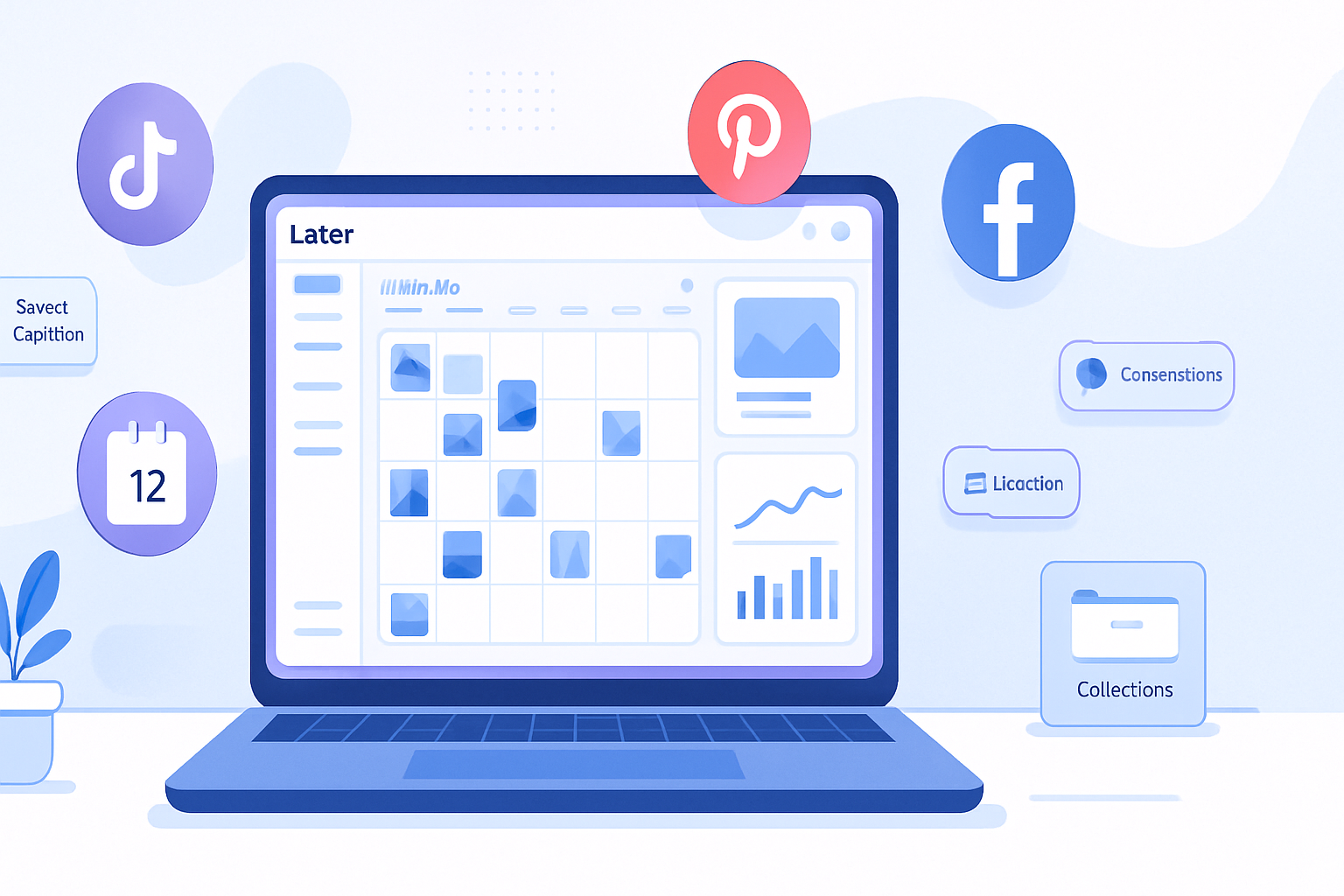
Use Later to do more than schedule. Save hours. Increase engagement. Turn posts into measurable traffic and sales. And hand off work to teammates without losing control.
This piece pulls back the curtain on 10 surprisingly powerful - but often overlooked - Later features that can streamline your process and make every post work harder.
Ready? Let’s jump in.
1) Linkin.bio - not just a link-in-bio, but a performance hub
Most people know Linkin.bio as a way to turn Instagram posts into clickable links. But that’s the start, not the finish. Linkin.bio can map entire posts to specific landing pages, support UTM tracking, and generate conversion data so posts become measurable marketing assets.
Why it matters: you can attribute clicks and conversions back to individual posts and campaigns, turning social content into reliable traffic drivers instead of vanity metrics.
Quick tip: build a Linkin.bio landing page for each campaign and add UTM parameters to instantly see which creative, caption, or CTA drives the most conversions.
Learn more: https://later.com/linkinbio/
2) Saved Captions and Hashtag Lists - writing once, using forever
If you’re still typing the same caption variations or pasting the same set of hashtags every time, stop. Later’s Saved Captions and Hashtag Lists let you store caption templates and curated groups of tags for instant reuse.
Why it matters: consistency at scale. Faster scheduling. Better caption testing.
How to use it: create lists for themes (promo, behind-the-scenes, evergreen), then pair a Saved Caption with the appropriate Hashtag List when scheduling.
Reference: https://help.later.com/
3) Best Time to Post - data-driven scheduling that actually helps
Later calculates your Best Time to Post based on when your audience interacts most. Use it to seed your weekly calendar, but don’t treat it as gospel; use the insights to test and refine.
Why it matters: small timing wins compound - better reach, more engagement, higher chance of impressions turning into conversions.
Pro tip: combine Best Time slots with your saved content blocks (e.g., promotional vs. organic) so each post goes live when the right people are online.
Learn more: https://help.later.com/
4) Hashtag Suggestions and Hashtag Analytics - smarter discovery, less guesswork
Later offers hashtag suggestions based on your caption and past performance, plus reports that show which hashtags are helping reach new users.
Why it matters: smarter tags = more relevant reach. And once you know which lists work, you stop wasting character space on poor-performing tags.
Actionable step: A/B test two Hashtag Lists on similar posts. Use Later’s analytics to pick the winner.
Resource: https://later.com/blog/ (see hashtag guides)
5) Media Library + Collections - organize like a newsroom
Later’s Media Library is more than an image dump. Use Collections, labels, and notes to segment assets by campaign, mood, or creator. You can also store brand assets (logos, fonts, product images) for fast retrieval.
Why it matters: reduces the time spent hunting for the right file. Keeps stakeholders on-brand. Speeds approvals and scheduling.
Workflow idea: create a Collections folder per month and a separate Collection for user-generated content (UGC).
Docs: https://help.later.com/
6) Auto-Publish + First Comment scheduling - fully automated posting
Auto-Publish removes the manual final step for supported platforms and post types. Combine it with First Comment scheduling to queue hashtags or extended CTAs in the first comment - automatically.
Why it matters: eliminates friction and human error on publish day. Keeps captions clean while ensuring your hashtag strategy is executed.
Tip: schedule the first comment for hashtag-heavy posts to keep captions neat and still get hashtag reach.
7) Campaigns & Content Labels - measure by initiative, not just by post
Campaigns let you group posts across platforms so you can track performance for a single initiative (product launch, holiday sale, influencer push). Add labels or tags to assets and posts to filter reports and see campaign-level ROI.
Why it matters: you stop guessing whether a campaign worked and start measuring it.
How to implement: create a Campaign for every launch and tag every asset that’s part of it. Pull campaign-level analytics after 7–14 days.
More: https://later.com/features/
8) Approval Workflows & Team Permissions - scale without chaos
Later supports team roles, approval flows, and access groups so you can give contractors, designers, and managers the exact level of access they need without exposing everything.
Why it matters: keeps quality consistent and protects brand assets. Approvals prevent accidental publishes and reduce back-and-forth in DMs or email chains.
Best practice: set up one approver per brand account and use comments in the approval thread for context instead of long email threads.
Reference: https://later.com/features/
9) Conversations - centralize comments and DMs (where available)
Later’s Conversations interface helps you manage comments and DMs alongside content planning so community management becomes part of your workflow, not an afterthought.
Why it matters: faster replies, better visibility into issues, and a cleaner handoff for team members taking over community care.
Pro tip: schedule quick daily sessions in Later’s Conversations to triage DMs and comments - treat it like inbox-zero for social.
More info: https://later.com/features/conversations/
10) UGC Collection tools - scale authentic creative without chaos
Later makes collecting content from creators and customers easier: use shareable collection links or request uploads directly to your Media Library. Tag contributors and track usage rights.
Why it matters: authentic content performs. But UGC is messy unless you collect it in an organized, legal way.
How to use it: create a UGC Collection, share the upload link with creators, and require a short release confirmation before you download and schedule.
Learn more: https://later.com/features/
Quick implementation checklist (15–60 minutes per item)
- Set up a Linkin.bio landing page for your next campaign (15–30 min)
- Create 3 Saved Caption templates and 3 Hashtag Lists (15–30 min)
- Activate Best Time to Post and add slots to your weekly calendar (10–15 min)
- Organize your Media Library into Collections (20–60 min)
- Turn on Auto-Publish for supported profiles and schedule First Comment for long-hashtag posts (10–20 min)
- Create a Campaign and tag three upcoming posts (10 min)
- Set up an approval workflow for one brand account (15–30 min)
- Share a UGC Collection link with one creator and test uploading (10 min)
Final thought
Later is more than a scheduler. It’s a workflow engine - when you use the deeper features, your social output becomes faster, smarter, and measurable. Start with one or two of the features above, prove the benefit, then scale your new process across the team. The compound effect is real. Make your social media work harder.
References
- Later - official site: https://later.com/
- Later Help Center: https://help.later.com/
- Linkin.bio: https://later.com/linkinbio/
- Later features overview: https://later.com/features/