· marketing · 5 min read
Using Later Like a Pro: Secrets from Top Brands
Actionable strategies top brands use in Later to boost reach: scheduling workflows, Linkin.bio funnels, hashtag groups, auto-publishing Reels, analytics-driven timing, and repeatable templates you can apply today.
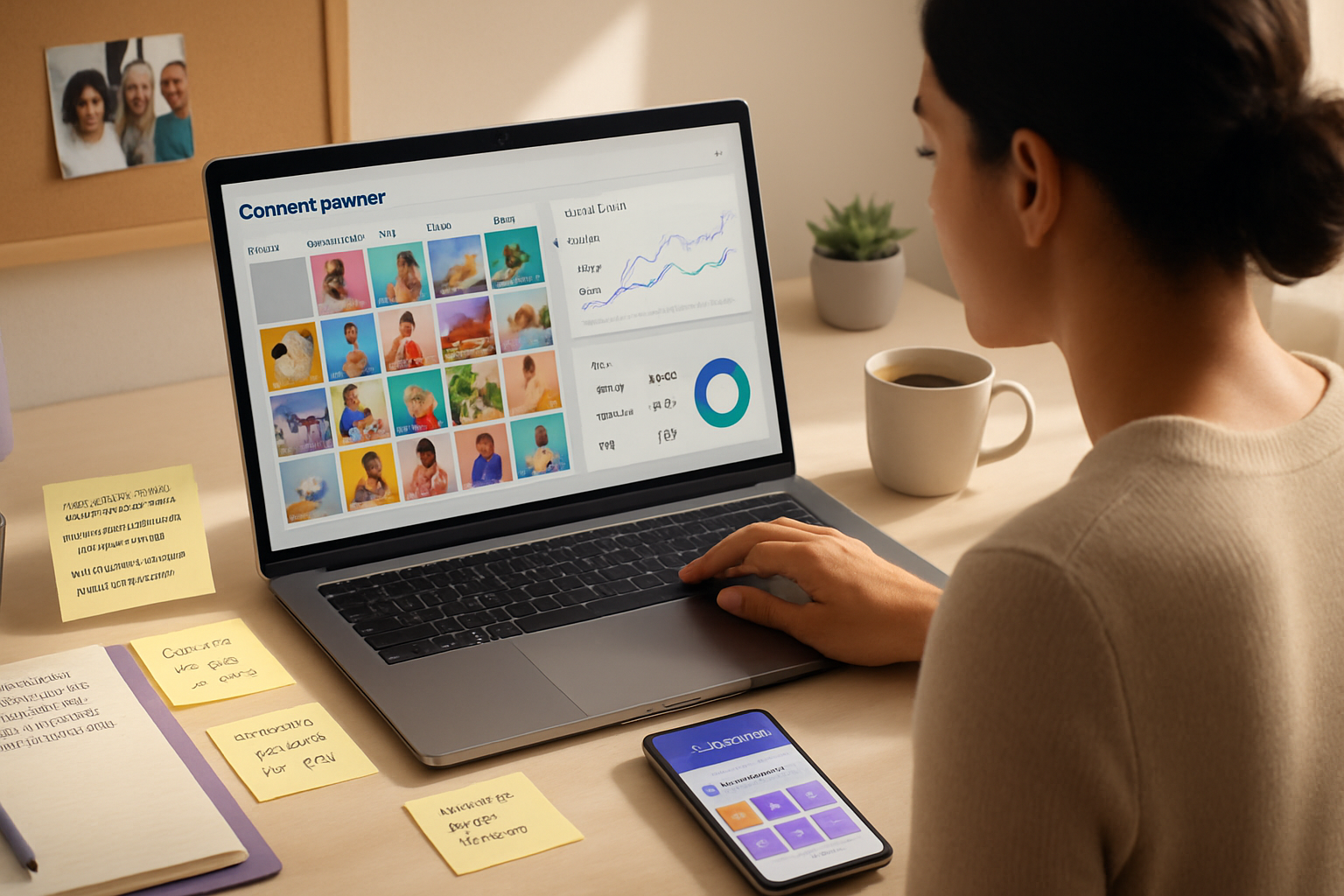
You can publish smarter, reach wider, and measure what matters - all with the same tool your competitors use. Read this and you’ll walk away with concrete workflows, caption and hashtag templates, and behind-the-scenes tactics top brands use with Later to stretch every post’s reach.
Quick wins - what to do in the first 72 hours
- Turn on Best Time to Post and schedule 7 high-value posts across your best days. It gives an immediate lift. Short action. Big payoff.
- Set up Linkin.bio for every account and replace single-link chaos with a mini-conversion funnel. Done once, it multiplies clicks.
- Build two hashtag groups - high-reach and niche-community. Use them. Repeat.
Do these three things first. They compound fast.
The features top brands rely on (and how they use them)
Visual Planner: design before you publish
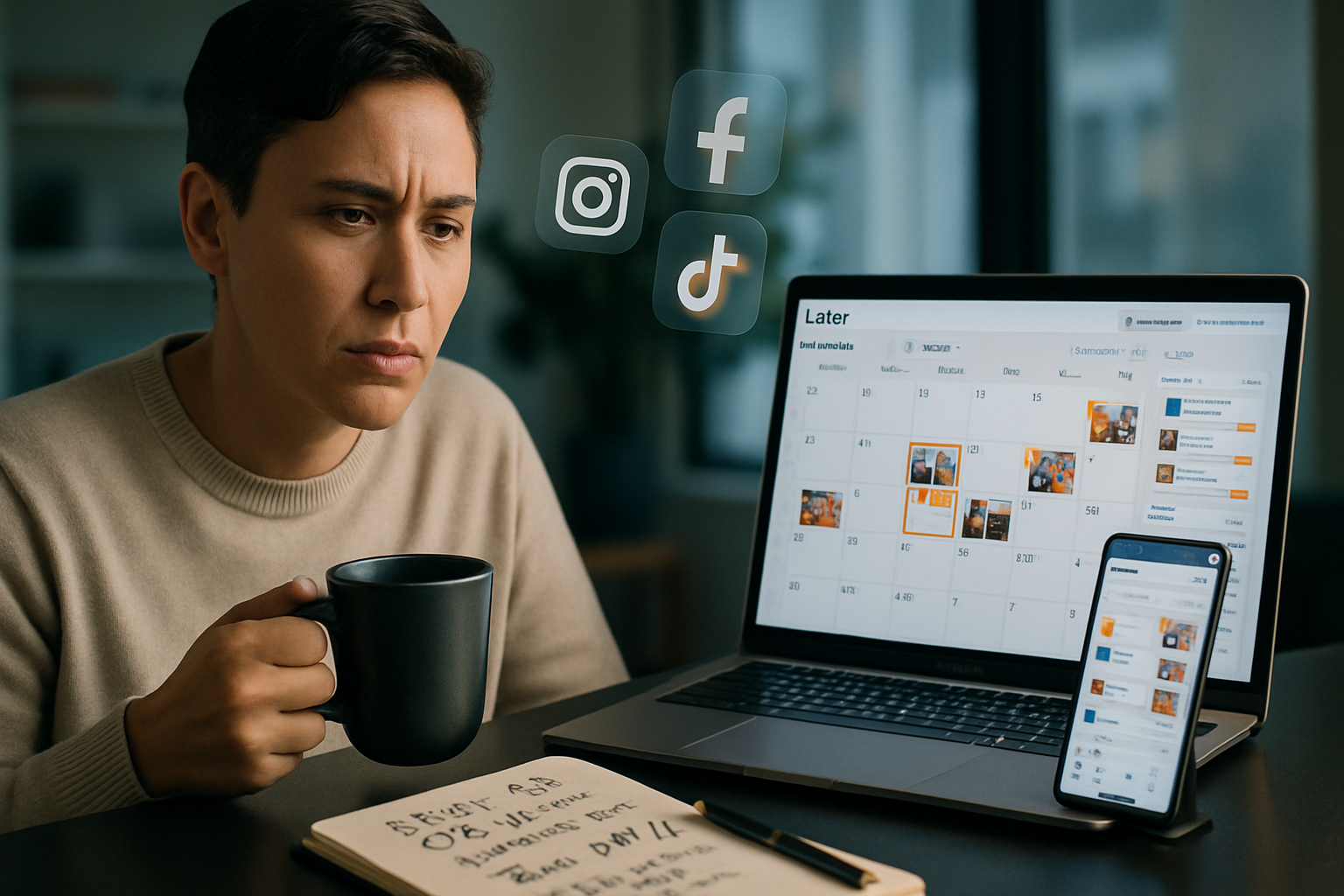
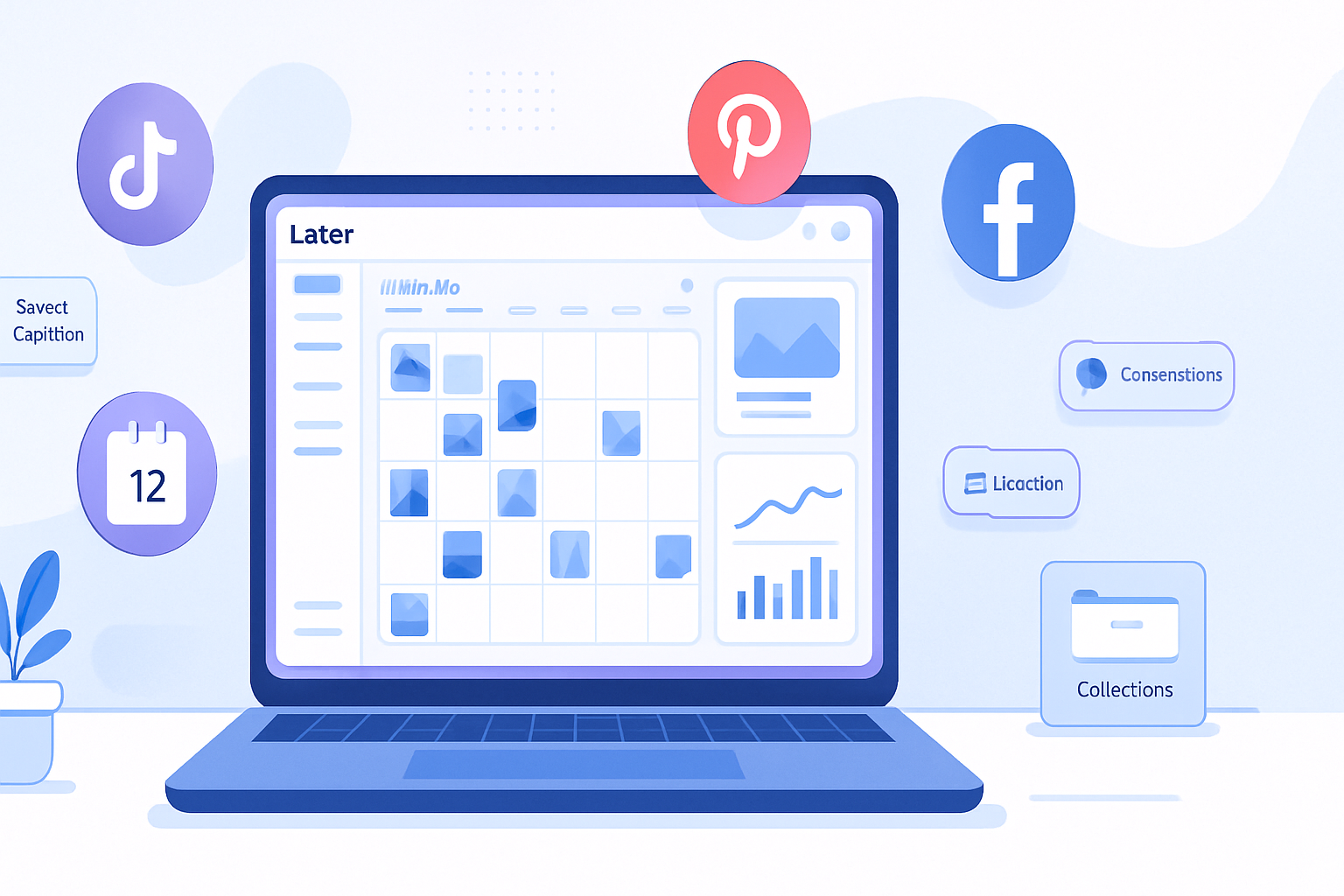
Brands that look cohesive use the Visual Planner like a mood board. They drag, drop, and rearrange until the grid tells the story they want.
How they do it:
- Block content by theme (product, UGC, educational, promo). Color-code drafts.
- Mock a 9–12 post story arc and test visual flow across devices.
Why it matters: consistent aesthetics increase profile stickiness - people stay longer when a feed feels intentional.
Best Time to Post: timing = reach
Later analyzes your audience and suggests optimal windows. Leading brands pair that with their own sanity check: if their product is global, they schedule multiples across time zones.
Tip: use the suggested times but always test an alternate window for 2–4 weeks. If engagement climbs, keep it. If not, iterate. (Later docs: https://help.later.com/hc/en-us/articles/360055102013-Best-Time-to-Post)
Linkin.bio (the conversion secret)
Brands use Linkin.bio not as a glorified bio link, but as a micro landing page:
- Each post maps to a product page, collection, article, or campaign landing page.
- They add UTM tags to measure real conversions in Google Analytics.
Why this outperforms a single bio link: you remove friction between discovery and conversion. (See: https://help.later.com/hc/en-us/articles/360058678873-About-Linkin-bio)
Hashtag Suggestions & Groups: scale discovery without chaos
Top performers do two things: they use Later’s suggestions to find high-opportunity tags and they store groups for fast reuse.
Suggested workflow:
- Group A - 5 broad/high-reach tags.
- Group B - 10 niche/community tags.
- Group C - 5 branded campaign tags.
Rotate groups so posts hit both discovery and relevant communities. (See: https://help.later.com/hc/en-us/articles/360060910333-Hashtag-Suggestions)
Saved Captions, First-Comment & Saved Media: speed with control
Save caption blocks for recurring series: product launches, behind-the-scenes, customer testimonials. For launches, pin the product link in the caption and push supplementary CTAs to the first comment.
Why: saved captions keep brand voice consistent; first comments keep the caption area concise while preserving hashtags and links.
Auto-publish Reels & Stories: capture priority feed real estate
Leading brands treat Reels as non-negotiable. They schedule Reels and let Later auto-publish where supported, then immediately monitor performance. When a Reel performs well, they re-amplify with Stories and Linkin.bio CTAs.
Note: confirm auto-publish support for your account type and region; Later’s documentation covers current capabilities. (Later features overview: https://later.com/features)
Analytics & Reporting: decide by data, not gut
Top brands build weekly and monthly dashboards to spot patterns:
- Which post types drive saves and shares?
- Which Linkin.bio links convert?
- Which hashtags bring discovery impressions?
Export the raw data and combine it with your CRM or GA for revenue-attributed reporting.
Behind-the-scenes workflows used by successful brands
Below are reproducible processes adopted by brands that scaled reach and conversions with Later.
Workflow: Content batching + role-based approvals
- Brainstorm and map a month’s content into themes.
- Creators upload assets to Later’s Media Library in named folders.
- Copywriters pull assets, draft captions using saved templates, and tag teammates for review.
- Social manager finalizes scheduling, assigns Linkin.bio targets, and queues posts for auto-publish.
Why this works: handoffs are clear. Reviews happen in-platform. Bottlenecks disappear.
Workflow: Micro-testing captions & thumbnails
Brands A/B test variations by scheduling the same asset twice with small differences in caption or cover image across two optimal windows. Results flow back into a shared insights doc and the winning formula is saved as a caption template.
Workflow: UGC-driven calendars
- Set a UGC intake form or hashtag to collect content.
- Approve and store UGC in a dedicated Media Library folder with usage rights notes.
- Schedule UGC as ‘social proof’ slots and link to product pages via Linkin.bio.
Outcome: higher engagement + lower production cost.
Templates you can copy (ready-to-use)
Caption template for product education:
[Hook - 1 short sentence to stop the scroll]
[1–2 lines explaining benefit, not features]
[Quick social proof: “Loved by X” or short testimonial]
[Primary CTA - Link in bio / Save to shop]

#️⃣ [Hashtag group: Category + Community + Branded]
Hashtag group examples (paste into Later):
- Group A (Reach) - #trending #dailyinspo #now
- Group B (Niche) - #handmadelifestyle #sustainablefashioncommunity #smallbatch
- Group C (Branded) - #YourBrandName #YourCampaign2026
Use 2–3 tags from Group A, 6–8 from Group B, and 1–2 branded tags from Group C.
30/60/90-day playbook to scale reach
- Days 1–7 - Activate Best Time to Post, set Linkin.bio, create 3 hashtag groups, schedule 10 posts.
- Days 8–30 - Run A/B tests for captions & posting windows. Publish at least 2 Reels. Measure Linkin.bio clicks.
- Days 31–60 - Roll out UGC slots. Start weekly performance reviews and export data to your analytics stack.
- Days 61–90 - Double down on top-performing formats. Create a gated campaign linked via Linkin.bio. Automate routine tasks and document SOPs.
Measurement checklist (what to track)
- Discovery impressions and saves (reach signals).
- Linkin.bio click-through rate (CTR).
- Conversion rate from UTM-tagged Linkin.bio links.
- Hashtag performance (which tags bring unique accounts).
- Reel view-to-save ratio.
If you can’t measure it, you can’t improve it.
Common mistakes and how to avoid them
- Mistake - dumping 30 hashtags every time. Fix: purposeful groups and rotation.
- Mistake - ignoring Linkin.bio analytics. Fix: add UTMs and check conversion pathways weekly.
- Mistake - treating scheduling as ‘set and forget.’ Fix: monitor the first 24 hours - respond, boost, iterate.
Final blueprint - the single change that lifts everything
Every top brand I watch uses one rule: they connect content to a measurable action before they publish. A post without a destination is entertainment; a post with Linkin.bio + UTM is a measurable step in the funnel. Do that reliably, and your reach translates into revenue.
Resources and further reading
- Later Help Center (features & how-tos): https://later.com/features
- Later Best Time to Post docs: https://help.later.com/hc/en-us/articles/360055102013-Best-Time-to-Post
- Later Linkin.bio overview: https://help.later.com/hc/en-us/articles/360058678873-About-Linkin-bio
- Later Hashtag Suggestions: https://help.later.com/hc/en-us/articles/360060910333-Hashtag-Suggestions
Put these workflows into practice for two weeks. Then review the data and repeat what worked. You’ll notice the difference in reach - and in the conversions that follow.