· creativity · 5 min read
Debunking the Myths: The Truth About AI Writing Tools Like Writesonic
A clear, practical guide that dismantles common myths about AI writing tools like Writesonic. Learn what they can and cannot do, the real benefits and risks, and practical, responsible workflows you can use today.
Outcome first: by the time you finish this article you’ll know which AI-writing myths are worth ignoring, which risks are real, and exactly how to integrate a tool like Writesonic into a safe, productive content workflow that preserves accuracy, creativity, and your voice.
Why this matters. AI writing tools are everywhere. They promise speed, scale, and fresh ideas. They can deliver all of that - but only when you understand their limits and use them responsibly.
The most persistent myths (and the short truth)
Myth - “AI will replace writers.”
- Truth - AI automates tasks, not judgment. It can generate drafts and ideas fast. It can’t replace editing, strategy, context, empathy, legal understanding, or domain expertise.
Myth - “AI output is always accurate and original.”
- Truth - Language models can hallucinate facts and may produce phrasing similar to existing text. They do not guarantee factual accuracy or copyright-safe originality
Myth - “AI is unbiased and neutral.”
- Truth - Models reflect training data and can reproduce biases unless actively mitigated.
Myth - “AI saves so much time you can skip quality control.”
- Truth - You often trade writing time for review time. Good AI use reduces repetitive work but increases the need for fact-checking and editing.
Myth - “Using AI tools is free from legal or ethical concerns.”
- Truth - There are copyright, privacy, and disclosure considerations to manage, especially with customer data or sensitive topics.
Reality-check: what AI writing tools actually do well
- Rapid ideation - outlines, headlines, topic clusters, email subject lines, and creative concepting.
- Draft generation - turn an outline into a publishable-first draft faster than starting from scratch.
- Rewriting and tone adjustments - adapt formality, shorten copy, expand bullets into paragraphs.
- SEO scaffolding - meta descriptions, suggested keywords, and content briefs (when paired with human strategy).
These are powerful productivity multipliers. But their outputs are starting points, not finished products.
Key limitations to accept (so you can manage them)
- Hallucinations - confident but incorrect statements.
- Why it happens - models predict likely word sequences rather than verify facts. See research on hallucination in NLG systems
- Attribution & IP uncertainty - potential overlap with training data.
- Best practice - run sensitive outputs through plagiarism checks and legal review.
- Sensitive-data leakage - prompts that include private information can be stored or appear in model outputs.
- Best practice - avoid pasting personal or proprietary data into public models and read provider data policies.
- Bias and fairness issues - models may reflect skewed worldviews from their data.
- Best practice - apply editorial standards and diverse review.
- Overreliance risk - degraded skills if humans stop improving editorial judgment.
The benefits - when used correctly
- Scale - produce more first drafts, campaigns, or variants for A/B testing.
- Consistency - enforce brand tone and style across many pieces when paired with templates.
- Creativity boost - break writer’s block with fresh phrasing and unexpected angles.
- Cost-efficiency - reduce time on routine copy so humans can focus on strategy and nuance.
Responsible use: a practical checklist (apply this every time)
- Define the role - is AI a brainstorm partner, a drafting assistant, or a grammar tool? Set expectations.
- Keep prompts focused - include goals, audience, constraints, and required facts.
- Fact-check every claim - verify numbers, dates, names, and medical/legal statements with primary sources.
- Edit for voice and context - match brand tone and remove canned-sounding phrasing.
- Use plagiarism and AI-detection tools for high-risk publications.
- Protect data - do not paste private customer data into public models; check provider data use policies
- Disclose AI use when required - be transparent with stakeholders, clients, or audiences if policies or ethics demand it.
Prompt recipes and a sample workflow
Simple, effective prompt structure:
- Context - who the audience is and why they care.
- Task - the exact piece of content you want.
- Constraints - word count, tone, keywords, forbidden claims.
- Output format - headline, bullets, long form, meta description.
Example prompt (template):
Context: Target audience = mid-level product managers at B2B SaaS companies who value concise, practical guidance.
Task: Write a 350-word blog section titled "3 Quick Steps to Improve Onboarding" including one stat and one quote. Tone: pragmatic, slightly conversational. Avoid: unverified claims.
Keywords: onboarding, user activation.
Output: Markdown with H3 title, three numbered steps, one closing takeaway.
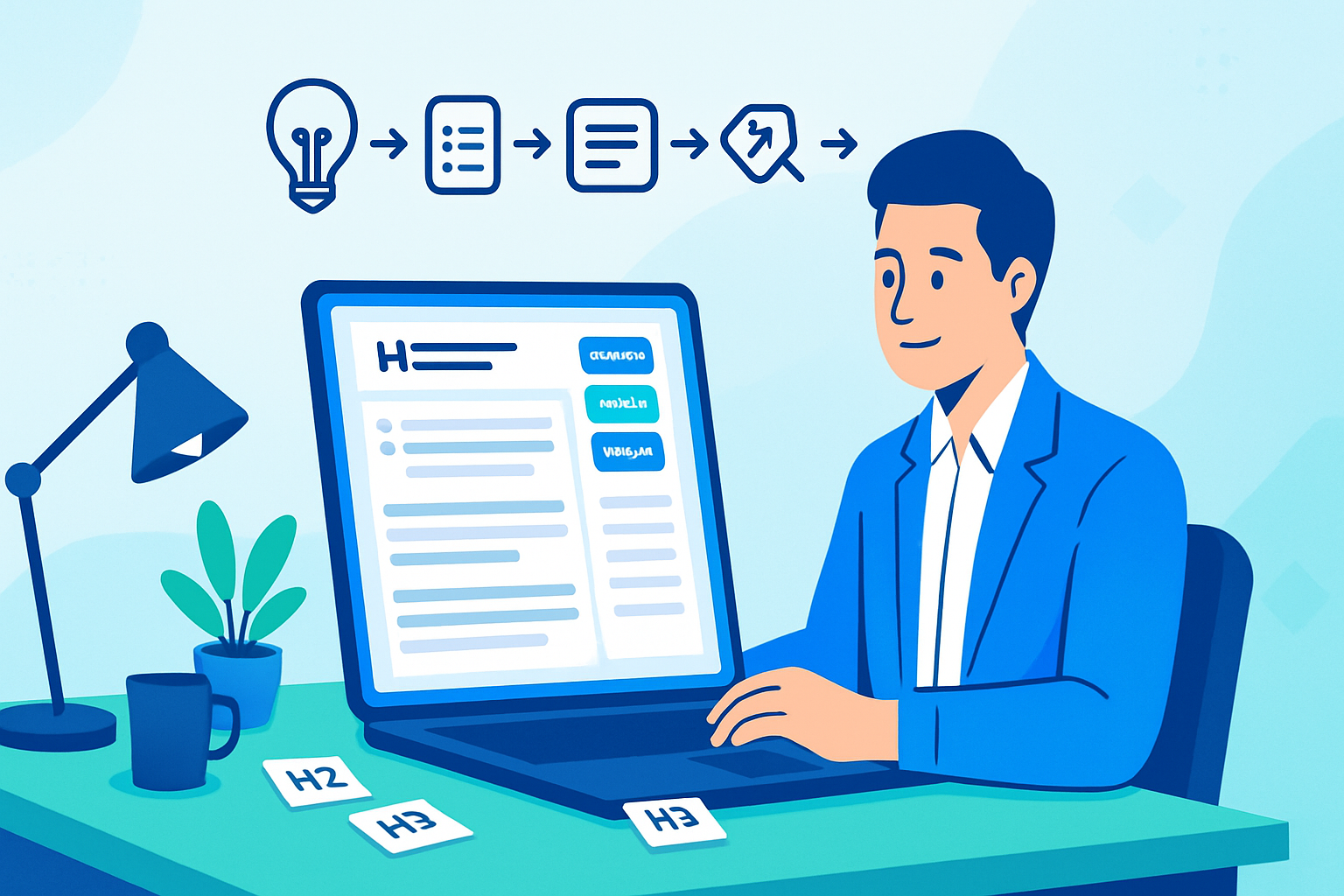
Suggested workflow for a single article:
- Research & brief (human) - gather facts, data, quotes, and SEO targets.
- Generate outline with AI - iterate until structure is strong.
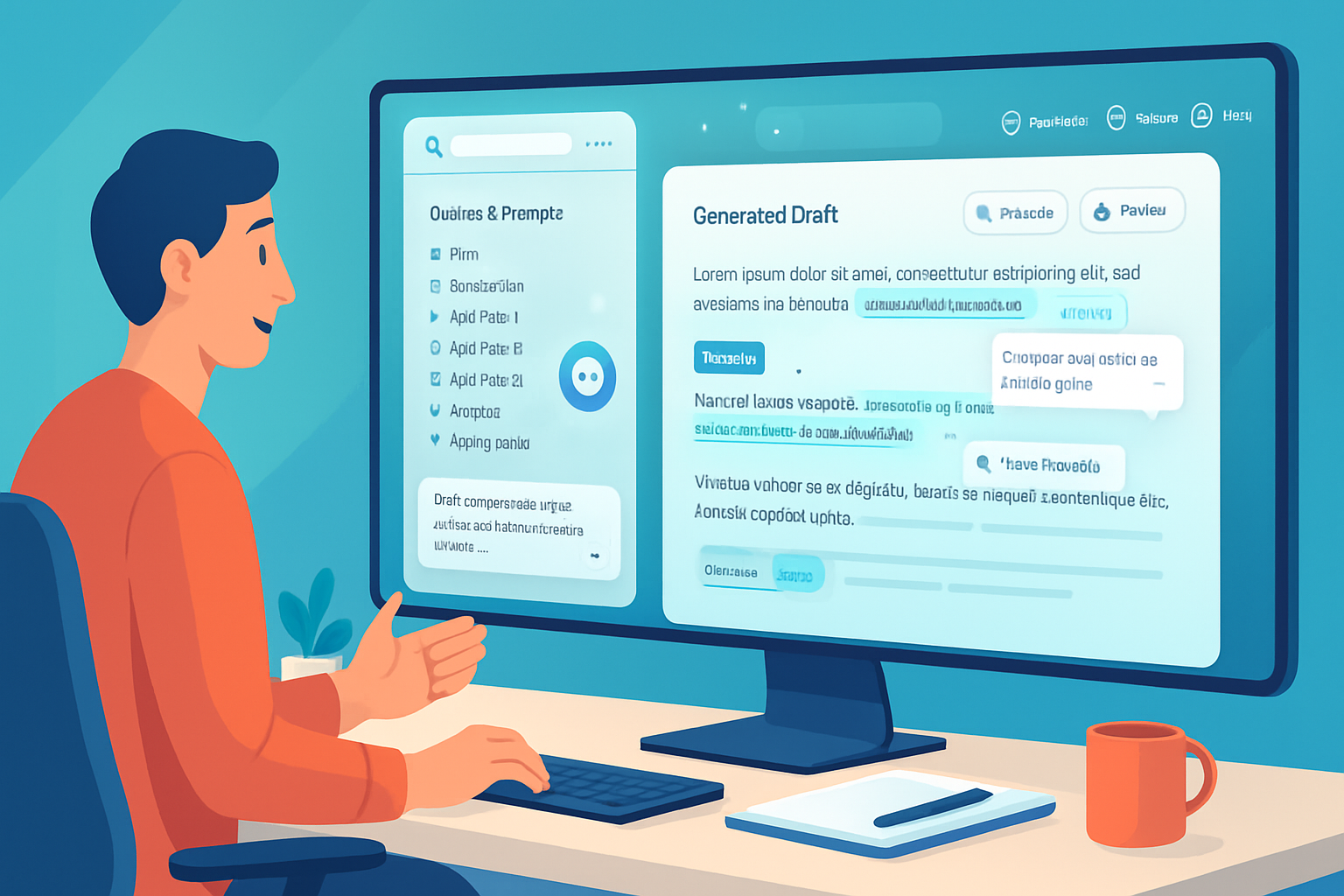
- Draft with AI - use the prompt template above.
- Human edit & fact-check - verify every claim and adapt voice.
- Plagiarism check & citations - add links to primary sources.
- Final review & publish - compliance/legal sign-off if needed.
Legal and ethical considerations you must not ignore
- Copyright - outputs may reflect training data; for commercial use, consult legal counsel and use plagiarism checks.
- Privacy - avoid entering personal, proprietary, or regulated data into third-party models unless the provider contractually protects it.
- Disclosure - some industries and publishers require disclosure when content was AI-assisted. Check institutional rules.
- Accessibility & fairness - ensure outputs don’t exclude or harm protected groups.
See provider policies and broader guidance such as OpenAI usage documentation and industry discussions for up-to-date rules OpenAI usage policies.
Tools and signals to detect problems early
- Plagiarism scanners (Turnitin, Copyscape) for reuse risk.
- Fact-checking steps and primary-source links in drafts.
- Style and bias reviews by diverse human editors.
- Internal logging of prompts and outputs for auditability.
Turnitin and educators have been tracking how AI writing tools change assessment and detection strategies; their resources are useful when thinking about originality and authorship Turnitin blog overview.
When not to use AI-generated content
- Legal, medical, or financial advice without expert review.
- Sensitive communications, crisis statements, or anything requiring legal attestation.
- Content where originality or strict provenance is legally required.
Quick checklist for teams adopting AI-writing tools like Writesonic
- Policy - create a clear internal AI content policy.
- Training - teach employees prompt design, editing, and fact-checking.
- Tooling - integrate plagiarism checkers and secure API setups.
- Review - schedule periodic audits of AI outputs for quality and bias.
Writesonic and similar platforms are useful engines. They are not substitutes for human judgment and responsibility Writesonic.
Final takeaway
AI writing tools are powerful amplifiers of human effort when framed correctly. They speed the mundane and seed creativity, but they also introduce risks - hallucination, bias, privacy, and legal uncertainty - that demand deliberate controls and human oversight. Use them to free your time for the uniquely human work: strategy, ethics, nuance, and meaning. In short: AI won’t replace writers; writers who use AI responsibly will replace those who don’t.