· creativity · 10 min read
From Novice to Pro: Mastering Runway ML in 30 Days
A focused, day-by-day 30‑day plan that takes you from first-time Runway user to confident creator - with practical tasks, project milestones, evaluation checklists, and expert tips for producing polished AI video and image work.
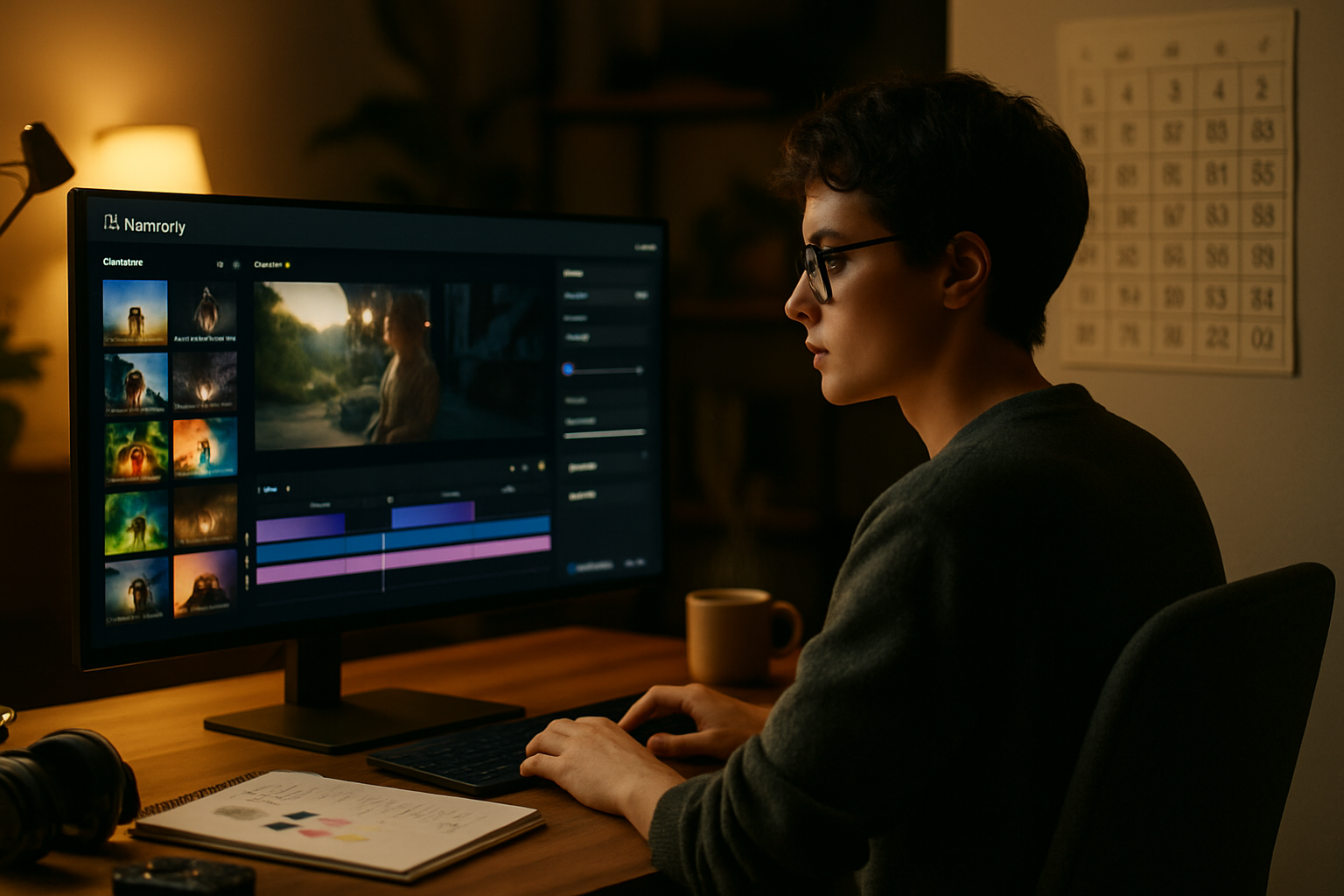
What you’ll achieve in 30 days
In 30 days you’ll go from opening Runway for the first time to shipping your own polished AI-driven video or multimedia piece and adding it to a portfolio. You’ll learn the core models, master prompt engineering, build repeatable workflows, handle datasets and assets, and understand costs and ethics. Short daily sessions. Measured progress. Real outputs.
This guide gives you a structured day-by-day plan, practical exercises, and expert tips so you can spend less time guessing and more time creating.
Quick orientation (read this first - 10–30 minutes)
- Create a Runway account: https://runwayml.com/
- Skim the official docs so you know where tutorials, templates, and pricing live: https://docs.runwayml.com/
- Decide on a device and plan - Runway runs in the cloud and locally; choose based on budget and latency. Expect some GPU usage or subscription features for advanced models.
Expert tip: Use the free tier to experiment, but budget for at least a few paid runs - complex video models consume compute quickly.
Weekly roadmap at a glance
- Week 1 - Foundations - UI, basic models, simple projects
- Week 2 - Core workflows - text-to-image, image editing, green screen, inpainting, animation tools
- Week 3 - Advanced models & pipeline building - Gen-2 (text-to-video), chaining models, API automation
- Week 4 - Polish, optimize, portfolio - higher fidelity outputs, style consistency, export, showreel
Each day below includes a target, an exercise, time estimate, and an expert tip.
Days 1–7: Foundations (get comfortable, make your first outputs)
Day 1 - Orientation & first result (30–90 min)
- Task - Log in, tour the interface, open templates, run a beginner template.
- Exercise - Run a simple text-to-image or image-enhance template and export one image.
- Tip - Save every run. Small exports are cheap; iterate fast.
Day 2 - Learn prompts and variables (45–90 min)
- Task - Try 10 prompt variations for the same image prompt; note differences.
- Exercise - Create a short image set using 5 prompt modifiers (lighting, mood, lens, artist, era).
- Tip - Use a prompt spreadsheet to track what words change what.
Day 3 - Image-to-image & inpainting basics (60–120 min)
- Task - Use an image-to-image model to transform a photo; use inpainting to remove an object.
- Exercise - Remove an unwanted item from a photo and fill it realistically.
- Tip - Mask carefully - feather edges for smoother blends.
Day 4 - Green screen & background replacement (45–90 min)
- Task - Try Runway’s green screen or segmentation tools and composite a subject over a new background.
- Exercise - Replace a background with a stylized scene.
- Tip - Export an alpha channel if you want to do fine compositing in Premiere/DaVinci.
Day 5 - Simple motion & looped content (60–120 min)
- Task - Use motion or animation templates to make a 5–10s loop from a still image.
- Exercise - Produce a 10s loop and render GIF + MP4.
- Tip - Short loops are great social outputs - optimize for file size and clip length.
Day 6 - File management and exports (30–60 min)
- Task - Practice exporting with different codecs, sizes, and rates. Learn when to use PNG sequence vs MP4.
- Exercise - Export the loop from Day 5 as H.264 MP4 and as an image sequence.
- Tip - Use lossless sequences for heavy post work; compress only for delivery.
Day 7 - Mini project: 30s portfolio clip (2–4 hours)
- Task - Combine a background substitution, an animated element, and a short title card.
- Deliverable - One 20–30s clip for your portfolio or social channel.
- Tip - Keep assets and prompts organized - they’ll seed Week 2 projects.
Days 8–14: Core workflows (learn the most used creative tools)
Day 8 - Deep prompt engineering (45–90 min)
- Task - Study and test advanced prompt patterns (negative prompts, style anchors, camera specs).
- Exercise - Recreate three different visual styles from a single base prompt.
- Tip - Anchor prompts with one concise style descriptor instead of long lists.
Day 9 - Working with video inputs (60–120 min)
- Task - Import a short video, try simple edits with Runway models (stabilize, color match).
- Exercise - Stabilize and color-correct a clip, then apply a stylistic filter.
- Tip - Convert important frames to stills to iterate faster on style choices.
Day 10 - Inpainting and frame-by-frame repair (90–180 min)
- Task - Use inpainting across frames to fix an object or remove a logo throughout a clip.
- Exercise - Remove a moving object across 3–5 seconds and render a clean result.
- Tip - Sometimes doing the heavy lift on keyframes and interpolating is faster than full-frame edits.
Day 11 - Text-to-video basics (Gen-2 introductions) (60–180 min)
- Task - Run a short text-to-video test. Keep prompts focused: subject, action, camera, lighting, mood.
- Exercise - Generate a 6–10s clip from a single text prompt, iterate on 3 variants.
- Reference - Runway’s model docs and examples:
- Tip - Start short. Fidelity drops with length; early iterations should be 3–8 seconds.
Day 12 - Chaining models / composing outputs (60–120 min)
- Task - Create a pipeline: text-to-image → image-to-video → color grade.
- Exercise - Produce a final clip that used at least two different model types in sequence.
- Tip - Keep metadata: note exactly which outputs and prompts fed into the next step.
Day 13 - Working with audio (60–120 min)
- Task - Import or generate audio beds and sync to your clip. Try speech-to-text captions or voice models if available.
- Exercise - Make a 15s clip with a soundtrack and captions.
- Tip - Export audio separately at high quality; mix in a DAW for best results.
Day 14 - Week 2 review + iteration (1–3 hours)
- Task - Improve one earlier deliverable with new techniques learned this week.
- Deliverable - Rework your Day 7 clip using at least two advanced techniques.
- Tip - Use a checklist: prompt log, version history, export settings, final render.
Days 15–21: Advanced techniques & pipelines
Day 15 - Dataset curation & consistency (90–180 min)
- Task - Assemble a small reference dataset (10–50 images) for a consistent visual style.
- Exercise - Run style-consistent generation using your dataset.
- Tip - Balance diversity and consistency: too much variance confuses models.
Day 16 - Fine-tuning and DreamBooth‑style approaches (if available) (90–240 min)
- Task - Explore fine-tuning or personalization workflows Runway offers (check docs for access).
- Exercise - Train a lightweight personalization on 5–20 images to anchor a subject/style.
- Tip - Fine-tuning is powerful but costly; plan small and test often.
Day 17 - Frame coherence & motion smoothing (90–180 min)
- Task - Apply temporal models or smoothing passes to reduce flicker and artifacts.
- Exercise - Produce a 10s clip with few temporal artifacts and document the smoothing steps.
- Tip - Sometimes simpler interpolation yields better results than heavy per-frame edits.
Day 18 - API automation & batch workflows (60–180 min)
- Task - Explore Runway’s automation and API options in the docs to run batches or integrate with your scripts.
- Exercise - Plan and test a small automation: e.g., batch render 10 prompts via API (or mock if you don’t have API access).
- Reference - Check Runway’s API and automation docs:
- Tip - Logging, retries, and cost-estimates are essential for batch runs.
Day 19 - Integrating with editing apps (60–120 min)
- Task - Export assets and import them into Premiere, DaVinci, or Figma for final polish.
- Exercise - Create a 30s edit using Runway-generated clips plus real footage.
- Tip - Keep color spaces consistent: export in Rec.709 unless you need HDR.
Day 20 - Real client brief simulation (2–4 hours)
- Task - Pretend a client requested a 30s promo. Scope, propose, and build a deliverable using Runway.
- Deliverable - Proposal doc + a rough-cut 30s video.
- Tip - Timebox your scope. Deliver a strong concept rather than chasing perfection.
Day 21 - Advanced prompt engineering & negative prompts (60–120 min)
- Task - Learn negative prompts and constraints to reduce unwanted artifacts.
- Exercise - Re-run a problematic prompt using negatives and compare results.
- Tip - Negative tokens can be more powerful than adding more positive tokens.
Days 22–30: Polish, portfolio, and going pro
Day 22 - Color and grading mastery (60–150 min)
- Task - Use color-matching and grading tools to create a consistent look across pieces.
- Exercise - Grade three clips to the same LUT/look.
- Tip - Capture LUTs you like as presets for future projects.
Day 23 - Storytelling & motion design (60–180 min)
- Task - Focus on pacing, cuts, and narrative structure for your final project.
- Exercise - Storyboard a 60–90s piece and assemble an animatic using Runway clips.
- Tip - Good editing sells the idea more than perfect pixels.
Day 24 - Optimization for platforms (30–90 min)
- Task - Prepare exports for social, web, and broadcast (different aspect ratios, lengths).
- Exercise - Create square, vertical, and widescreen deliverables from one master clip.
- Tip - Keep safe action areas for text and logos across ratios.
Day 25 - Cost & compute management (45–90 min)
- Task - Audit your cumulative compute usage and cost. Identify expensive steps.
- Exercise - Convert one high-cost step to a cheaper alternative without a big quality loss.
- Tip - Use lower-res drafts for iteration and final high-res renders only at the end.
Day 26 - Metadata, legal & ethics checklist (30–60 min)
- Task - Ensure assets have attribution where needed and that you understand model licenses.
- Checklist - source licenses, talent releases, dataset rights, content policy compliance.
- Tip - When in doubt, document provenance and consent.
Day 27 - Build your deliverable (3–6 hours)
- Task - Using everything learned, make a portfolio-ready 30–90s piece.
- Deliverable - Final render (master) + at least two platform variants.
- Tip - Export a short BTS (process) clip or images to show how it was made.
Day 28 - Feedback iteration (2–4 hours)
- Task - Share the deliverable with peers or a small community for critique.
- Exercise - Implement two top pieces of feedback and re-render.
- Tip - Small, targeted feedback beats broad praise. Ask for specifics.
Day 29 - Packaging & case study (2–4 hours)
- Task - Write a one-page case study: brief, approach, tools, challenges, final outputs, costs.
- Deliverable - Portfolio page or PDF with embedded video.
- Tip - Include screenshots of prompts, model names, and key settings - clients value process.
Day 30 - Publish & plan next steps (1–2 hours)
- Task - Publish your work to a portfolio site, social channels, and Runway community if available.
- Next steps - pick a larger project, learn the API deeply, or collaborate with a director/musician.
- Tip - Keep a 30-day learning log. It’s powerful proof of growth.
Project ideas by week (choose 1–3 to show in portfolio)
- Week 1 - 20–30s stylized social loop (brand or mood piece)
- Week 2 - Short narrative microfilm (30–60s) using text-to-video + a real actor plate
- Week 3 - Personalized promo (fine-tuned subject or branded visual identity)
- Week 4 - Showreel: 90s compilation + BTS breakdown
Practical checklists & evaluation metrics
Quality checklist for a final render:
- Composition and framing consistent across shots
- Temporal coherence (no flicker) across frames
- Color consistency and proper levels (no clipped highlights)
- Artifacts reduced via smoothing/inpainting
- Sound mixed and synced; captions accurate
Measurement metrics (practical, not academic):
- Render time per second (helps estimate cost)
- Iteration count to acceptable result (low is more efficient)
- Artifact count (manual pass) - aim to reduce each round
Troubleshooting common problems
- Blurry details - Increase guidance/high-res passes or use image-to-image refinement.
- Flicker between frames - Add temporal smoothing, keyframe edits, or downscale interpolation.
- Unwanted elements in output - Use stronger negative prompts and tighter masks.
- High cost - Iterate at lower resolution and use targeted high-res passes only for the final export.
Expert tip: Keep a “debug file” - a small test clip with notes on which settings produced which artifact. It pays off.
Expert tips and workflows (summary)
- Iterate fast, render only when necessary. Drafts are cheap; finals are not.
- Keep a prompt and settings log - it becomes a creative recipe book.
- Use datasets for visual consistency. Even a small, curated set will change outputs meaningfully.
- Automate repetitive tasks with the API or by exporting/importing sequences.
- Show your process in your portfolio. Clients hire process as much as polish.
Tools & resources
- Runway main site: https://runwayml.com/
- Runway docs and model reference: https://docs.runwayml.com/
- Prompt engineering reference: https://github.com/dair-ai/Prompt-Engineering-Guide
- Machine learning fundamentals (practical): https://www.fast.ai/ and Andrew Ng’s course: https://www.coursera.org/learn/machine-learning
- Royalty-free media - Unsplash (
Final notes - what separates a pro from a novice
Novices chase perfect pixels on first try. Pros design a repeatable process that reliably produces great pixels. Start small. Keep records. Iterate deliberately. Deliver value and document how you got there - that’s what lands clients and collaborations.
References
- Runway - official site and docs: https://runwayml.com/ and https://docs.runwayml.com/
- Prompt Engineering Guide: https://github.com/dair-ai/Prompt-Engineering-Guide
- fast.ai course: https://www.fast.ai/