· business · 6 min read
The Dark Side of Square POS: Common Pitfalls and How to Avoid Them
Square POS is easy to set up - and easy to trust. But merchants still lose money to unexpected fees, account holds and transaction anomalies. This post uncovers the common pitfalls and gives a practical playbook to protect margins, speed reconciliations and reduce disputes.

Outcome: Save time and protect margins. Read this and you’ll know where Square can unexpectedly shave your profits, how to spot anomalies quickly, and exactly what to do when a chargeback, hold or mysterious fee appears.
Why this matters - and what you can realistically achieve
Square made payments simple. That’s the appeal. But simplicity can hide complexity - and costs. Missed fees, surprise holds and chargebacks are not just bookkeeping annoyances. They directly eat into profit, damage cash flow and create time-sink disputes.
By the end of this article you will be able to:
- Identify the most common “dark side” scenarios with Square POS.
- Detect anomalies and auditing red flags within minutes, not weeks.
- Use a clear, repeatable set of actions to prevent losses and win disputes.
The most common pitfalls (and why they feel unfair)
1) “Hidden” or unexpected costs
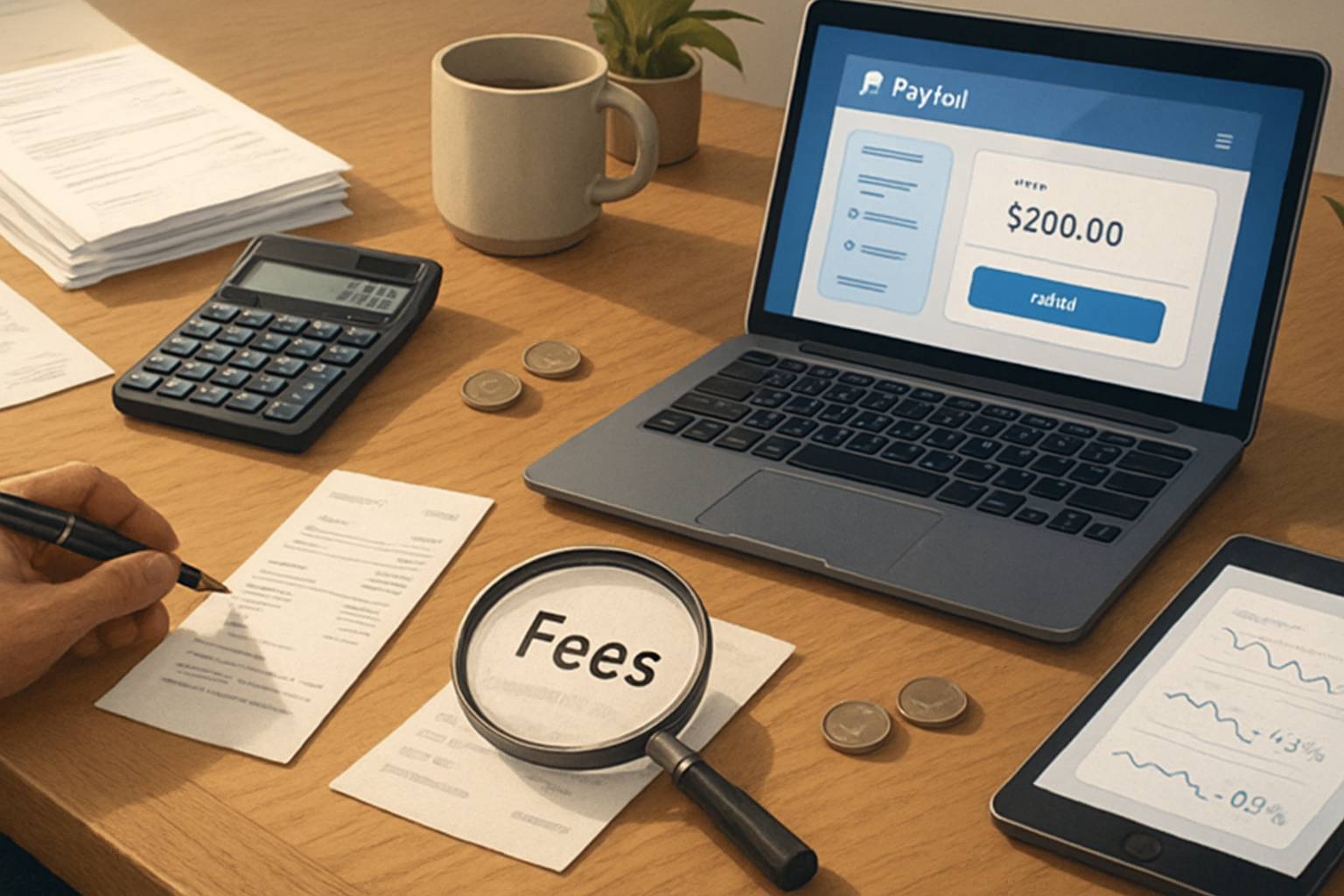
Square publishes clear base rates for transactions, but the headline rate is only the start. Merchants encounter extra costs from:
- Different rates for entry types - in-person card-present vs keyed-in vs online have different rates (e.g., in the U.S. Square’s standard is typically 2.6% + $0.10 for in-person card-present transactions, 3.5% + $0.15 for keyed-in transactions, and online/invoice rates like 2.9% + $0.30). See Square pricing for current details:
- Subscription fees for POS plans, payroll, appointments, or add-on apps.
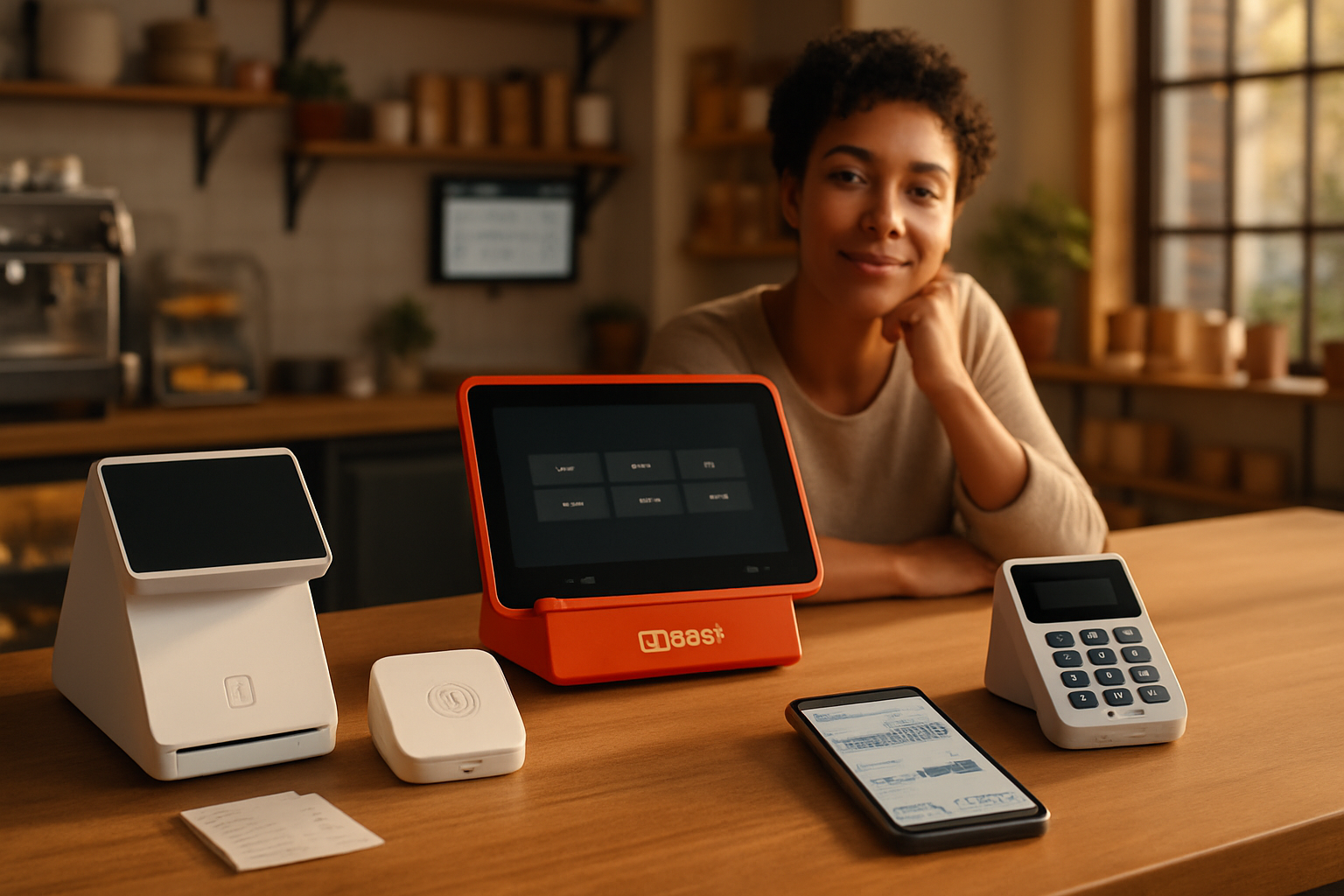
- Hardware costs (readers, terminals, stands) and replacement fees.
- Instant transfer or same-day transfer fees if you accelerate deposits.
- Chargebacks and refunds (the disputed amount can be withdrawn from your account until resolved).
These add up. One percent here, a few dollars there - it becomes a real margin leak.
2) Account holds, freezes and reserve-like behavior
Square can place holds or delay deposits when risk signals trigger (large returns, sudden volume spikes, high refund rates or new business profiles). That reduces available working capital and can surprise small businesses.
Square explains why funds may be held and how deposits work: https://squareup.com/help/us/en/article/6073-understanding-deposits
3) Transaction anomalies: duplicates, mismatches and improper batching
Errors occur:
- Duplicate charges from accidental double-taps or connectivity retries.
- Keyed-in transactions incorrectly routed or charged at higher keyed-in rates.
- Tip capture and settlement rounding causing merchant/customer disputes.
- Batch settlement nuances - the way Square settles batches can create timing mismatches between the bank statement and your sales ledger.
These anomalies create refunds, customer disputes and friction.
4) Chargebacks and “friendly fraud”
Chargebacks are expensive: they remove the sale, cost time to respond, and (depending on circumstances) may incur fees or penalties. They are increasingly common due to card-not-present sales, subscription confusion, or consumers misremembering purchases.
Learn how Square handles chargebacks and how to respond: https://squareup.com/help/us/en/article/4596-manage-chargebacks
5) Data portability and vendor lock-in
Square is convenient, but moving to another provider is not frictionless. Exporting full histories, integration-dependent reports, or custom POS features may be more time-consuming than you expect, increasing switching costs.
How to protect profits - a practical playbook
These are actionable steps you can implement this week. Some are one-time fixes. Others are ongoing controls.
1) Audit your statements monthly (and know what to look for)
- Reconcile merchant statements to your POS sales daily or weekly. Look for:
- Unexpected rate changes.
- High number of keyed-in transactions listed as such.
- Fees for transfers or subscriptions you don’t recognize.
- Keep a template reconciliation spreadsheet with columns - date, transaction ID, sale amount, fee charged, net deposit, deposit date, notes.
Why: Most “hidden” fees are simply unnoticed. Reconciliation makes them visible.
2) Reduce high-risk entry types
- Avoid keyed-in transactions where possible (they cost more and carry more fraud risk).
- Use EMV/contactless readers and require chip or contactless for card-present sales.
- For phone/email orders, require AVS + CVV and email a clear receipt specifying the billing descriptor.
Why: Card-present is cheaper and chargebacks are easier to defend.
3) Fix your customer-facing flows to reduce disputes
- Clear receipts and descriptors - use recognizable business names and itemized receipts.
- Written refund and return policy prominently posted and on receipts.
- Send an immediate emailed receipt for every transaction and include contact instructions for disputes.
Why: Many chargebacks are “friendly fraud” - customers don’t recognize a charge and dispute it instead of asking you.
4) Use Square’s alerts, two-factor auth and role-based access
- Turn on deposit and payment notifications.
- Use two-step verification for all admin accounts and limit employee permissions to only what they need.
- Remove ex-employees’ access immediately.
Why: Alerts catch anomalies early. Access controls prevent internal errors or bad actors.
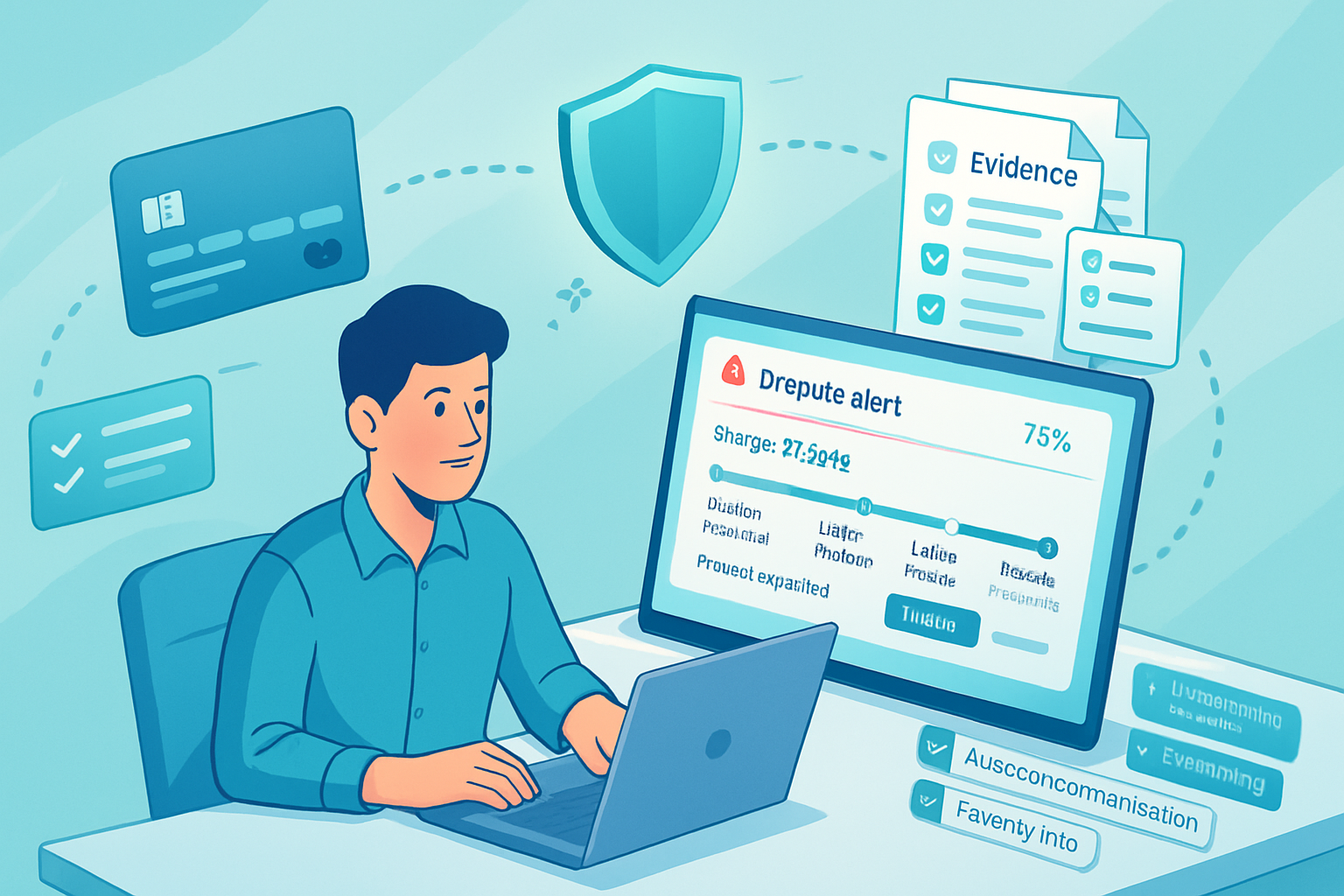
5) Prepare a chargeback evidence kit (standardize for speed)
For every dispute, assemble a consistent packet:
- Transaction receipt and invoice (itemized).
- Proof of delivery or pickup (tracking number, signed receipt, delivery confirmation, photo, timestamp).
- Communication log with the customer (emails, chat messages, phone notes).
- AVS/CVV results and IP address for online sales, if available.
- Refund policy shown at purchase and proof customer was made aware (e.g., receipt copy).
Store evidence for at least 12–18 months. When a chargeback arrives you’ll need it immediately.
Why: Faster, stronger representments improve your win-rate on disputes.
6) Build a dispute response template
Create a template for Square’s dispute process that you can quickly customize. Include:
- A concise timeline of events.
- The evidence checklist and links to uploaded files.
- A short rebuttal of the customer’s reason for dispute.
Why: Speed matters. Square and card networks often have tight deadlines for evidence submission.
7) Control pricing and margins proactively
- Factor payment processing into pricing - not as a tax, but as a cost of doing business.
- Consider adding a convenience fee where legal and appropriate, or offer a cash discount (check local laws).
- Push recurring customers to bank ACH payments where possible (lower fees).
Why: You can’t eliminate processing costs; you can plan around them.
8) Consider your deposit cadence and transfer options
- Standard deposits are usually free and predictable. Instant or same-day transfers cost extra. Use them only when the cash flow benefit exceeds the fee.
- Keep a buffer in your operating account to ride through holds or disputed funds.
Why: Avoid paying more for convenience when you don’t need it.
9) Use third-party tools for monitoring and bookkeeping
- Connect Square to your accounting system (QuickBooks, Xero) and reconcile automatically.
- Use analytics or a payment reconciliation tool that highlights mismatches and fee anomalies.
Why: Automation reduces human error and detects unusual fee patterns.
10) When to escalate: ask for human review or switch providers
If you face recurring unexplained holds, repeated reserves, or systemic price changes that erode margin, request a human review from Square support. If outcomes remain unsatisfactory, get quotes for interchange-plus merchant accounts or full-service processors - and compare total landed cost, not just headline rates.
Quick monitoring checklist (printable)
- Monthly reconciliation completed.
- Number of keyed-in transactions reviewed.
- Tip capture reviewed for rounding/settlement issues.
- Open disputes logged and evidence uploaded.
- Admin accounts audited; MFA enabled.
- Buffer cash available for holds.
- Instant transfer usage reviewed and justified.
Real-world examples (what to watch for)
- A restaurant sees a sudden 15% increase in refunds and a corresponding delay in deposits - red flag for potential hold.
- An online seller notices customers complaining about charges described as a cryptic descriptor. The result - increase in chargebacks. Solution: change statement descriptor to a recognizable name and include order numbers in receipts.
Resources and links
- Square Pricing and fees: https://squareup.com/us/en/pricing
- How Square manages chargebacks: https://squareup.com/help/us/en/article/4596-manage-chargebacks
- Understanding deposits and transfer options: https://squareup.com/help/us/en/article/6073-understanding-deposits
- PCI Security Standards for card-handling best practices: https://www.pcisecuritystandards.org/
Closing (what to do next)
Start with a single action today: reconcile last month’s Square statement and highlight any keyed-in sales and transfer fees. That one task will likely reveal immediate opportunities to recover margin.
Get your evidence kit and chargeback template ready. Teach two people in your business how to run the monthly check. Small, consistent controls prevent big surprises.
You don’t have to distrust Square to defend your margins. You only need to make the invisible, visible.