· business · 7 min read
PayPal Fees: How to Avoid Hidden Charges and Maximize Your Earnings
A practical, step-by-step guide that explains PayPal's common fees, shows real examples, and gives action-focused strategies freelancers and entrepreneurs can use to reduce hidden charges and keep more of their earnings.
Introduction
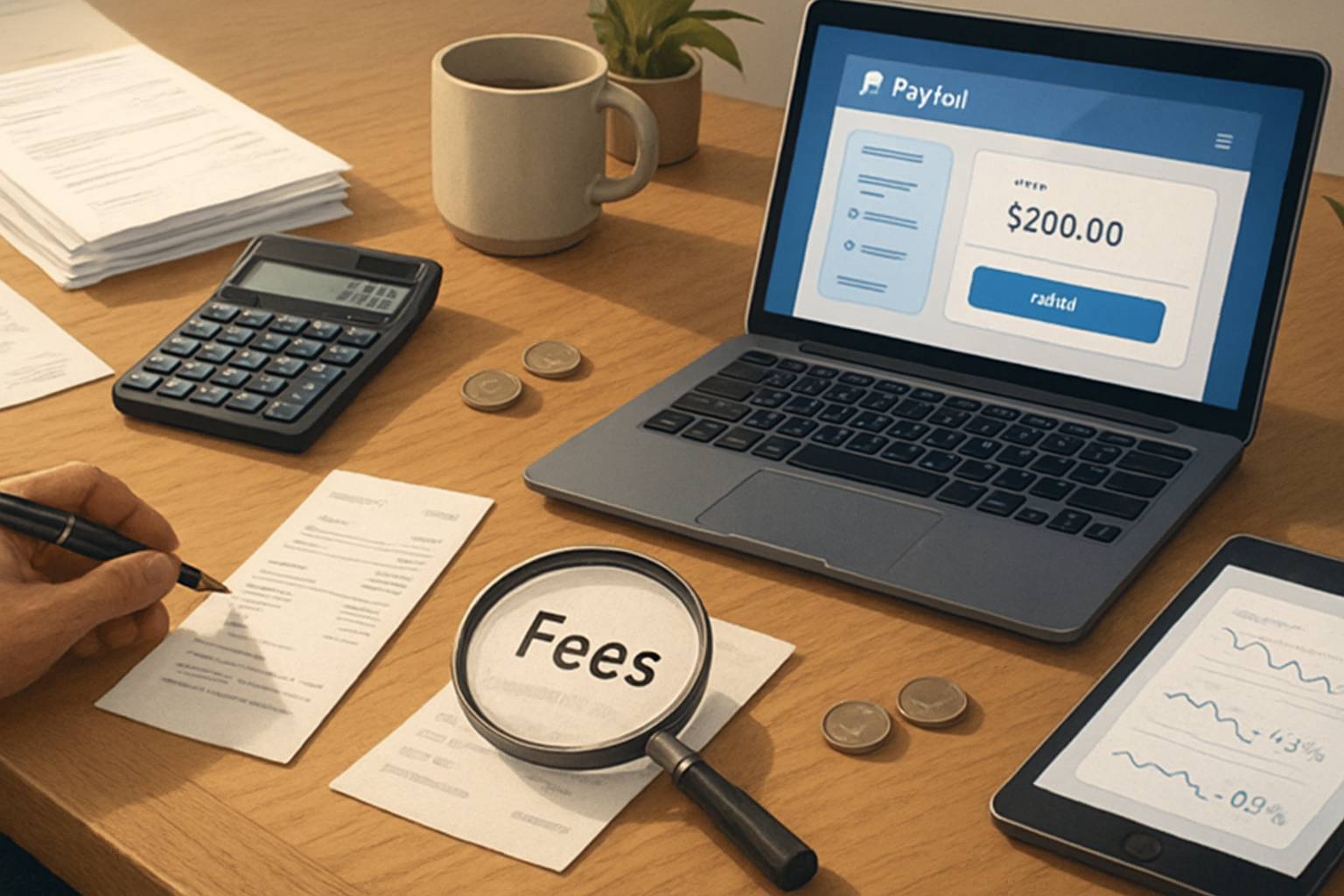
You want to keep more of what you earn. Fast. This guide gives you exactly that: actionable ways to spot PayPal’s fees, reduce them where possible, and choose smarter alternatives when it makes sense. Read it and you’ll be able to calculate the real cost of accepting payments, change how you invoice, and protect your margin.
Why this matters now
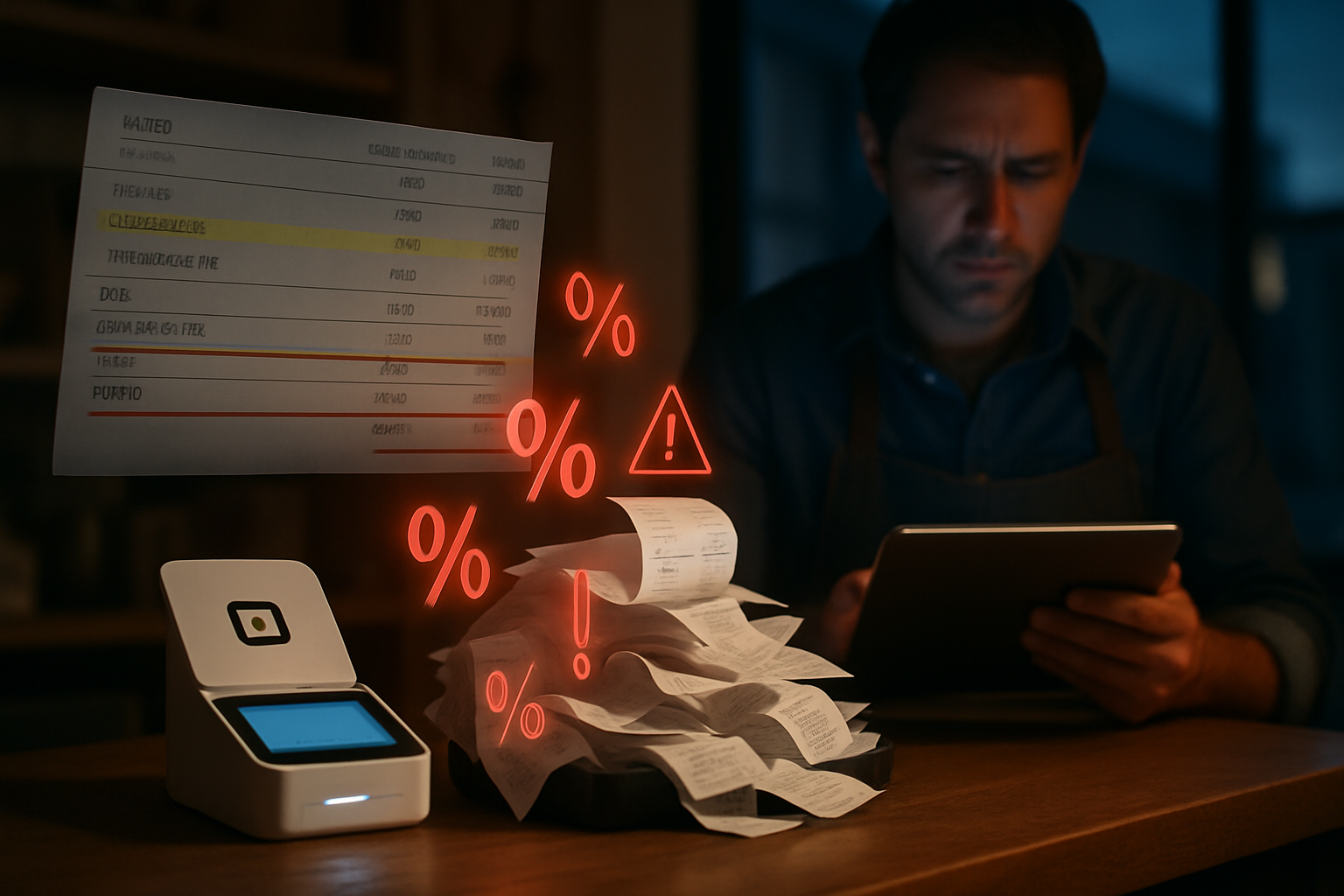
Fees look small on a single transaction. They add up fast across dozens or hundreds of invoices. Small percentage differences can shave off thousands in a year for active freelancers and merchants. So one change-micropayments, invoicing strategy, or currency choice-can be meaningful.
Quick overview: the common PayPal fees you’ll encounter
- Transaction (sales) fee - typically a percentage of the transaction plus a fixed fee. In the U.S. a common rate is 2.9% + $0.30 for domestic goods/services (rates vary by country and account type). See PayPal’s fee page for current local rates.
- Cross-border/international fee - an additional percentage for transactions between countries.
- Currency conversion margin - PayPal applies a conversion spread on top of the exchange rate (commonly a few percentage points).
- Micropayments fee - a different tier designed for low-value transactions (e.g., ~5% + $0.05 - check your region).
- Refunds & chargebacks - refunds and disputes can carry extra costs and may not return the full original fee.
- Payouts and mass-pay fees - fees to send bulk or marketplace payouts.
(Always confirm live rates at PayPal: https://www.paypal.com/us/webapps/mpp/paypal-fees)
Breakdown: what each fee really means for you
- Percentage + fixed fee (the basic sales fee)
This is the most common: a percentage of the total plus a small fixed amount. Example (typical U.S. structure):
- If you invoice $100 and the fee is 2.9% + $0.30, PayPal keeps $3.20. You receive $96.80.
Small math you’ll reuse often:
NetReceived = GrossAmount * (1 - Percentage) - FixedFee
Example: 100 * (1 - 0.029) - 0.30 = 96.80- Cross-border fees
If the buyer’s PayPal account country differs from yours, PayPal usually adds a cross-border fee on top of the standard rate. This is common for freelance clients or marketplaces with international customers.
- Currency conversion markup
PayPal converts currencies at its exchange rate plus a margin. That margin can be 2.5–4% (or more) above the wholesale rate. That’s separate from transaction fees, so a foreign sale can cost you both a percentage fee and a conversion premium.
- Micropayments
If you accept many small-value payments (e.g., $1–$5), the standard rate can be disproportionate. PayPal offers a micropayments pricing tier designed to lower the impact on low-dollar transactions. If most of your sales are small, switching to this tier can increase your net revenue.
- Refunds and chargebacks
When you refund a buyer, PayPal’s handling of the original fees varies by country and over time. Often you won’t get all fees back. Chargebacks/disputes can also lead to fixed administrative fees.
Practical examples (realistic scenarios)
Example A - Single domestic sale
- Gross sale - $250
- Fee - 2.9% + $0.30
- Fee amount - $7.55
- Net to you - $242.45
Example B - International sale + currency conversion
- Client pays €200 to a U.S. seller who receives USD. PayPal converts and charges a conversion margin and cross-border fee. The final difference can be the equivalent of another 3–6% lost to conversion plus any cross-border surcharge.
How to reduce PayPal fees - specific, actionable strategies
- Price strategically
- Build processing costs into your pricing. Simple. Many freelancers add a small “payment processing” line or factor it into hourly/project rates.
- Use a net-price calculator when bidding - include the fee so your take-home matches your target.
- Choose the right fee tier for your volume and ticket size
- If you process high monthly volume, contact PayPal to negotiate merchant rates. High-volume merchants can often get lower percentage fees.
- If most transactions are very small, apply for the micropayments pricing tier.
- Avoid unnecessary currency conversions
- Invoice in the buyer’s currency where possible. If your client pays in their currency and your account can hold that currency, you can delay conversion until you need to move funds.
- Offer bank transfer or other local options for international clients to avoid PayPal’s FX margin.
- Use the right payment type for the relationship
- Friends & Family avoids seller fees, but it removes buyer protection and is not appropriate for business transactions. Don’t ask clients to use it-this risks disputes and violates PayPal policy.
- For repeat clients, consider ACH or direct bank transfer (lower fees). Many U.S. banks and payment services like Zelle have little to no fee for transfers.
- Minimize disputes and chargebacks
- Use clear contracts, itemized invoices, and tracking for shipped goods.
- Require signature on high-value items and keep delivery proof.
- Respond quickly to any buyer questions to avoid escalation.
- Offer alternative payment methods
- For international payments, services like Wise (formerly TransferWise) often give better exchange rates and lower fees than PayPal. See https://wise.com
- For card processing, compare Stripe (https://stripe.com/pricing) and others-sometimes they are cheaper depending on your business.
- Refund strategy
- Where possible, try to offer partial refunds or store credit when that keeps disputes at bay. Keep in mind PayPal’s refund fee policy may not return the entire original fee; confirm the latest with PayPal.
- Batch payouts and automation
- If paying many contractors, use PayPal Payouts or other mass-payout services-but compare per-recipient fees vs. bank ACH which may be cheaper.
When to use PayPal anyway (and when to switch)
Use PayPal when:
- Customers expect it (marketplaces, e-commerce buyers).
- You need buyer/seller protection, dispute resolution, or fast card acceptance without building payment infrastructure.
Consider alternatives when:
- You have many international customers and lose significant money to currency conversion.
- Your margins are tight and you can move customers to bank transfers, ACH, or a local payment method.
Negotiation & account setup-practical checklist
- Switch to a Business account if you haven’t already.
- Review current fee schedule at PayPal’s help pages: https://www.paypal.com/us/webapps/mpp/paypal-fees
- If monthly volume > $10k (or your local high-volume threshold), contact PayPal for custom pricing.
- Evaluate micropayments tier if average ticket < $12–$20.
- Enable invoicing so your clients can see line items and fee-inclusive pricing.
- Keep multiple currency balances if you sell internationally and delay conversions.
A sample workflow for freelancers (step-by-step)
- At proposal - calculate your net target rate (what you need after fees). Include the fee in your quote or present a small processing surcharge if permitted.
- In the invoice - use itemized lines, show payment options, and make bank transfer or ACH available as a lower-cost option.
- After payment - record the net amount received and reconcile PayPal fees in your accounting system.
- For refunds/disputes - act fast, provide proof, and consider partial refunds where appropriate.
FAQ
Q: Can I avoid PayPal’s fees entirely by asking clients to send Friends & Family? A: Technically yes, but it’s not appropriate for business transactions. Doing so removes buyer/seller protections, can violate PayPal policy, and risks account limits or refunds. Only use for trusted personal transactions.
Q: Do I get my fees back when I issue a refund? A: PayPal’s refund policy on fees varies by region and over time. Often the full original fee is not returned. Confirm the current policy in your country at PayPal’s help center: https://www.paypal.com/us/smarthelp
Q: How do I decide between PayPal, Stripe, and Wise? A: Compare total landed cost (processing % + fixed fee + FX spread + chargeback policies). For card-based sales, Stripe and PayPal are comparable; for cross-border currency exchanges, Wise often has a better rate.
Actionable 7‑point checklist (start today)
- Review your PayPal statement and calculate your average percentage lost per month.
- If average ticket < $20, evaluate micropayments pricing.
- If you process > $10k/mo, request merchant rate negotiation.
- Offer ACH/bank transfer as a lower-fee option to repeat clients.
- Invoice in client currency when possible to avoid conversion fees.
- Add transparent “processing” wording to proposals or bake fees into pricing.
- Implement shipping/tracking and invoice clarity to reduce disputes.
Closing - keep the margin you earned
PayPal is convenient. But convenience costs money-often more than you realize. A few adjustments to how you invoice, what fee tier you use, and which payment methods you offer will keep more revenue in your pocket. Start by measuring what you lose per month, then pick two of the checklist items above to implement this week. Small steps compound.
References
- PayPal, “PayPal fees” - https://www.paypal.com/us/webapps/mpp/paypal-fees
- PayPal Help, “Currency conversion” - https://www.paypal.com/us/smarthelp/article/what-are-paypals-fees-for-currency-conversion-ts2009
- Wise (TransferWise) - https://wise.com
- Stripe pricing - https://stripe.com/pricing