· business · 7 min read
The Great PayPal Debate: Is It Still the Best Payment Processor for Small Businesses?
A practical, no-nonsense analysis of PayPal's strengths and weaknesses today - plus clear, scenario-based guidance on when PayPal is the right choice for a small business and when an alternative will serve you better.
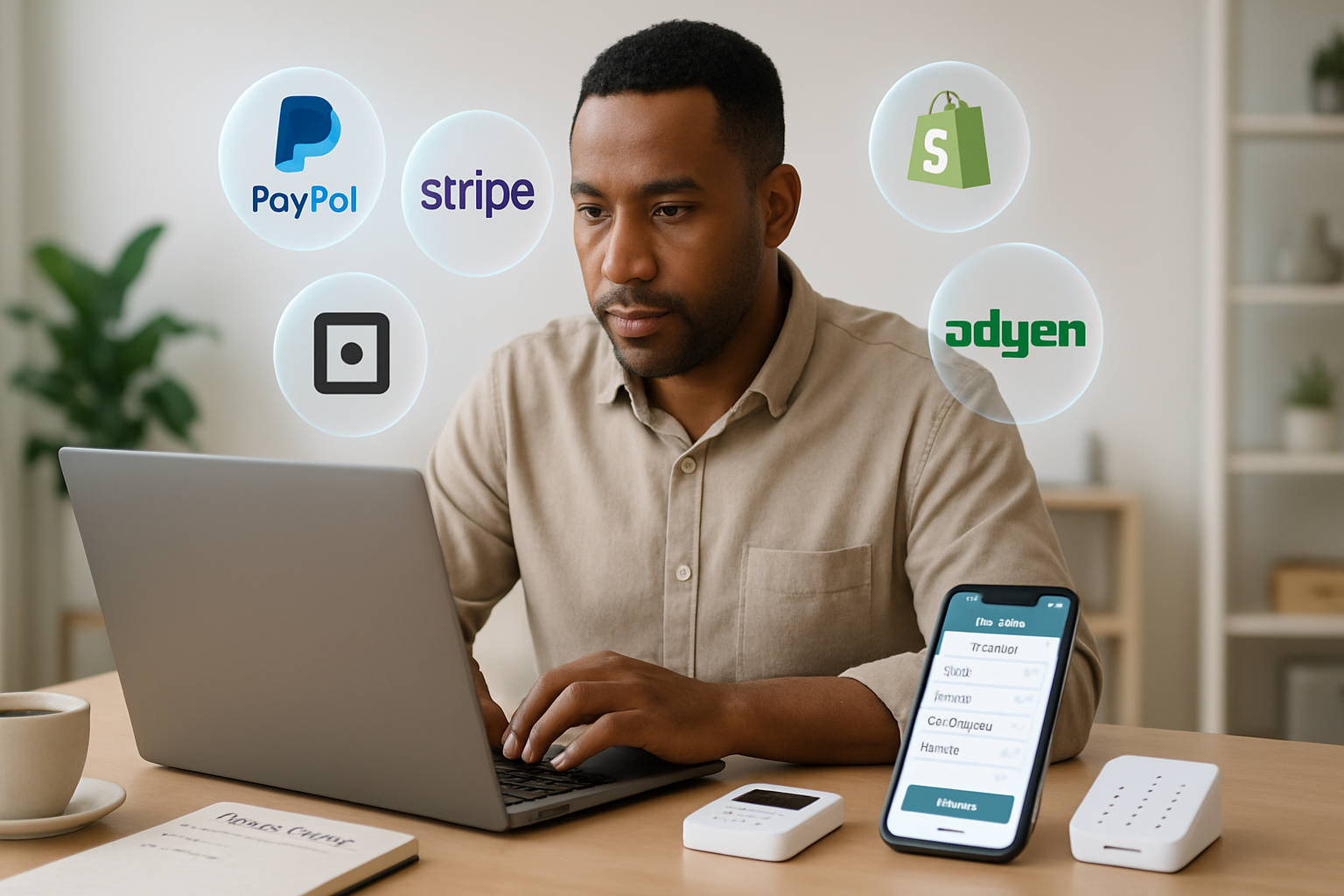
Outcome-first introduction
Start here and you’ll leave knowing which payment processor will save you time, cut costs, and reduce headaches for your specific small business. Read on and you’ll be able to: estimate how much processing actually costs you, identify the dealbreakers (holds, disputes, integration limits), and pick the alternative that best matches your sales model. No guesswork. Clear next steps.
Why this matters
Payments are the front door to your revenue. A frictionless checkout increases conversions. Predictable fees protect margins. Fast, reliable payouts smooth cash flow. Pick the wrong processor and you pay extra fees, wrestle with frozen funds, or lose customers at checkout.
Quick verdict - short and practical
PayPal remains an excellent choice when you need speed, brand recognition, and a plug-and-play solution. But it’s not always the cheapest or the most flexible. For many growing small businesses - especially those that need advanced integrations, custom split payouts, or lower long-term processing costs - alternatives like Stripe, Square, Shopify Payments, or Adyen will often be a better fit.
How PayPal works (in a nutshell)
- Customers pay using their PayPal account, credit/debit cards, or guest checkout (if enabled).
- PayPal charges transaction fees (percentage + fixed cent), cross-border fees for international transactions, and optional charges for chargeback handling or currency conversion.
- Funds are deposited into your PayPal balance and can be transferred to a bank account or used to pay other PayPal users.
Useful references:
- PayPal pricing and fees: https://www.paypal.com/us/business/fees
- PayPal dispute and chargeback support: https://www.paypal.com/us/smarthelp/article/how-do-i-handle-disputes-and-chargebacks-faq605
PayPal’s strongest advantages
- Instant and familiar trust signal - Customers see a recognizable brand and many feel safer transacting with PayPal than with an unknown checkout.
- Fast setup and low technical barrier - You can accept payments in minutes, no merchant account required.
- Broad payment methods - Cards, PayPal balance, Venmo (U.S.), and often local alternative methods depending on market.
- Built-in buyer protection and invoicing - Includes hosted invoices and basic recurring payments without custom coding.
- Payout flexibility - Keep funds in PayPal or transfer to your bank - handy for freelancers and micro-businesses.
When PayPal is a particularly good fit
- You’re selling on marketplaces, classifieds, or social channels and need a fast setup.
- Your customers are international but prefer PayPal for cross-border trust.
- You run a low-volume business or accept occasional payments and want zero setup complexity.
PayPal’s common pain points for small businesses
- Fees can add up and are often opaque. Typical online domestic transactions are around 2.9% + $0.30 per sale, plus cross-border and currency conversion charges. That adds margin erosion over time. (See PayPal pricing: https://www.paypal.com/us/business/fees)
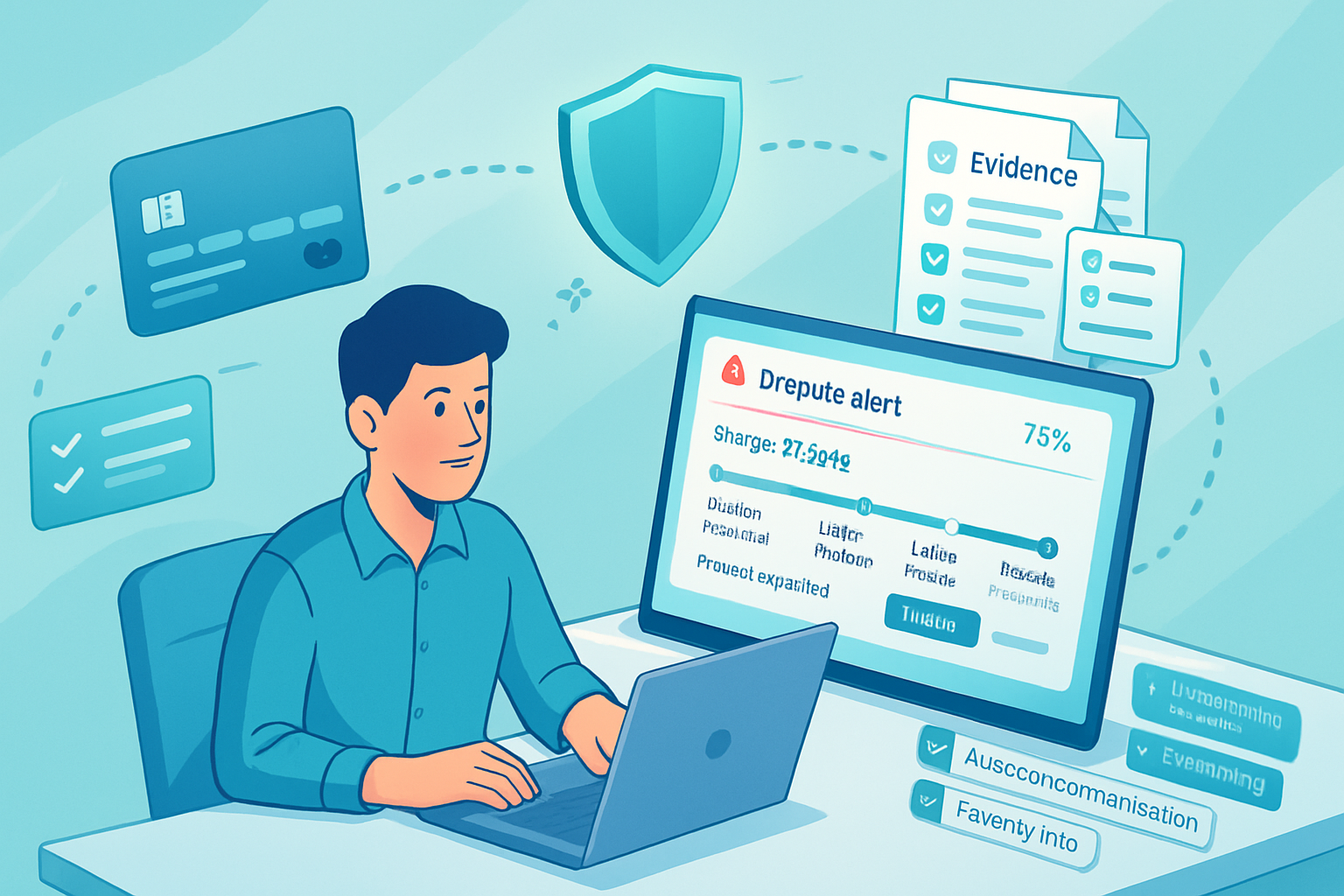
- Account risk & holds. PayPal’s risk models sometimes trigger holds, reserves, or sudden account limitations-especially for sellers in higher-risk categories or with atypical refund rates. Funds can be frozen while PayPal investigates.
- Dispute resolution bias concerns. Many merchants report buyer-favoring dispute outcomes compared with merchant-acquiring banks; the process can be lengthy.
- Checkout friction for non-PayPal users. While PayPal offers guest checkout, some implementations redirect off-site to PayPal’s pages, adding a step and potentially harming conversion.
- Not always best for complex payouts or marketplaces. While PayPal has marketplace tools, modern platforms like Stripe Connect are often simpler for automated split payments and compliance at scale.
Alternatives - what they offer and when they beat PayPal
Stripe - best for developers and custom experiences
- Pros - Highly customizable checkout, excellent APIs, Stripe Connect for marketplace split payments, strong international payout capabilities, built-in subscriptions and billing, comprehensive reporting.
- Cons - Requires developer resources to get the most value. Typical fees are similar to PayPal for basic card transactions (
- When to choose Stripe - You need custom checkout flows, subscriptions at scale, or complex payouts.
Square - best for brick-and-mortar and simple POS
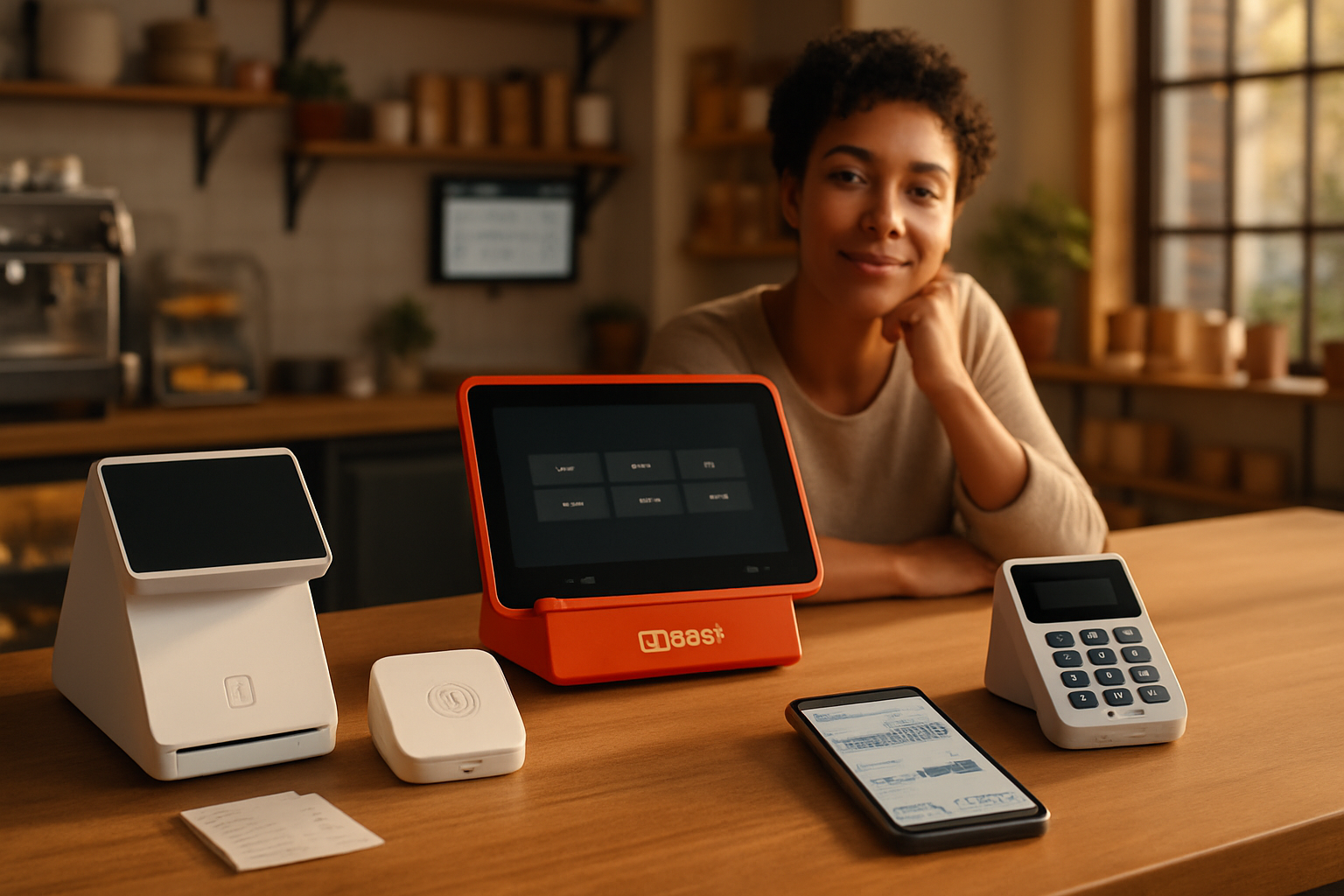
- Pros - Integrated point-of-sale hardware, simple pricing, strong inventory and in-person features, great for retail and restaurants.
- Cons - Online fees and checkout capabilities can be less flexible than Stripe’s developer toolbox.
- When to choose Square - You sell both in-person and online and want a single ecosystem.
Braintree (a PayPal company) - best for marketplaces that need PayPal + card support
- Pros - Card processing, PayPal and Venmo integration, Samsung Pay, Apple Pay; good for marketplaces that want both card and PayPal acceptance under one technical roof.
- Cons - Can be more complex than standard PayPal Checkout and may require dev work.
Adyen - best for global scale and enterprise-grade routing
- Pros - Powerful global acquiring, sophisticated risk and routing optimization, great for merchants with complex international needs.
- Cons - Pricing and contracts tend to favor higher-volume merchants.
Shopify Payments - best if your store runs on Shopify
- Pros - Native checkout, reduced friction, integrated chargeback management, discounted rates depending on plan.
- Cons - Only for Shopify stores; using external processors can trigger additional fees.
Authorize.Net and traditional merchant accounts - best for predictable pricing and industry-specific needs
- Pros - Stable relationships with acquiring banks, better for high-risk or regulated industries that need a dedicated merchant account.
- Cons - Setup complexity and potential monthly minimums or gateway fees.
Choosing by scenario - practical guidance
- You run a small ecommerce store with low technical support - Start with PayPal (and enable PayPal Checkout + guest card checkout). If volume grows, evaluate Stripe or Shopify Payments.
- You sell in-person (retail or food) - Square is likely the fastest route to an integrated POS and reporting experience.
- You operate a marketplace or gig platform - Stripe Connect or Braintree (for PayPal+card combos) give you clean split payouts and compliance tools.
- You sell high-ticket items or have many chargebacks - Prefer processors that offer robust dispute management and work closely with you (often Stripe with its Radar and dispute tools, or a merchant account with a dedicated manager).
- You sell internationally and need optimized routing - Consider Adyen or Stripe for better FX handling and localized payment methods.
Cost comparison - a reality check (examples, not a quote)
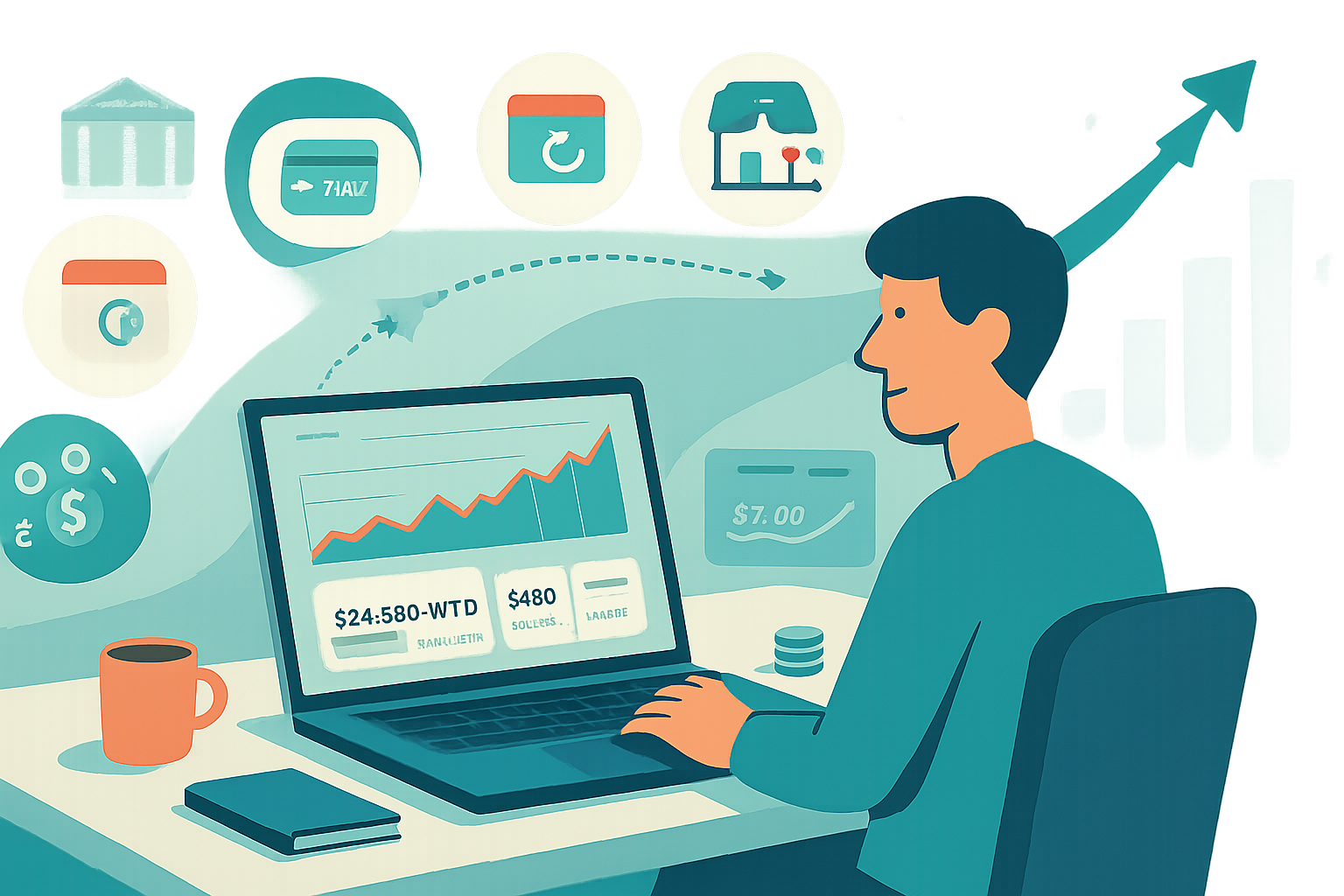
- Example - $100 online sale, typical card processing at 2.9% + $0.30 = $3.20 fee. Multiply across your monthly volume to find your true cost.
- Cross-border and currency conversions can add 1–3% or more. PayPal often charges a cross-border fee and a currency conversion spread; Stripe and others have their own FX charges too. Always check the specific wording on each provider’s pricing page. (PayPal pricing: https://www.paypal.com/us/business/fees; Stripe pricing: https://stripe.com/pricing)
Hidden costs to watch for
- Chargeback fees and loss of sale amounts.
- Reserve requirements or rolling reserves.
- Monthly gateway fees, PCI compliance costs, and hardware costs for POS.
- Currency conversion spreads and cross-border add-ons.
A simple decision checklist
- What’s your monthly volume and average order value? (High volume → negotiate rates.)
- Do you need advanced developer customization or off-the-shelf ease? (Custom → Stripe; Easy → PayPal/Square.)
- Are you primarily in-person, online, or both? (In-person → Square; Online → Stripe/Shopify/PayPal.)
- Do you operate a marketplace or need split payouts? (Yes → Stripe Connect or Braintree/PayPal Marketplace.)
- How important is international coverage and lower FX costs? (Very → Adyen/Stripe.)
- How much risk of disputes and refunds do you expect? (High risk → processors offering strong dispute tools and dedicated support.)
Practical next steps - what to do this week
- Run a “cost of payments” audit - calculate your current fees for typical transactions and multiply by monthly volume.
- Identify friction points in your checkout (mobile conversion, redirects, load time) and test PayPal’s hosted vs. integrated flows.
- Try an alternative in parallel for 30–60 days (Stripe Checkout, Square Online, or Shopify Payments) and compare conversion and net revenue.
- Talk to sales reps if you have meaningful volume - there’s often room to negotiate.
Final takeaway
PayPal is still a powerful, convenient tool and often the fastest way for a small business to start accepting payments with minimal lift. But “best” depends on your business goals. If you need customization, lower long-term costs at scale, advanced marketplace features, or enterprise-grade international routing, you should strongly evaluate Stripe, Square, Braintree, Adyen, or Shopify Payments. Choose the processor that fits your business, not the one with the biggest logo.
References
- PayPal business fees: https://www.paypal.com/us/business/fees
- Stripe pricing: https://stripe.com/pricing
- Square pricing: https://squareup.com/us/en/pricing
- Braintree pricing and features: https://www.braintreepayments.com/features/pricing
- Adyen pricing overview: https://www.adyen.com/pricing