· business · 8 min read
The Dark Side of Email Marketing: Avoiding Mailchimp Pitfalls
A frank guide to the most common Mailchimp mistakes - from broken lists and misconfigured authentication to compliance traps and overzealous automations - plus concrete steps you can take today to fix them and protect deliverability and subscriber trust.
What you’ll get from this article
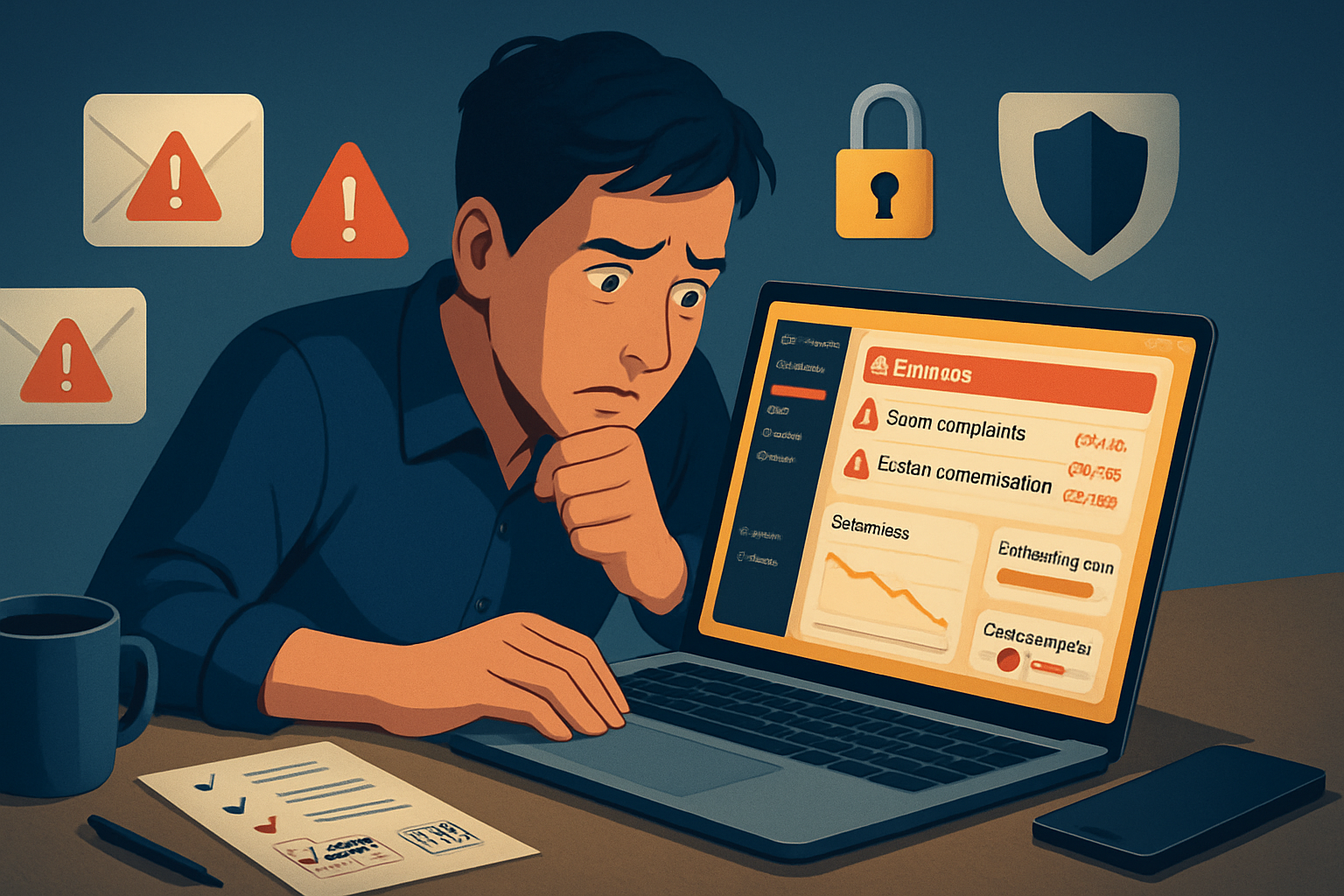
Fix the problems that quietly ruin campaigns. Increased inbox placement. Fewer complaints. Better opens and clicks. And - most importantly - a subscriber base that trusts you. Read on for the common Mailchimp mistakes businesses make, why they matter, how to spot them fast, and exact steps to fix each one.
Quick orientation: why Mailchimp mistakes matter
A single misstep - an unverified sending domain, a bought list, or an incorrect audience import - can tank deliverability, trigger spam filters, and expose you to legal risk. Mailchimp gives you powerful tools. But power without care becomes risk. Keep that in mind as we walk through the most damaging pitfalls and how to avoid them.
1) Audience chaos: the single-audience myth and duplicate contacts
The mistake
- Creating many audiences (lists) for every campaign, event, or product line.
- Importing contacts repeatedly without de-duplicating or mapping fields correctly.
Why it’s bad
Multiple audiences inflate your contact counts, raise costs, and fragment subscriber data. Duplicate or mismapped contacts lead to broken personalization, contradictory preferences, and accidental resends - which increase complaints and unsubscribes.
How to spot it
- You’re paying for contacts that don’t engage.
- Merge tags are empty or wrong in campaigns.
- Contact counts jump after imports.
How to fix it (step-by-step)
- Consolidate - Migrate to a single Audience and use Tags/Groups to segment. Mailchimp recommends managing one audience and using tags/groups to differentiate contacts. See Mailchimp’s guidance on audiences and tags:
- Clean imports - Before importing, dedupe by email address and map fields explicitly. Export old lists and run a dedupe check in a spreadsheet or a CRM.
- Standardize fields - Use consistent merge tags and test personalization after migration (Mailchimp merge tags docs:
- Archive inactive duplicates - Archive or remove duplicate records and keep a suppressed list of previously unsubscribed addresses.
2) Permission and compliance missteps (GDPR, CAN-SPAM, CCPA)
The mistake
- Sending marketing emails without clear opt-in or without properly honoring unsubscribe requests.
- Collecting data without proper consent fields.
Why it’s bad
Legal exposure, fines, and irreversible reputational damage. Beyond law, people will mark you as spam when they didn’t actively choose you.
How to spot it
- You’re receiving spam reports or high unsubscribe rates after a campaign.
- Forms lack checkboxes or explicit consent language.
How to fix it (step-by-step)
- Use double opt-in where appropriate - This reduces fake or mistyped addresses and increases deliverability. Mailchimp’s opt-in confirmation docs:
- Add clear permission statements to signup forms and record timestamps of consent.
- Honor all unsubscribe requests instantly and ensure your footer has a visible unsubscribe link. CAN-SPAM guidance: https://www.ftc.gov/business-guidance/resources/can-spam-act-compliance-guide-business
- If you operate in the EU, implement GDPR-friendly data processing and a lawful basis for marketing (reference: https://gdpr.eu/).
- Keep a suppression list for bounces, complaints, and unsubscribes; never re-add suppressed addresses without explicit re-permission.
3) Authentication and domain issues (SPF, DKIM, DMARC)
The mistake
- Sending on behalf of your domain without authenticating it in Mailchimp.
Why it’s bad
Unauthenticated mail looks suspicious to ISPs and spam filters. Open rates fall. Inbox placement becomes unpredictable.
How to spot it
- High bounce rates and low opens despite reasonable subject lines.
- Mailchimp warns about unverified domains when you send.
How to fix it (step-by-step)
- Verify your domain in Mailchimp (Account → Settings → Domains).
- Set up SPF and DKIM records on your DNS as Mailchimp instructs. Example SPF record (your exact record may differ):
v=spf1 include:servers.mcsv.net ?all- Publish a DMARC policy for reporting and protection. A minimal DMARC TXT record example:
_dmarc.example.com. IN TXT "v=DMARC1; p=quarantine; rua=mailto:dmarc-reports@example.com;"- Test with tools like MXToolbox or Mailchimp’s authentication checker. Mailchimp auth docs: https://mailchimp.com/help/set-up-custom-domain-authentication/
Why this matters: authenticating your domain protects your sender reputation and reduces the chance your campaigns are flagged as spoofed or forged.
4) Buying lists and ignoring list hygiene
The mistake
- Purchasing email lists or scraping contacts from third parties.
Why it’s bad
Bought lists produce huge bounce rates, spam complaints, and can get your account suspended. ISPs are explicit: engagement matters more than volume.
How to spot it
- Immediate spikes in bounces, unsubscribes, and complaints after a send.
- Engagement metrics drop precipitously.
How to fix it (step-by-step)
- Stop using bought lists immediately.
- Run a re-permission campaign for any imported list that lacks explicit opt-in - but be conservative - expect poor performance and higher complaint risk.
- Implement list hygiene - remove hard bounces, archive soft bounces after repeated failures, and create rules to suppress complaint addresses.
- Use engagement-based segments to avoid sending to long-term inactives.
5) Automation overload and irrelevant sends
The mistake
- Over-automating without business rules - sending too many triggered messages, or triggers based on noisy events.
Why it’s bad
Subscribers get overwhelmed. Open rates fall. The same subscriber can receive multiple messages in quick succession.
How to spot it
- Spike in unsubscribes after automated messages.
- Complaints tied to journey emails.
How to fix it (step-by-step)
- Audit Journeys (Customer Journeys / Automation flows) for overlapping triggers.
- Add suppression filters between automations (e.g., suppress if they received an email from another flow in last X days).
- Throttle - set maximum emails per subscriber per week.
- Use engagement triggers (last open or last click) to re-engage rather than automating on any site visit.
6) Personalization that breaks (merge tags and dynamic content)
The mistake
- Using merge tags with missing fallback values or relying on poorly structured contact data.
Why it’s bad
“Dear ,” looks unprofessional. Worse: content may reference the wrong product or a null value.
How to spot it
- Blank personalization fields in live campaigns.
- Frequent design/layout errors in dynamic content blocks.
How to fix it (step-by-step)
- Always provide fallback values for merge tags. Example in Mailchimp syntax: |FNAME| with fallback or use conditional content.
- Standardize data collection (make first name required where appropriate) and clean existing fields.
- Preview and test every campaign with varied contact records.
7) Design and accessibility oversights
The mistake
- Beautiful desktop templates that break on mobile or lack alt text and readable contrast.
Why it’s bad
Most email is opened on mobile. Bad rendering kills clicks. Accessibility problems exclude users and (indirectly) reduce engagement.
How to spot it
- Low click rates but normal opens (design fails to prompt action).
- Complaints about broken layouts on mobile.
How to fix it (step-by-step)
- Use responsive templates from Mailchimp and always test on multiple devices.
- Add alt text to images, use accessible color contrast, and ensure buttons are large enough for mobile taps.
- Include clear preheader text to complement the subject line.
8) Tracking and analytics blindspots
The mistake
- Not configuring link tracking, or turning on URL shorteners blindly and breaking deliverability/trust.
Why it’s bad
You can’t improve what you don’t measure. Overuse of third-party URL shorteners can trigger filters.
How to spot it
- Reports show low click-through rates but users still visit landing pages.
- Landing page analytics don’t match Mailchimp reports.
How to fix it (step-by-step)
- Use Mailchimp’s built-in click tracking. It’s designed to work with their platform and reporting.
- Make sure landing pages have UTM parameters for Google Analytics correlation.
- Avoid unknown shorteners; if you must shorten, use branded links.
9) Testing failures: not sending test emails or proofing thoroughly
The mistake
- Hitting send without sending tests to multiple inbox providers and team members.
Why it’s bad
Link breakage, broken personalization, or spammy formatting are discovered only after damage is done.
How to spot it
- Recurring errors found by subscribers.
- Discrepancies between preview and actual inbox rendering.
How to fix it (step-by-step)
- Send tests to multiple email clients (Gmail, Outlook, mobile). Mailchimp has inbox preview tools - use them.
- Validate links, images, and merge tags in the test.
- Check spam score using third-party tools when in doubt.
10) Pricing pitfalls and feature surprises
The mistake
- Expecting unlimited features per contact tier; unexpected audience growth or duplicated audiences spikes billing.
Why it’s bad
Surprise costs, locked automations, or missed functionality when you hit a tier limit.
How to spot it
- Sudden billing changes.
- Mailchimp notifications about audience limits.
How to fix it (step-by-step)
- Monitor audience size and prune inactive contacts frequently.
- Consolidate audiences and rely on tags to control billing numbers.
- Review Mailchimp plan details before adding large lists or creating new audiences.
Practical weekly checklist (copy this into your process)
- Verify domain authentication (SPF/DKIM) - monthly.
- Remove hard bounces and archive soft bounces after 3–5 attempts - weekly.
- Run a small re-permission campaign before attempting to engage any imported list - quarterly.
- Audit automations for overlapping triggers and suppression rules - monthly.
- Test emails in multiple clients and send internal tests - before every campaign.
- Review unsubscribe and spam complaint rates - after every campaign.
- Clean and standardize fields used for personalization - monthly.
Final recommendations (what to prioritize first)
- Authenticate your sending domain now. Don’t wait. It has an immediate, measurable effect on deliverability.
- Consolidate audiences and stop buying lists. Build real permission-based growth.
- Implement a simple re-permission and suppression strategy for old contacts.
- Audit automations and add throttling and suppression rules.
Do these and you’ll fix the biggest, most damaging Mailchimp mistakes quickly.
Protect deliverability; protect trust. No amount of creative subject lines or fancy templates will matter if your messages never hit the inbox or land in someone’s spam folder because you prioritized growth over consent. Treat every subscriber as a customer. Their inbox is sacred. Guard it.
References
- Mailchimp - About Audiences -
- Mailchimp - Merge Tags -
- Mailchimp - Set Up Domain Authentication -
- Mailchimp - Opt-in Confirmation -
- FTC - CAN-SPAM Act Compliance Guide -
- GDPR overview - https://gdpr.eu/