· marketing · 8 min read
The Dark Side of Instapage: Common Mistakes that Ruin Your Landing Page Performance
Many marketers trust Instapage to deliver high-converting post-click experiences - and then unknowingly sabotage performance with common, avoidable mistakes. This guide uncovers the oversights that wreck conversion metrics and gives precise, practical fixes you can apply in Instapage today.

Outcome-first introduction
You can stop leaking traffic and double down on the conversions you already attract. Fix a few commonly overlooked mistakes on your Instapage pages, and you’ll see faster loads, clearer messaging, fewer form drop-offs, and more reliable data to optimize from. Read this and you’ll know exactly what to diagnose, why it matters, and how to fix it - step by step.
Why this matters (short)
A beautiful page doesn’t equal a converting page. Some errors are invisible until you analyze them. Others shout at visitors and chase them away. Both types cost you ad spend, credibility, and real leads.
Quick list: the most destructive mistakes I’ll unpack
- Broken or weak message match between ad and page
- No or incorrect conversion tracking and attribution
- Slow load times (heavy assets, third-party scripts)
- Poor mobile optimization and forgotten mobile view
- Clunky forms and bad validation flows
- Overuse of templates / failing to customize for intent
- Mismanaged A/B testing (statistical and setup mistakes)
- Leaving behind legacy scripts, links, or external widgets
- Ignoring behavior data (heatmaps, session recordings)
If you fix these, you fix most conversion leaks.
1) Message mismatch: your promise and the page feel unrelated
Symptom: High clicks, high bounce rate, low conversions.
Why it kills conversions
Visitors come from an ad or email with a single promise. If the landing page looks, reads, or feels different - even subtly - visitors hesitate. Message match is the foundation of trust and the quickest lever to lift conversion rates.
How to diagnose
- Send traffic from a specific ad and watch bounce and conversion rates per ad.
- Do a plain visual and copy comparison - headline, hero image, offer, CTA label, and tone.
How to fix (in practice)
- Ensure the headline repeats the core promise from the ad copy or subject line.
- Use the same primary visual (or a very close variant) and the same call-to-action text. If the ad says “Free 30-minute audit,” your CTA should say “Get my free audit” - not “Learn more.”
- Use Instapage’s AdMap or post-click personalization features (if you use them) to map ad groups to specific pages so the visitor sees the exact message you advertised [Instapage features].
Reference: HubSpot on message match for landing pages: https://blog.hubspot.com/marketing/message-match-landing-pages
2) Bad or missing tracking: you don’t actually know what’s wrong
Symptom: Conflicting data between platforms, no clear conversion source, or conversions that disappear after a channel update.
Why it kills performance
If you can’t trust your metrics you’ll optimize the wrong things. Worse: poor attribution means you can’t tell which ads, audiences, or pages actually produce customers.
Checklist to fix tracking
- Install and test Google Analytics (GA4) and any ad pixels (Facebook/Meta, LinkedIn) on the page. Use tag debug tools to verify events fire.
- Configure proper conversion events (e.g., form submit → conversion event). Don’t rely solely on a “thank you” URL redirect - use both the redirect and the JS event for redundancy.
- Use consistent UTM parameters on ads and measure conversions by UTMs when possible. This prevents misattribution from redirects.
- Validate server-side events if you rely on ad platform optimization for cost-per-acquisition (Meta Conversions API, etc.).
Practical tip: Run a manual test: submit a test lead, and follow it through to analytics and the ad platform to confirm the event landed.
Docs and tools: Google’s debugging tools and PageSpeed insights for performance validation: https://developers.google.com/speed/pagespeed/insights/
3) Performance sins: slow pages kill conversions instantly
Symptom: Large LCP, slow Time-to-Interactive, users abandon before the hero renders.
Root causes common in Instapage builds
- Large background videos, oversized images, or uncompressed assets
- Too many third-party scripts (chat widgets, tracking pixels, tag managers) loading synchronously
- Custom fonts and multiple weight files bloating requests
How to fix
- Optimize images to WebP/AVIF and resize to actual display sizes. Lazy-load offscreen images.
- Replace background videos with compressed looping animations or static poster images on mobile.
- Defer non-essential JavaScript; load tracking scripts asynchronously and move heavy scripts to after interaction.
- Use system fonts if you can accept the aesthetic tradeoff, or subselect font weights.
- Run PageSpeed Insights and act on the specific recommendations: https://developers.google.com/speed/pagespeed/insights/
Why this matters (numbers)
A 1-second delay can significantly reduce conversions. Speed is conversion currency.
4) Mobile: the forgotten half of your traffic
Symptom: Desktop looks great; mobile conversion rate is a fraction of desktop.
Why it’s a trap
Most Instapage templates scale, but auto-scaling isn’t enough. Mobile users behave differently: they scan faster, tap differently, and have slower networks.
Mobile fixes
- Switch to Instapage’s mobile editor and edit elements specifically for mobile. Don’t just rely on automatic stacking.
- Reduce content and simplify CTAs for mobile. Keep one above-the-fold CTA.
- Ensure forms are thumb-friendly - large fields, clear labels, and auto-complete attributes. Use input types (email, tel, number) so mobile keyboards match.
- Test on real devices and on slow network emulation.
5) Forms and friction: tiny mistakes that blow up abandonment
Symptom: High form starts and low completions.
Common form mistakes
- Asking for too much information too early
- Bad validation messages or no inline validation
- Redirects that don’t show a clear confirmation or that break tracking
- Placing the form too low on the page
How to fix
- Only ask for what you truly need. Consider progressive profiling.
- Provide inline validation and clear error messages. Make fields optional when possible.
- After submission, redirect to a proper thank-you page and fire a confirmation event for tracking. Alternatively, use an inline success message plus an analytics event.
- If you use multi-step forms, indicate progress and keep each step brief.
Research on form best practices: CXL’s practical collection of form conversion tips: https://cxl.com/blog/landing-page-form-best-practices/
6) Template laziness: don’t let a pretty template replace strategy
Symptom: A page that ‘looks’ good but doesn’t convert.
Why templates can deceive
Templates are designed to look polished and generic. They rarely match specific user intent or the micro-conversion flow your campaign needs.
How to avoid the trap
- Start from a template, but customize headline, hero, benefits, proof, and CTA to match the traffic source.
- Consider variant pages per audience or ad group. A single page for all ads is often a conversion leak.
- Remove unnecessary sections; each content block should have a conversion purpose.
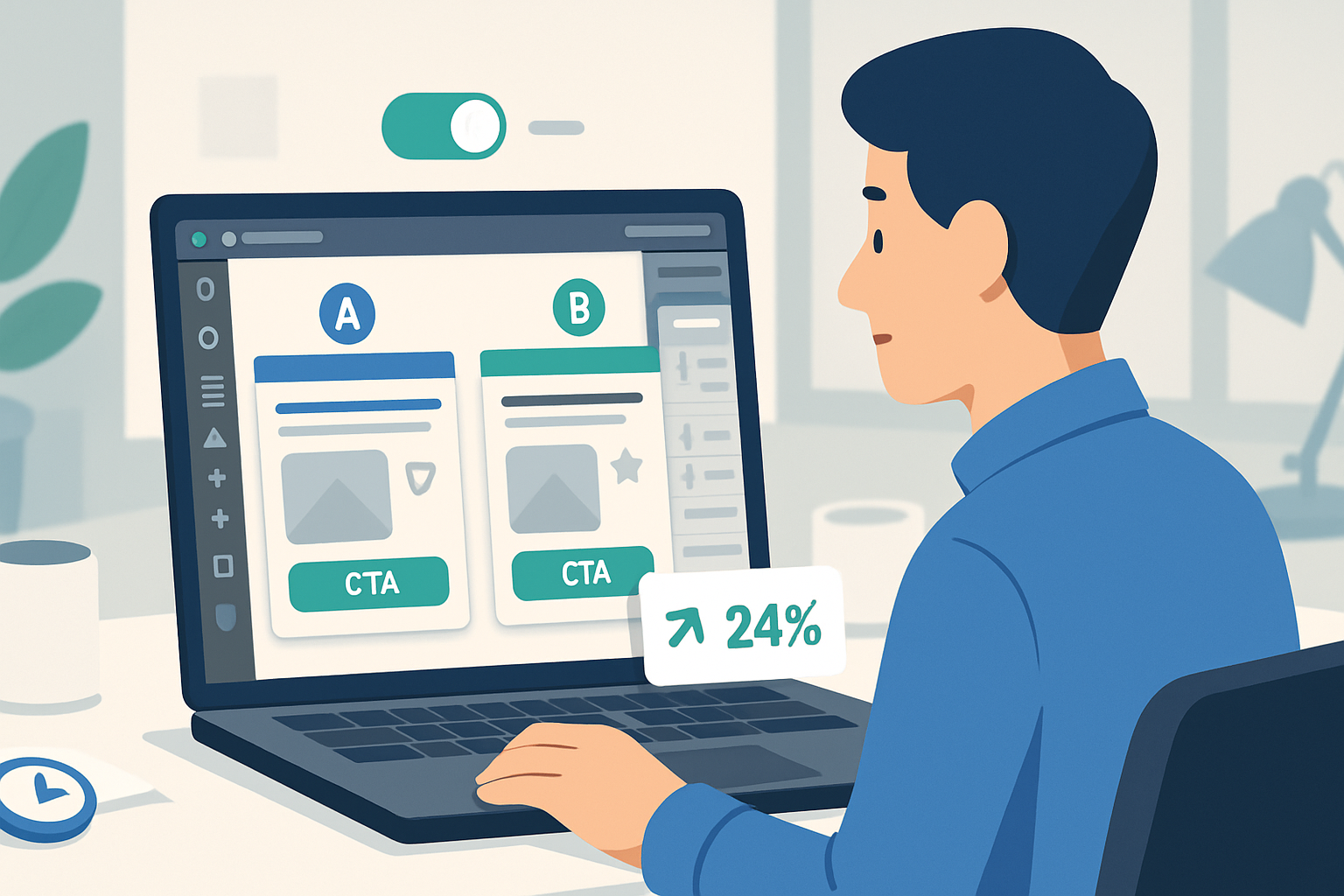
7) A/B testing errors: bigger sample size than sense
Symptom: You run tests forever, or you celebrate noisy wins that vanish.
Common problems
- Running underpowered tests (not enough traffic or conversions for significance)
- Changing multiple variables at once and misattributing the lift
- Stopping tests too early when a “winning” variant appears
How to run tests that matter
- Calculate needed sample size before you launch and only test meaningful changes.
- Test one major variable at a time (headline, CTA, form length). Minor copy tweaks are fine, but recognize their expected small effect size.
- Let tests run for a full business cycle to account for traffic variance.
- Segment results by traffic source; a winner for paid search may lose on display traffic.
8) Legacy scripts & external widgets: the silent performance killers
Symptom: Random 3rd-party calls slowing your page and breaking functionality.
How they appear
Over time, pages pick up abandoned scripts - old analytics, chat widgets, demo trackers, and A/B tools. They load on every page and add latency.
Fix it
- Audit the page for external requests (use DevTools network tab). Remove or defer non-essential ones.
- Consolidate tags in a tag manager and only fire them when needed.
- Keep a lean set of scripts for the post-click experience; host critical scripts on reliable CDNs.
9) Ignoring behavior data: heatmaps and session recordings are not optional
Symptom: You guess why visitors drop; you’re wrong more often than right.
Why behavior tools matter
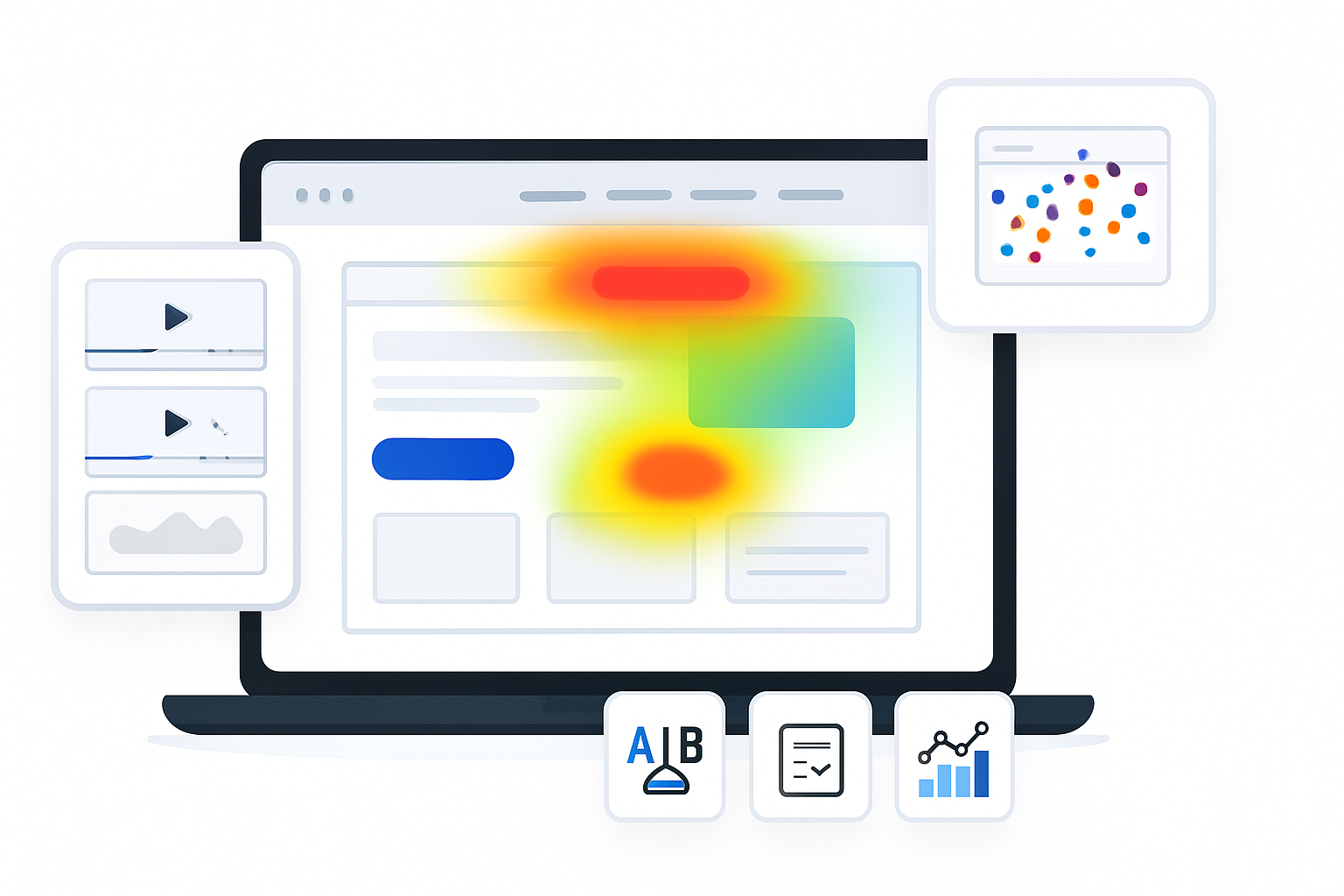
Heatmaps and session recordings show where users click, where they hesitate, and what they miss. They expose mis-clicks, scroll depth problems, and unrecognizable CTAs.
What to do in Instapage
- Enable heatmaps and session recordings for candidate pages. Watch new visitor sessions from the ad flows you’re optimizing.
- Use recordings to identify UX friction and then iterate small, testable changes.
Instapage heatmaps feature overview: https://instapage.com/features/heatmaps
Quick diagnostic checklist (actionable and fast)
- Check message match - ad → hero headline → CTA text. Fix mismatches now.
- Verify tracking - GA4, pixels, conversion events. Do a test submit.
- Run PageSpeed Insights and implement the top 3 suggestions.
- Open mobile editor and prune content for mobile.
- Audit form flow - reduce fields, add clear validation, confirm event firing.
- Snapshot all installed scripts and remove legacy tags.
- Turn on heatmaps/session recordings for three days of ad traffic.
- Only A/B test with a calculated sample size and a single main variable.
Final note - the one thing you must fix first
All of the items above matter. But if you do nothing else, fix two things immediately: message match and reliable tracking. They’re the twin fundamentals. Message match gets people to stay. Tracking tells you whether your fixes work. Without both, you’re optimizing in the dark.
Start with those. Then iterate on speed, mobile, and forms. The result? Cleaner data, fewer leaks, and a landing page that actually earns the traffic you pay for.
References
- Instapage product/features overview: https://instapage.com/features
- Instapage heatmaps: https://instapage.com/features/heatmaps
- Google PageSpeed Insights: https://developers.google.com/speed/pagespeed/insights/
- HubSpot on message match: https://blog.hubspot.com/marketing/message-match-landing-pages
- CXL on landing page form best practices: https://cxl.com/blog/landing-page-form-best-practices/
- Nielsen Norman Group usability heuristics: https://www.nngroup.com/articles/ten-usability-heuristics/