· business · 7 min read
Beyond Video Calls: 5 Innovative Uses for Zoom That Will Transform Your Business
Discover five unconventional, high-impact ways to use Zoom - from staged product launches and speed networking to hands-on customer support and interactive market research - with step-by-step setups, integrations, KPIs and sample scripts to get started.
Outcome-first introduction
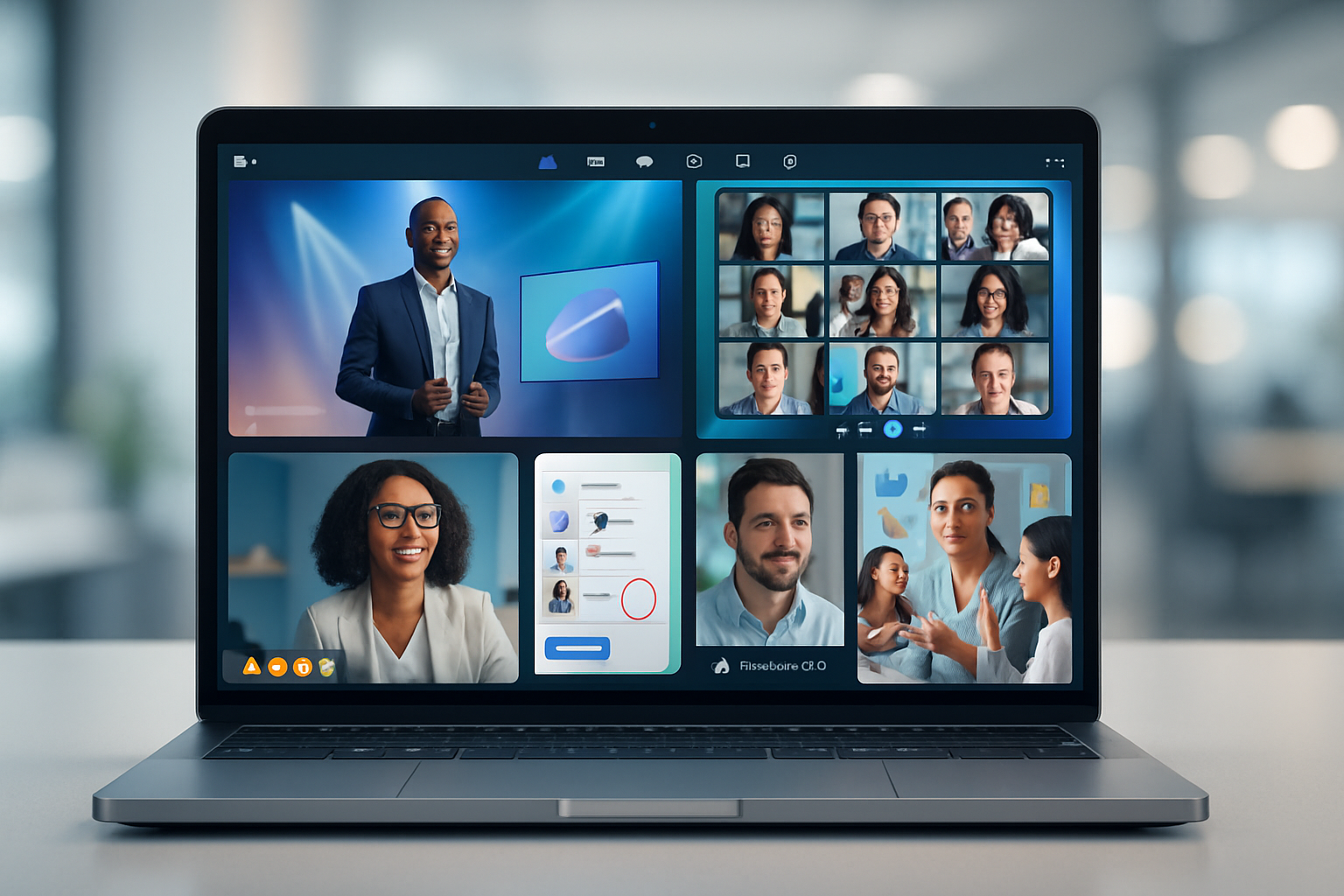
Imagine running a product launch that feels like a TV broadcast, hosting a virtual trade-floor full of serendipitous conversations, or fixing a customer’s issue in one live, recorded session - without leaving the Zoom window. This article shows you exactly how to use Zoom for five powerful, non-obvious business workflows that drive revenue, cut support time, deepen engagement, and turn remote interactions into measurable outcomes. Read on and you’ll be ready to build one of these right away.
Why think beyond ordinary video calls
Video conferencing is a commodity. The differentiator is how you design experiences around it. Zoom isn’t just a meeting tool - it’s a platform: webinars, events, apps, phone, contact center, SDKs and more. Use those capabilities to move from passive presentation to active business outcomes: transactions, hires, product adoption, insights.
Key platform resources (useful to bookmark):
- Zoom Events and Webinars: https://explore.zoom.us/en/products/events/
- Zoom Apps & Marketplace: https://marketplace.zoom.us/
- Zoom Developer Platform (SDK & APIs): https://developers.zoom.us/
- Zoom Contact Center & Phone: https://explore.zoom.us/en/products/contact-center/ and https://explore.zoom.us/en/products/phone/
1) Staged product launches and multi-camera demos
Why this works
A product launch is a story. You control the narrative when you combine multi-camera video, slides, live demos, hosted segments and a polished “green room” workflow. Zoom Webinar or Zoom Events plus a bit of production turns a simple demo into a conversion engine.
How to set it up (step-by-step)
- Use Zoom Webinar (or Zoom Events for multi-session launches).
- Pre-produce the show - record segments (feature walkthroughs, testimonials) and plan live demos for maximum impact.
- Create a green room - use a private Zoom meeting or a secondary host/co-host channel so presenters can prepare off-air.
- Use multi-camera inputs (NDI or USB hubs) and select sources in Zoom, or bring the feed through OBS/StreamYard and send it into Zoom via virtual camera.
- Enable Q&A and polls for live feedback and gated CTAs (registration, early-bird offers).
- Live-stream to social channels or your landing page for reach and record the master session for on-demand follow-up.
Tools & integrations to consider
- Zoom Webinar + Zoom Events for registration and ticketing.
- OBS or StreamYard for production switching.
- Marketing automation (HubSpot, Marketo) integrated via Zapier to capture registrants and follow ups.
Metrics to track
- Registrations → Attendance rate.
- Live poll engagement and Q&A volume.
- Demo-to-trial or launch-offer conversion rate.
- On-demand plays and downstream activation.
Moderator intro script (short)
Welcome, everyone - thanks for joining. Today you’ll see the new X product in action, hear from customers, and get an exclusive launch offer at the end. Ask questions using Q&A - we’ll answer the top ones live and follow up on the rest.Pitfalls and fixes
- Pitfall - choppy live demo. Fix: pre-record the demo and run it live with a short live commentary.
- Pitfall - low conversion after the event. Fix: automate a personalized email sequence within 1 hour of the event with the offer and recording link.
2) Virtual networking and speed‑networking events that actually generate leads
Why this works
Networking is about serendipity and structured matchmaking. Zoom’s breakout rooms and timed rotations let you create micro-conversations at scale - and turn serendipitous chats into measurable leads.
How to set it up (step-by-step)
- Use Zoom Events or Meetings with Breakout Rooms enabled.
- Collect profile data at registration (role, industry, interests) to power matchmaking.
- Open with a short plenary that explains the format and ice-breaker question.
- Use pre-assigned breakout rooms or randomized timed rotations. Keep rounds short (7–10 minutes) to maximize interaction.
- Provide a shared one-click lead form or a Zoom App that captures opt-ins and meeting notes.
- Close with a plenary for highlights and announce next steps.
Tools & integrations
- Zoom Breakout Rooms and polling.
- A matchmaking tool (or use attendee tags in Zoom Events).
- CRM integration via Zapier to export opt-ins and connection requests.
Sample rotation instruction (concise)
You have 7 minutes each round. Introduce yourselves in 60 seconds. Use the ice-breaker question on the screen. If you exchange contact details, drop your LinkedIn in the chat.Metrics to track
- Connections made per attendee.
- Number of opt-ins for follow-up.
- Leads converted from event follow-up.
Pitfalls and fixes
- Pitfall - awkward silence in rooms. Fix: seed rooms with a conversation starter and one trained host or volunteer.
- Pitfall - no follow-up. Fix: automate a curated follow-up email that includes the connection list and suggested next steps.
3) Live customer support and remote troubleshooting (turn sessions into knowledge assets)
Why this works
Screen sharing, remote control, annotation and recordings enable faster resolutions and reduce ticket volume. A single live session can solve complex issues and be repurposed as self-help content.
How to set it up (step-by-step)
- Offer scheduled Zoom support sessions or on-demand Zoom Phone to initiate a live session.
- Use screen share plus remote control to diagnose and replicate problems.
- Use co-annotation to highlight steps while the customer watches.
- Record consented sessions and tag them into your knowledge base for FAQ creation.
- Route contacts and escalate with Zoom Contact Center when necessary.
Tools & integrations
- Zoom Phone and Zoom Contact Center for routing and queues.
- CRM & ticketing integration (Zendesk, Salesforce) to attach recordings and notes.
- AI transcription for auto-creating KB articles from sessions.
Metrics to track
- First-contact resolution rate.
- Average handle time (AHT).
- Post-session CSAT and reduction in repeat tickets.
Example agent opening (brief)
Hi [Name], thanks for joining. I’ll ask you to share your screen so I can see the issue. I’ll annotate and then, with your permission, record this so we can turn it into a step-by-step guide for you.Pitfalls and fixes
- Pitfall - privacy concerns with recordings. Fix: always request explicit consent and give customers an option to decline recording.
- Pitfall - sessions not captured in CRM. Fix: automate attachments with API or middleware.
4) Interactive sales demos and shoppable livestreams
Why this works
Live interaction converts better than static demos. Add clickable CTAs, live polls, and synchronized resource sharing to shorten the sales cycle and boost conversions.
How to set it up (step-by-step)
- Use Zoom Meetings or Webinars with co-hosts to manage attendees.
- Embed polls to qualify leads in real time (budget, timing, need).
- Use Zoom Apps for in-meeting catalogs, forms, or product configurators.
- Integrate with your CRM to capture poll responses and trigger follow-up workflows based on responses.
- Offer time-limited discounts or book-a-demo buttons inside follow-up emails.
Tools & integrations
- Zoom Apps for product catalogs and checkout widgets.
- CRM + automation (Salesforce, HubSpot, Zapier).
- Payment links in follow-up emails and landing pages.
Metrics to track
- Lead qualification rate from polls.
- Demo-to-opportunity conversion.
- Revenue per live session.
Pitfalls and fixes
- Pitfall - too much selling. Fix: keep sessions useful first; sell second.
- Pitfall - no CRM handoff. Fix: create automated workflows that assign leads within 15 minutes after the session.
5) Interactive market research, focus groups and onboarding cohorts
Why this works
Zoom is ideal for qualitative research and cohort-based learning. Breakout rooms enable parallel sessions; polls and whiteboards capture structured feedback; transcripts let you analyze results quickly.
How to set it up (step-by-step)
- For focus groups - recruit a balanced sample, schedule a 60–90 minute session, and use breakout rooms for subgroup tasks.
- Use the Zoom Whiteboard and shared documents for collaborative exercises.
- Record sessions and use AI transcript highlights to extract themes.
- For onboarding cohorts - use short sessions, micro-assignments in breakout rooms, and follow-up resources in Zoom Chat or LMS.
Tools & integrations
- Zoom Whiteboard and file-sharing.
- Transcription/export tools and qualitative analysis software (Dovetail, Notion).
- LMS integration for structured onboarding.
Metrics to track
- Research - number of insights per hour, thematic saturation.
- Onboarding - time-to-first-success, course completion rate, retention after 30/60/90 days.
Pitfalls and fixes
- Pitfall - noisy group dynamics. Fix: set clear roles (moderator, timekeeper) and use breakout tasks.
- Pitfall - low data usability. Fix: pair recordings with timestamps, labels and an analysis template.
Bonus: internal knowledge hub built from recordings
Record important sessions (product decisions, onboarding classes, major demos), tag them, and publish to a searchable internal hub. A single recording repurposed into short clips and a transcript multiplies value many times over.
Quick checklist to get started this week
- Pick one use case - product launch, networking, support, sales or research.
- Map the outcome you want (leads, conversions, reduced tickets, insights).
- Build a 1-session pilot with a script, two hosts (host + producer), and a follow-up workflow.
- Measure, iterate, scale.
Conclusion
Zoom is more than a window to faces. It’s a platform you can design experiences around. The five uses above turn meetings into measurable business processes - launches that convert, events that generate qualified leads, support that reduces repeat contacts, demos that close deals, and research that actually informs product decisions. Pick one, run a pilot, and watch how a redesigned Zoom experience transforms the metrics you care about.