· business · 7 min read
Slack Etiquette: The Unwritten Rules Every Professional Should Know
Practical, actionable rules for using Slack effectively - how to write messages that get responses, reduce noise, protect focus time, and keep team relationships healthy in a virtual workspace.
Outcome first: read this and you’ll be able to stop getting buried in Slack, get faster replies when you need them, and keep your team sane while staying productive. You’ll learn specific habits, message templates, escalation paths, and a 30‑day cleanup plan to make Slack work for your team - not the other way around.
Why this matters
Slack is less a tool than a living social space. It speeds up collaboration when used well. It creates distraction, miscommunication, and frustration when used badly. The fix isn’t rules for the sake of rules. It’s predictable norms so people know what to expect - and what others expect of them.
What you’ll get in this guide
- A short set of unwritten rules everyone should follow.
- Concrete examples and message templates you can copy.
- Manager-specific guidance and a 30-day Slack hygiene checklist.
The core unwritten rules (short and actionable)
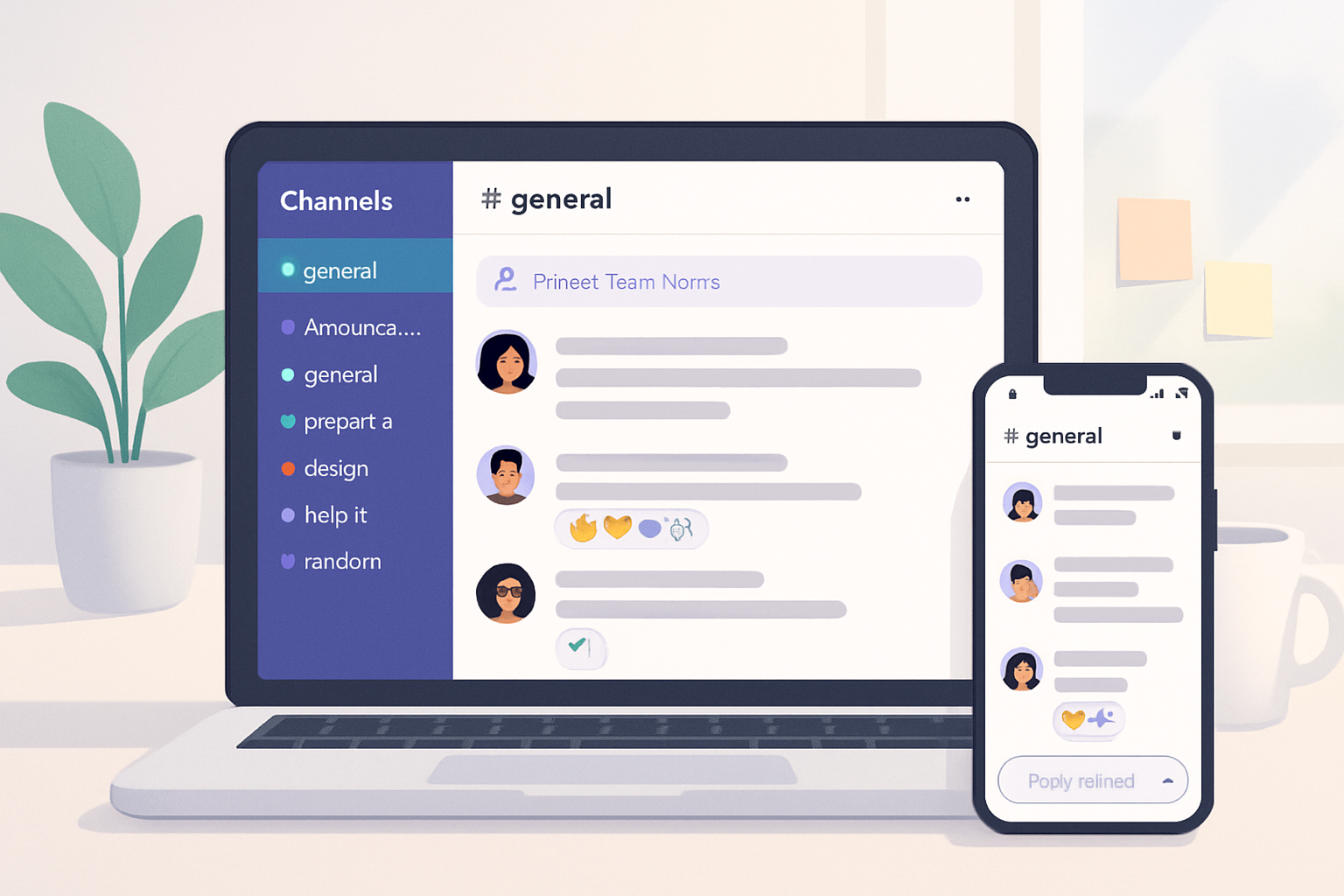
- Use channels for topics, DMs for people. Keep public channels discovery-friendly. Use DMs for quick, private conversations or when discussing sensitive information.
- Start in threads. If a channel conversation spawns a side discussion, move it into a thread immediately.
- Think before you @. Use explicit pings only when the message requires action or attention now. Prefer mentioning a role or channel rather than individuals when possible.
- Respect Do Not Disturb and status. If someone is in DND, assume they’re not available unless the message is urgent and escalated properly.
- Add context. Short message? Fine. No context? Not fine. Always explain the why and the desired outcome.
- Search before asking. Check channel history and pinned items first.
- Use reactions to acknowledge. A quick :thumbsup: can replace a “Thanks” message and reduces noise.
- Be mindful of tone. Without vocal cues, brevity can read brusque. Use plain language, and when needed, soften with an explanatory sentence.
Channels: structure, naming, and membership
- Name channels clearly - use prefixes and a single source of truth. Examples: #team-ux, #proj-payments, #announcements. Consider these conventions:
- team-
- team-level discussions - proj-
- project-specific discussion - help-- how-to and support
- ops-
- production/ops alerts
- team-
- Keep #announcements or #company only for one-way, essential communications from leadership. Limit who can post there.
- Make channels discoverable but curated. Public by default, private only when confidentiality is required.
Reference: Slack’s best practices for using channels and channels naming patterns are discussed in their help center: https://slack.com/intl/en-gb/help/articles/360047688373-Best-practices-for-using-channels
Threads: the non-negotiable habit
Threads are where long, multi-person conversations belong.
Why use them:
- They keep channels readable and searchable.
- They preserve context and reduce repetitive replies.
How to thread like a pro:
- If your reply changes or expands the original topic, click “Reply in thread”. Don’t start a new message in the channel unless it’s a different topic.
- When you expect updates, summarize the thread in the channel and link to the thread so others can follow.
For official guidance on threads, see Slack’s help article: https://slack.com/help/articles/115001706927-Use-threads-to-follow-and-respond-to-conversations-in-a-channel
Pings: @here, @channel, and @everyone
Use them sparingly and with purpose.
- @channel - use for important messages that affect everyone in a channel and require attention within business hours.
- @here - use to notify only active members (people currently online). Better for short-term, timely asks.
- @everyone - reserved for workspace-wide, critical alerts (e.g., security incident).
If in doubt, don’t ping. Instead, call out roles or add a clear subject line: “FYI - release delay: action needed by @release-lead.”
Reactions and short acknowledgements
A reaction is a message. Use reactions to:
- Confirm receipt (:eyes:, :thumbsup:).
- Vote (:thumbsup:, :thumbsdown:, :raised_hands:).
- Express emotional tone quickly (:smile:, :party_parrot: in casual channels).
Avoid replying with single-word messages if a reaction will do.
Message craft: format that gets fast, clear responses
Lead with the outcome. Say what you want, then give context.
Good structure (3 lines max when possible):
- Line 1 (ask) - What do you want? Who needs to act? By when?
- Line 2 (context) - One short sentence explaining why.
- Line 3 (attachments/next steps) - Links, files, or a note about follow-up.
Examples (copy/paste-ready):
Short request template:
@anne Can you review the payment validation PR by 4pm today? It blocks QA for release. Link: <PR link>Quick update template:
Release delayed to 5pm. Root cause: DB migration conflict. QA will start at 5:15pm. I'll post results in the #proj-payments thread.Escalation template:
Urgent: production payment failures increasing. @oncall could you take a look now? If you’re unavailable, please ping @ops-manager. Error: 502 gateway timeout. Logs: <link>Asynchronous expectations and response times
Set explicit norms for expected response windows. Examples:
- Urgent (use @channel/@here) - respond within 15 minutes during core hours.
- High priority (direct ask to a person) - respond within 2 hours.
- Normal questions (non-urgent) - respond within 24 hours.
Publish these in a pinned message or team handbook. People will adapt when expectations are explicit.
Respecting focus and after-hours boundaries
- Use status messages to indicate deep work (e.g., “Heads-down until 3pm - please DM only for urgent items”).
- Schedule messages for delivery during recipients’ work hours if the platform allows it.
- If a message is urgent and the person is DND, escalate through agreed channels (phone, pager, or an on-call rotation), not by repeatedly pinging in Slack.
Managing attachments, code, and sensitive info
- Prefer links to documents (Google Drive, Notion) rather than attaching large files.
- For code, paste small snippets inline but prefer a Gist or repo link for larger chunks. Use proper formatting blocks with language hints.
- Avoid sending passwords or secrets in Slack. Use a vault or secure tool.
Emojis, GIFs, and culture: use them deliberately
They build culture. They also add noise.
- Allow GIFs in social channels. Prohibit them in #announcements and customer-facing channels unless relevant.
- Establish one or two team reaction conventions (e.g., :rocket: for launches, :eyes: for monitoring) to create shared meaning.
Conflict, feedback, and difficult conversations
- Prefer DMs or video calls for sensitive feedback. Slack magnifies conflict if it’s public and terse.
- If a conversation gets heated in a channel, pause. Invite the main participants to continue in a thread, a DM, or a call.
- Managers - model calm, specific feedback. Reframe publicly and move corrective action privately.
Manager and leadership responsibilities
- Post clear expectations and response-time norms in the team handbook and pin them in the team channel.
- Limit broadcast messages. Save attention for real priorities.
- Check the health of channels periodically. Archive stale channels.
Quick governance checklist (what to set up this week)
- Channel naming convention defined and documented.
- One pinned message in each channel with purpose and norms.
- Announcements channel - restricted posting permissions.
- DND and status usage guidance in the handbook.
- On-call/escation process documented and linked in ops channels.
30-day Slack hygiene playbook
Week 1: Audit
- List active channels. Archive ones not used in 90+ days.
- Identify public channels needing clearer descriptions.
Week 2: Document
- Create a one-page Slack guide with norms. Pin it in the team channel.
- Set and publish response-time expectations.
Week 3: Train
- Walk new and existing team members through the guide in a 30-minute session.
- Share message templates and threading expectations.
Week 4: Enforce gently
- Encourage reactions instead of “got it” replies.
- Ask owners to set channel purposes and enable archiving rules.
Short troubleshooting guide
Problem: Too many pings at night.
Fix: Mandate scheduled messages and restrict who can post in global channels after hours.
Problem: Channels full of off-topic chat.
Fix: Create a social channel and remind people to move non-work posts there.
Problem: People ignore threads.
Fix: Lead by example. Reply in threads and remind people how to use them.
Quick reference: who to ping when
- Status update for everyone - #announcements (use sparingly)
- Project questions - project channel or thread
- Sensitive performance feedback - DM or video call
- Production incidents - ops channel + on-call pager notification
Final checklist: daily habits to keep Slack useful
- Search before asking.
- Thread replies, not channel replies.
- Use reactions to acknowledge.
- Add a brief context line to every ask.
- Respect DND and status indicators.
Key takeaways (the strongest point last)
Predictability beats perfect rules. When your team shares simple, visible norms - who to ping, where to reply, and how fast to answer - Slack becomes a tool that accelerates work instead of fragmenting it. Make a plan, document it, and then enforce it with the smallest nudges possible so attention remains your team’s most valuable resource.
References
- Slack - Best practices for using channels -
- Slack - Use threads to follow and respond to conversations -
- GitLab - The Remote Playbook (on remote work norms and communication) -