· marketing · 7 min read
5 Zapier Hacks Every Marketer Should Know: Transform Your Campaigns Instantly
Discover five powerful-but often overlooked-Zapier tricks that let marketers enrich leads, reduce wasted tasks, branch campaigns, handle multi-item data, and call custom APIs. Implement these today to speed up response times, increase conversions, and cut automation waste.
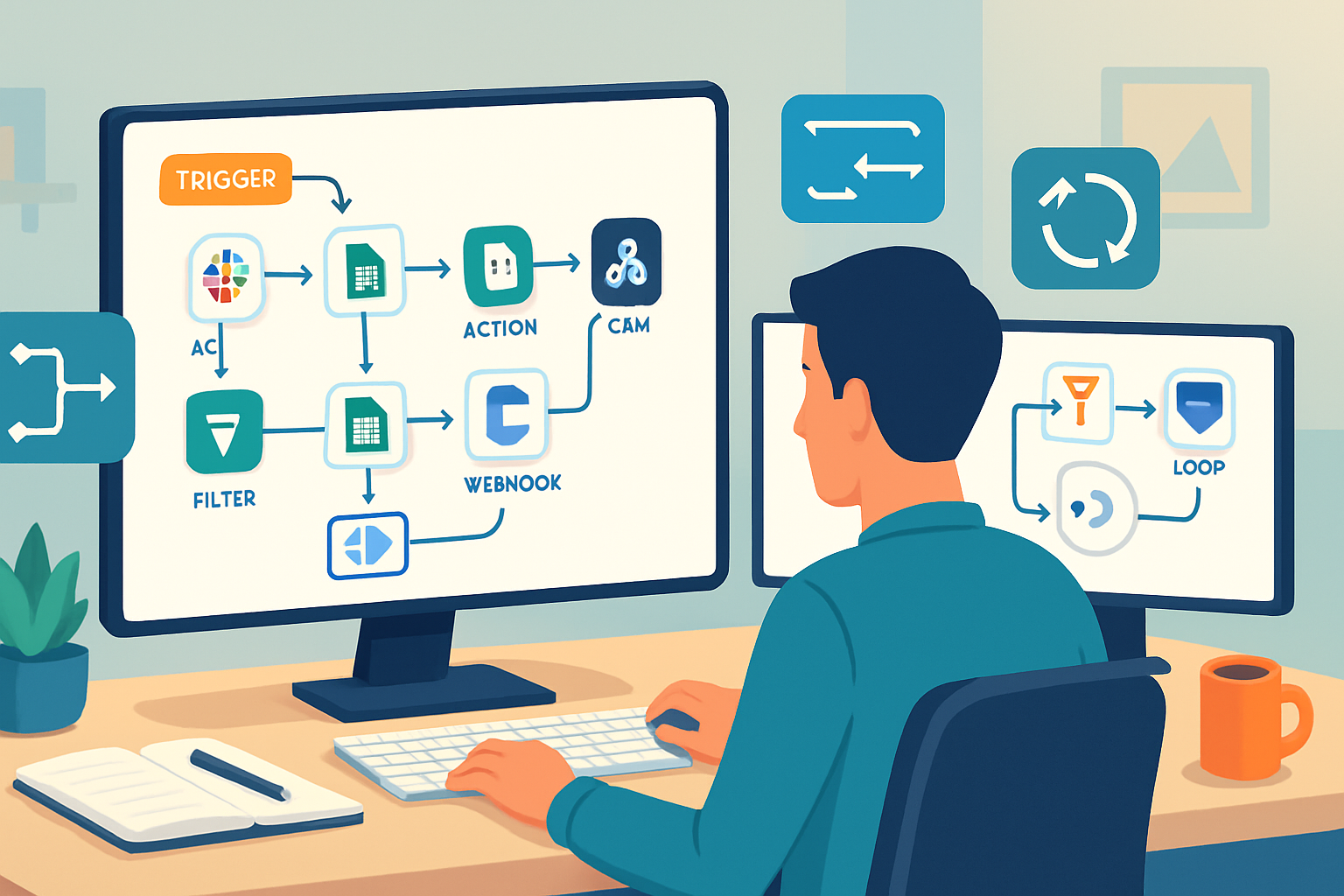
Outcome: stop losing leads to slow follow-ups, lift conversions with smart enrichment, and spend fewer automation tasks on noise. Read on and you’ll learn five practical Zapier hacks that marketers can implement in a single afternoon - with concrete Zap blueprints, pro tips, and measurable impact.
Why these hacks matter (quick)
You can automate a lot with Zapier. But most marketers color inside the obvious lines: form → CRM → email. That’s fine. It’s also wasting time and money. These five hacks let you:
- Reduce wasted tasks and cost. Fast.
- Enrich and qualify leads automatically.
- Branch campaigns by behavior without building a dozen zaps.
- Handle multi-item payloads (cart items, tags) neatly.
- Call APIs when no native integration exists.
I’ll show practical step-by-step blueprints and what to measure after you flip the switch.
Hack 1 - PUT FILTERS FIRST: Save tasks, stop noise, and prioritize high-value leads
Outcome: stop spending Zap tasks on junk and make your automations cost-efficient.
Why it works Zapier charges per task. Each extra action costs. If the first action in your Zap is a trigger that runs for every form fill but 70% are low-quality, you’re burning budget. Filters are cheap and run inside the same Zap - use them upstream.
How to set it up (blueprint)
- Trigger - New form submission (Typeform, Webflow, HubSpot form).
- Action (Formatter or Lookup) - Normalize the UTM/source field, or convert strings to lowercase.
- Action (Filter) - Only continue if:
- Next actions - Enrich, notify, create CRM contact, etc.
Concrete example
- Purpose - Only send sales notifications for leads from paid campaigns or mid+ level titles.
- Filter logic - “Only continue if (UTM Campaign exists) OR (Job Title contains Director|VP|Manager)“.
What to measure
- Reduction in Zap tasks (monthly).
- Response time to qualified leads.
- Conversion rate among filtered leads.
Pro tips
- Use Formatter > Utilities > Lookup Table to map messy source names to canonical sources before filtering.
- If you need complex boolean logic, use Paths (Hack 3) or Code by Zapier.
Common pitfall
- Overly aggressive filters that block genuine leads. Audit filtered items for a week before enforcing.
Hack 2 - ENRICH ON THE FLY: Add data to leads without extra manual work
Outcome: Give your reps context-rich lead cards automatically so outreach is personalized and fast.
Why it works Adding even one relevant data point - company size, tech stack, revenue band - increases reply rates. Doing enrichment automatically ensures every lead gets the same treatment.
How to set it up (blueprint)
- Trigger - New lead from form or ad platform.
- Action - Formatter > Text > Extract to pull company domain if it’s in the email.
- Action - Webhooks by Zapier (POST) or Clearbit/Apollo native action - call enrichment API with domain.
- Action - Update CRM with enriched fields (industry, company size, LinkedIn URL).
- Action - Slack or email alert to sales with enrichment snapshot.
Concrete example: Clearbit via Webhook
- Use Webhooks by Zapier - POST to Clearbit’s Enrichment endpoint with the email or domain. Parse the JSON response and map fields into your CRM.
Why Webhooks instead of native?
- Faster access to fields not exposed by native integrations.
- Works when the integration isn’t built or when you want to batch enrich multiple items.
What to measure
- Response uplift after enrichment (open/reply rates).
- Lead qualification time.
Pro tips
- Cache enrichment results using Zapier Storage (Hack 4) to avoid repeated API calls and costs.
- Add a confidence field so reps know which data was auto-sourced vs verified.
References
- Zapier Webhooks: https://zapier.com/apps/webhook/help
Hack 3 - PATHS: Branch your campaigns without creating dozens of zaps
Outcome: run multiple, conditional campaigns from a single trigger while keeping your Zap list tidy.
Why it works Paths let you create branching logic visually inside one Zap. That means less overhead, fewer duplicated triggers, and clearer auditing.
How to set it up (blueprint)
- Trigger - New lead.
- Path A - If
- Path B - If
- Path C - Default fallback → Add to general newsletter list.
Concrete use-case
- Use Paths to separate immediate sales outreach from long-term nurture based on lead score or company size.
What to measure
- Conversion rate by Path.
- Task usage vs multiple single-purpose zaps.
Pro tips
- Combine Filters with Paths to short-circuit low-value leads early (Hack 1).
- Use Paths for A/B testing campaign copy - send variant A from Path 1 and variant B from Path 2, and compare.
Reference
- Zapier Paths: https://zapier.com/apps/zapier/integrations/paths
Hack 4 - LOOPING + STORAGE: Handle multi-item payloads and dedupe reliably
Outcome: process carts, multiple tags, or multi-line form fields smoothly; dedupe leads before they hit your CRM.
Why it works Many marketing inputs are lists: product SKUs, selected interests, multiple emails. Zapier’s Looping lets you iterate over items. Storage lets you keep state across runs - ideal for deduplication and rate-limiting.
How to set it up (blueprint)
- Trigger - New order or form submission with comma-separated items.
- Action - Formatter > Utilities > Split Text to turn the string into an array.
- Action - Looping by Zapier - process each item individually (add tag, create line item, send a follow-up email for that specific product).
- Action (inside loop) - Before creating CRM record or sending email, check Zapier Storage for a key like
- If present, skip (or update). If not present, proceed and then set the key with a TTL (time-to-live).
Concrete example: Avoid duplicate welcome sequences
- When a user subscribes through multiple channels in quick succession, Storage can mark them as “welcome_sent” for 24 hours so they only receive one welcome flow.
What to measure
- Reduction in duplicate contacts/notifications.
- Accurate attribution of multi-item purchases.
Pro tips
- Use Looping for receipts - create a line-item record in your accounting tool per loop iteration.
- Keep loop size reasonable. Extremely long lists can hit timeout limits.
References
- Looping by Zapier: https://zapier.com/apps/looping-by-zapier/help
- Zapier Storage: https://zapier.com/apps/storage/help
Hack 5 - WEBHOOK + CODE: When native integrations fall short, call APIs and transform data programmatically
Outcome: unlock any API, run lightweight custom logic, and build the integrations your stack needs without a developer sprint.
Why it works Not every tool exposes the exact action you need. Webhooks let you call any HTTP endpoint. Code by Zapier lets you run small JavaScript or Python snippets to transform data, compute scores, or flatten complicated JSON.
How to set it up (blueprint)
- Trigger - New lead or event.
- Action (Code by Zapier) - Normalize and compute derived fields (e.g., compute lead score from multiple inputs).
- Action (Webhooks) - POST enriched payload to an endpoint - could be your backend, a measurement API, or a third-party enrichment service.
- Action - Parse response and route to CRM or ad platform.
Concrete examples
- Send events to Google Analytics Measurement Protocol via Webhook to attribute campaign activity that doesn’t happen on your site.
- Use Code by Zapier to compute a composite lead score - 0.4
What to measure
- New campaign attribution accuracy.
- Automations implemented without engineering time.
Pro tips
- Keep code snippets simple and idempotent. Log outputs to a Google Sheet for debugging while rolling out.
- Respect API rate limits; add Delay or batching if necessary.
References
- Webhooks by Zapier: https://zapier.com/apps/webhook/help
- Code by Zapier: https://zapier.com/apps/code/help
Putting it together: a sample high-performance lead Zap
Goal: catch leads, qualify, enrich, and route to the right campaign in under a minute.
Suggested Zap flow
- Trigger - Form submission.
- Formatter - Normalize email & extract domain.
- Storage Check - Is this email recently processed? If yes → stop.
- Filter - Only continue if lead meets basic quality gates (Hack 1).
- Webhook/Enrichment - Add company data (Hack 2). Cache result in Storage.
- Code - Compute composite lead score (Hack 5).
- Paths - Route to AE, SDR nurture, or long-term nurture (Hack 3).
- Loop (if multiple interests) - Add tags or create line items (Hack 4).
- Final action - Create/Update CRM and send Slack alert with enrichment highlight.
Why this wins
- Filters reduce cost. Paths reduce maintenance. Enrichment improves outreach relevance. Storage prevents duplicates. Code and Webhooks fill gaps.
Quick checklist before you flip the switch
- Put Filters early to save tasks.
- Test each Path and branch with real example payloads.
- Cache heavy enrichment responses in Storage to avoid repeated API calls.
- Monitor Zap History for 7 days to catch edge cases.
- Use Zaps with minimal permissions and audit webhooks for security.
Metrics to track (first 30 days)
- Zap task usage and cost (before vs after).
- Time-to-first-contact for qualified leads.
- Lead-to-opportunity conversion rate by Path.
- Duplicate contacts prevented per month.
Final notes: common pitfalls and how to avoid them
- Pitfall - Overcomplicating one Zap with many branches. Fix: Split if a Zap becomes hard to test.
- Pitfall - Hitting API rate limits during enrichment. Fix: Batch enrichments or cache results.
- Pitfall - Missing edge-case data formats. Fix: Log inputs to a debug sheet during rollout.
Implementing these five hacks will make your campaigns faster, smarter, and cheaper to run. You’ll respond to the right leads first, automatically enrich and route them, and keep automation costs under control. Start with Filters + Paths today - everything else scales from there.