· productivity · 6 min read
Why Coda is the Ultimate Underdog in the SaaS World
A deep dive into how Coda's modular, doc-first approach-tables, formulas, Packs, buttons, and automations-lets teams build tailored tools that challenge traditional project management apps, plus practical guidance for evaluating and adopting Coda.

What you’ll get from this article
You’ll walk away knowing why Coda is more than a clever doc. You’ll understand the specific features that make it a flexible alternative to traditional project management tools, where it wins, where it still must prove itself, and how to evaluate or pilot it inside your team. Read on to reframe Coda not as a toy, but as a strategic platform.
Quick orientation: what is Coda, really?
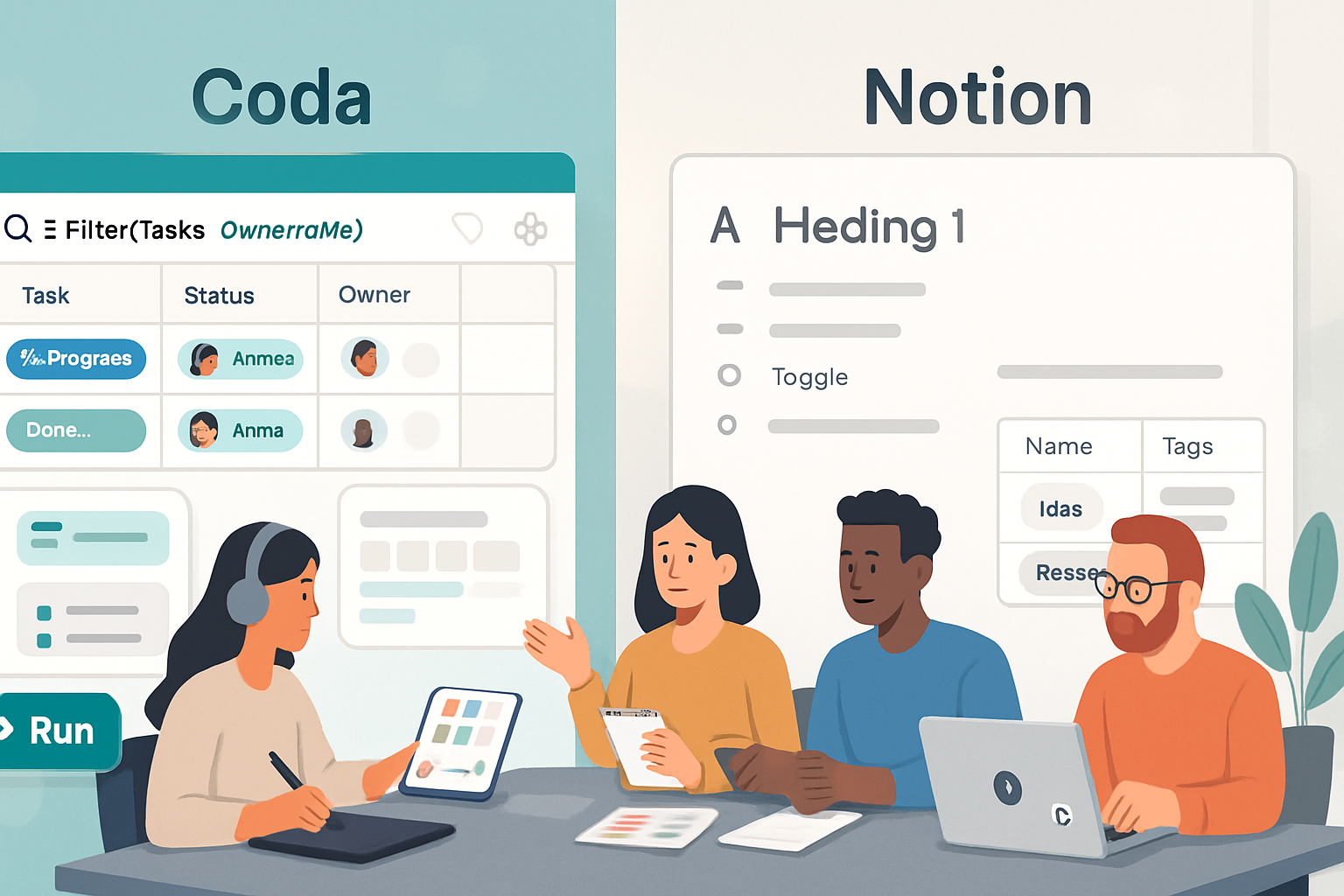
Coda is a document platform that treats documents like apps. It combines freeform text, relational tables, spreadsheet-like formulas, buttons that perform actions, automation rules, and a growing ecosystem of integrations called Packs. The result: a single canvas where you can write, model data, build lightweight apps, and automate workflows - without stitching multiple tools together.
Learn more on the official site: https://coda.io and the help center: https://help.coda.io/.
The core reasons Coda is the underdog to watch
Below are the structural advantages that give Coda an edge over traditional PM tools and conventional docs.
Document-first composability
- Most PM tools start with a predefined data model (tasks, projects, sprints). Coda starts with a blank canvas. Create docs that contain narrative, structured tables, embedded views, and interactive components all in one place. That flexibility lets teams model reality instead of shoehorning processes into an app’s fixed constraints.
Tables + formulas = spreadsheets reimagined
- Coda tables behave like databases but feel like sheets. Formulas can reference other tables, rows, and even UI elements. This reduces the need to export/import or maintain separate data sources. It’s both approachable for non-technical users and powerful for builders who want to encode complex logic.
Buttons and automations let documents act like apps
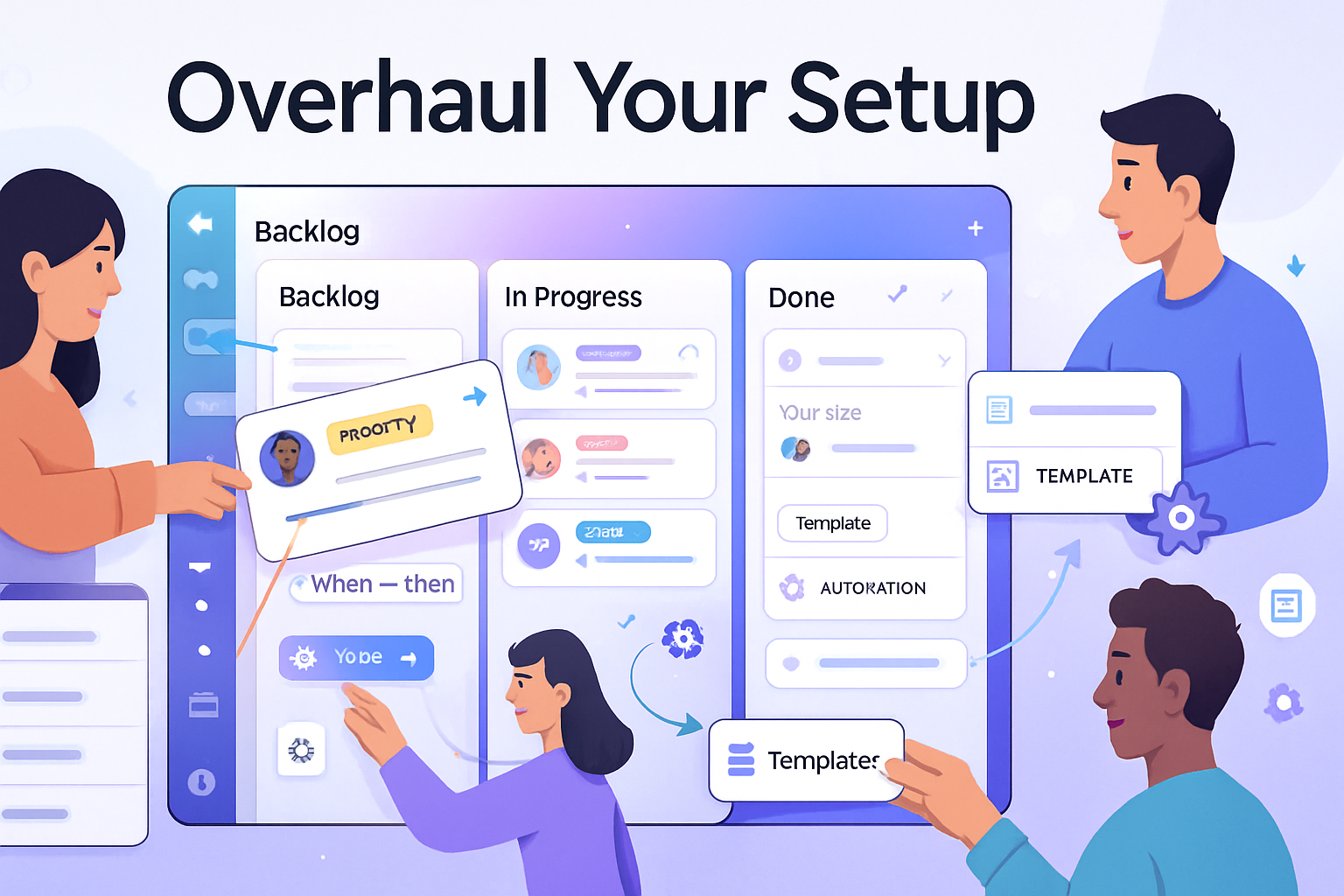
- One click can create rows, send notifications, update statuses, or trigger external integrations. Automations run on schedules or triggers. That turns a doc from a static repository into an active workflow engine.
Packs make integrations first-class
- Coda’s Packs connect to external services (calendar, Slack, GitHub, etc.) and expose them as part of the doc’s building blocks. Instead of integrating later via middleware, you can pull live data in and push changes out from the same interface.
Templates and community accelerate adoption
- Coda’s template gallery and community-built docs make it fast to prototype common systems - product roadmaps, CRMs, hiring trackers, OKRs. Teams rarely need to start from zero.
How Coda challenges traditional project management tools
Traditional PM tools are excellent at one thing: predictable task-and-timeline workflows. They win when processes are stable, predictable, and constrained. Coda wins when processes are fluid, cross-functional, or unique to a team.
Models, don’t force. Instead of forcing teams into a bugs/tasks/subtasks hierarchy, Coda enables teams to model entities as needed - features, experiments, stakeholders, decisions, success metrics. Those models can be joined and referenced across docs.
Single source of truth. Keep context (design notes, meeting minutes), structured data, and visualizations in one living document. No more scattered context across a project board, a spreadsheet, and a wiki.
Faster iteration. When a process changes, you edit the doc. No product-feature requests, no waiting for vendors to add fields or views. You prototype and ship internally within hours.
Custom UIs without code. Create tailored workflows (approval flows, RACI matrices, lightweight CRMs) that look and behave like custom tools - but are built inside a doc.
Real-world use cases where Coda shines
- Product management - lightweight roadmaps, feature specs linked to tickets, experiment templates with automatic metric pulls.
- People ops - hiring tracker plus scorecards, interview feedback that automatically aggregates and surfaces summaries.
- Sales/CRM - custom pipelines, commission calculations, and dynamic account pages with embedded call notes.
- Strategy & planning - OKR trackers that pull progress from various teams and calculate composite scores.
Each of these examples benefits from Coda’s ability to mix narrative, structure, and automation in a single place.
Limitations and legitimate challenges
No underdog is flawless. Here are the areas where Coda still faces uphill battles.
Discoverability and market positioning
- Coda sits in the overlap of docs, sheets, and apps. That makes it harder to explain than a single-purpose PM tool. Many teams default to familiar tools like Jira, Asana, or Trello because they’re obvious fits.
Learning curve
- Powerful features (formulas, cross-doc references, automation rules) have a learning arc. Non-technical users may initially feel overwhelmed compared to simple lists or kanban boards.
Performance at scale
- Very large docs with massive tables can feel slower than specialized databases or enterprise PM systems. For heavy transactional workloads, a purpose-built tool or backend may be preferable.
Governance and policy control
- When everyone can build apps, organizations need guardrails - who owns which doc, how data is shared, how sensitive information is protected. Coda has enterprise features, but those require thoughtful governance.
Mobile and offline experience
- Coda’s desktop/web experience is powerful; mobile is improving but can still lag for power users who need deep interaction on the go.
How to evaluate Coda for your team (a short checklist)
- Start with a scenario, not the product - Identify a real workflow that’s currently painful because it spans multiple tools.
- Prototype in public - Build a single doc and use it with a small team for 2–4 weeks.
- Measure value - Did it reduce context switching? Did it eliminate a manual step? Did stakeholders prefer the one-page view?
- Decide on governance - Who can create and edit docs? When should a doc become a canonical source? How will backups and exports be handled?
- Plan scale - If the doc becomes critical, consider partitioning data, using cross-doc sync, or integrating with a dedicated database.
Where Coda fits in a modern stack
Think of Coda as a mid-layer: more structured than a wiki, more flexible than a PM tool, and more human-friendly than a database. Use it where product-market fit requires adaptability: teams that iterate rapidly, collaborate across disciplines, or need a single pane for disparate data sources.
For heavy transactional systems (billing engines, high-volume CRMs), keep specialized tools. But for coordination, experimentation, and building internal tools fast - Coda is often the smarter, faster weapon.
The underdog’s secret: composability and human context
Here’s the final, important point. Modern teams suffer not from a shortage of tools, but from a shortage of composable spaces that keep context and structure together. Coda solves that problem.
It lets you replace a forest of single-purpose apps with a single, evolving workspace you can tailor, automate, and ship in days. And when you can iterate that fast, you win more experiments, reduce friction, and keep knowledge connected.
Coda’s biggest win is simple: it empowers teams to build the exact tool they need - without a product manager, without engineers, and without a long vendor backlog. That’s why the underdog deserves your attention.