· productivity · 7 min read
Roam Research for Team Collaboration: Tips and Tools for Effective Group Work
Learn how to make Roam Research a practical, team-friendly workspace: set up shared databases, run project queries, create templates for meetings and standups, automate routine work, and keep every teammate on the same page.
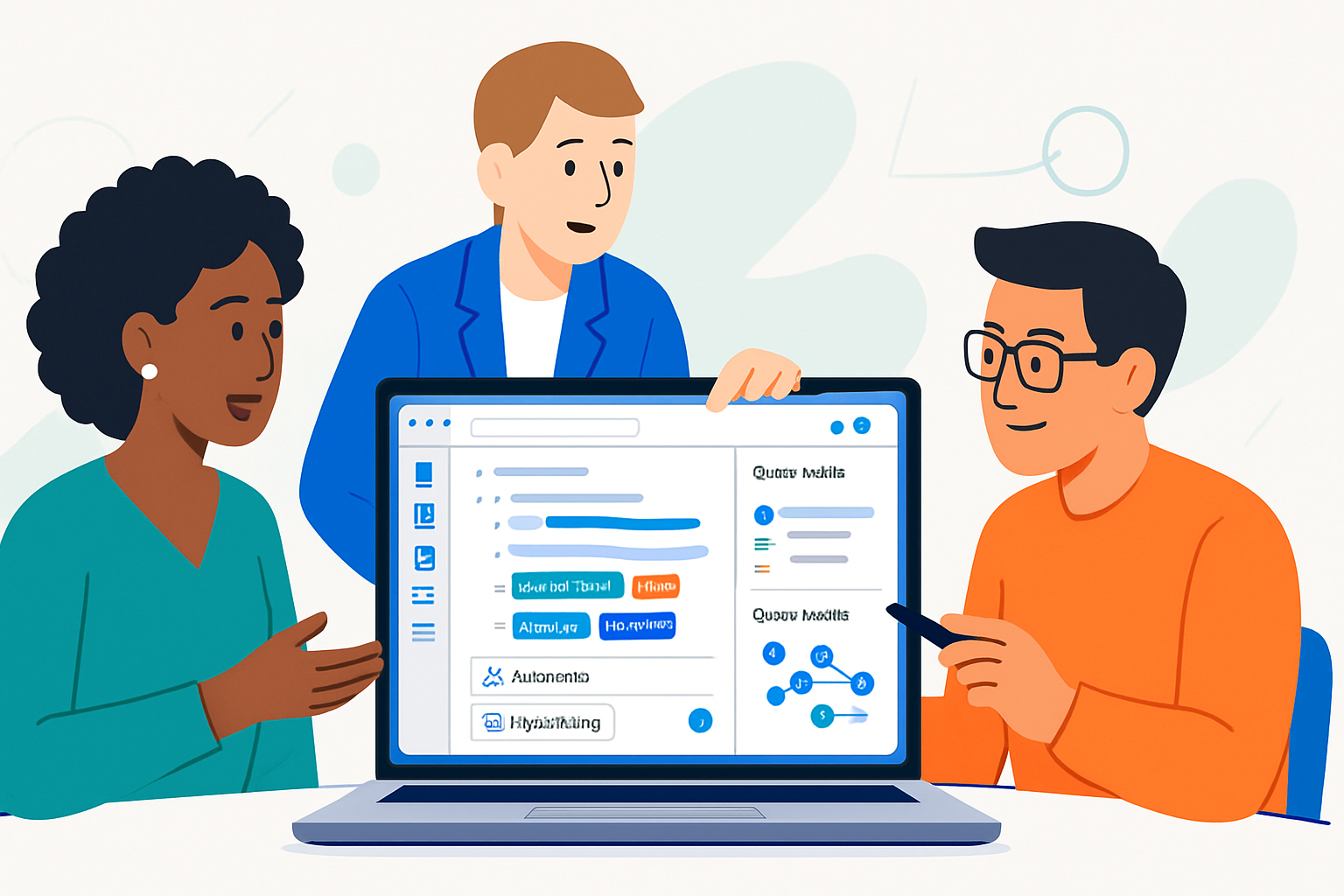
Outcome first: by the time you finish this article you’ll be able to set up a single Roam workspace that your team actually uses - not as a chaotic pile of pages, but as a living shared database that removes friction from meetings, decisions, and project work.
You’ll get concrete setup steps, templates you can paste into Roam, query examples, and an automation roadmap. Read fast and act faster.
Why Roam for team collaboration (short answer)
Roam’s strength is not in being a traditional wiki; it’s in linking ideas at the block level so context follows content. That means conversations, decisions, tasks, and research can live side-by-side in a single, queryable graph. Use that, and your team’s institutional memory becomes searchable and composable.
Simple. Powerful.
Core concepts to align before you invite teammates
- Block-level linking - every block can be referenced. This lets you link a task inside a meeting note to a larger project page and still find it later.
- Pages vs. blocks - pages are anchors (project pages, people, topics). Blocks are the fine-grained units you’ll use for actions, decisions, quotes and references.
- Backlinks - automatic context tracking. When someone references a block or page, Roam shows the origin.
- Queries - dynamic lists that pull blocks or pages matching criteria - essential for team dashboards.
- Templates and SmartBlocks - standardize how people capture the same information.
Before you scale, agree on naming, tagging and page-purpose rules. A small upfront agreement prevents a big mess later.
Quick workspace setup for a team (step-by-step)
- Create a shared top-level page called Team Home. Put links to governance, onboarding and current projects there.
- Create a Projects page that lists each active project as a child page. Use one page per project.
- Create a People page (or a page per teammate) to hold roles, responsibilities, and quick links to their active work.
- Create a Shared Database page (or schema) to hold master lists - Decisions, Meeting Notes, Research Library, and Tasks.
- Establish a naming convention and a short “Roam Usage Guidelines” page - what goes on a project page vs a daily note; how to mark tasks; which tags to use for priority and status.
Do these first. It reduces future cognitive load.
Templates that accelerate adoption (copy-paste into Roam)
Meeting notes template (paste into SmartBlocks or as a template block):
- Meeting :: {{[[date]]}}
  - Attendees :: [[People/Attendees]]
  - Purpose ::
  - Agenda ::
    -
  - Notes ::
    -
  - Decisions ::
    -
  - Action Items ::
    - TODO [[Assignee]] :: Action description - due [[YYYY-MM-DD]]
Project page template:
- Project summary :: Short one-line description
- Owner :: [[Person Name]]
- Status :: #Active / #Planning / #Blocked / #Complete
- Goals ::
  -
- Milestones ::
  - [[Milestone 1]] :: ETA [[YYYY-MM-DD]]
- Tasks ::
  - TODO ::
- Research & Resources ::
  -
- Decisions ::
  -
Daily standup template (use in Daily Notes):
- Standup :: [[date]]
  - Yesterday ::
    -
  - Today ::
    -
  - Blockers ::
    -
Tip: collect these templates on a Templates page and create keyboard shortcuts with SmartBlocks or roam/js so teammates can insert them with one keystroke.
Task management at team scale
Roam isn’t a full project-management platform - and that’s okay. Use it as the source of truth for decisions and cross-cutting tasks, and use queries to create task views.
- Use consistent task markers - TODO, DOING, DONE, CANCELLED. Make them tags or inline markers and train the team to change the marker, not to create duplicates.
- Keep tasks close to context. Prefer nesting a TODO under the meeting or project where it originated.
- Create a team Task Dashboard using queries that surface all open TODOs grouped by project or assignee.
Approximate query example (structural example - adapt per your Roam syntax):
{{query (and (task TODO) (not (task DONE)) [[Project X]])}}This will show all blocks marked TODO under pages or blocks tagged [[Project X]]. For exact query syntax and edge cases, see Roam’s help center.
Useful query views to create:
- All open TODOs assigned to a person
- Open TODOs per project filtered by priority tag
- Overdue items (if you include due dates as links or properties)
You can represent a lightweight Kanban board by creating three queries (To do / Doing / Done) that pull tasks by status and render them side-by-side.
Meetings, decisions and accountability
- Use a Decisions page as your canonical decision log. Each decision should be a block that includes context, date, owner, and follow-up tasks.
- Link decisions back to the meeting note where they were made. That gives you context when you revisit the decision later.
- Assign action items as nested TODOs under the meeting note and also tag with assignee so queries can find them.
Decision entry example:
- Decision :: [Short statement of the decision]
  - Context :: [one-sentence rationale]
  - Date :: [[YYYY-MM-DD]]
  - Owner :: [[Name]]
  - Follow-ups ::
    - TODO [[Owner]] :: Task description - due [[YYYY-MM-DD]]
Shared research and resources
- Build a central Research Library page. Add references as child blocks or pages so you can query by topic, source, or tag.
- Store full citations in a block with a permanent block reference so you can paste that reference into multiple projects without duplicating metadata.
- Use block refs (Ctrl/Cmd+Shift+Enter on a block) when you want the same evidence to appear in several places while remaining single-sourced.
Automation and extensions (what to consider)
- SmartBlocks and Roam42 - let you insert templates dynamically, capture structured input, and create guided workflows. See the Roam42 tools on GitHub:
- roam/js community scripts - add small UI improvements and automations built by the community. Find popular ones through the Roam community and the built-in roam/js page in many workspaces.
- API & webhooks - if you need Slack notifications or calendar integration, plan for a small automation layer (a serverless function or Zapier) to read/write via Roam’s APIs or browser automation.
Always evaluate security and data residency rules before automating external integrations.
Governance: rules that keep Roam healthy
- One place for guidelines - create a short, visible “Roam Team Guidelines” page that covers naming, tagging, task markers, and where to put decisions vs. notes.
- Onboarding checklist - add a simple checklist for new members: where to find templates, how to do a standup, and expected etiquette for editing other people’s pages.
- Weekly maintenance - schedule a weekly 15-minute cleanup to merge duplicates, archive completed projects, and refresh the task dashboard.
Good governance reduces the need for policing.
Common pitfalls and how to avoid them
- Divergent naming - fix with a controlled vocabulary page and a few redirects. If people create both [[Proj X]] and [[Project X]], merge with one canonical page and set the other as a redirect page.
- Duplicate content - prefer block refs and shared resource pages. When you must duplicate, create a clear “source of truth” link.
- Visibility mistakes - ensure teammates know where to look - Team Home, Projects, and Tasks dashboard should be the first stop.
Sample checklist to roll Roam out to a team (90-minute kickoff)
- 0–15 min - Introduce the approach and core concepts (blocks, pages, queries).
- 15–30 min - Create Team Home, Projects, and Templates pages together.
- 30–60 min - Build two project pages and a meeting note from templates.
- 60–80 min - Create a Task Dashboard query and show how to assign TODOs.
- 80–90 min - Agree on 3 governance rules and put them on the Guidelines page.
This hands-on kickoff turns passive interest into active adoption.
Resources
- Roam Research help center: https://help.roamresearch.com/
- Roam community discussions (Reddit): https://www.reddit.com/r/RoamResearch/
- Roam42 / SmartBlocks repository: https://github.com/roamhacker/roam42
Final word (the strong finish)
Roam scales best for teams when you treat it like a living graph rather than a folder system. Standardize a few small habits, use templates to reduce friction, and surface work with queries. Do that, and you’ll transform scattered notes and meetings into a searchable, actionable team memory that actually helps people move faster.