· productivity · 7 min read
Make vs. Zapier: The Automation Showdown - Which Tool Truly Saves You Time?
A practical, in-depth comparison of Make (formerly Integromat) and Zapier that focuses on which platform actually saves you time. Learn where Make’s advanced data-handling, visual scenario builder, and granular debugging give it an edge - and when Zapier is the faster route.
Outcome first: by the time you finish this article you’ll know which platform to pick for the automations you actually need - not the one you think is “easier.” You’ll be able to decide quickly whether Make’s advanced visual tooling and data handling will save you hours of custom work, or whether Zapier’s simplicity and app ecosystem will get you across the finish line faster.
TL;DR - Quick verdict
- If you need complex data transformations, multi-record processing, and fine-grained control - Make often saves you time. It gives you fewer workarounds, more visual clarity, and powerful built-in tools.
- If you want one-off automations, a gentle learning curve, or the broadest app ecosystem - Zapier gets you running fastest.
Read on for the details, side-by-side features, real-world scenarios, and a short decision framework to pick the right tool for your next automation.
A quick introduction to both platforms
Make (formerly Integromat) is a visual scenario builder that treats data as bundles flowing through modules. It’s designed for complex logic, heavy data manipulation, and parallel branching with a strong focus on debugging and transparency. Make help & docs and Make pricing.
Zapier is broadly known for simplicity and a large app marketplace. It’s trigger → action focused, great for straightforward automation, and has a gentle onboarding path. See Zapier help & docs and Zapier pricing.
How they differ under the hood (short)
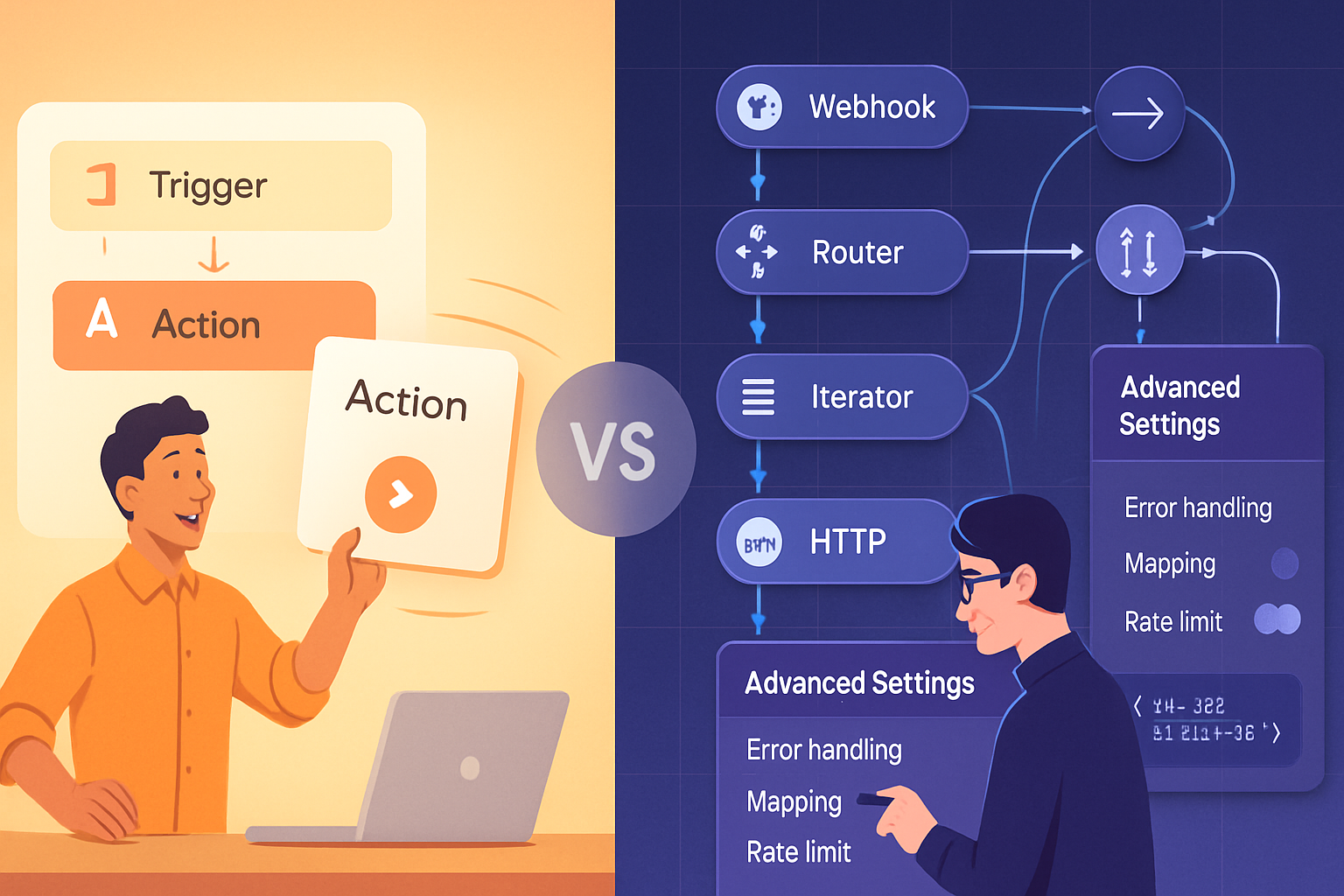
- Execution model - Make processes bundles and can iterate/aggregate natively. Zapier processes individual tasks and counts each action as a task.
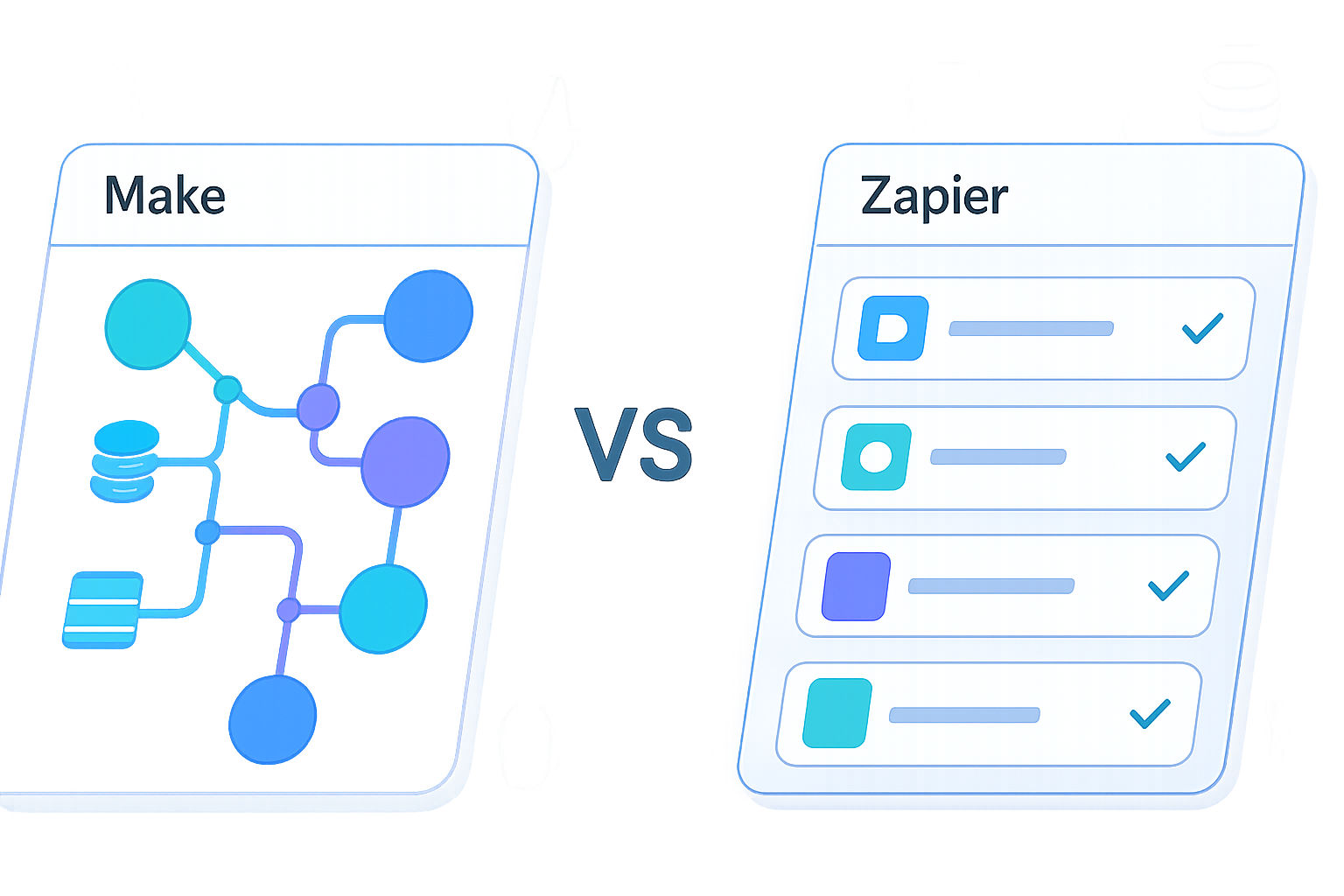
- Visual design - Make’s canvas is a flowchart you can visually debug. Zapier is more form-driven and step-by-step.
- Data handling - Make has richer built-in data tools (iterators, aggregators, array functions). Zapier has formatters and code steps, but often requires more glue.
Deep comparison: functionality that gives Make an edge
1) Visual, bundle-centric builder and data transparency
Make shows the whole scenario as a visual map. Each run shows bundles (items) flowing through modules so you can inspect the exact data at each step. That visibility massively reduces guesswork when an automation behaves unexpectedly.
Why it matters: when you’re processing arrays of data or nested responses (e.g., an API returning 50 objects), seeing each bundle helps you understand transformations and spot the one bad record.
Reference: See Make’s run history and scenario tools in their docs: Make help.
2) Native iterators, aggregators, and array-first thinking
Make has built-in modules that iterate over arrays, aggregate values into arrays, and manage collections without custom code. You can split a multi-record API response into individual bundles, process each, then recombine results.
Why it matters: it removes many manual loops and separate automations you would otherwise build in Zapier. For data-heavy work - think CSV imports, batch API calls, or multi-record form responses - Make’s tools save time and reduce error-prone workarounds.
3) Advanced routing & parallel branching
Make’s routers let you branch logic visually, run branches in parallel, and handle different conditions cleanly on the same scenario canvas. It’s easy to build complex flows with multiple outcomes.
Zapier has Paths (and Filters), but Make’s approach is usually more intuitive for complex branching because you can see everything and control the flow granularly.
4) Granular error handling and scenario controls
Make includes error handlers you can attach to modules and configure to continue, retry, or route errors to alternate flows. You can set custom retry strategies and inspect failed bundles with full context.
This reduces time spent diagnosing failures and avoids silent drops - a frequent time sink in production automations.
5) Built-in transformation tools and powerful functions
Make offers many tools for text, number, date manipulation, JSON parsing, and mapping, plus functions you can use inline across modules. This minimizes the need for custom code and external services.
Zapier has Formatters and “Code by Zapier” (JS/Python), but complex transformations often end up requiring additional steps or code.
6) HTTP & API flexibility
Make’s HTTP module combined with its parsing and array handling makes it straightforward to consume and work with REST APIs that return complex JSON. It’s very friendly for integrating with APIs that are not available as pre-built apps.
Zapier can do this too via Webhooks and Code steps, but Make’s tooling is generally faster to assemble and debug for complex API interactions.
7) Scheduled, granular execution and lower costs on heavy workloads (sometimes)
Make’s operation counting model and bundling approach can be more cost-efficient for workflows that process many items in batches. Depending on your usage pattern, Make often provides more operations for the dollar - but pricing changes, so always consult current plans: Make pricing vs Zapier pricing.
Where Zapier still shines
Make is powerful - but it’s not always the fastest route to results. Zapier pulls ahead in several ways:
- Simplicity and onboarding - Zapier’s step-based UI is extremely approachable. For quick single-step automations, Zapier often gets you live faster.
- App ecosystem - Zapier integrates thousands of apps and has many pre-built templates, making one-click automations more common.
- Stability for simple tasks - For basic triggers and single-action flows, Zapier’s reliability and simplicity mean less maintenance.
In short: for fast wins and broad app coverage, Zapier is hard to beat.
Debugging: Make vs Zapier
Make: step-by-step visual run history, bundle inspection, and attached error handlers. You can replay runs and inspect exact payloads.
Zapier: task history with logs and input/output data. It’s effective for many cases but tends to be less visual for multi-item flows.
If you want to reduce debugging time for complex flows, Make’s transparency is a major advantage.
Pricing & value (how to think about costs)
Both platforms change pricing and plans occasionally. The important factors to compare:
- Counting model - Zapier counts each action as a Task. Make counts Operations and also factors bundles/iterations. Depending on whether you process items in bulk or one-by-one, one model may be cheaper.
- Limits & throttling - check frequency limits, execution speed, and rate limits for connected apps.
Always run a simple cost model based on your expected volume (items/day, triggers/hour) before deciding. Current pricing pages: Make pricing and Zapier pricing.
Security, compliance & enterprise features
Both platforms offer team/enterprise features, SSO, audit logs, and data protections. Evaluate based on the specific security certifications you need and review their enterprise pages. For organizations with strict compliance needs, both providers have enterprise offerings but details differ and change.
Practical scenarios - which tool to pick
Scenario - Ingest a CSV with 1,000 rows, transform fields, and POST each row to a custom API. Recommendation: Make. Its iterators and batching make this straightforward and efficient.
Scenario - New lead in Typeform → add to CRM and notify Slack. Recommendation: Zapier. Simple, quick, and likely available as a template.
Scenario - Poll an API that returns nested arrays, run conditional logic per nested item, then summarize results. Recommendation: Make. Works natively with nested bundles and aggregation.
Scenario - One-off automation to copy Gmail attachments to Dropbox. Recommendation: Zapier. Fast to set up, low maintenance.
Scenario - Complex ERP sync where some records require parallel processing and conditional retries. Recommendation: Make. Its routing and error handling reduce brittle workarounds.
Decision framework - three quick questions
- How complex is your data? If you need to process arrays, nested JSON, or batch items - lean Make.
- How fast do you need a first working automation? If you want to be live in minutes for a simple flow - lean Zapier.
- What’s your long-term scale and cost profile? Model expected operations/tasks monthly and compare plans.
If you answered “complex data” plus “scale”: pick Make. If you answered “simple” and “speed to start”: pick Zapier.
Final verdict
Both Make and Zapier will save you time compared to manual workflows. But they save time in different ways: Zapier cuts time on simple integrations and quick wins. Make cuts time on complexity - it replaces many glue hacks, scripts, and piecemeal automations with a single, maintainable visual scenario.
So here’s the bottom line: for one-off automations and the broadest app coverage, Zapier is often the fastest path. For robust, data-heavy, multi-step flows where visibility, iteration, and conditional logic matter, Make will typically save you more time in the long run.
Choose the tool that matches the complexity you actually have, not the complexity you expect to have.
References
- Make Help Center: https://www.make.com/en/help
- Make Pricing: https://www.make.com/en/pricing
- Zapier Help Center: https://zapier.com/help
- Zapier Pricing: https://zapier.com/pricing