· marketing · 7 min read
The Dark Side of Email Marketing: Mailchimp's Spam Risks and How to Avoid Them
A provocative, practical guide to the deliverability, reputation, and compliance risks you can encounter when using Mailchimp - and step-by-step safeguards to keep your campaigns out of the spam folder.
Introduction - what you will get from this article
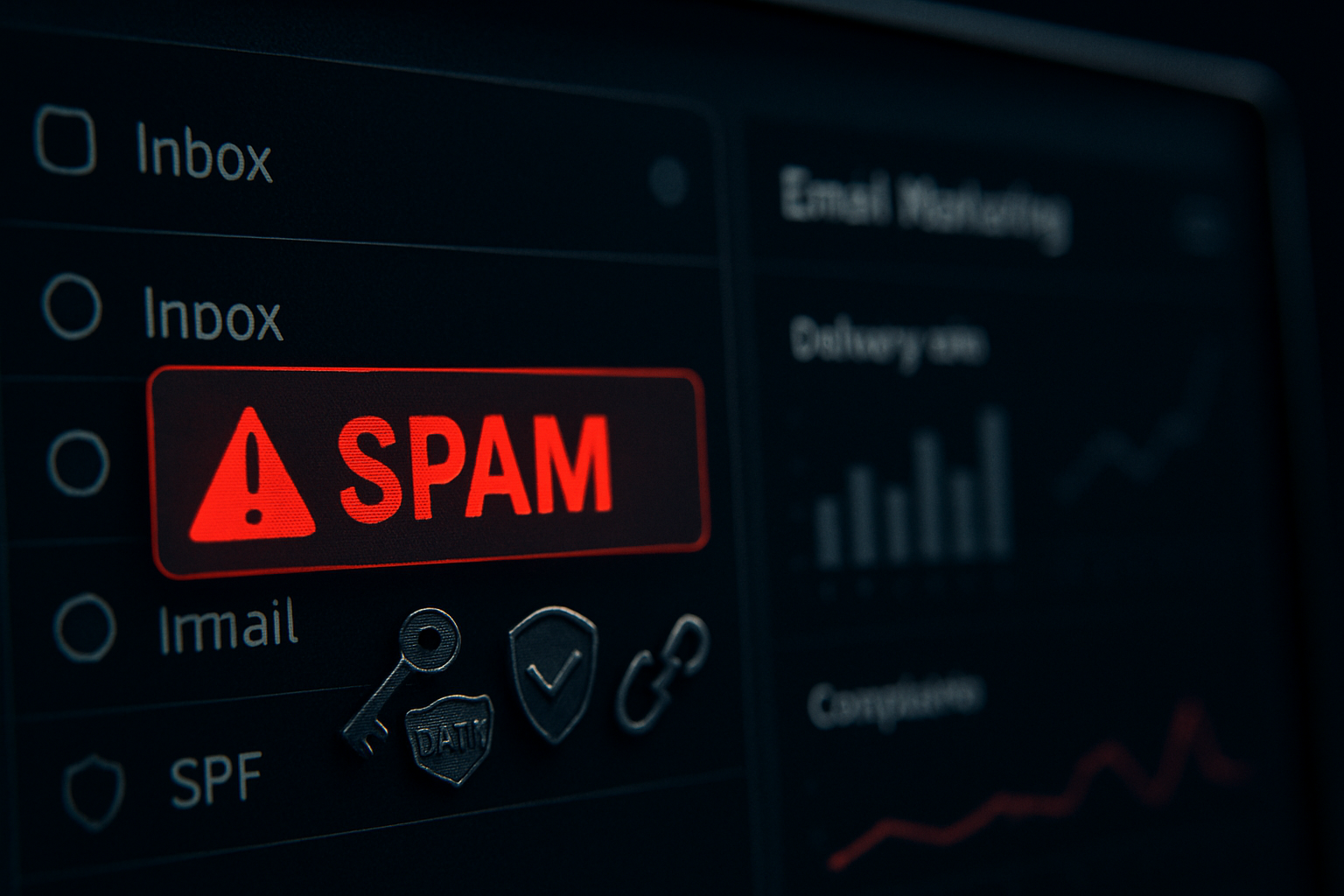
Imagine every carefully written campaign never reaching a subscriber’s inbox. Not because of bad copy, but because of hidden technical and reputational landmines. Read this post and you will learn how Mailchimp can amplify both your wins and your risks - why accounts get flagged or suspended, what triggers spam filters, and a prioritized, tactical playbook to protect deliverability and stay compliant.
Why Mailchimp can be both a strength and a risk
Mailchimp is a powerful platform. It simplifies lists, automations, analytics, and templates. But power brings scale - and scale brings shared reputation dynamics and automated enforcement. That means a single badly-behaved sender in a shared pool can raise scrutiny for others. It also means Mailchimp enforces strict anti‑spam policies; when thresholds are crossed they may throttle or suspend accounts to protect deliverability for the whole service.
The result: your carefully planned campaigns can be delayed, quarantined, or routed to spam - sometimes with little warning.
How spam filters and reputation systems decide (short primer)
- Technical authentication - ISPs check SPF, DKIM, and DMARC to verify mail origin.
- Sender reputation - ISPs build reputations for IP addresses and sending domains based on bounce rates, complaint rates, engagement, and volume patterns.
- Content signals - Spammy copy, certain keywords, malformed HTML, and heavy tracking links raise red flags.
- Recipient signals - Low engagement (no opens/clicks), unsubscribes, and spam complaints push messages into spam folders.
These signals combine into a score. If the score is low, delivery suffers.
Mailchimp-specific risk factors (what to watch for)
- Shared IP pools and neighboring senders
- By default many Mailchimp customers send from shared IP addresses. If other senders on that IP have high complaint or bounce rates, mailbox providers may throttle or block mail from the same IP.
- Account-level enforcement
- Mailchimp actively monitors bounce rates, soft/hard bounces, and spam complaints. High rates can trigger temporary sending restrictions or account suspension under their Acceptable Use Policy. See Mailchimp’s policy here: https://mailchimp.com/legal/acceptable-use/.
- Rapid volume increases and cold sends
- Big, sudden spikes in send volume to a list that hasn’t been warmed can look like spam or compromised activity.
- Purchased or scraped lists
- Mailchimp forbids sending to purchased or scraped lists. These lists cause high bounce and complaint rates and rapidly damage reputation.
- Poor authentication or sending from free domains
- Sending from addresses like yourbrand@gmail.com, even through Mailchimp, raises red flags. Lack of proper SPF/DKIM/DMARC makes it trivial for filters to distrust your mail.
Compliance risks: legal and policy obligations
CAN-SPAM (US) - Requires accurate header and subject lines, a working unsubscribe link, and honoring opt-out requests. See the FTC guide:
CASL (Canada) - Stricter consent rules and recordkeeping for opt-in consent.
GDPR (EU) - Consent and data subject rights for EU recipients. Summary at
Noncompliance can lead to legal fines and suspension by Mailchimp.
How to detect deliverability problems early
Watch these metrics in Mailchimp and via external tools:
- Bounce rate (hard vs soft)
- Spam complaint rate (complaints per recipient)
- Open and click engagement
- Unsubscribe rate
- Delivery rate (Mailchimp reports)
Seed testing and inbox placement tools - Use services like GlockApps (
Blacklist checks - Monitor blacklists (Spamhaus) and reputation sources like Google Postmaster (
Technical must-haves (authenticate and secure sending)
- Authenticate your sending domain
- Set up SPF and DKIM records for the domain you send from. This is non-negotiable. Example SPF record for a domain sending through Mailchimp might look like:
example.com. TXT "v=spf1 include:servers.mcsv.net -all"Configure DKIM to sign messages; Mailchimp provides steps in their authentication docs.
Publish a DMARC policy to monitor and enforce authentication - start with p=none, move to p=quarantine or p=reject as you gain confidence.
Reference: Mailchimp authentication docs and general guides to SPF/DKIM/DMARC: https://mailchimp.com/help/set-up-authentication/ and https://dmarc.org/.
- Use a custom sending domain and valid FROM addresses
- Avoid generic free email providers for your FROM address. Use a subdomain (news.example.com) and maintain consistent From headers and envelope-from.
- Consider a dedicated IP (when it makes sense)
- Dedicated IPs isolate your reputation from other senders. But they must be warmed slowly and require consistent volume. If you send infrequently or to small lists, shared IP pools are better.
When to move to a dedicated IP:
- You send >100,000 emails per month and have consistent volume.
- You need strict reputation isolation for transactional flows or high-value campaigns.
Content and list hygiene - the human side of deliverability
- Use confirmed opt-in (double opt-in)
- Double opt-in reduces bad addresses and bots and yields higher engagement.
- Segment and send to engaged users first
- Prioritize sending to engaged segments (opens/clicks in last 90 days). Clean or re‑engage inactive users before sending broad campaigns.
- Stop buying lists
- Purchased lists are a fast path to bounces and complaints. Mailchimp prohibits this. Building organic lists is slower but sustainable.
- Keep content clean and honest
- Avoid spammy phrases (e.g., “FREE!!!”, “BUY NOW!!!” in all caps), deceptive subject lines, large images with little text, and malformed HTML. Use a balanced text-to-image ratio and descriptive alt text.
- Limit heavy tracking and redirects
- Multiple redirects or URL shorteners can trigger spam filters. Use clean, branded links when possible.
Prioritized checklist - what to do today, this week, and this month
Today (immediate fixes):
- Ensure every campaign has a visible unsubscribe link and accurate From fields.
- Verify your domain and set up SPF and DKIM.
- Stop sending to any purchased or scraped lists.
This week (short-term improvements):
- Segment your list by engagement; send re-engagement flows and suppress non-responders.
- Run seed tests with GlockApps or Mail-Tester.
- Check for blacklisting on Spamhaus and similar services.
This month (strategic moves):
- Implement DMARC with monitoring (p=none to start).
- Consider a dedicated IP if volume is large and consistent; otherwise, optimize behavior on shared IPs.
- Build a re-engagement and sunset policy to remove inactive addresses.
What to do if Mailchimp flags or suspends your account
- Don’t panic. Gather facts.
- Save campaign reports, bounce lists, complaint logs, signup evidence, and your A/B test history.
- Review the trigger metrics.
- High bounce rate (>2-3%), complaint rate (>0.3%), or rapid volume spikes are common triggers.
- Respond to Mailchimp with evidence and remediation steps.
- Provide signup proof (double opt-in timestamps if available), a list source audit, and a corrective action plan (authentication, list culling, re-engagement).
Clean the list and retry with a small, highly engaged segment.
If necessary, export your contacts and migrate to a new account only after addressing the root causes. Repeated rule violations can affect IP/domain reputation outside the platform.
Tools and resources (quick links)
- Mailchimp Acceptable Use: https://mailchimp.com/legal/acceptable-use/
- Mailchimp deliverability and authentication guides: https://mailchimp.com/help/
- FTC CAN-SPAM guide: https://www.ftc.gov/business-guidance/resources/can-spam-act-compliance-guide-business
- GDPR overview: https://gdpr.eu/
- Google Postmaster Tools: https://postmaster.google.com/
- Microsoft SNDS and support: https://sendersupport.office.com/
- Spamhaus blocklist lookup: https://www.spamhaus.org/
- Inbox placement testers: https://glockapps.com/ and https://www.mail-tester.com/
Short case: how a simple mistake tanked deliverability
A marketing team purchased a 200k list for a holiday push, imported it into Mailchimp, and sent a single blast without domain authentication. Result: 40% hard bounces and a 1% complaint rate. Mailchimp paused sends and required proof of opt-in. The team’s domain was temporarily flagged by multiple ISPs. Recovery took two months of list cleaning, authentication, and a controlled warm-up sequence.
Key takeaways
- Authentication (SPF, DKIM, DMARC) and a verified sending domain are table-stakes.
- Engagement beats raw list size. Prioritize active subscribers and suppress the rest.
- Never use bought lists. Ever.
- Shared IPs are convenient but can inherit reputation problems. Dedicated IPs help only if you use them properly.
- Monitor metrics and use seed tests and external reputation tools.
- When Mailchimp flags you, respond with data, show remediation, and rebuild gradually.
Final, blunt point: deliverability is more operational than inspirational. Great design and clever copy matter. But consistent authentication, careful list-building, measurable engagement, and slow, deliberate scaling save your campaigns from the spam folder - and keep your Mailchimp account alive.